
Simple Sticky Header Menu
| 开发者 |
Come2theweb
jitendra742744 |
|---|---|
| 更新时间 | 2026年9月28日 17:48 |
| 捐献地址: | 去捐款 |
| PHP版本: | 5.6 及以上 |
| WordPress版本: | 7.1 |
| 版权: | GPLv2 or later |
| 版权网址: | 版权信息 |
详情介绍:
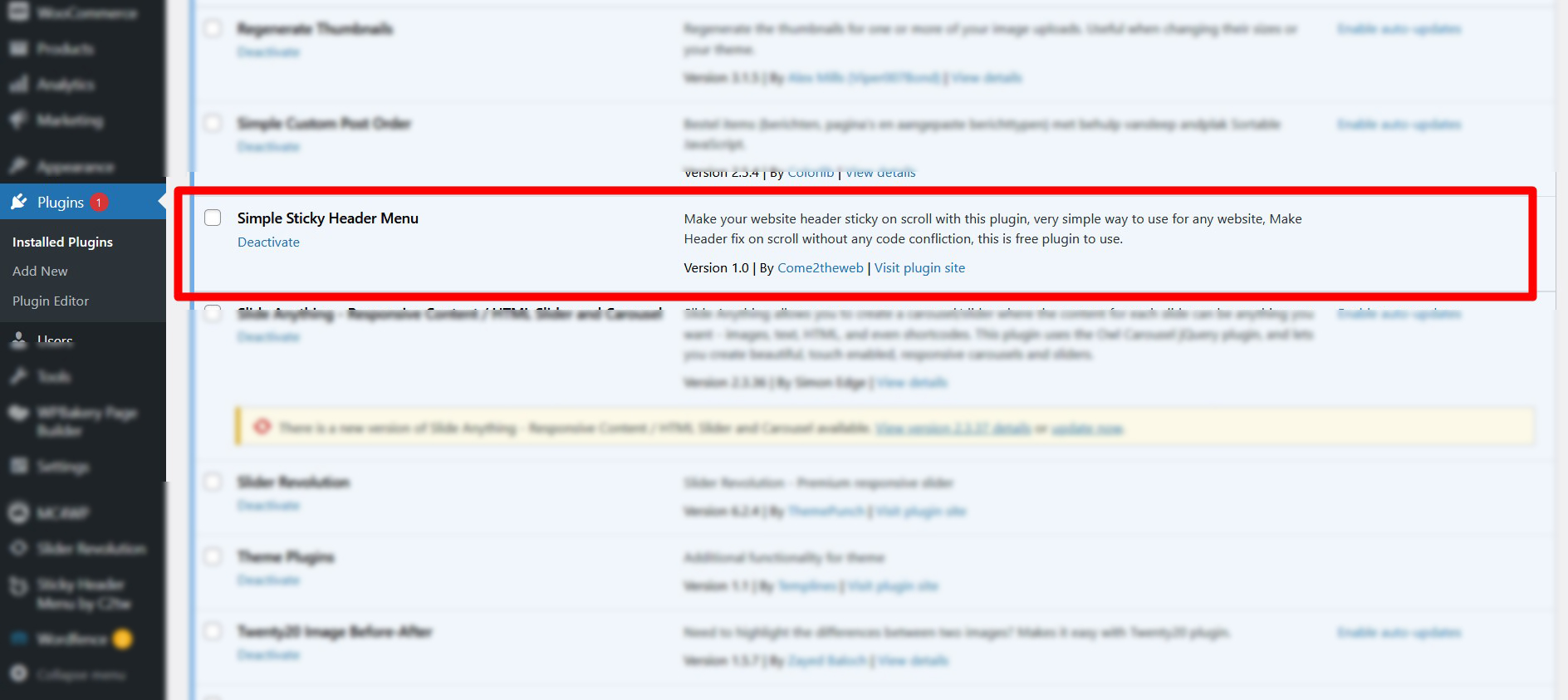
Make your website header sticky (fixed) on scroll with this lightweight plugin. Just install and activate – it works out of the box for most themes.
If the default header detection does not work, you can easily specify your header’s ID or class name in the settings.
Features
- Make header sticky / fixed on scroll
- Option to set custom header ID or class
- Option to reduce sticky header height
- Option to add top space (prevent content overlap)
- Fully responsive
- Lightweight and no conflicts
- Completely free – no ads or upsells
安装:
- Upload the
simple-sticky-header-menufolder to the/wp-content/plugins/directory. - Activate the plugin through the 'Plugins' menu in WordPress.
- That’s all – your header should now stick on scroll.
- (Optional) Go to Sticky Header Menu to set a custom header ID/class or adjust height.
屏幕截图:
常见问题:
How do I make my website header sticky?
Just install and activate the plugin. For most themes it works automatically.
My header is still not sticky – what should I do?
Go to the plugin settings page and enter your header’s CSS ID (e.g. #masthead) or class (e.g. .site-header).
Can I reduce the height of the sticky header?
Yes. Enter a height value (e.g. 60px) in the “Reduce Header Height” field.
The header overlaps content at the top
Set the “Top Space” option to Yes. This adds padding to the body equal to the header height.
Where can I get support?
Contact us at support@come2theweb.com or info@come2theweb.com.
更新日志:
1.1
- Fixed all WordPress.org guideline issues
- Removed activation email that sent site data without consent
- Added proper sanitization callbacks for all settings
- Added ABSPATH protection against direct file access
- Fixed Plugin URI (was returning 404)
- Updated Contributors, Tested up to 7.1, reduced tags to 5
- Fixed short description length
- Admin CSS now loads only on the plugin settings page
- Improved output escaping and selector sanitization
- Code cleanup
- Initial version