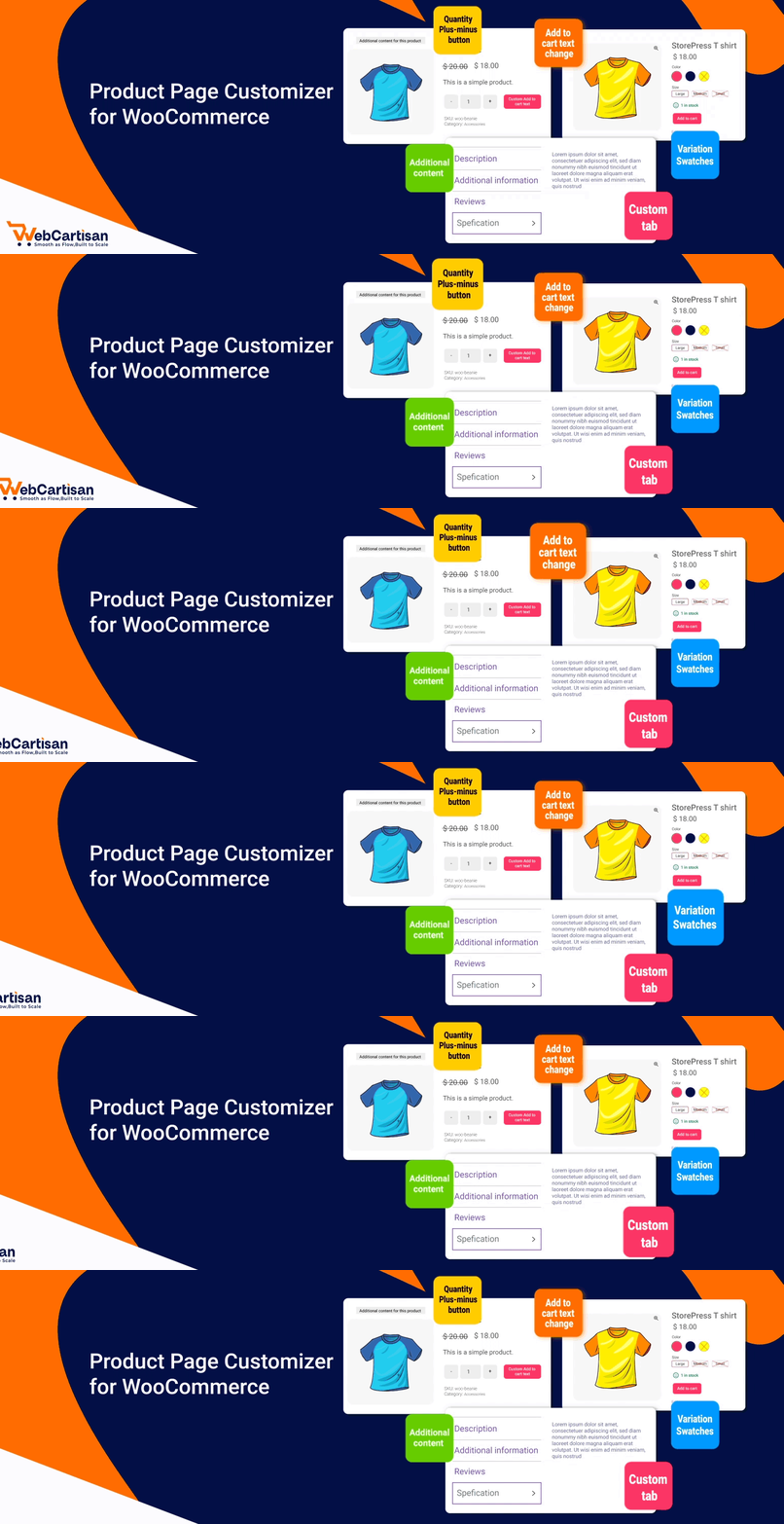
Single Product Page Customizer with Variation Swatches for WooCommerce
| 开发者 |
wooxperto
hasan350 mahmudul47 |
|---|---|
| 更新时间 | 2026年9月15日 21:30 |
| PHP版本: | 8.1 及以上 |
| WordPress版本: | 7.1 |
| 版权: | GPL v2 or later |
| 版权网址: | 版权信息 |
详情介绍:
Best Single Product Page Customizer for WooCommerce to enhance your online store with responsive design, quick checkout, variation swatches, AJAX add to cart, quantity controls, custom product options, and more
Single Product Page Customizer with Variation Swatches for WooCommerce is a comprehensive WordPress plugin that provides eCommerce store owners with complete control over their WooCommerce single product pages. It's one of the best plugins to customize WooCommerce products intuitively.
No more boring designs on your store's product page. With our responsive WooCommerce plugin, now you have the freedom to do whatever amazing you want to do to your product display. Our product page customizer offers a simplified approach for editing WooCommerce product pages with responsive functionality.
Apart from tons of custom product options, the key component of our WordPress plugin is the advanced WooCommerce Variation Swatches and Quick Checkout features. It enables custom product fields and product variations to be displayed using radio buttons, images, colors, or buttons, alongside instant AJAX add-to-cart and streamlined checkout workflows.
Whether the goal is to improve user experience, create stunning product fields to increase sales, or integrate custom elements, this plugin acts as an effortless WooCommerce product customizer.
[youtube https://youtu.be/FXdw43rSpwU]
安装:
Before installing Single Product Page Customizer, ensure you have:
- WordPress 6.5 or newer installed.
- WooCommerce plugin installed and activated.
- Go to Plugins > Add New in your WordPress admin dashboard.
- Search for "Single Product Page Customizer with Variation Swatches for WooCommerce".
- Click "Install Now" and then "Activate".
- Navigate to Single Product Customizer in your admin menu to configure the settings.
常见问题:
How do I install the plugin?
- Go to Plugins > Add New in your WordPress admin.
- Search for "Single Product Page Customizer with Variation Swatches for WooCommerce".
- Click "Install Now" and then "Activate".
- Navigate to Single Product Customizer in your admin menu to configure settings.
Does this plugin work with any WordPress theme?
Yes! The plugin is designed to be compatible with standard WooCommerce themes as well as Block Themes (FSE).
Is Quick Checkout included in the Free version?
Yes, the Free version includes Quick Checkout with Template 1 (Modern Horizontal layout). Upgrading to Pro unlocks additional templates (Classic Vertical & Split Layout), component visibility controls, and inline billing/shipping checkout forms.
更新日志:
1.0.9 (September 16, 2026)
- Fix: Improved compatibility with popular themes (OceanWP, Astra, Kadence, and Block themes).
- Fix: Resolved error warnings on the category settings page.
- Fix: Fixed category and product-level customizer settings not saving properly.
- Improvement: Enhanced product page customization stability across all devices.
- Fix: Resolved Quick Checkout item removal errors.
- New: Added Quick Checkout WooCommerce tabs.
- Fix: Fixed Quick Checkout template structure issues.
- Fix: Resolved template selection issues for active licenses.
- Fix: Fixed Pro template image display for active licenses.
- Fix: Resolved Product Details feature display issues for active licenses.
- Fix: Fixed Pro feature visibility issues for active licenses.
- Fix: Improved Quick Checkout compatibility with default WordPress themes.
- Fix: Verified compatibility with WordPress 7.1.
- Fix: backend category page settings issue resolved.
- Fix: backend product page settings issue resolved.
- Update backend UI for improved user experience.
- New: Full codebase restructuring for optimized modular performance and clean architecture.
- New: Redesigned Admin Dashboard with Welcome Screen, onboarding instructions, and quick resource links.
- New: Separated Admin Sidebar Menu structure into organized submenus (Basic, Advanced, Quick Checkout, and Pro Placeholders).
- New: Interactive Pro Feature Placeholders in the free dashboard to preview advanced capabilities.
- New: Extensible Admin Notification and notice management system.
- Update: Restructured CSS/JS resources and template loader for speed and maintainability.
- Fix: Enhanced compatibility and stability across modern WooCommerce block themes.
- New: Added Enable Quick Checkout feature in the Free version with standard horizontal layout support.
- Update: Updated WordPress compatibility requirements (Requires at least 6.5, Tested up to 7.0).
- Fix: Fixed conditional Appsero SDK initialization errors.
- Fix: General code sanitation and error fixes across settings pages.
- New: Unlocked AJAX Add to Cart functionality for the Free version.
- New: Unlocked Change Default Tab Label feature in the Free version.
- Update: Improved settings panel responsiveness and AJAX option saving.
- Fix: Resolved missing notice displays and administrative script conflicts.
- New: Integrated Appsero SDK for opt-in telemetry and diagnostics.
- New: Added YouTube video tutorial links and documentation links within settings panels.
- Update: Improved theme filter compatibility for block themes.
- Fix: Resolved variation switcher device filter edge cases.
- Fix: Added block theme condition for improved compatibility.
- Fix: Rating remove fields are now compatible with all themes.
- Update: Modified Our Products section in the plugin dashboard.
- New: Added Helping YouTube tutorial link to the plugin dashboard.
- Fix: Fixed issue where clicking product links from the cart page did not select variations correctly.
- Update: Improved Match All condition logic in filters.
- Update: Updated variation switcher filter logic.
- Update: Added sppcfw_load_textdomain() function.
- New: WooCommerce single product page customization options.
- New: Variation swatches for colors, images, and buttons.
- New: Plus/Minus quantity buttons.
- New: Product meta visibility controls (SKU, category, tags).
- New: Related products section toggle.
- New: Price and description visibility controls.
- New: Custom text and label customization options.
- New: Basic plugin dashboard and settings page.
- Initial release.