SIRAPIX POS for WooCommerce
详情介绍:
安装:
- Upload the
sirapix-wc-posfolder towp-content/plugins/on your WordPress site, or install it via the Plugins screen. - Activate "SIRAPIX WooCommerce POS" from the Plugins screen in WP Admin.
- On activation, the plugin creates or updates a POS page with slug
sirapix-pos, inserts the POS shortcode and stores its ID in thesirapix_wc_pos_page_idoption. - Ensure your user account has an allowed role such as administrator or shop manager.
- Visit
https://your-site/sirapix-pos(or the POS link in the WooCommerce menu / admin bar) to start using the POS on your register or tablet.
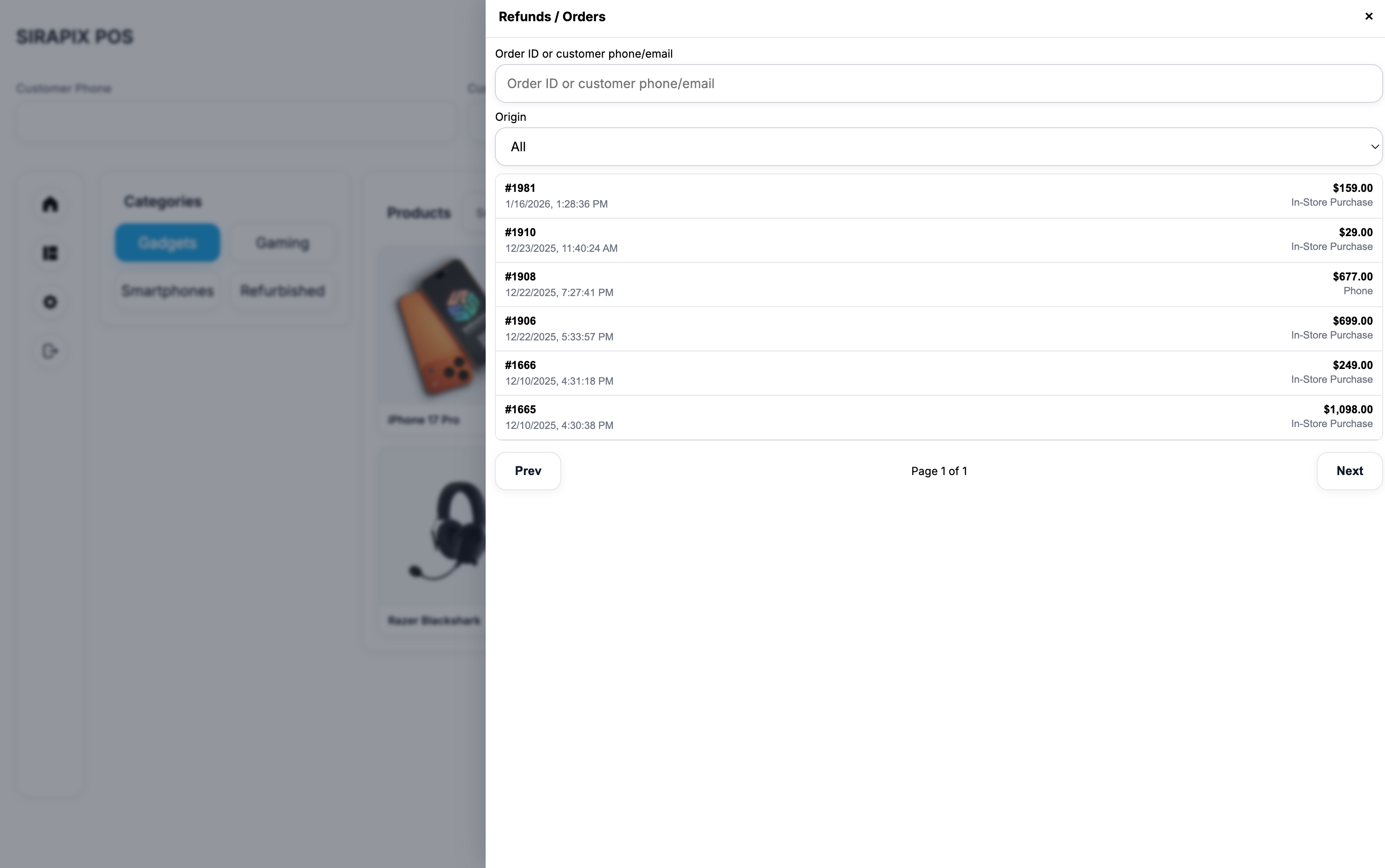
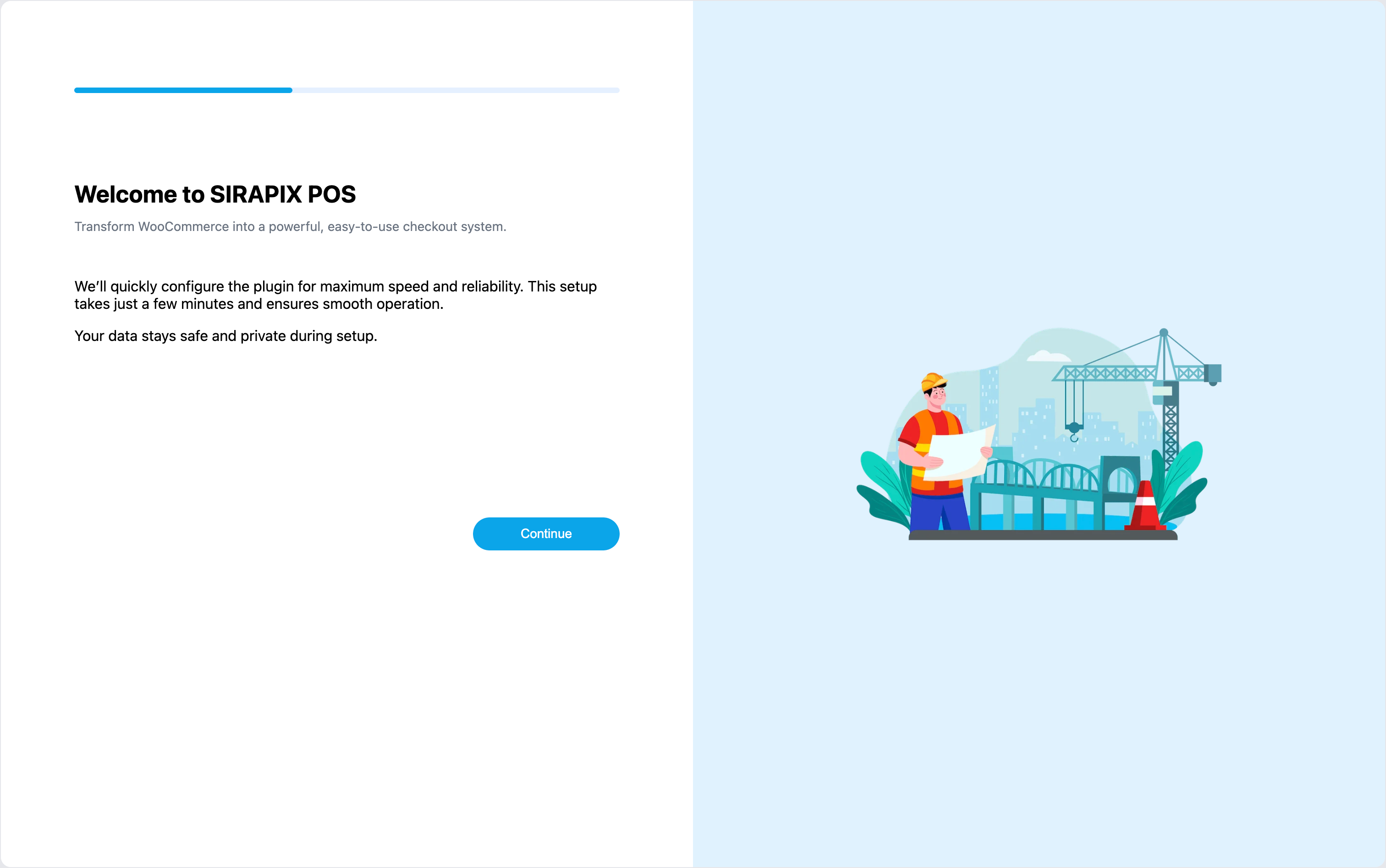
屏幕截图:
常见问题:
Does this require WooCommerce?
Yes. SIRAPIX WooCommerce POS is an extension for WooCommerce and will not work without it.
Does it support offline usage?
Yes. The plugin can generate a static products JSON snapshot which is then used by the POS UI, and it registers a Service Worker to cache the POS shell, assets and static JSON. This enables offline‑first behavior for browsing products and completing orders that are queued for sync once the connection returns (depending on your configuration).
Is it safe to use on a live store?
SIRAPIX POS respects WooCommerce stock handling and order flows. Orders are created as standard WooCommerce orders, reduce stock as usual and trigger the same core emails and reports you already rely on. Access is limited to logged‑in users with allowed roles, and all key inputs are validated server side.
Where can I configure the POS settings?
You can configure the POS page, offline snapshot, allowed roles, layout options, colors and offline images from the SIRAPIX POS settings page under WooCommerce in the WordPress admin.
Can I run multiple registers?
Yes. You can open the POS on multiple devices or browser tabs at once. Each order is tagged with the cashier user ID and name so reports and list views can show who took each sale. Advanced cash‑drawer management and sessions are on the roadmap.
更新日志:
changelog.txt file for a detailed changelog.