
SirSync - Selective Content Sync
| 开发者 |
Kodeala
kodeala |
|---|---|
| 更新时间 | 2026年10月7日 10:58 |
| PHP版本: | 7.4 及以上 |
| WordPress版本: | 7.1 |
| 版权: | GPLv2 or later |
| 版权网址: | 版权信息 |
详情介绍:
- Gutenberg
- Classic Editor
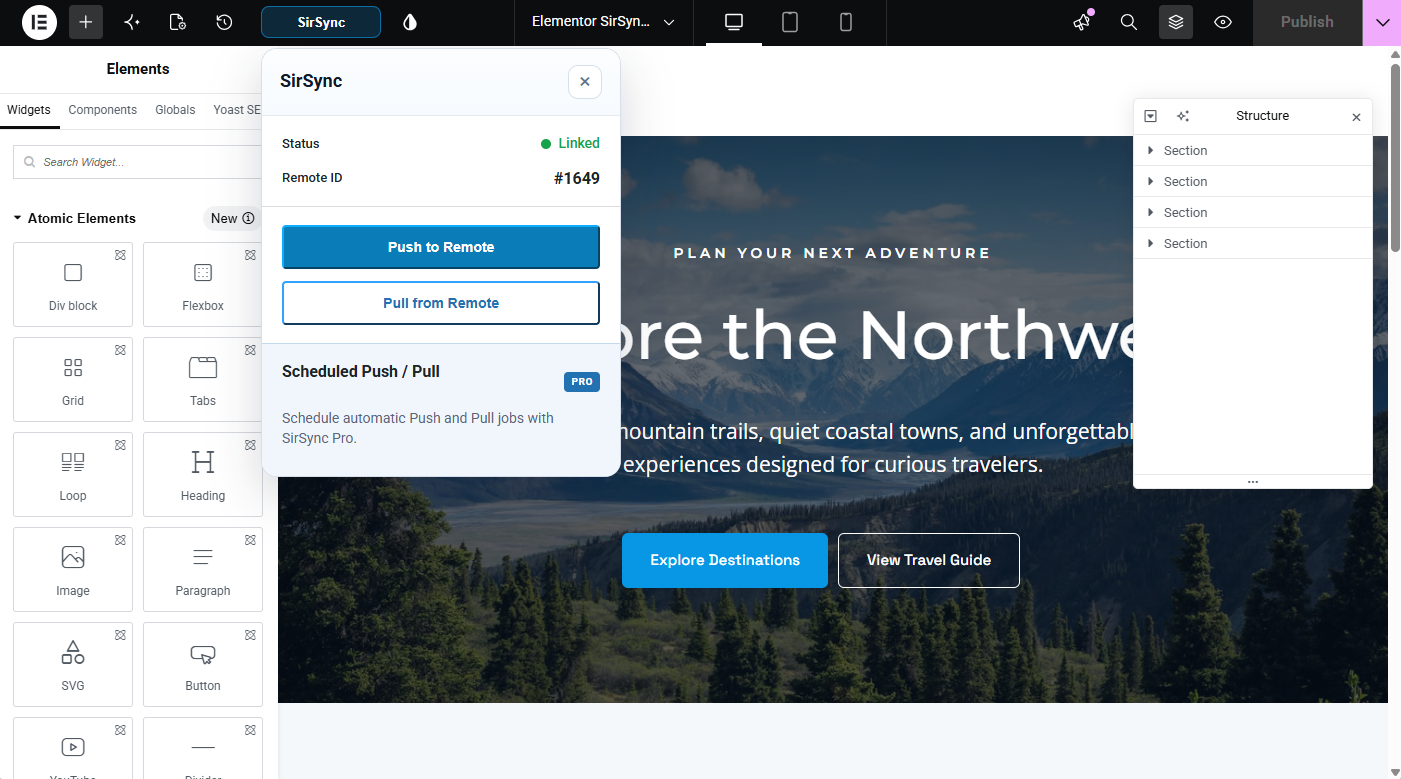
- Elementor
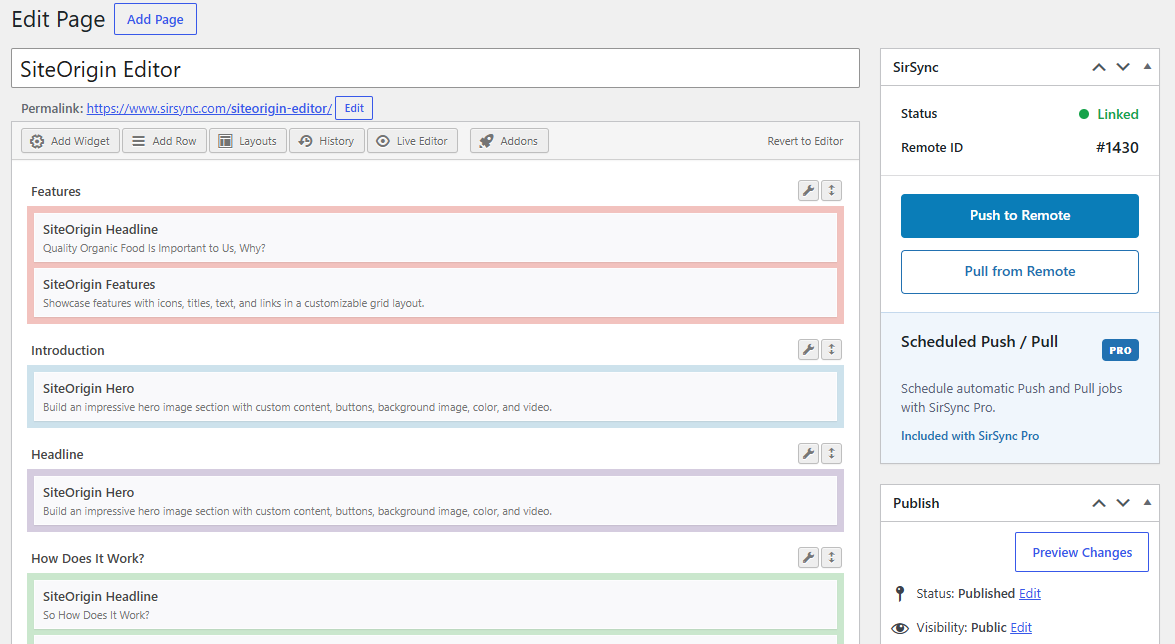
- SiteOrigin
- Building new pages safely on staging
- Updating existing production pages
- Testing design changes before deployment
- Moving approved content to production
- Bringing current production content back to development
- Managing content across connected WordPress environments
- Bidirectional Push and Pull
- Individual page and post deployment
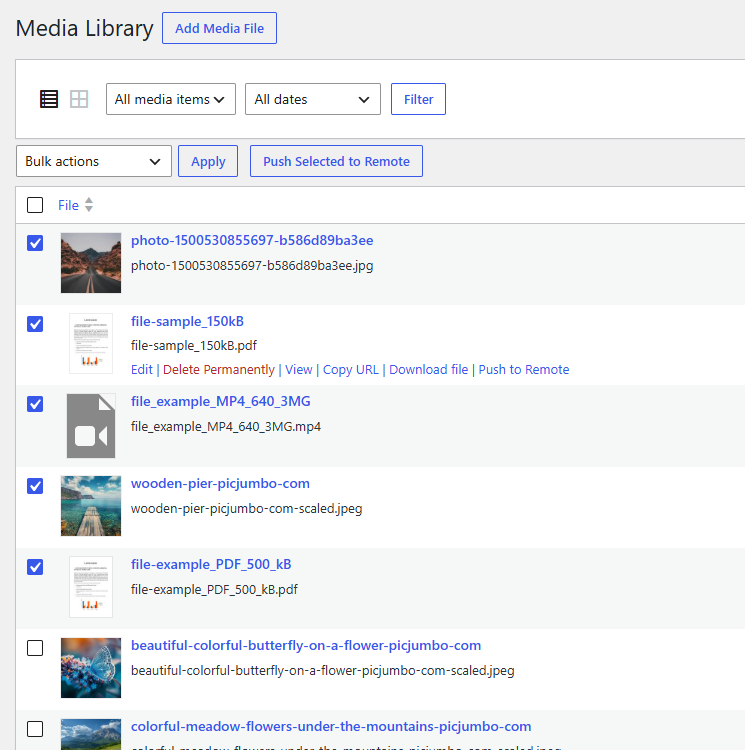
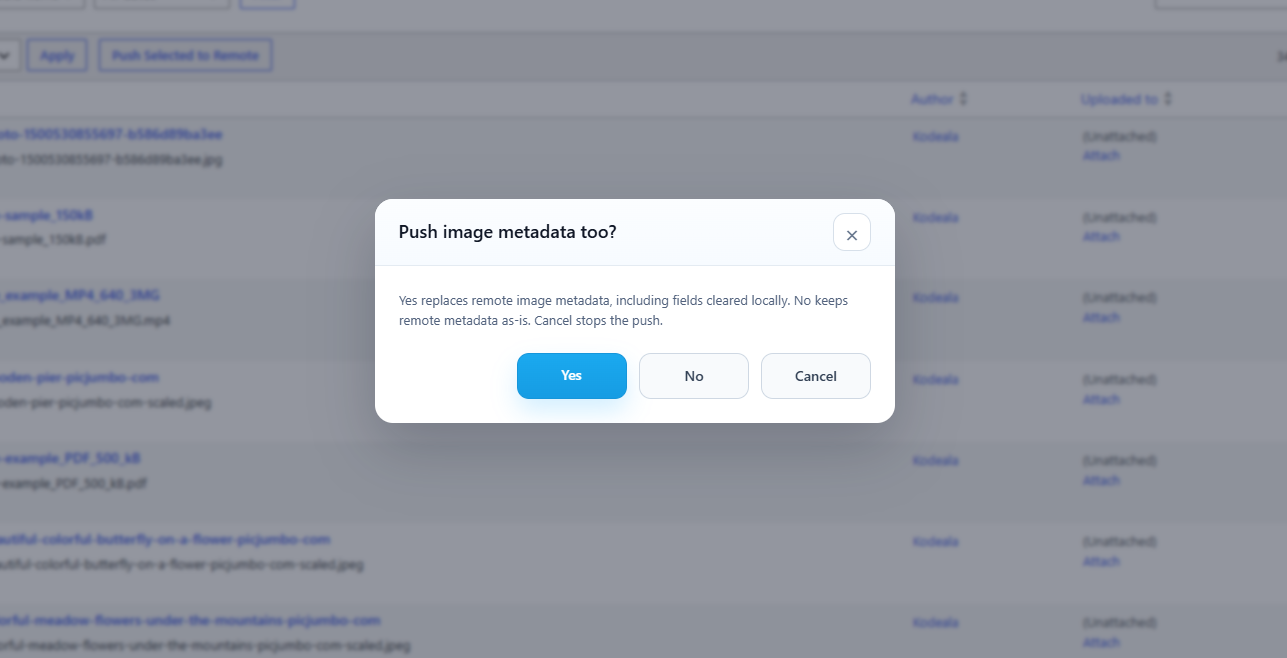
- Media synchronization and remapping
- Gutenberg support
- Classic Editor support
- Elementor support
- SiteOrigin support
- Supported Yoast SEO metadata
- Supported All in One SEO metadata
- Manual deployments
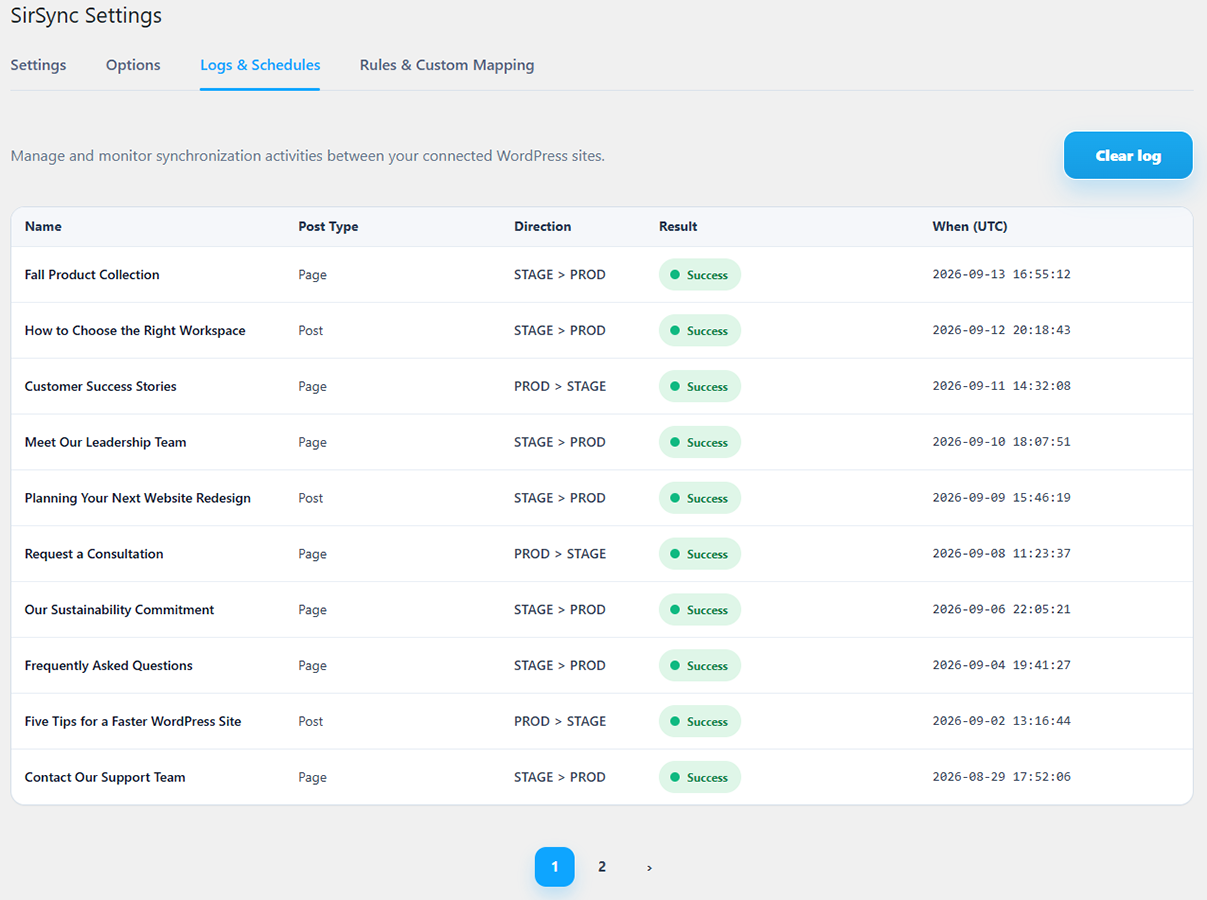
- Operation logging
- Secure site pairing
- Custom post types and their associated metadata
- Advanced Custom Fields (ACF) field data
- ACF Field Groups, Post Types, Taxonomies, and Options Pages
- Custom fields and post metadata
- WooCommerce products, variations, product data, and media
- WordPress menus
- Scheduled Push and Pull deployments
- Deployment email notifications
- Custom mapping rules for supported content and media references
- Additional supported Pro integrations
安装:
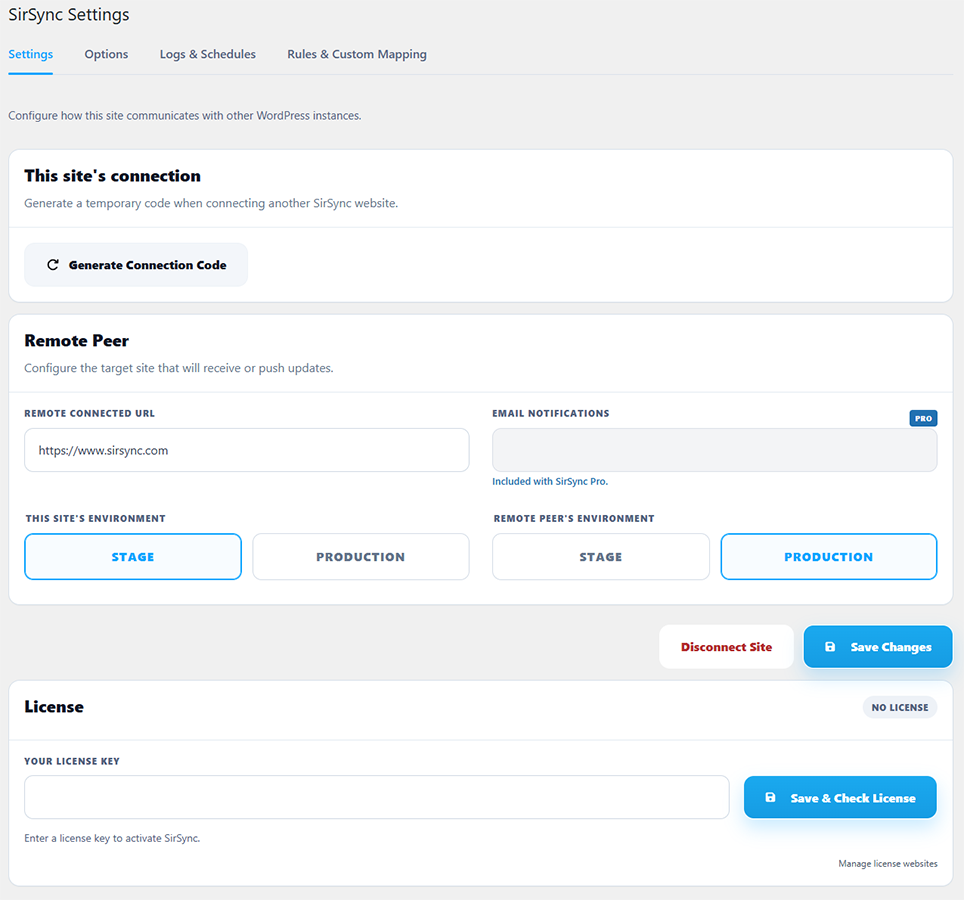
- Install and activate SirSync on each WordPress website you want to connect.
- In the WordPress dashboard, go to Tools > SirSync.
- Open the Pairing section on the website you want to connect.
- Generate a connection code.
- Copy the connection code and enter it on the other website.
- Complete the connection and verify that the remote website is shown as connected.
- Repeat the pairing process in the opposite direction if you want both websites to be able to initiate push and pull operations.
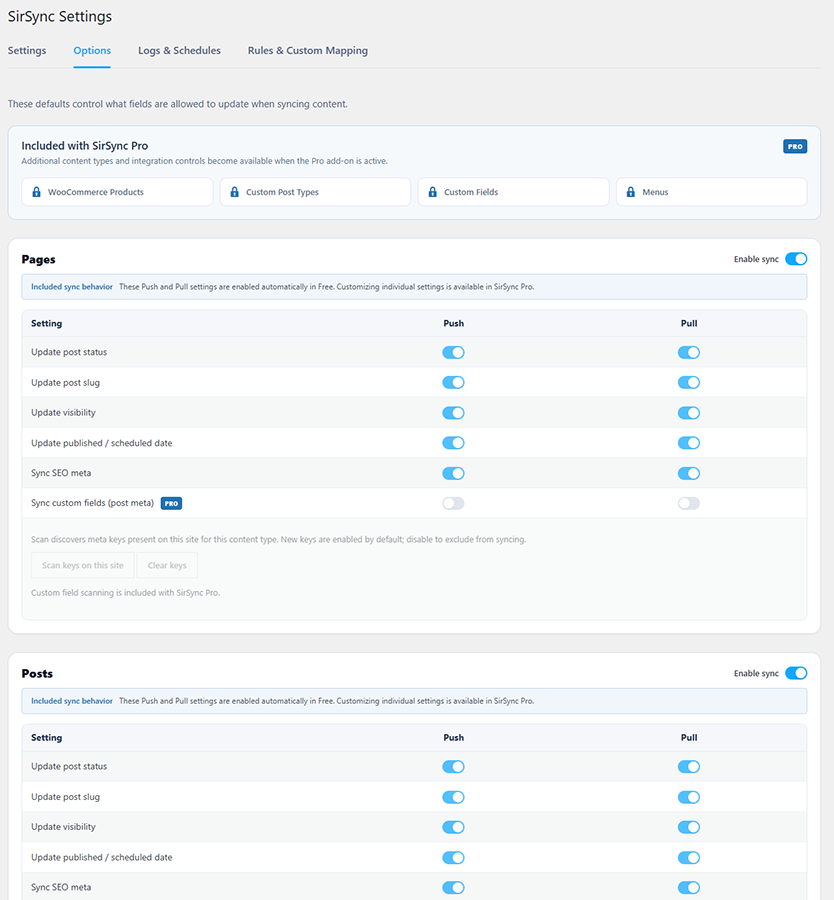
- Go to Tools > SirSync and review your synchronization settings.
- Choose which supported content settings should be included during deployments.
- Save your settings.
屏幕截图:
常见问题:
Does SirSync copy the entire WordPress database?
No. SirSync selectively synchronizes supported WordPress content between connected websites. It does not replace the destination website's entire database.
Do I need SirSync installed on both websites?
Yes. SirSync must be installed and activated on both websites before they can be paired and content can be synchronized.
Can I push and pull content?
Yes. SirSync supports both push and pull workflows between connected websites.
Does SirSync support page builders?
Yes. SirSync supports Gutenberg, Classic Editor, Elementor, and SiteOrigin, with support for more editors planned. Both websites should have the appropriate page builder and related plugins installed when synchronizing builder content.
Does SirSync synchronize media?
Yes. SirSync supports media synchronization and remapping for supported images, attachments, and media references.
Does SirSync synchronize custom fields?
Custom field and post metadata synchronization is available with SirSync Pro. SirSync Pro also includes Scan Keys for discovering and configuring metadata associated with supported content.
Does SirSync support SEO metadata?
Yes. Supported page and post SEO metadata can be included during synchronization.
What is SirSync Pro?
SirSync Pro is a separate add-on that extends SirSync with additional synchronization features and integrations. Learn more and purchase a license at sirsync.com.
更新日志:
- Added front-end WordPress admin-bar controls to push or pull the currently viewed content without opening the editor.
- Improved Gutenberg content synchronization and block compatibility.
- Improved handling of external and non-library media URLs.
- Fixed an issue that could prevent Gutenberg content from synchronizing when the page had previously been edited with another page builder.
- Added secure pairing between WordPress websites.
- Added selective push and pull synchronization for pages and posts.
- Added media synchronization with support for featured images and supported media references.
- Added support for Gutenberg.
- Added support for the Classic Editor.
- Added support for Elementor.
- Added support for SiteOrigin.
- Added synchronization of supported page and post SEO metadata.
- Added content and media reference remapping between connected websites.
- Added manual deployment controls from supported WordPress editing interfaces.
- Added deployment and operation logging.
- Added integration support for the separate SirSync Pro add-on.