Site Under Construction
| 开发者 | bdplugins |
|---|---|
| 更新时间 | 2026年2月9日 19:02 |
| PHP版本: | 8.0 及以上 |
| WordPress版本: | 6.9 |
| 版权: | GPLv2 or later |
| 版权网址: | 版权信息 |
详情介绍:
安装:
- Upload the plugin folder to the
/wp-content/plugins/directory\ OR install the plugin directly from the WordPress Plugin Directory. - Activate the plugin from the Plugins menu in WordPress.
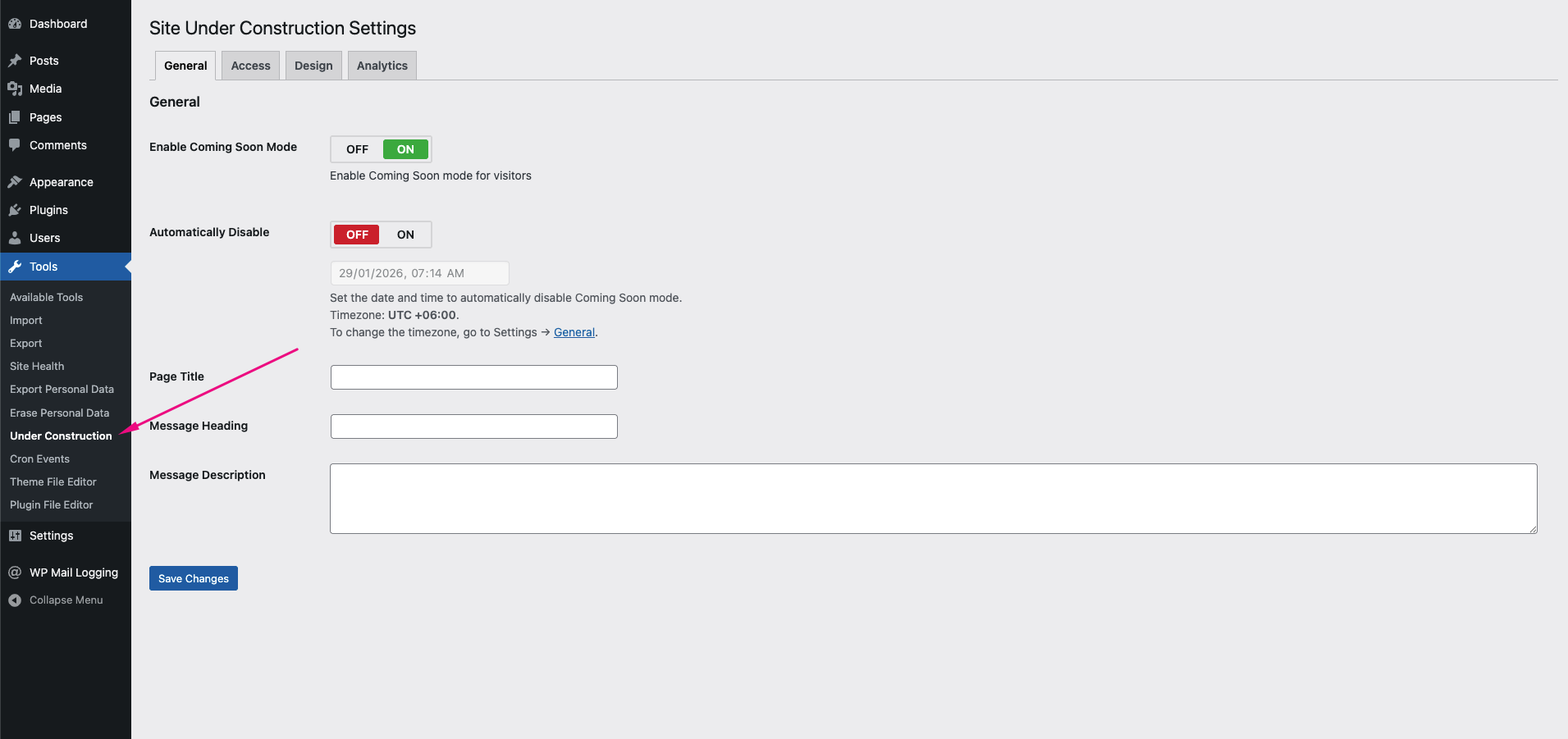
- Go to Tools → Coming Soon.
- Enable Coming Soon mode and customize the page settings.
屏幕截图:
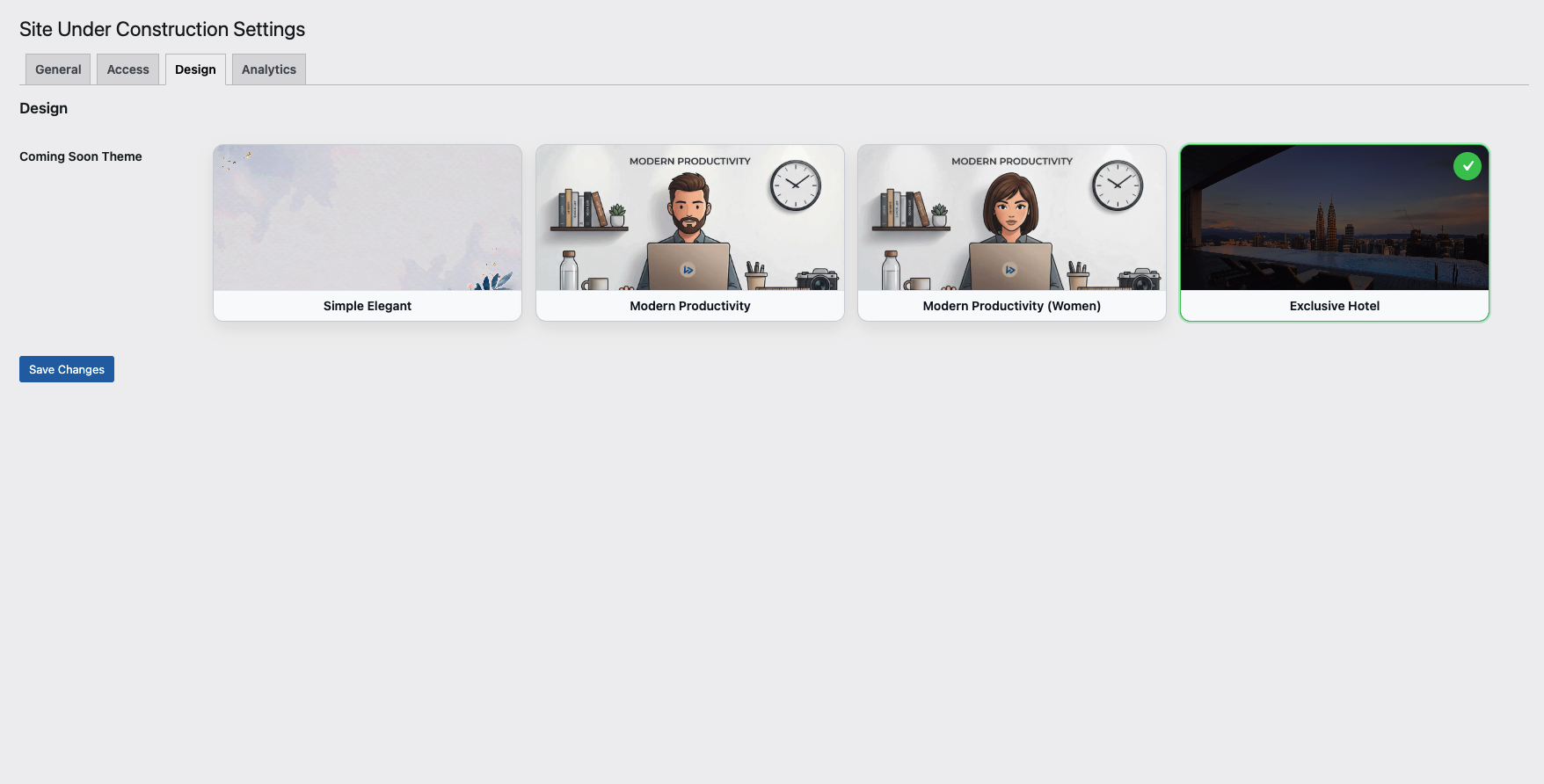
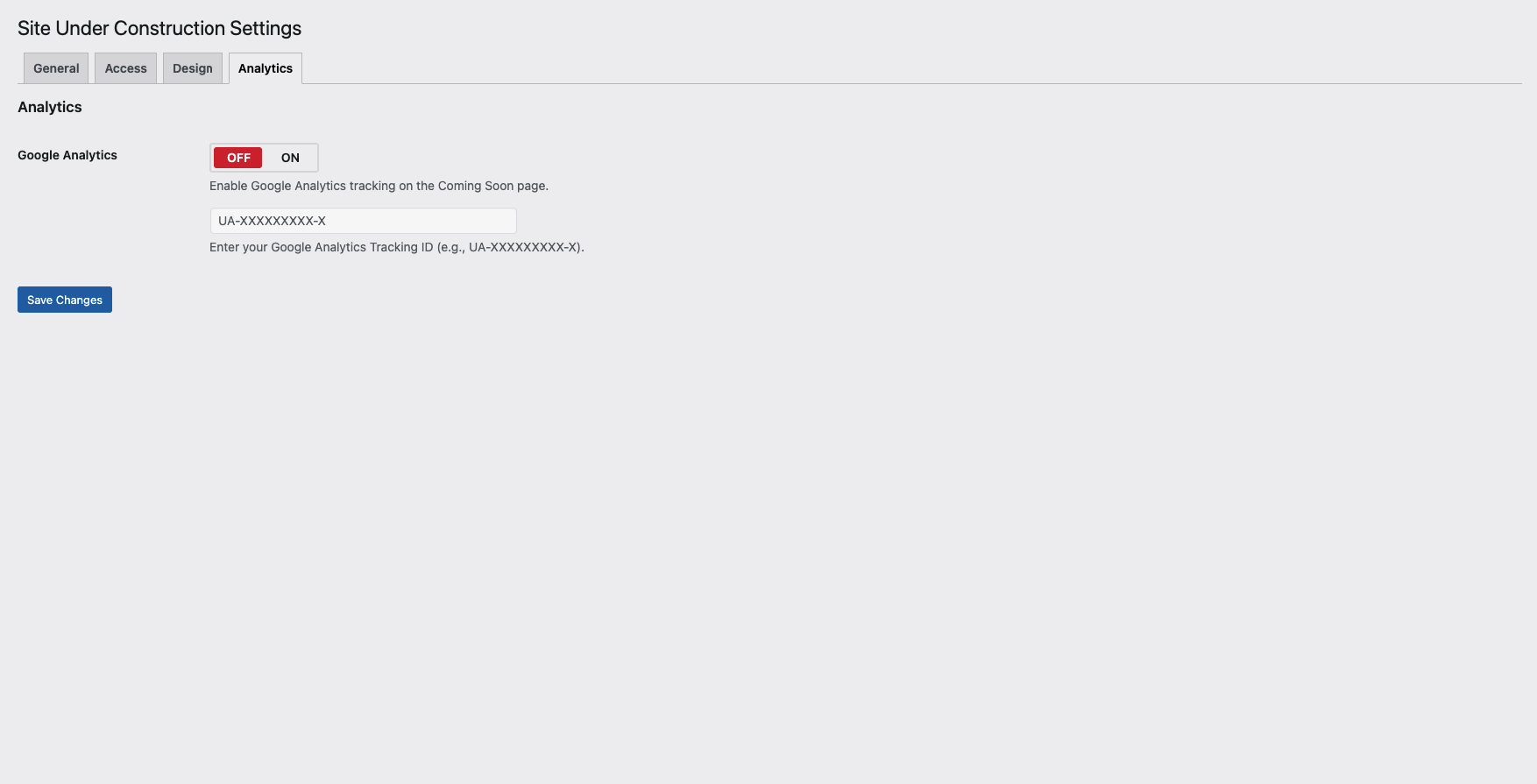
常见问题:
Who will see the Coming Soon page?
All visitors who are not logged in as administrators will see the Coming Soon page. Administrators can access the website normally while Coming Soon mode is enabled.
Can I customize the Coming Soon page content?
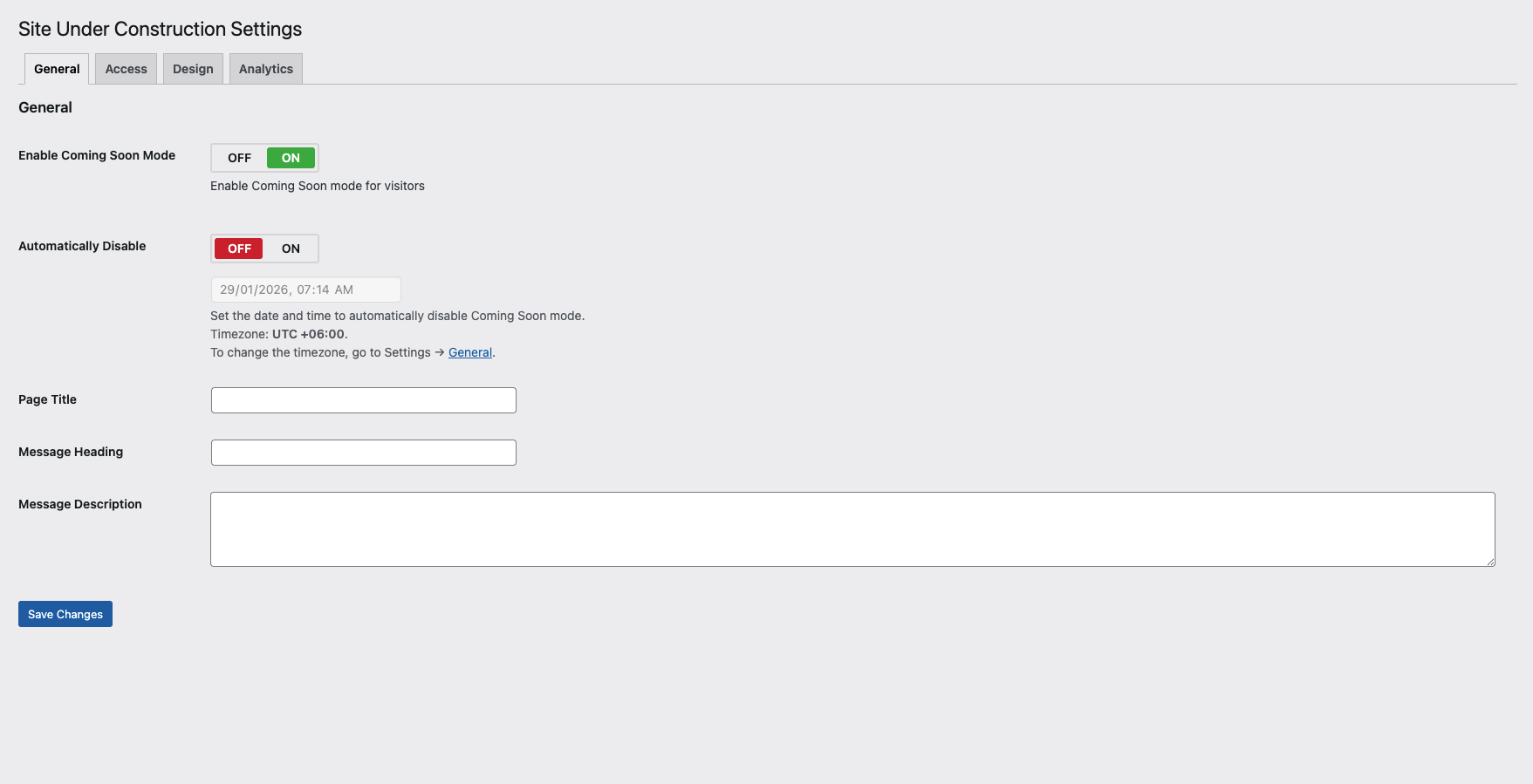
Yes. You can customize the page title, heading, description text, colors, and choose from available templates directly from the plugin settings.
Does the plugin support password protection?
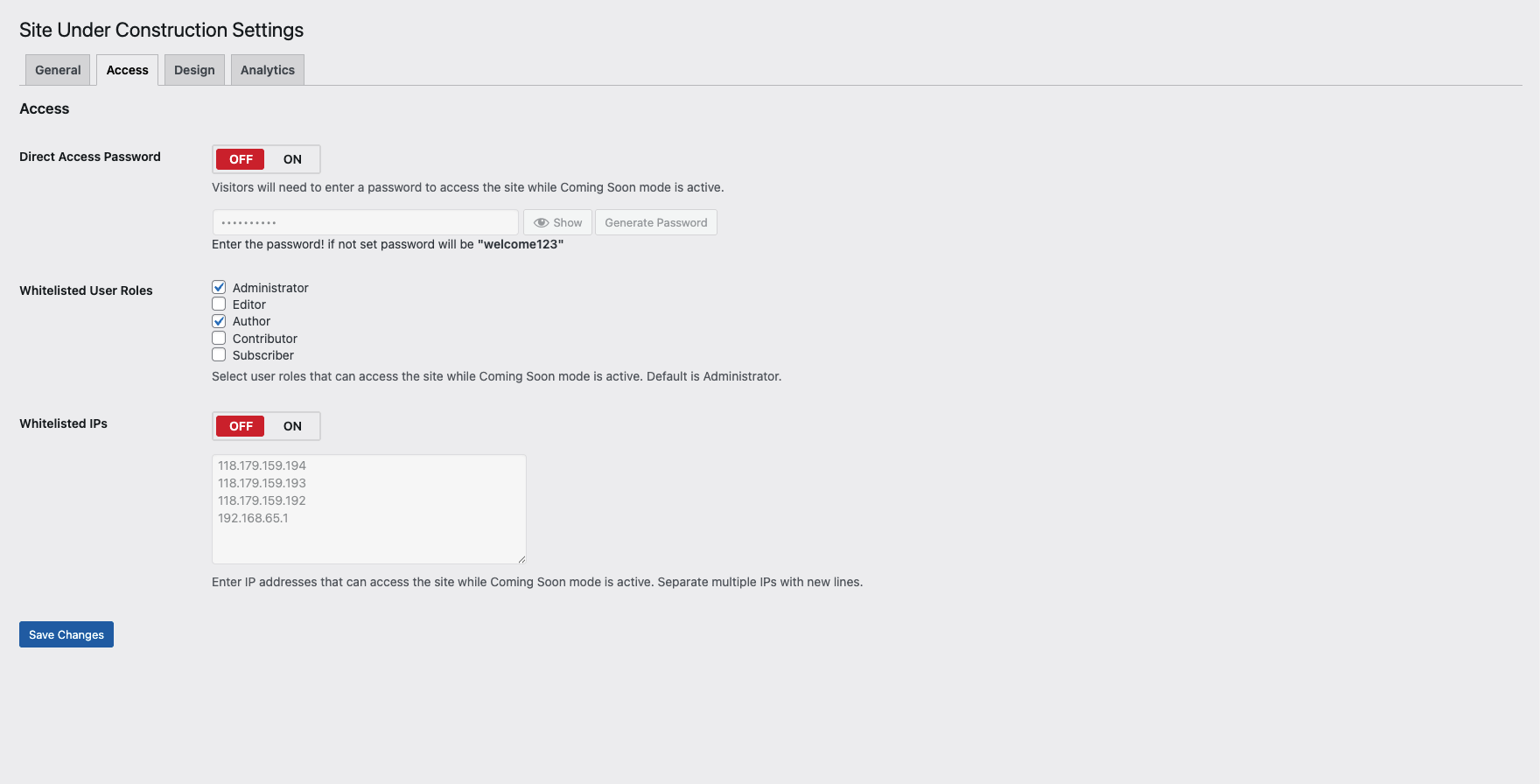
Yes. You can enable password protection to allow selected visitors to access the website using a password while Coming Soon mode is active. A password generator is also available for convenience.
Can I allow specific users to bypass Coming Soon mode?
Yes. You can allow access based on user roles. Multiple user roles can be selected to bypass the Coming Soon page.
Can I allow access by IP address?
Yes. You can whitelist multiple IP addresses so visitors from those IPs can access the site normally while Coming Soon mode is enabled.
Can Coming Soon mode be disabled automatically?
Yes. You can schedule Coming Soon mode to be automatically disabled based on a specific date and time.
How do I manually disable Coming Soon mode?
Simply uncheck the Enable Coming Soon Mode option from the plugin settings page and save your changes.
Will search engines see the Coming Soon page?
Yes. The plugin follows best practices to handle search engine visibility while Coming Soon mode is active.
Is the plugin compatible with all themes?
Yes. The plugin is designed to work with most WordPress themes without requiring any additional configuration.
Does this plugin affect logged-in users?
No. Logged-in administrators and allowed user roles can browse the website normally.
Is the plugin lightweight and performance-friendly?
Yes. The plugin is optimized for performance and only loads required assets when Coming Soon mode is enabled.
更新日志:
- Fix: Plugin install to active issue.
- New: Automatically disable Coming Soon mode based on date and time.
- New: Show/Hide toggle for the password field.
- New: Password generator button added.
- New: Role-based Coming Soon mode with support for multiple user roles.
- New: IP-based Coming Soon mode with support for multiple allowed IP addresses.
- Update: Redesigned settings UI with section-wise tab navigation.
- Update: Overall performance and code optimization.
- Fix: Minor bug fixes and improvements.
- Added: Password protection functionality
- Improved: Template selection user interface
- Added: Four modern Coming Soon templates
- Added: Custom description text options
- Improved: Code optimization for better performance and maintainability
- Initial release
- Enable/disable Coming Soon mode
- Customize page title, heading, and message