Site Updates Report
| 开发者 | medavidallsop |
|---|---|
| 更新时间 | 2026年2月10日 15:36 |
| 捐献地址: | 去捐款 |
| PHP版本: | 5.5 及以上 |
| WordPress版本: | 6.9 |
| 版权: | GNU General Public License v3.0 |
| 版权网址: | 版权信息 |
详情介绍:
安装:
屏幕截图:
常见问题:
Does the plugin track updates that happened before installation?
No. Site Updates Report only tracks updates from the time it's installed. Updates made to WordPress, plugins, or themes before the plugin was installed will not appear in your reports. This is because the plugin needs to be active to monitor and record update events as they happen.
Does it track plugin and theme installations?
Yes. Plugin and theme installations are tracked. They're treated as updates where no previous version existed.
Why is the version column showing N/A?
This means there's no earlier tracked version to compare against. In these cases, you'll see something like "N/A -> 1.0.0." Version-to-version tracking begins after the initial installation/update of a plugin or theme.
Why aren't my email reports sending?
If email reports aren't being sent, this is typically a WordPress mail configuration issue rather than a problem with the plugin itself. Here are the most common causes and solutions:
- Check your email settings: Ensure the "To" email address is correctly entered in the plugin settings. Verify the "From" email address matches your domain to avoid spam filters.
- WordPress mail function: WordPress uses PHP's
mail()function by default, which may not work on all hosting environments. Many shared hosting providers disable this function for security reasons. - Use an SMTP plugin: The most reliable solution is to install an SMTP plugin (such as WP Mail SMTP, Post SMTP, or Easy WP SMTP) that routes emails through a proper mail server (Gmail, SendGrid, Mailgun, etc.) instead of relying on PHP's mail function.
- Check spam folders: Ask recipients to check their spam/junk folders, as automated emails can sometimes be filtered.
- Server configuration: Contact your hosting provider to verify that outgoing mail is not blocked by firewall rules or server policies.
- Test with a plugin: Use a plugin like "Check & Log Email" to test if WordPress can send emails at all on your site.
How can I customize the report appearance?
You can customize your reports in several ways through the plugin settings:
- Title: Customize the report title with placeholders like
{site_title},{report_period}, and{date}. - Logo: Upload your agency or company logo to appear at the top of reports.
- Updates: Choose which updates to include (WordPress updates, plugin updates, theme updates).
- Header Content: Add custom HTML content that appears at the top of the report body.
- Footer Content: Add custom HTML content that appears at the bottom of the report body.
How can I change the required user capability?
By default, the required user capability is manage_options. You can change this by hooking into the site_updates_report_required_capability filter and returning a different capability.
更新日志:
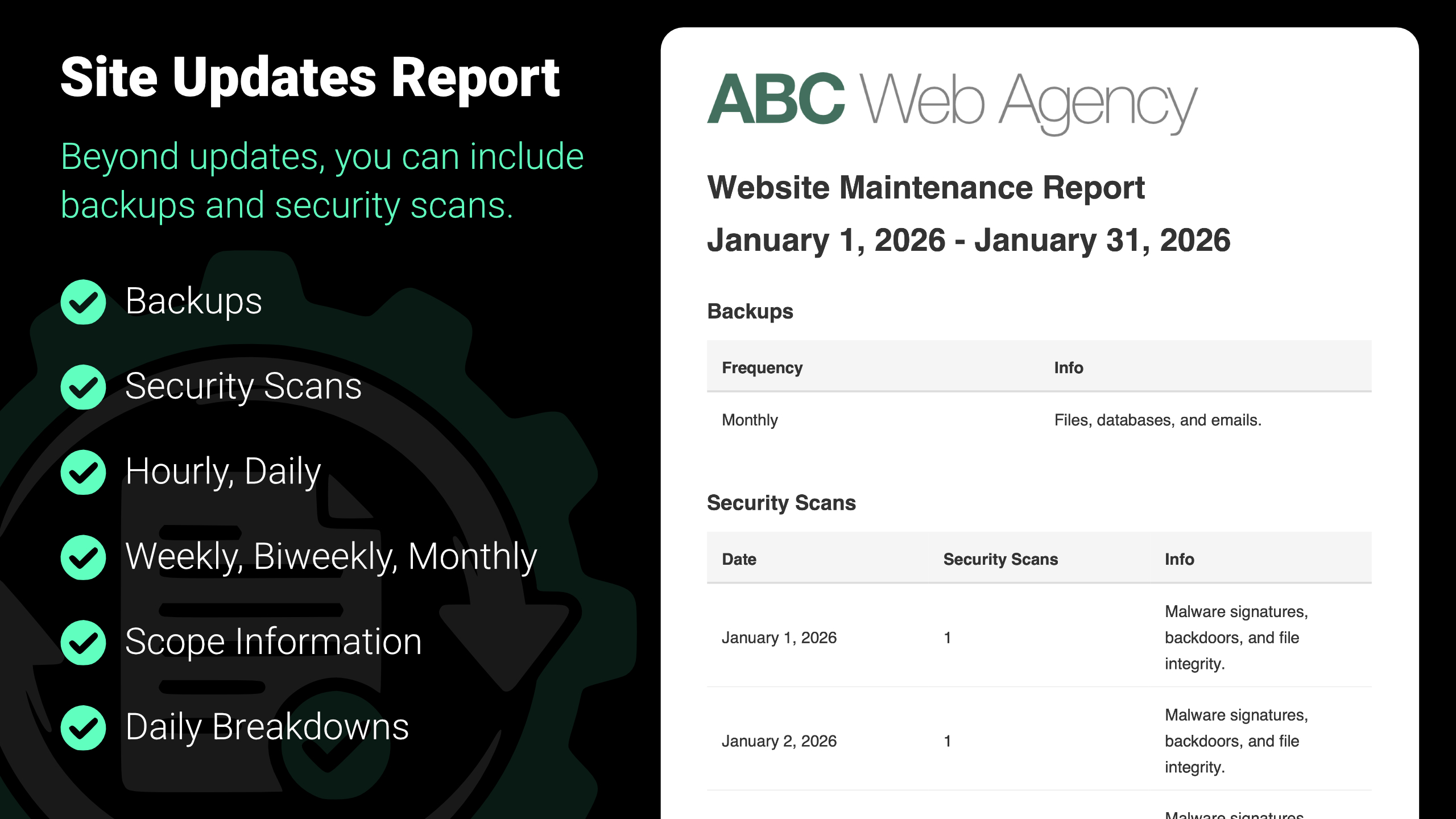
- Add: Backups reporting and settings
- Add: Security scans reporting and settings
- New: Plugin released