SitesEngine Site Migration & Backup
| 开发者 | sitesengine |
|---|---|
| 更新时间 | 2026年3月5日 18:48 |
| PHP版本: | 7.4 及以上 |
| WordPress版本: | 6.9 |
| 版权: | GPLv2 or later |
| 版权网址: | 版权信息 |
详情介绍:
- Create portable
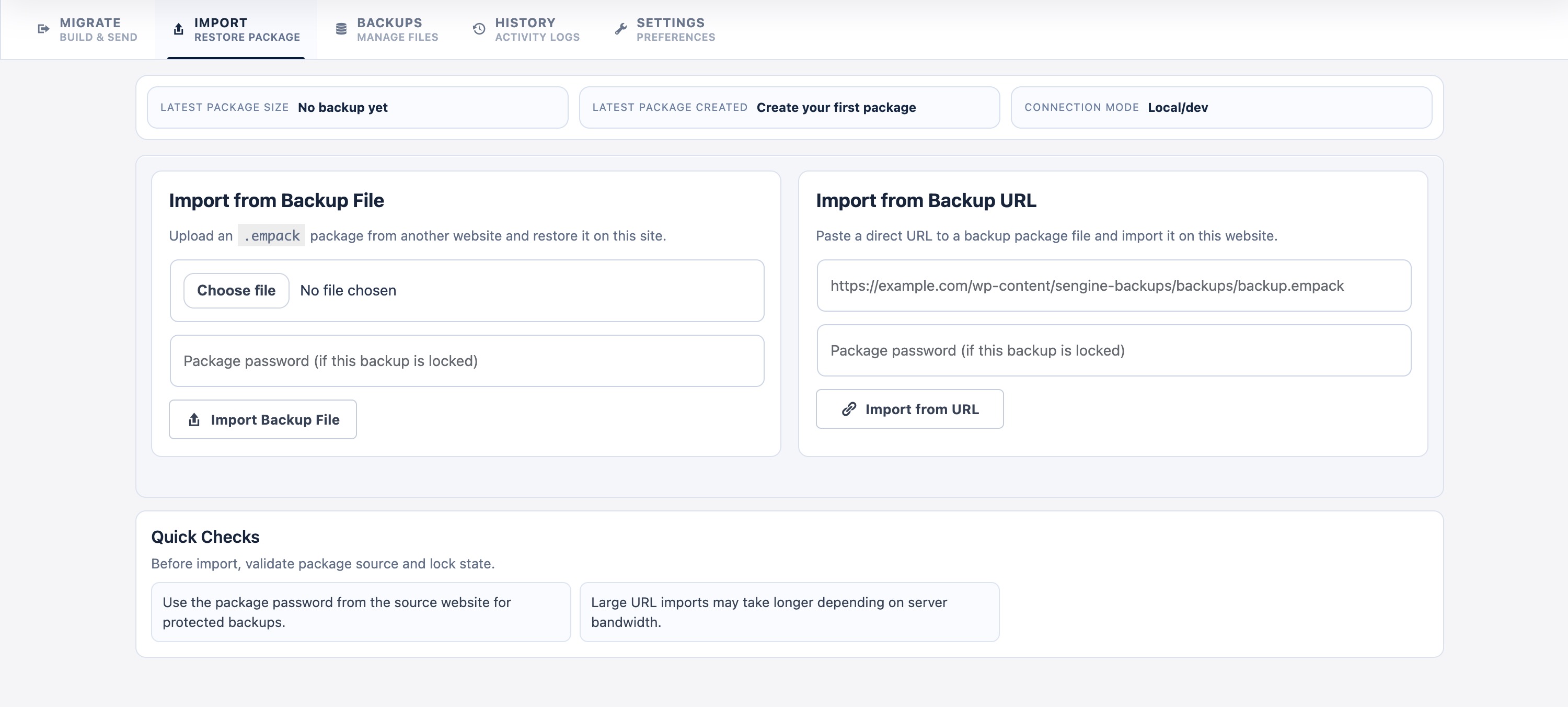
.empackWordPress backup packages - Import backups from local file upload or remote URL
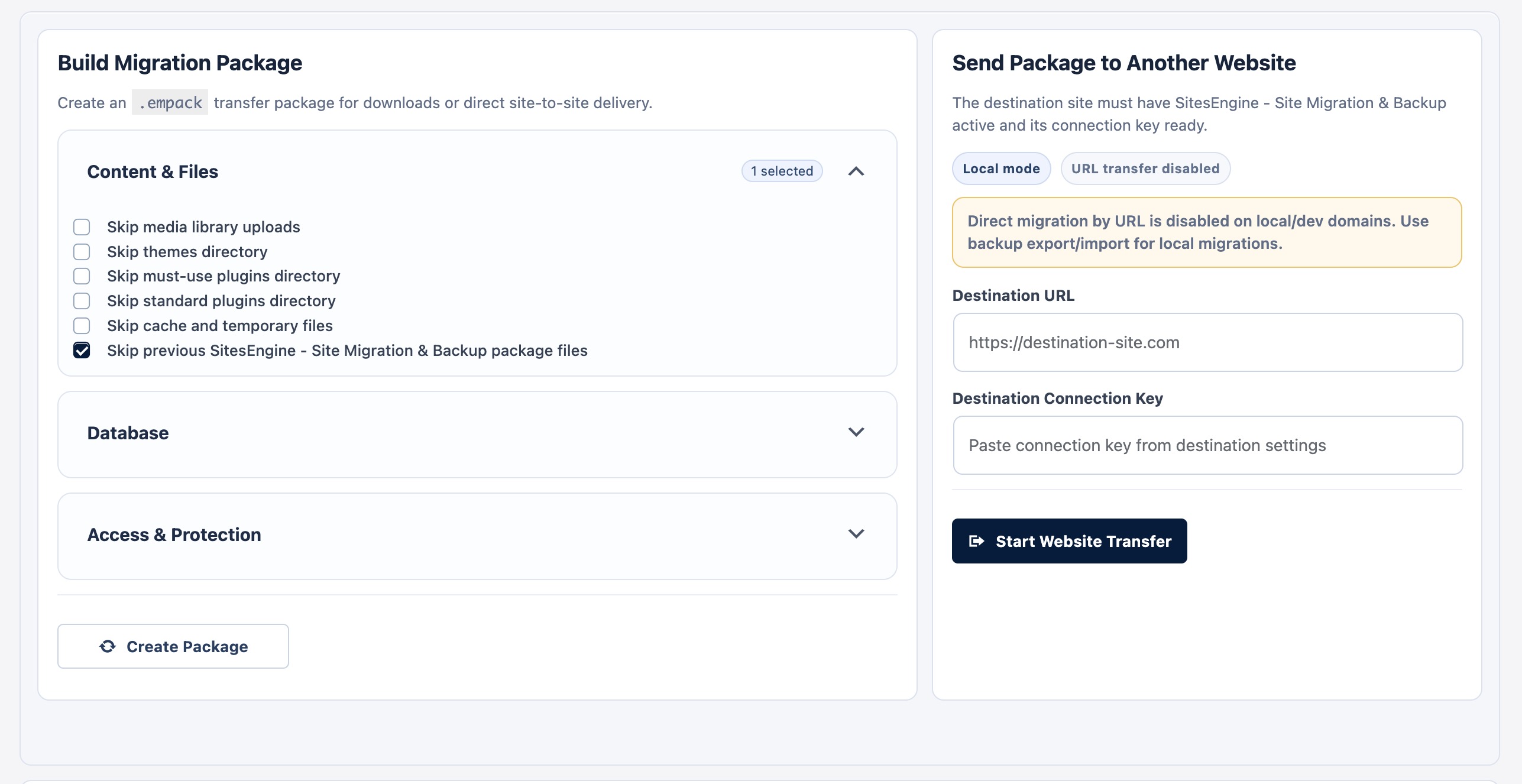
- Direct site-to-site migration using destination connection key
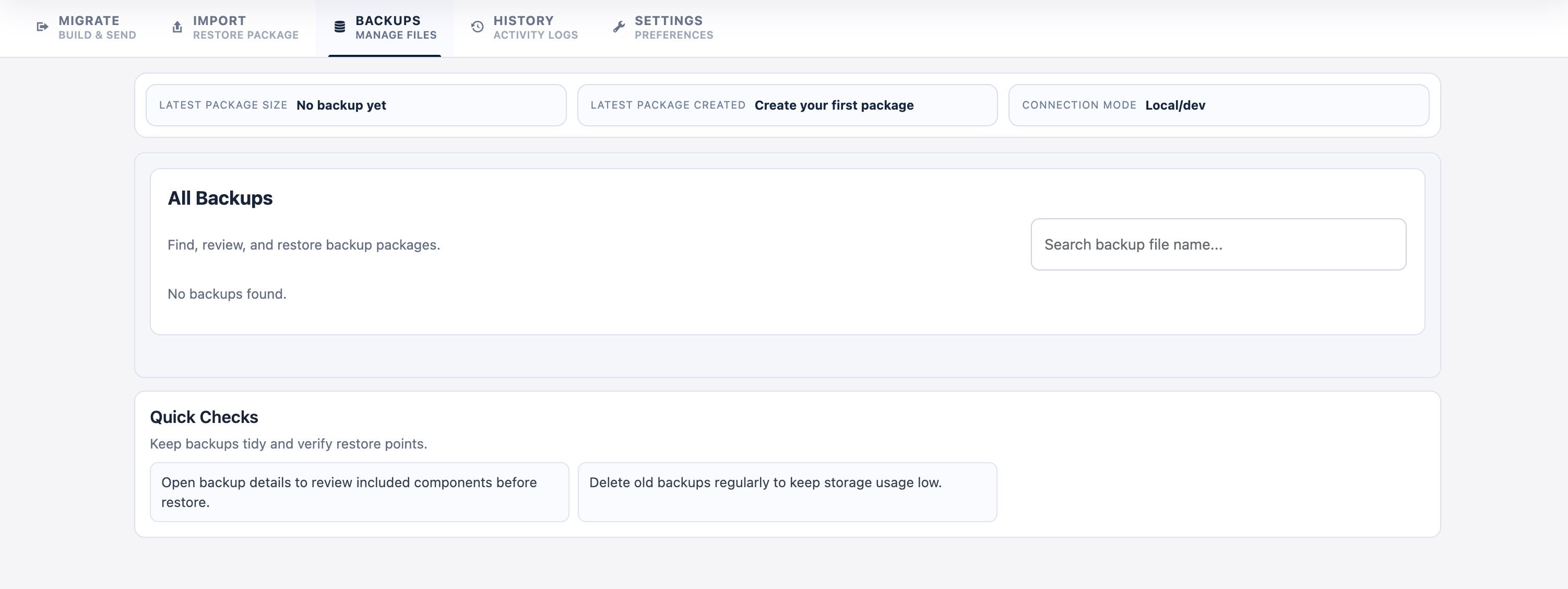
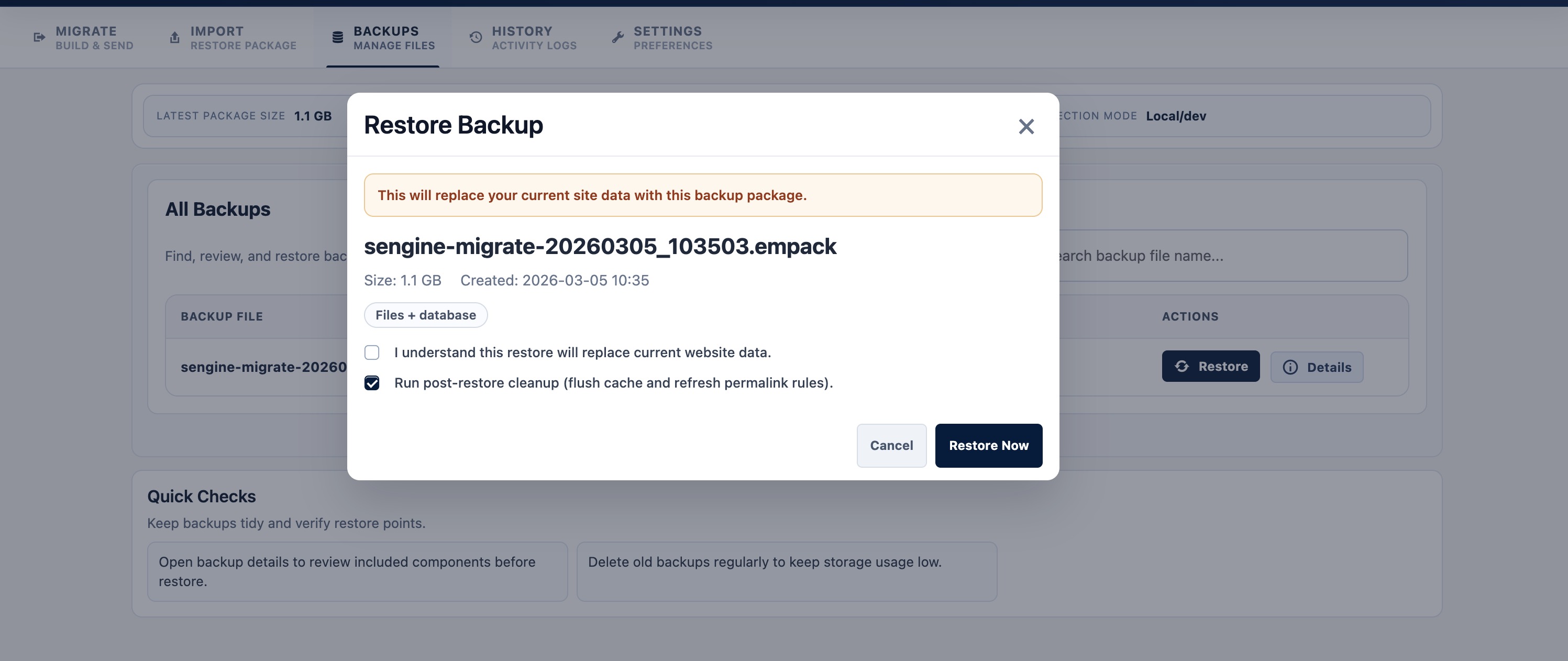
- Restore backups from the Backups tab
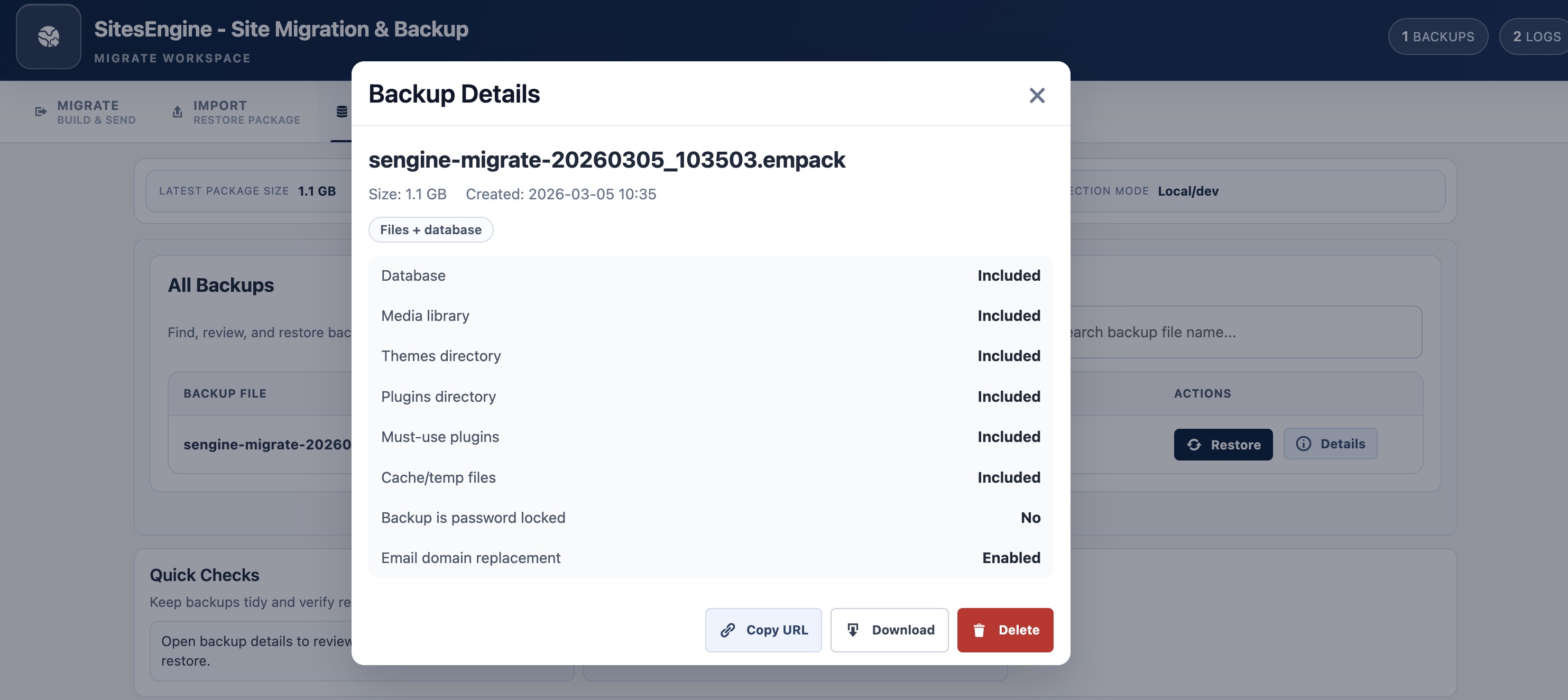
- Backup details view with included components and status
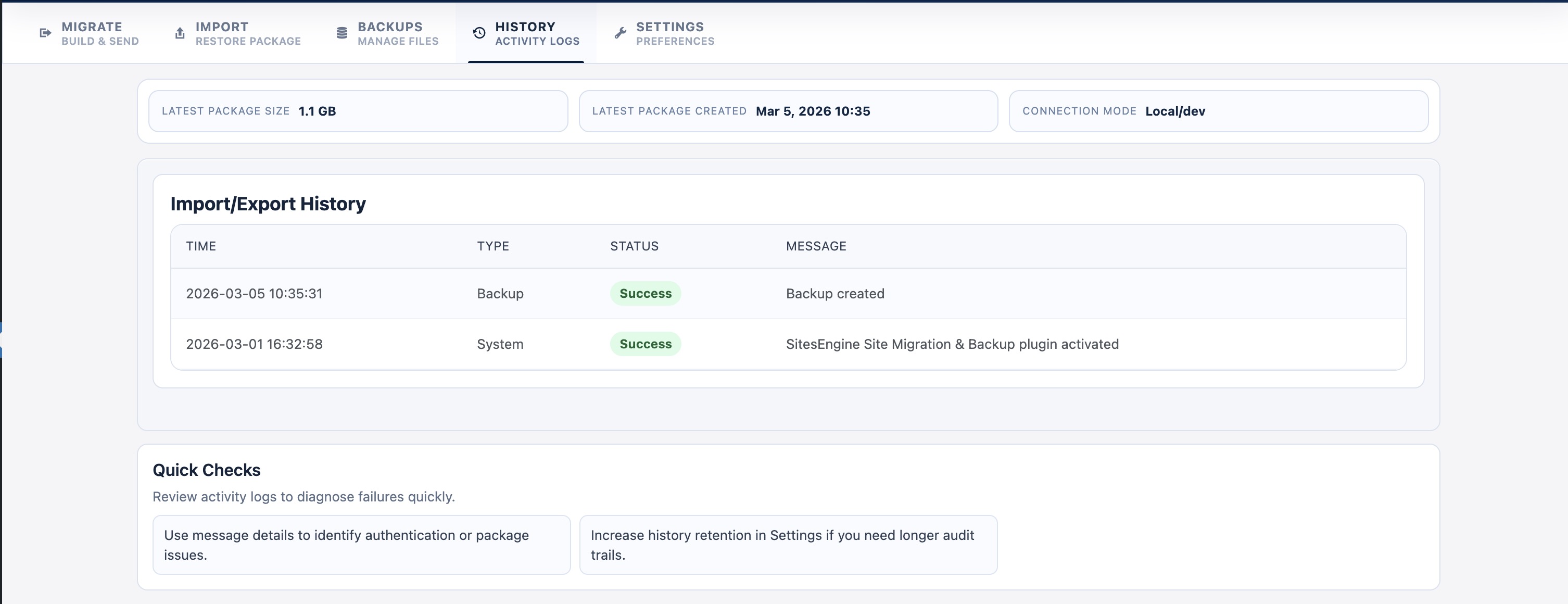
- Built-in activity history for backup/import/restore actions
- Optional package password protection
- Optional exclusions for database/content components
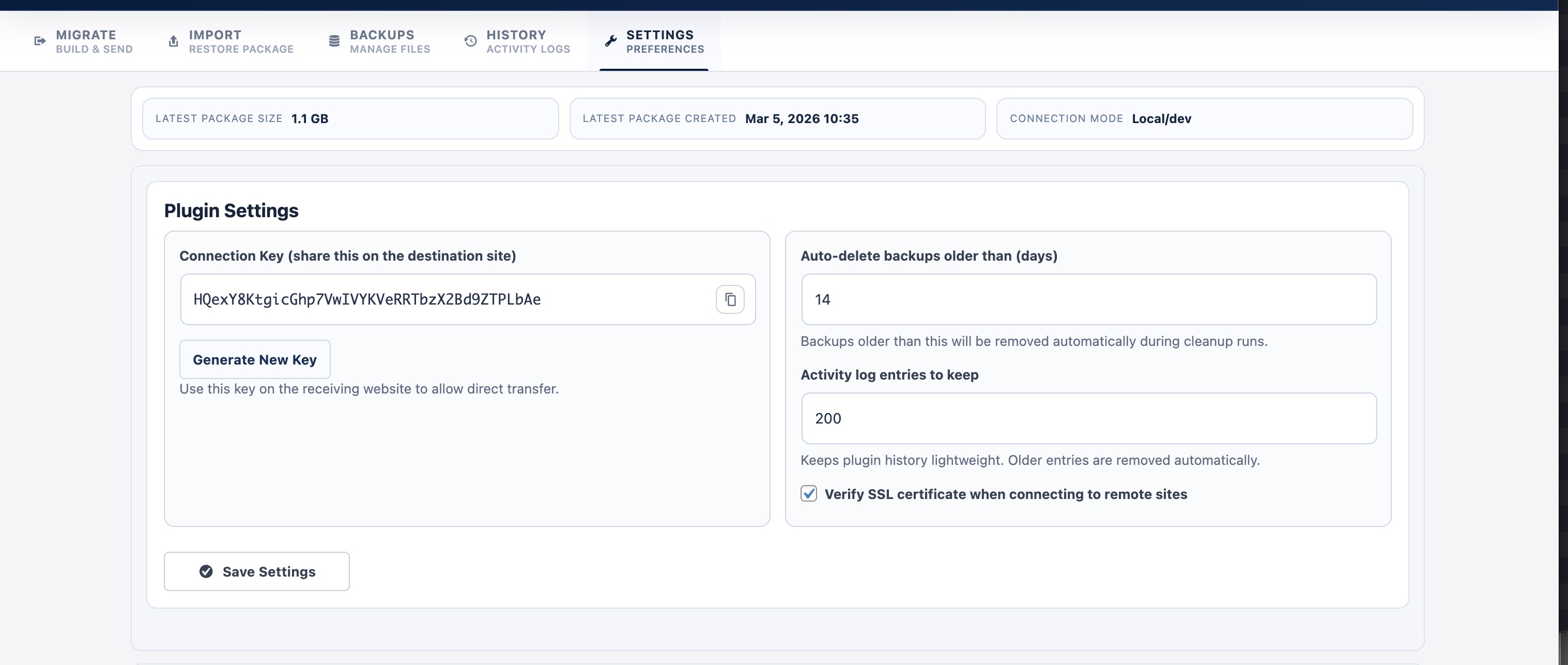
- Automatic cleanup policy for older backups
- Build a package on the source website.
- Transfer by URL + destination key, or download and import on destination.
- Confirm migration and monitor live progress.
- Restore and finalize automatically.
- Hosting migrations
- Domain changes
- Staging-to-production and production-to-staging workflows
- Recovery from failed updates
- Pre-deployment safety backups
安装:
- Upload the plugin folder to
/wp-content/plugins/or install from the WordPress Plugins screen. - Activate SitesEngine Site Migration & Backup.
- Open SE Migration from the WordPress admin menu.
- Go to the Migrate tab to create your first package.
屏幕截图:
常见问题:
What is a .empack file?
.empack is the backup package format used by this plugin. It stores your migration package for import and restore workflows.
Can I migrate directly from one live website to another?
Yes. Use the Send Package to Another Website section with the destination URL and destination connection key.
Why is direct URL migration disabled on local/dev sites?
For local/dev environments, direct URL transfer is blocked by design. Use file export/import instead.
Does this plugin replace the site URL automatically after restore?
Yes. The restore flow updates destination URLs and finalizes key site settings as part of migration.
Can I import a password-protected backup?
Yes. If a package is locked, enter the package password during import.
Can I exclude parts of the site from backup?
Yes. You can exclude selected files/directories and database components from package creation.
Where are backups stored?
Backups are stored in a dedicated folder under wp-content created by the plugin.
Can I delete old backups automatically?
Yes. Configure backup cleanup retention in Settings.
Is this multisite compatible?
Current release is designed for standard single-site WordPress installs.
更新日志:
- Initial public release.
- Package-based backup and restore workflow with
.empackformat. - Import by file and remote URL.
- Direct migration via destination connection key.
- Backup index, details modal, and activity history.
- Security hardening and WordPress.org compliance updates.