SiteStats Analytics - Google Analytics, Bing Webmaster & Search Console
| 开发者 | quicksnail |
|---|---|
| 更新时间 | 2026年6月26日 11:17 |
| PHP版本: | 7.0 及以上 |
| WordPress版本: | 7.0 |
| 版权: | GPLv2 or later |
| 版权网址: | 版权信息 |
详情介绍:
WordPress Analytics Plugin with GA4, Search Console & Bing
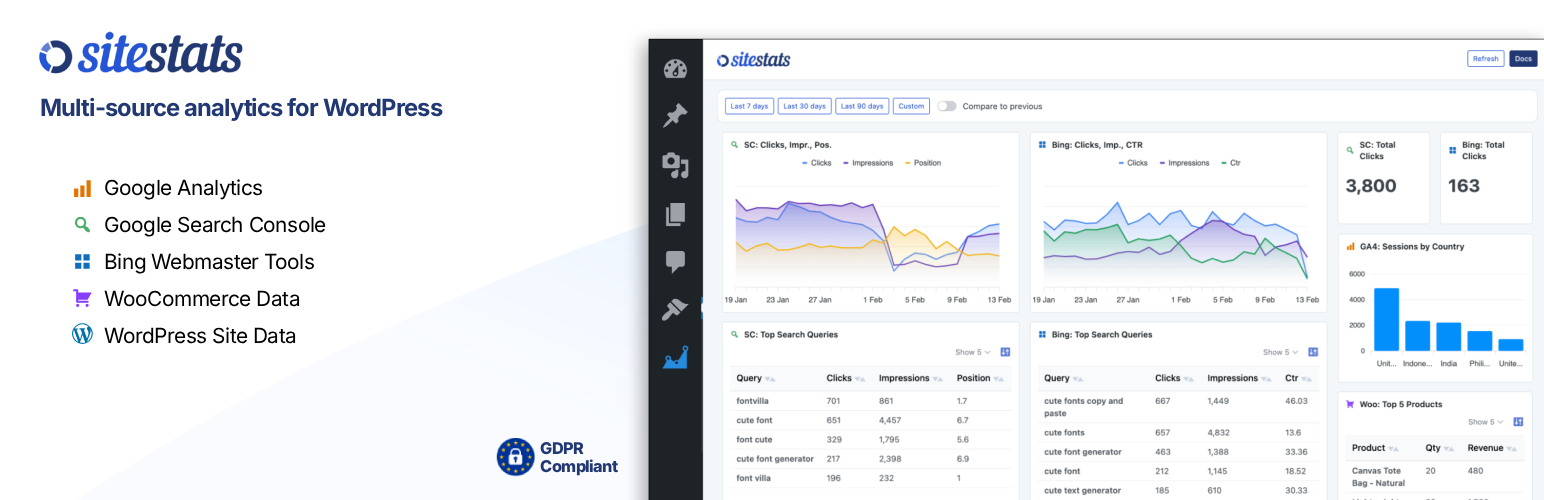
Drag-and-drop WordPress analytics dashboard that combines data from Google Analytics, Search Console, Bing, WordPress, WooCommerce & others.
https://youtu.be/tZ2-8bW5-fA
SiteStats Analytics provides a unified analytics dashboard directly in your WordPress admin.
Instead of jumping between multiple external tools, SiteStats lets you view key metrics from Google Analytics, Google Search Console, Bing Webmaster Tools, WooCommerce & WordPress itself in one place with flexible charts, KPIs and tables.
Built for site owners, developers and agencies who want fast insights without unnecessary complexity.
Analytics Dashboard Key Features
- Customizable dashboard
- Drag-and-drop modules
- Line charts, bar charts, tables and KPI cards
- Google Analytics (GA4) integration
- Sessions, users, traffic sources and more
- Google Search Console integration
- Search queries, clicks, impressions and CTR
- Bing Webmaster Tools integration
- Search queries, clicks, impressions and CTR
- WordPress analytics
- New posts, new users, comments and publishing activity
- WooCommerce analytics
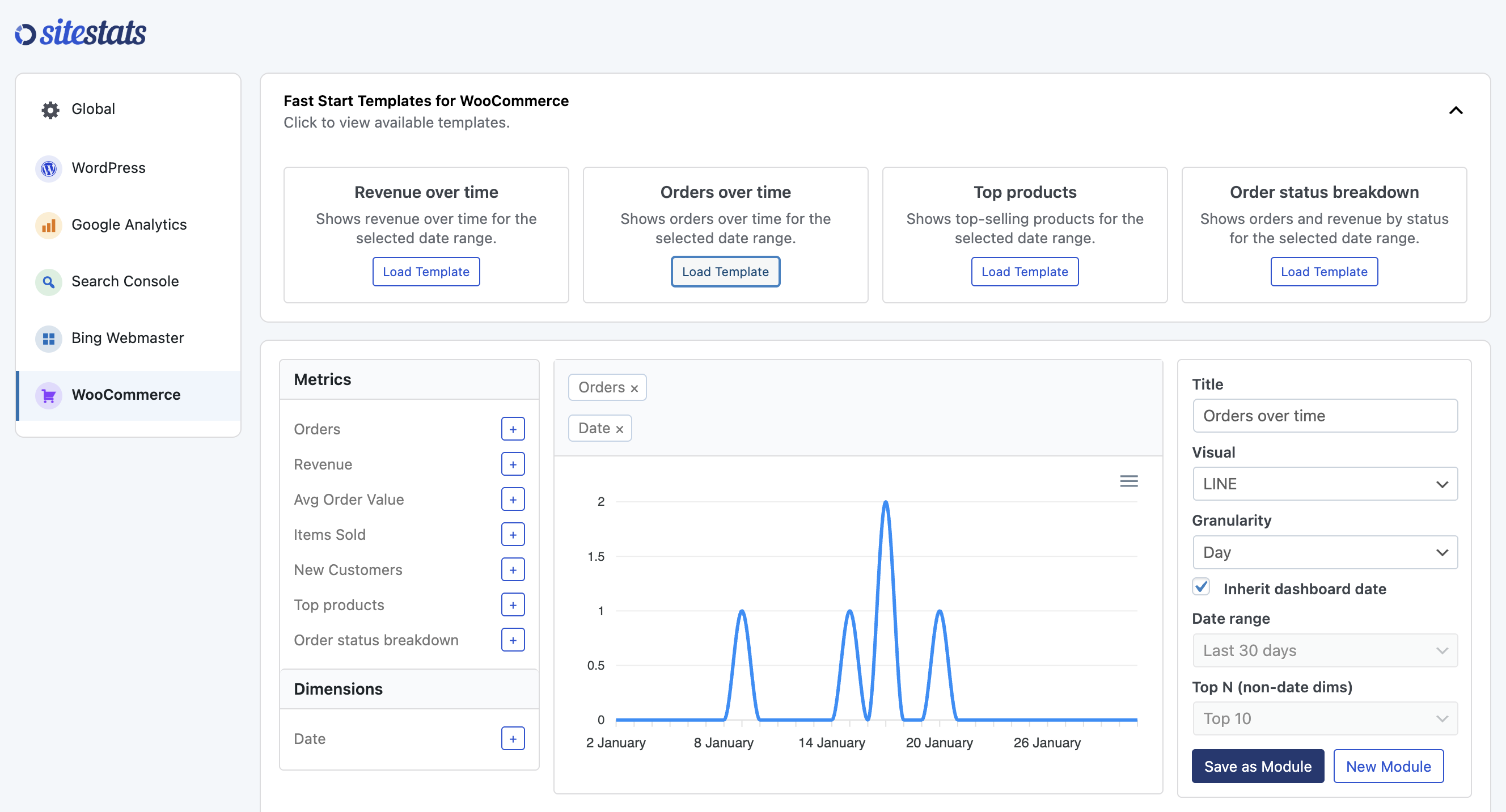
- Revenue, orders, top products, order status & more
- Flexible date ranges
- Presets like last 7/30/90 days
- Custom date selection
- Role-based access
- Control who can view dashboards and manage settings
- Performance-conscious
- Server-side query limiting
- Built-in caching for analytics queries
- Bing search queries
- Clicks from Bing search
- Impressions in Bing
- Click-through rate (CTR)
- Average position in Bing results
- Search queries
- Total clicks
- Impressions
- Average position
- Click-through rate (CTR)
- Google Analytics (GA4)
- Google Search Console
- Bing Webmaster Tools
- WordPress core activity
- WooCommerce
- Additional connectors (Pro)
安装:
Using the WordPress Dashboard
- Navigate to “Add New” in the Plugins dashboard
- Search for “SiteStats Analytics”
- Click “Install Now”
- Activate the plugin from the Plugins dashboard
- Go to SiteStats > Settings to begin setup
- Download “sitestats-analytics.zip” to your computer
- Navigate to “Add New” in the Plugins dashboard
- Click “Upload Plugin”
- Select “sitestats-analytics.zip” from your computer
- Click “Install Now”
- Activate the plugin from the Plugins dashboard
- Go to SiteStats > Settings to begin setup
- Download the SiteStats Analytics ZIP file
- Extract the ZIP file to your computer
- Upload the “sitestats-analytics” directory to the
/wp-content/plugins/directory - Activate the plugin from the Plugins dashboard
- Go to SiteStats > Settings to begin setup
屏幕截图:
常见问题:
Does this plugin track visitors?
No. SiteStats does not add any tracking scripts to your site. It only reads data from services you already use, such as Google Analytics.
Do I need Google Analytics to use this plugin?
No. The plugin works with WordPress data alone. Google Analytics and Search Console are optional.
Is my data stored externally?
No analytics data is sent to third-party servers. Data is fetched directly from Google APIs and cached locally in WordPress.
Can I limit access to certain users?
Yes. You can choose which WordPress roles can view dashboards or manage settings.
Does this support multisite?
Multisite is supported. Each site maintains its own analytics configuration.
更新日志:
1.5.3
- Add extra text descriptions to analytics templates
- Fix issue with KPIs only showing value from first date
- Fix new menu links not going to correct page
- Properly label templates with connector name at start
- Add new Google Analytics sessions v duration starter module
- More UI updates
- Add templates for Search Console, Bing Webmaster Tools and Google Analytics
- Add active connectors to WordPress menu
- Style Search Console & Bing Webmaster Tools line charts with SC colors
- Adjust default sizing on analytics dashboard
- Fix issue with legend breaking into columns when comparing dates
- Add onboarding wizard
- Minor UI updates
- Big UI changes and cleanup
- Update line.js to allow multi y-axis values
- Update date preset ranges
- Add Bing Webmaster Tools as connector to allow Bing Analytics
- Reinstate missing site selector
- Add first 4 templates for WooCommerce connector
- Styling tweaks
- Add first 4 templates for WordPress connector
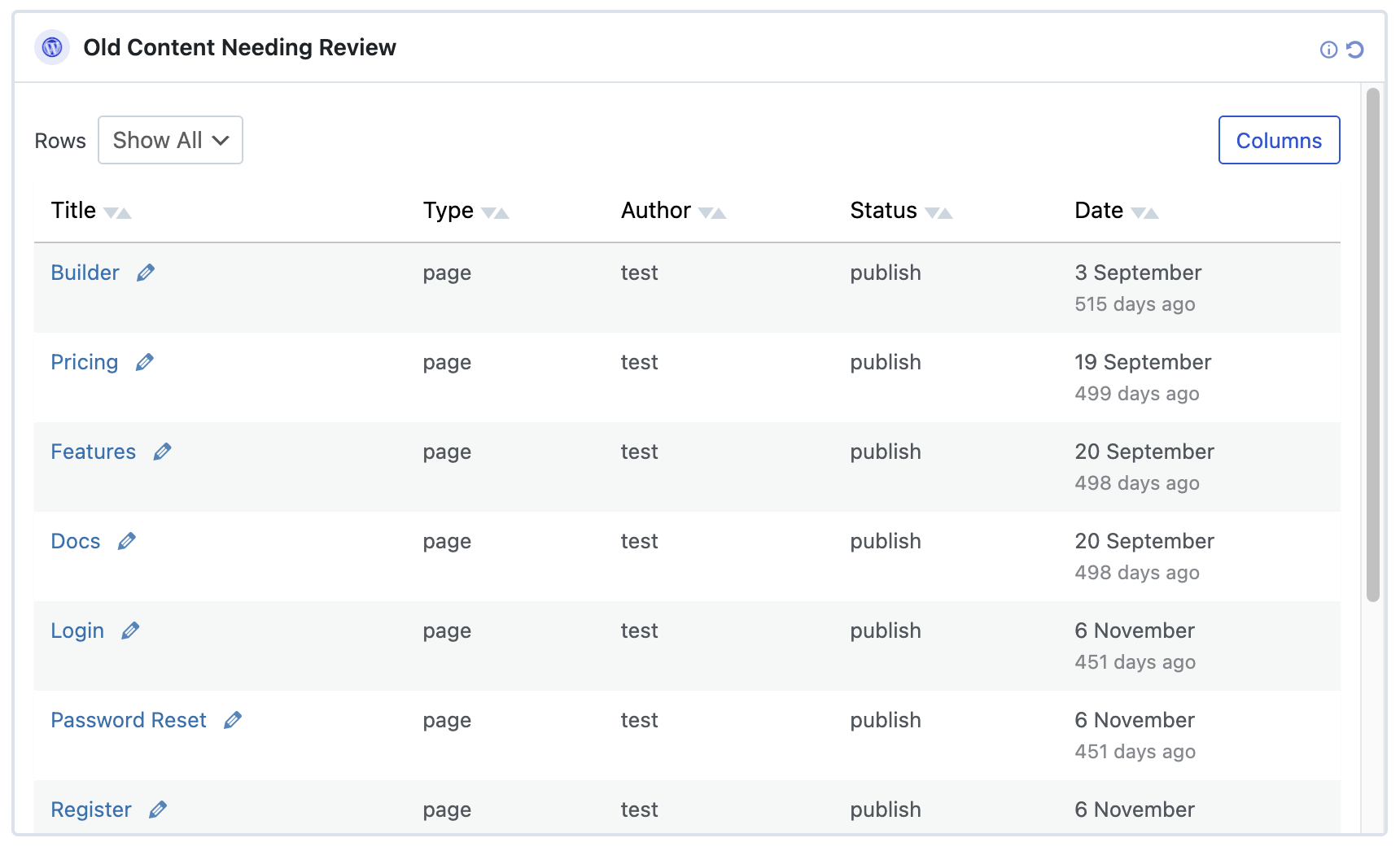
- Functionality updates to tables - add sorting, add columns removal option, limit rows option
- Major styling updates within analytics module builder
- Added broker-side logging for Google connection lifecycle events (connect, refresh, disconnect). Improves auditing, reliability, and support diagnostics. No Google data or credentials are stored
- Styling updates
- Readme updates to include External Services
- Remove REST route used for debugging
- Styling updates
- Initial public release
- Google Analytics (GA4) connector
- Google Search Console connector
- WordPress analytics connector
- Custom dashboard builder
- Role-based permissions