SK ePaper Manager
| 开发者 | shrikantgaur |
|---|---|
| 更新时间 | 2026年11月8日 10:46 |
| PHP版本: | 7.4 及以上 |
| WordPress版本: | 7.1 |
| 版权: | GPLv2 or later |
| 版权网址: | 版权信息 |
详情介绍:
安装:
- Upload the plugin to
/wp-content/plugins/sk-epaper-manageror install through the Plugins screen. - Activate SK ePaper Manager from the Plugins screen.
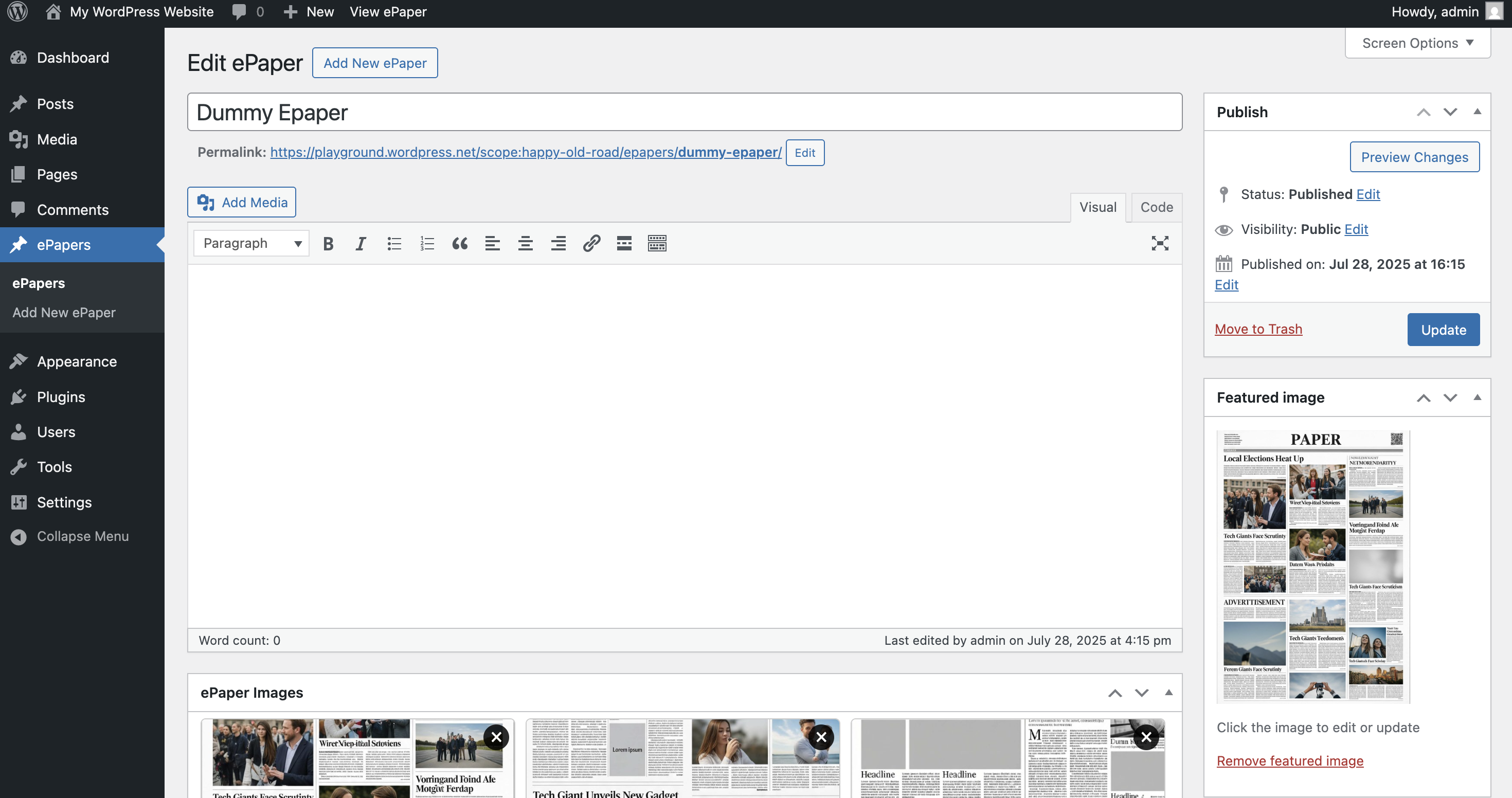
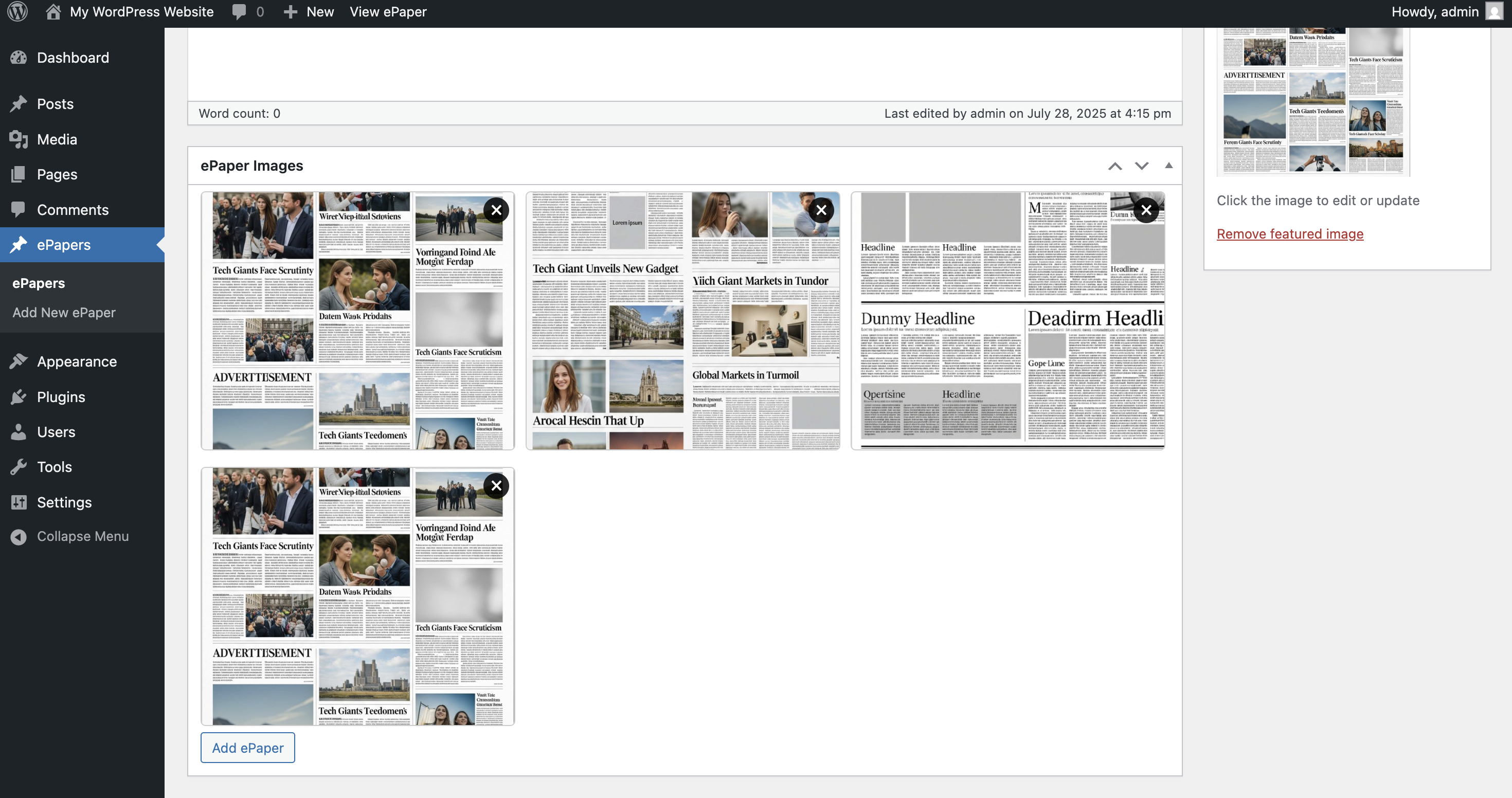
- Use the ePapers menu in your dashboard to create and manage ePaper editions.
屏幕截图:




常见问题:
Can readers share a single page?
Yes. Turn on the share bar under ePapers > Settings > Sharing. Readers can share the page they are on to WhatsApp, Facebook or X, copy the link, or use their phone's share menu. Choose whether the buttons appear in the reader toolbar, under the reader, or both. Edition cards in the archive get a share button too, for sharing a whole edition.
Every shared link opens the edition on that page: /epapers/{edition}/p/5/ (or ?epage=5 on sites without pretty permalinks). As readers turn pages, the address bar follows along, so a bookmark or a copied URL also points to the right page.
Does the plugin send any data anywhere?
No. Share buttons are ordinary links: nothing from WhatsApp, Facebook or X loads until a reader clicks one. The "Request a Feature" and "Early Access" links in the admin simply open a web page; the plugin itself never sends anything.
I use Yoast SEO / Rank Math. Will I get duplicate Open Graph tags?
No. The plugin skips its own Open Graph tags when Yoast SEO, Rank Math, All in One SEO, SEOPress, The SEO Framework or Jetpack is adding them. You can also switch them off under Settings > Sharing.
Can I try it before installing?
Yes. Open the live demo (or use the Live Preview button on this page). It opens a temporary WordPress site with sample editions already loaded, and disappears when you close the tab. Once installed, ePapers > Getting Started can create the same sample editions on your own site, and remove them again in one click.
Does it support PDF files?
Yes. Upload images, PDFs, or a mix of both in one edition. Under Settings > PDF Rendering you can choose how PDFs are shown:
- Browser embed - the browser's own PDF viewer.
- Page images (recommended) - WordPress generates a page image for each PDF, so zoom, printing, swiping and lazy loading behave exactly like an image edition.
How are view counts calculated?
A view is counted when a reader opens an edition, not when it appears in the archive list.
- The same reader opening the same edition again within 24 hours counts once, so refreshing does not inflate the number.
- Known search engine crawlers and bots are ignored.
- Counting happens through a small background request, so it keeps working on sites with full page caching.
- Counts are per edition, not per page. Turning pages inside an edition adds nothing.
My view counts dropped after updating. Why?
They are more accurate now. Before 2.0.0 every page load counted, including bots, crawlers and the same reader refreshing. Your historical totals are untouched, but the numbers grow more slowly from here.
Does turning off the Download button stop people downloading pages?
No. That setting hides the toolbar button, but the uploaded images and PDFs still live in your normal WordPress uploads folder and stay reachable at their direct URLs. Genuinely restricting access needs protected file delivery, which is planned for a future release. If you need it today, put access rules on your uploads directory at the web server level.
Where are my ePapers displayed?
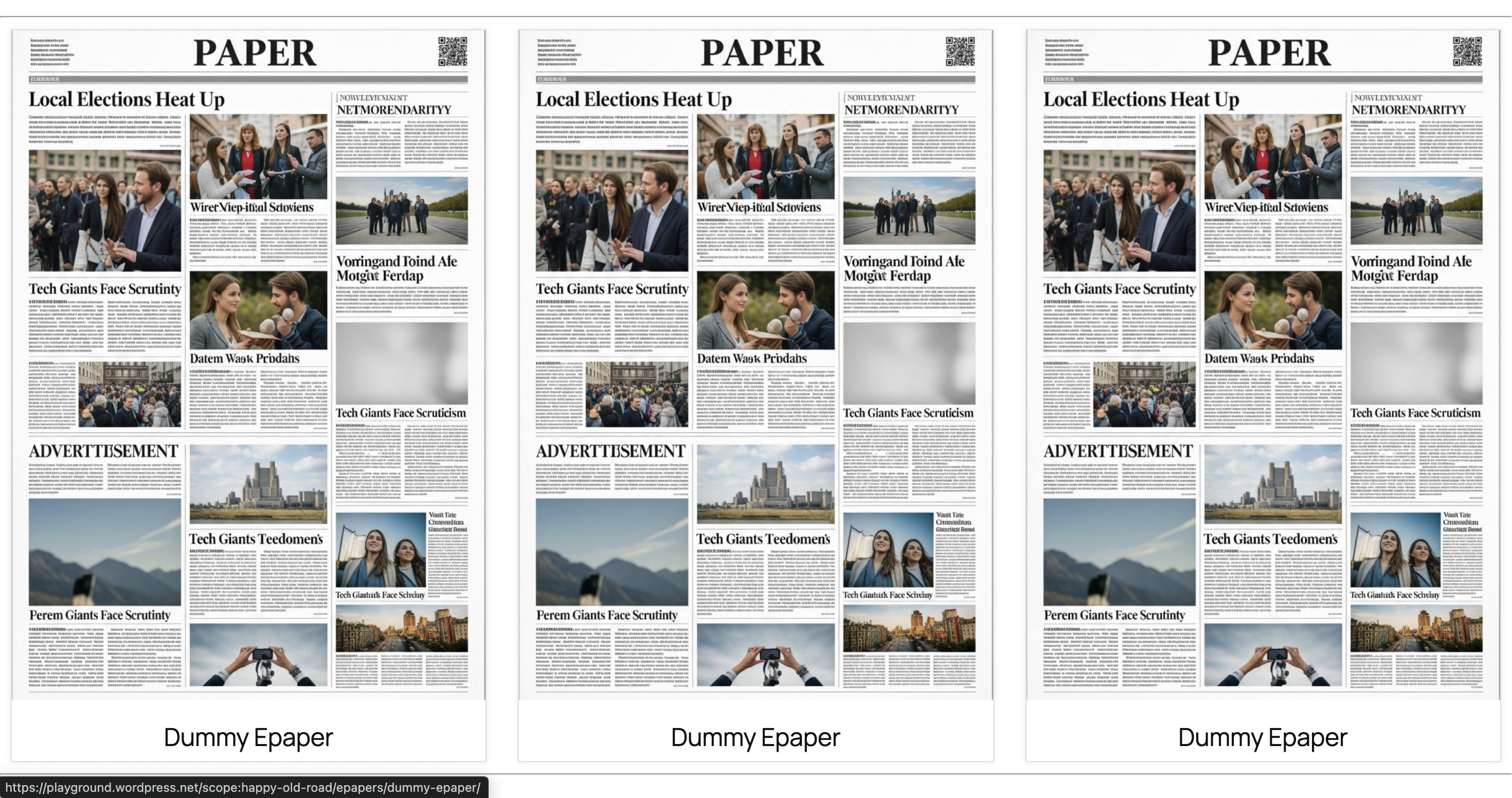
- Archive:
/epapers/ - Single edition:
/epapers/{edition-name}/ - By city or region:
/epaper-edition/{edition-slug}/ - By language:
/epaper-language/{language-slug}/
Can I embed an edition in Elementor, Divi or a normal page?
Yes. Use [sk_epaper id="123"] for the reader or [sk_epaper_archive count="6"] for a grid. In the block editor, search for ePaper to insert the same thing as a block.
Can I change the layout?
Copy a template into your theme and the plugin will use yours instead:
yourtheme/sk-epaper/single-epaper.phpyourtheme/sk-epaper/archive-epaper.php
The reader does not line up with the rest of my theme.
Set Settings > Content Width to your theme's content width, or to 0 to remove the limit and let your theme's own container decide.
Will it slow my site down?
The plugin's CSS and JavaScript load only on pages that actually show an ePaper. Inside an edition, pages load as the reader reaches them rather than all at once, and archives are paginated.
What happens to my editions if I delete the plugin?
Nothing is removed unless you opt in first, under Settings > On Uninstall. Even then, only plugin settings and stored ePaper data are deleted - your ePaper posts and uploaded media are always left alone.
I am upgrading from 1.x. Will anything break?
No. Editions, settings, permalinks and shortcodes are unchanged and upgrade automatically. Two things change visibly: view counts grow more slowly because bots and repeat visits no longer count, and the archive is paginated at 24 editions per page, which you can change in Settings.
更新日志:
- Added share buttons for WhatsApp, Facebook, X and copy link, plus the device share menu on phones. Readers share the exact page they are on.
- Added a Share button in the reader toolbar, alongside the bar under the reader. Choose toolbar, below, or both under Settings > Sharing.
- Added a share button on edition cards in the archive and the "More Editions" row, so readers can pass on a whole edition without opening it. Can be switched off under Settings > Sharing.
- Share buttons are plain links with inline icons. No third-party scripts, SDKs or tracking are loaded.
- New installs start with sharing on. Sites updating from 2.0 keep it off until an administrator turns it on, using a one-time notice or the setting. Page links
-
Every page of an edition has its own link:
/epapers/{edition}/p/5/, or?epage=5without pretty permalinks. - The reader opens on the linked page, and the address bar follows as pages are turned, without adding browser history entries.
- Out-of-range page numbers open the nearest valid page instead of breaking.
- Page links keep working on sites with full page caching. Link previews
- Added Open Graph tags on single editions, so shared links show the shared page as the preview image. Skipped automatically when Yoast SEO, Rank Math, All in One SEO, SEOPress, The SEO Framework or Jetpack adds its own. The canonical URL stays the edition's main permalink. Admin
- Added a "Request a Feature" link in the ePapers menu and on the Getting Started screen.
- Added an "Early Access to Pro" card on the Getting Started screen.
- Added a one-time, dismissible prompt asking for feedback, shown only after the plugin has been in use for a week. It can be snoozed or dismissed for good. Fixes
- The reader toolbar now stays at the top of the screen while scrolling through a long page, as intended in 2.0. Developers
-
New filters:
sk_epaper_show_review_notice,sk_epaper_feature_request_url,sk_epaper_early_access_url,sk_epaper_output_og_tags. - New constants:
SK_EPAPER_FEATURE_REQUEST_URL,SK_EPAPER_EARLY_ACCESS_URL.
- Pages now load on demand instead of all at once. A 24 page edition no longer pushes every full size image (or every PDF iframe) on first paint.
- Embedded viewers below the fold wait until they are approaching the viewport before loading anything.
- Plugin CSS and JavaScript now load only on pages that actually show an ePaper, instead of on every page of the site. Reader
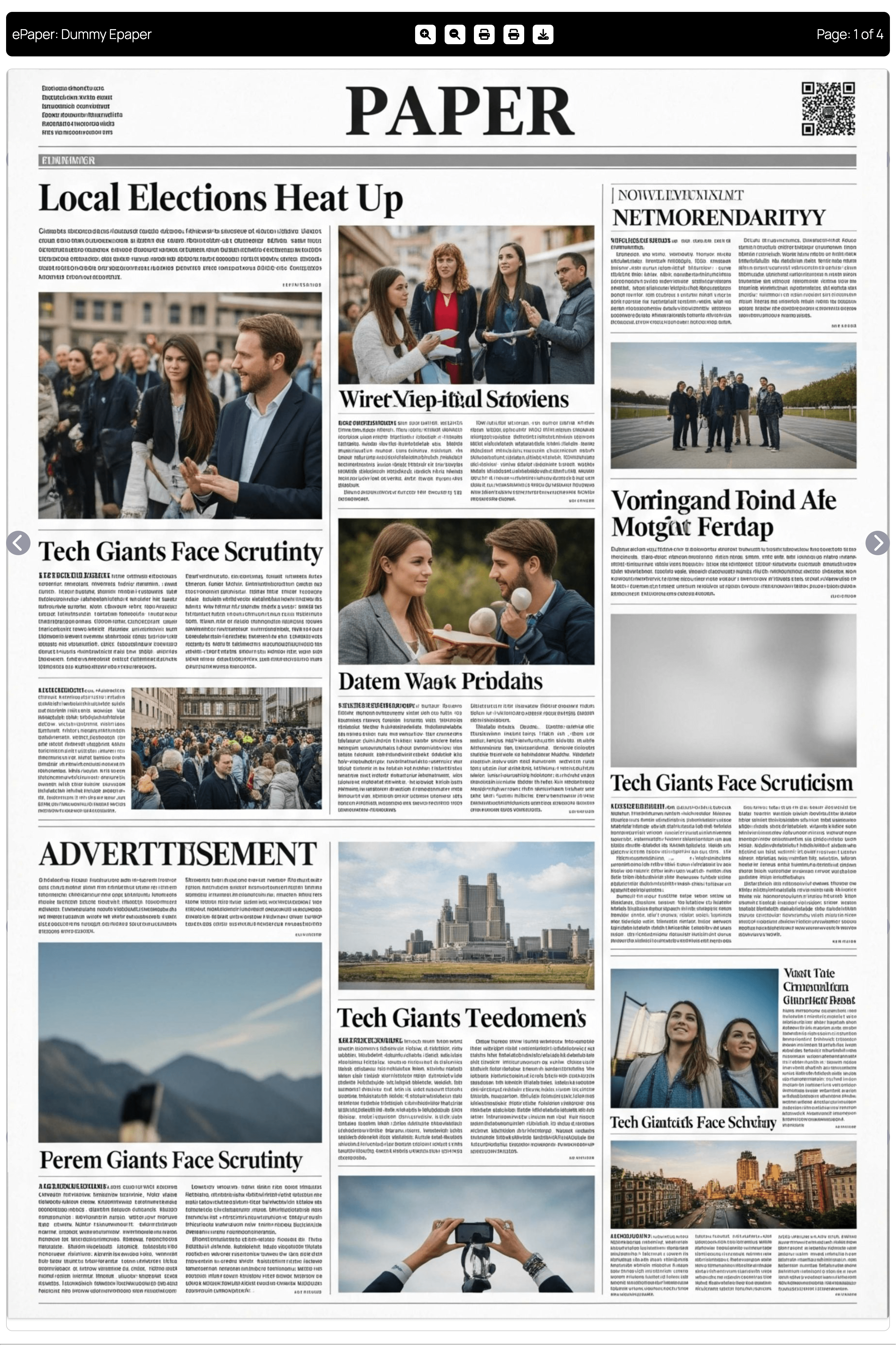
- Added a page thumbnail strip below the reader for jumping straight to a page.
- Added an optional PDF.js rendering mode for real zoom and text selection on PDF editions (requires the PDF.js library in assets/vendor/pdfjs/; falls back to the browser embed otherwise). View counting
- Rewritten to run through a REST beacon with a noscript pixel fallback, so counts keep working behind full page caching, where the old template based counter silently stopped.
- Repeat views from the same visitor now collapse over a 24 hour window and known bots are filtered out. Existing totals are preserved, but the counter will grow more slowly from now on because the numbers are closer to reality.
- Counting no longer writes to the database on every single page view. Archive
- Added filters on the ePaper archive: search, Edition, Language, month and an exact edition date.
- The date picker only offers days that actually have an edition, and never a future date.
- Search now also matches Edition and Language names and page labels, not just the title and content.
- Editions and Languages on a card are clickable badges that filter the archive.
- Cards show the whole page at A4 proportions and the entire card is one link. Related editions
- Added a "More Editions" row under the reader, matched first by Edition, then Language, then most recent. Admin
- Added a Getting Started screen with a step-by-step guide, a shortcode reference and an explanation of how view counts work.
- Added one-click sample content: three demo editions with labelled pages, drawn on your own server, removable in one click.
- Added an edition date range filter to Analytics.
- Added per-page labels, so pages can be named Front Page, City, Sports and so on.
- Settings are laid out in two columns with a sticky save bar.
- Added a Content Width setting so the reader and archive line up with your theme, plus a
sk_epaper_content_max_widthfilter. - Added a Thumbnail Position setting: below the reader, or a rail on the left or right. Editor and blocks
- Added "ePaper Viewer" and "ePaper Archive" blocks. Both render through the same code as the shortcodes, and both shortcodes continue to work unchanged.
- ePapers are now exposed through the REST API for blocks and headless use.
- Existing sites keep the classic editor for ePapers. New sites start on the block editor, and either can switch under ePapers > Settings. Accessibility
- Navigation arrows are real buttons with labels and keyboard focus instead of decorative divs.
- Added a live region for the page counter, visible focus outlines, and reduced motion support. Admin
- Settings now run through the WordPress Settings API with per field sanitisation.
- Added settings for archive page size, lazy loading, thumbnails, PDF mode, editor choice, and uninstall behaviour. Housekeeping
- Restructured the plugin into classes under includes/. Every function that existed as a global in 1.2.x is still defined and still hooked under the same name, so existing remove_action() and remove_filter() calls keep working.
- Themes can now override the plugin templates by copying them to yourtheme/sk-epaper/.
- Added uninstall.php. It deletes nothing unless you opt in first, and never touches ePaper posts or uploaded media.
- Completed internationalisation: post type labels, the viewer chrome, and admin JavaScript strings are all translatable, with a Domain Path header.
- Added a batched, resumable data migration so sites with thousands of editions upgrade without timing out.
- Added phpcs configuration and a GitHub Actions workflow covering PHP 7.4/8.1/8.3.
- Fixed: ePaper archive and taxonomy pages loaded every edition in a single query (
posts_per_page = -1), which could exhaust memory on sites with many editions. Archives are now paginated through the main query (default 24 per page, configurable in Settings). - Fixed: Editions with no recorded views were missing from the Analytics table because the query required the views meta key to exist.
- Added: View counter meta is now initialised when an ePaper is published.
- Fixed: Arrow-key navigation affected every viewer on pages with multiple
[sk_epaper]shortcodes, and fired while typing in form fields. - Fixed: "Print All Pages" could silently do nothing or print blank pages; printing now waits for images to finish loading.
- Fixed: Print iframes were left in the DOM after every print.
- Fixed: The meta box save routine now runs only for the ePaper post type, skips revisions, and validates that submitted IDs are real attachments.
- Changed: Deactivation no longer unregisters the post type and taxonomies; it only flushes rewrite rules.
- Housekeeping: Added the
SK_EPAPER_VERSIONconstant for asset versioning.
- Added Drag-and-Drop page reordering in Admin metabox via jQuery UI Sortable.
- Added "Editions" and "Languages" custom taxonomies for multi-city/language management.
- Added custom Edition Date picker meta field.
- Added shortcodes
[sk_epaper]and[sk_epaper_archive]for page builder embedding. - Added View Counter (
_sk_epaper_views) and custom columns in Admin post list table.
- Fixed PDF upload visibility in admin edit screen metabox.
- Fixed frontend JavaScript error when displaying PDF attachments in ePaper viewer.
- Fixed direct file access protection in template files to prevent security issues.
- Updated "Tested up to" to 7.0 (current WordPress version).
- Updated PHP requirements to 7.4.
- Fixed Dashicons for zoom and print buttons on frontend.
- Updated template files for WordPress 6.9 compatibility.
- Minor UI improvements.
- Replaced all Font Awesome icons with WordPress Dashicons.
- Fixed minor UI issues for single ePaper template.
- Updated slider arrows to use Dashicons.
- General code and template improvements.
- Added sidebar to single ePaper template
- UI improvements and minor fixes
- Updated plugin header and readme stable tag for WordPress.org compliance
- Added local Font Awesome to replace CDN
- Fixed escaping output issues
- Prefixed global variables in templates
- Other minor code improvements
- Initial release — custom post type, image upload, archive and single templates.