Skyspeed - Image Optimizer, WebP & AVIF Converter
| 开发者 | jackieriel |
|---|---|
| 更新时间 | 2026年6月11日 19:45 |
| PHP版本: | 6.7 及以上 |
| WordPress版本: | 7.0 |
| 版权: | GPLv2 or later |
| 版权网址: | 版权信息 |
详情介绍:
Skyspeed is a robust, enterprise-grade image optimization solution designed to make your WordPress site lighter and faster without sacrificing visual quality.
Unlike other plugins that bloat your dashboard with upsells, Skyspeed is focused purely on performance. It automatically intercepts every image you upload, resizes it to a sane maximum width, and converts it to modern, high-compression formats like AVIF and WebP.
🚀 Key Features
- Smart Format Selection: Automatically checks if your server supports AVIF (the newest, most efficient format). If not, it falls back to WebP, and finally to the original format if needed.
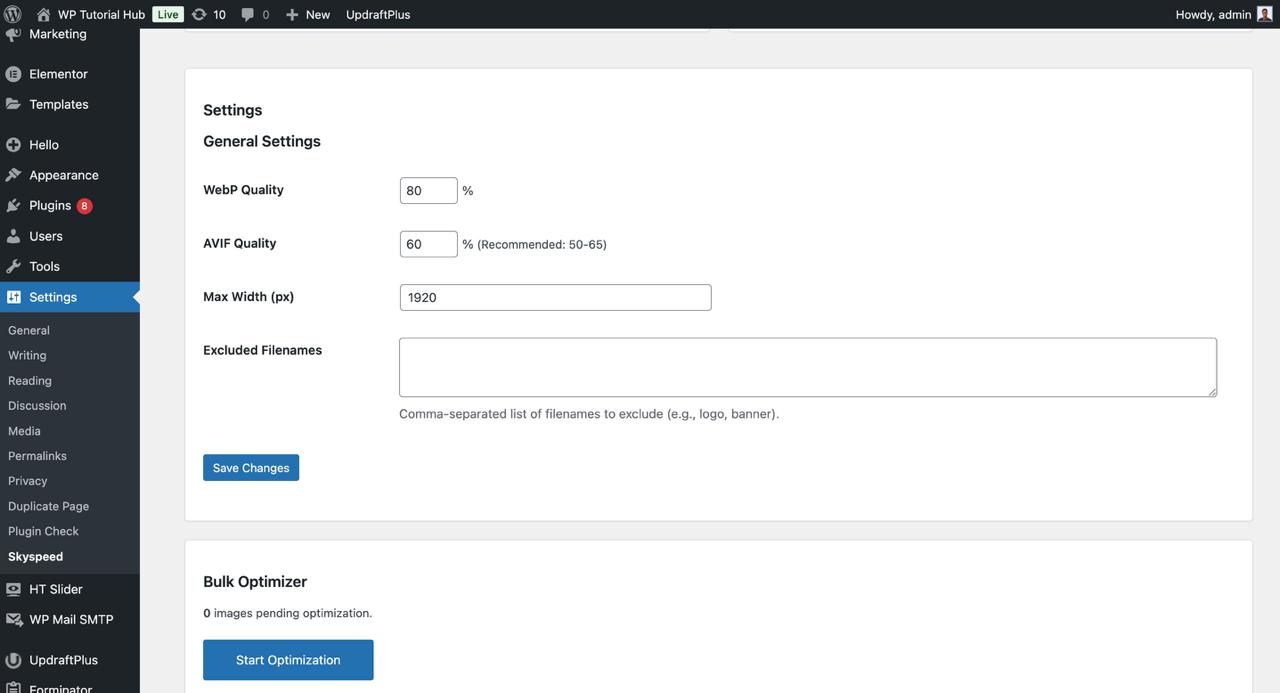
- Intelligent Resizing: Automatically resizes massive uploads (e.g., 6000px wide photos from phones) to a web-ready Max Width (default: 1920px), saving megabytes instantly.
- Safety First (Automatic Backups): We care about your data. Every original image is safely backed up to a dedicated folder (
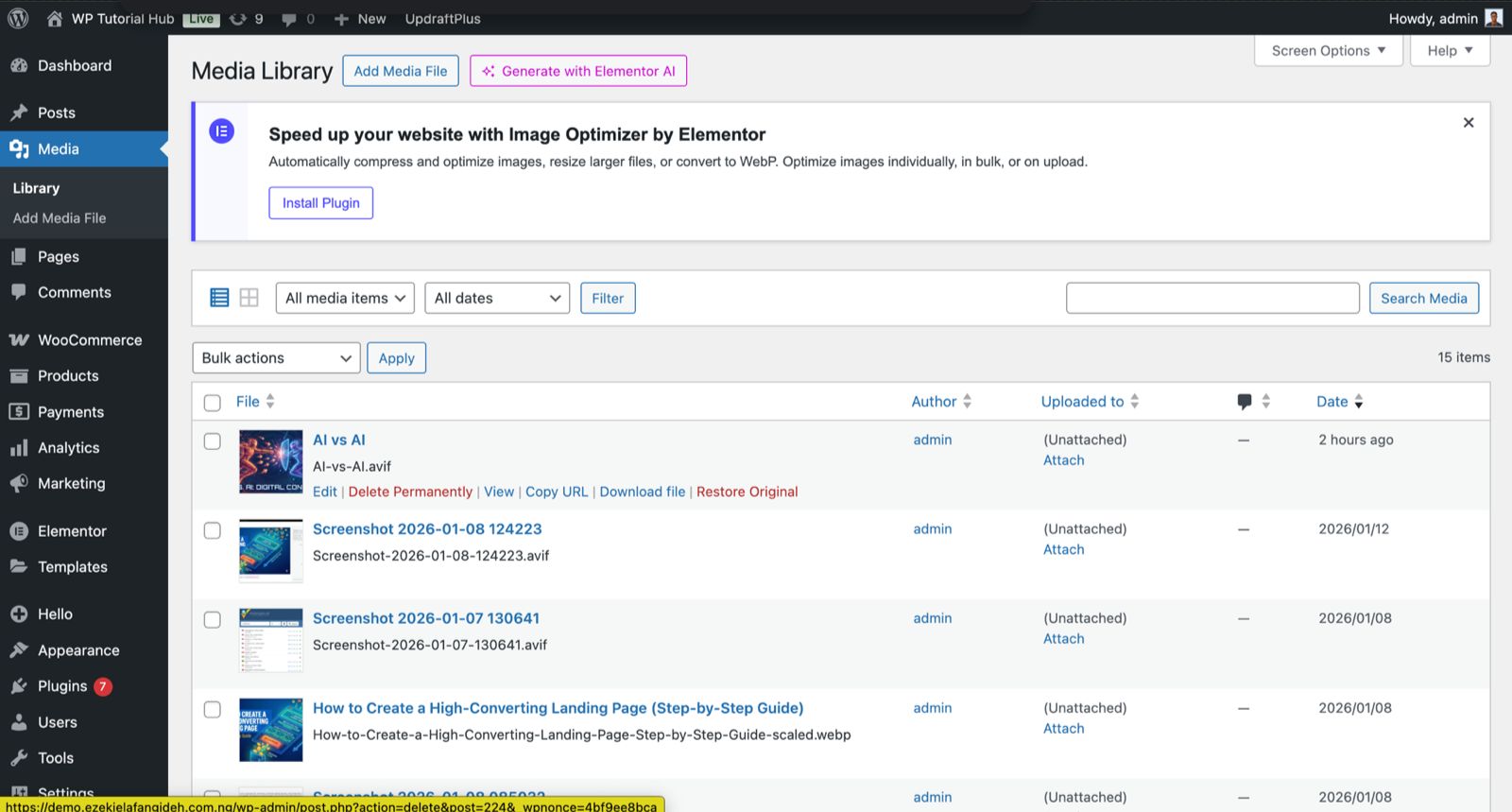
uploads/original-backups/) before any optimization occurs. - One-Click Restore: Made a mistake? Hover over any image in the Media Library and click "Restore Original" to revert instantly.
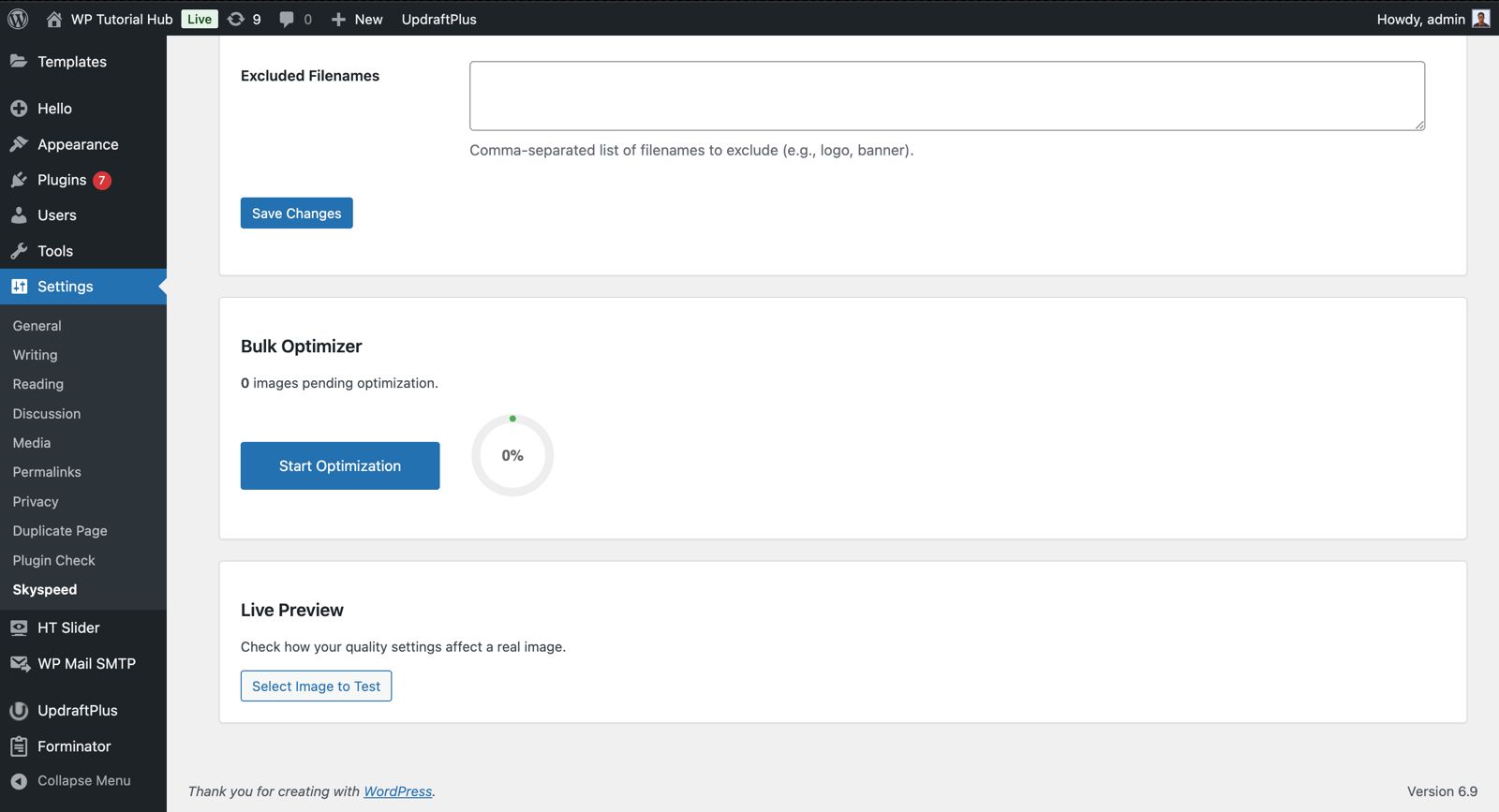
- Bulk Optimizer: Process your entire existing media library in the background with our AJAX-powered batch processor. Includes a sleek circular progress bar!
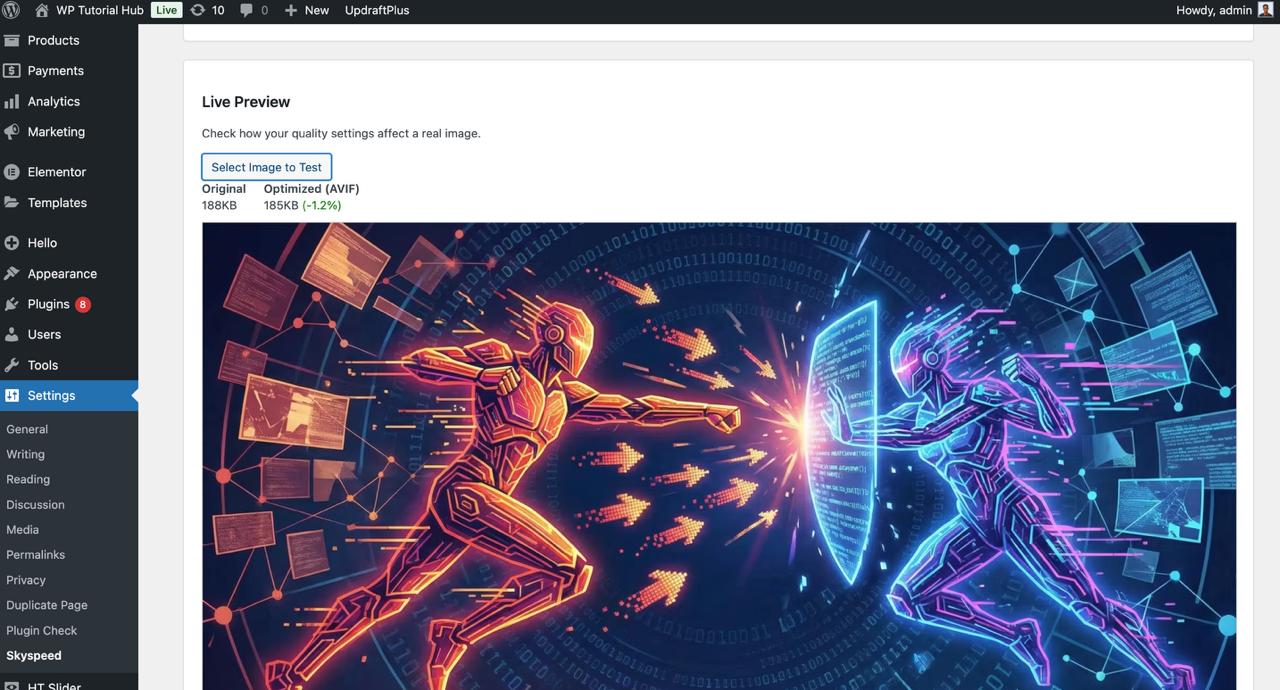
- Live Preview: Don’t guess quality settings. Use the Live Preview tool to compare "Before vs. After" quality and file size on a real image before applying settings globally.
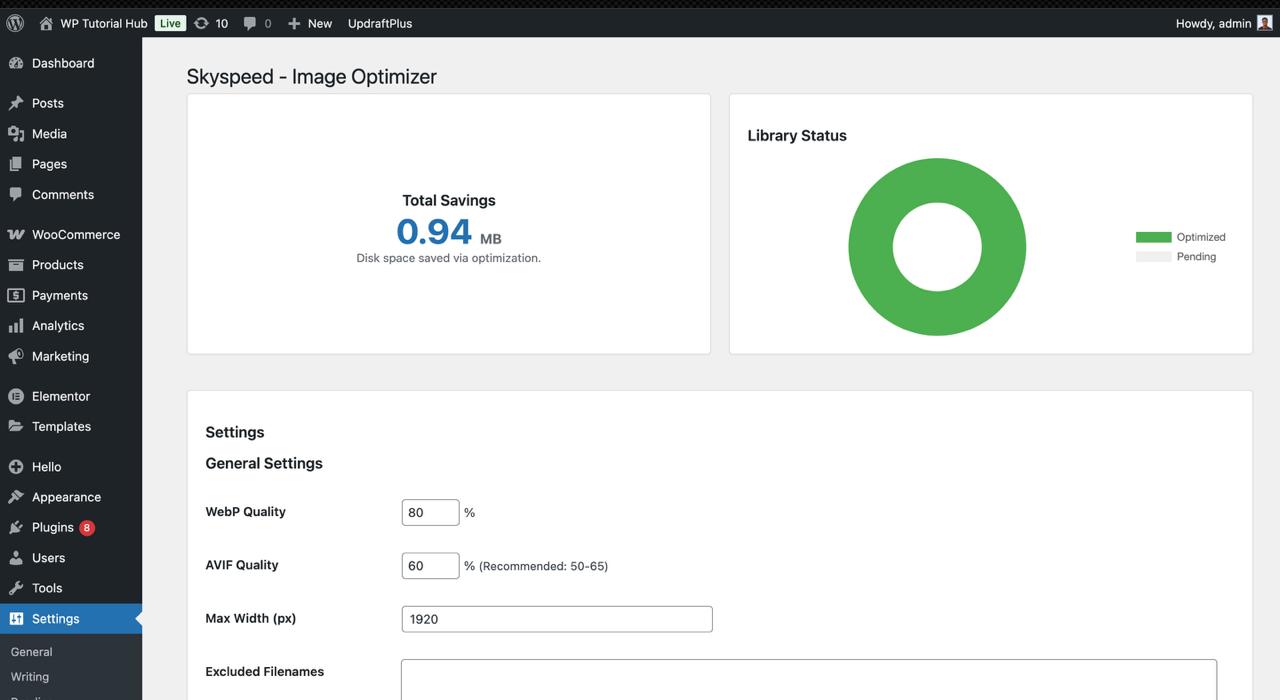
- Analytics Dashboard: Track exactly how much disk space you've saved with our built-in savings calculator and dashboard widget.
安装:
- Upload the
skyspeed-image-optimizerfolder to the/wp-content/plugins/directory. - Activate the plugin through the 'Plugins' menu in WordPress.
- Go to Settings > Skyspeed to configure your compression quality and max width preferences.
- That's it! New uploads will be optimized automatically.
屏幕截图:
常见问题:
Does this delete my original images?
Yes, it replaces the original file in the Media Library to save space. HOWEVER, it creates a safety backup of the original JPG/PNG in wp-content/uploads/original-backups/. You can restore the original at any time using the "Restore Original" link in the Media Library.
What if my server doesn't support AVIF?
Skyspeed will automatically detect this and fall back to WebP format. You don't need to configure anything.
Can I exclude certain files?
Yes! In the settings page, you can add filenames (e.g., "logo", "banner") to the Excluded Filenames list to prevent them from being optimized.
更新日志:
1.0.0
- Initial release.
- Added Smart AVIF/WebP conversion.
- Added Automatic Backups and Restore functionality.
- Added Bulk Optimizer with circular progress bar.
- Added Live Preview tool.