SlabCalc – Concrete Calculator Widget
| 开发者 | stoffi222 |
|---|---|
| 更新时间 | 2026年3月19日 15:59 |
| PHP版本: | 7.4 及以上 |
| WordPress版本: | 6.9 |
| 版权: | GPLv2 or later |
| 版权网址: | 版权信息 |
详情介绍:
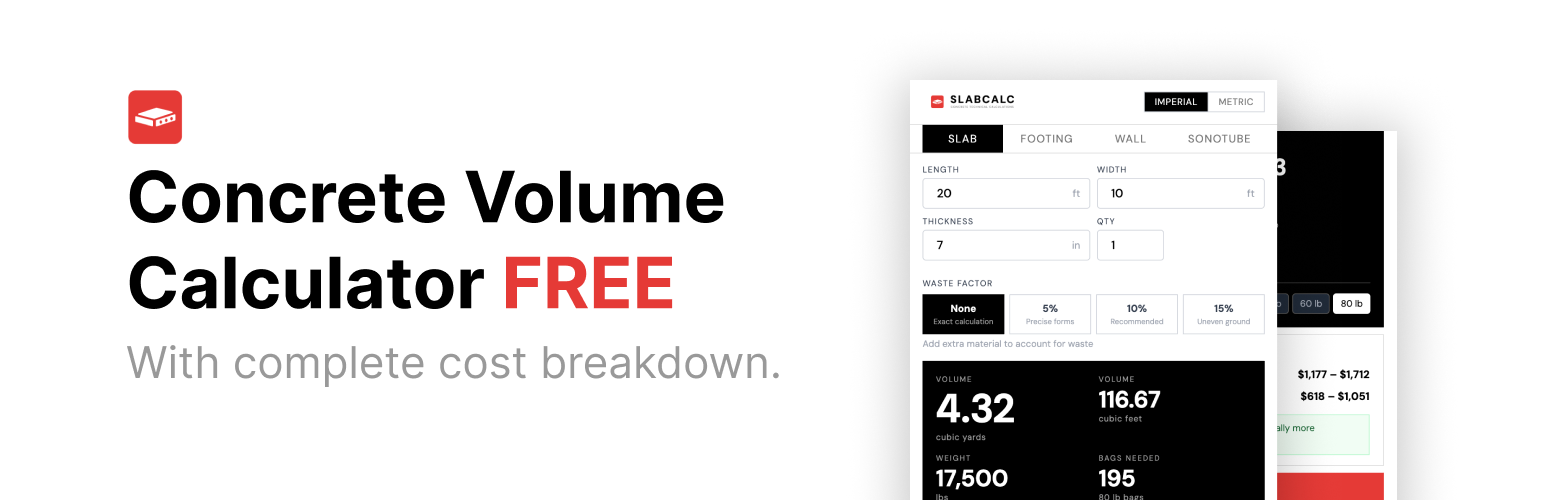
SlabCalc adds a free, embeddable concrete calculator to any WordPress page or post using a simple shortcode. Visitors can estimate how much concrete they need for slabs, driveways, and patios — in cubic yards, cubic feet, or cubic meters — without leaving your site.
What it does:
- Calculates concrete volume and bag counts instantly
- Supports slabs, driveways, and patio projects
- Works in imperial (feet/inches) and metric (meters/cm)
- Includes material cost estimates
- Mobile-responsive, no setup required Usage:
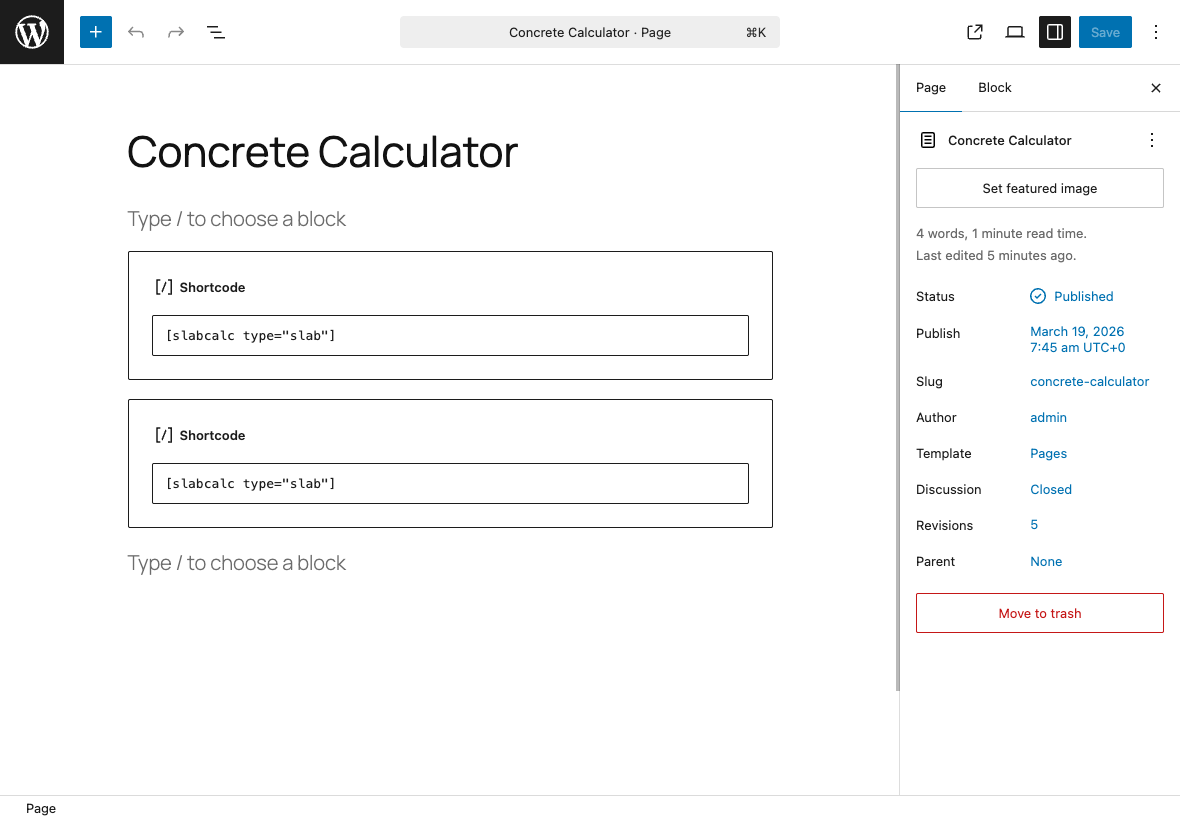
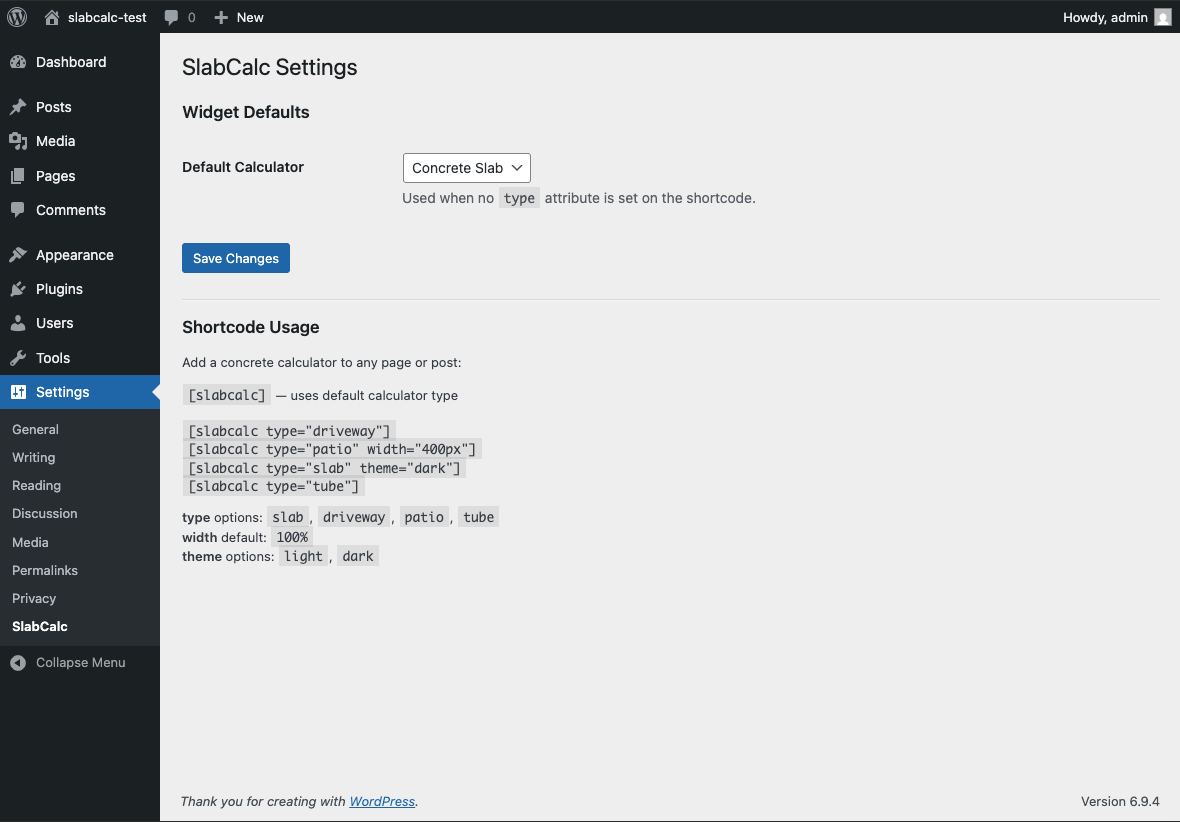
[slabcalc]
Or specify a calculator type:
[slabcalc type="driveway"]
[slabcalc type="patio" width="400px"]
[slabcalc type="slab" theme="dark"]
Shortcode attributes:
type— Calculator type:slab,driveway,patio, ortube(default set in Settings)width— Widget width, any CSS value (default:100%)theme— Color theme:lightordark(default:light)
安装:
- Upload the
slabcalc-calculatorfolder to/wp-content/plugins/ - Activate the plugin through the Plugins menu in WordPress
- Add
[slabcalc]to any page or post
屏幕截图:
常见问题:
What shortcode attributes are available?
type (slab, driveway, patio, tube), width (any CSS value), and theme (light, dark).
Do I need an account to use this plugin?
No. The widget is completely free and requires no account or API key.
Will this slow down my site?
The widget script loads asynchronously and only on pages where the shortcode is used. It has no impact on pages without the shortcode.
Can I use multiple calculators on the same page?
Yes. Place [slabcalc type="driveway"] and [slabcalc type="patio"] on the same page and both will render. The embed script is loaded only once regardless of how many shortcodes are on the page.
Does it work with page builders?
Yes, any page builder that supports WordPress shortcodes (Elementor, Divi, Beaver Builder, Gutenberg shortcode block) will work.
更新日志:
1.0.0
- Initial release
- Shortcode
[slabcalc]with type, width, and theme attributes - WP Admin settings page for default calculator type
- Supports slab, driveway, and patio calculators