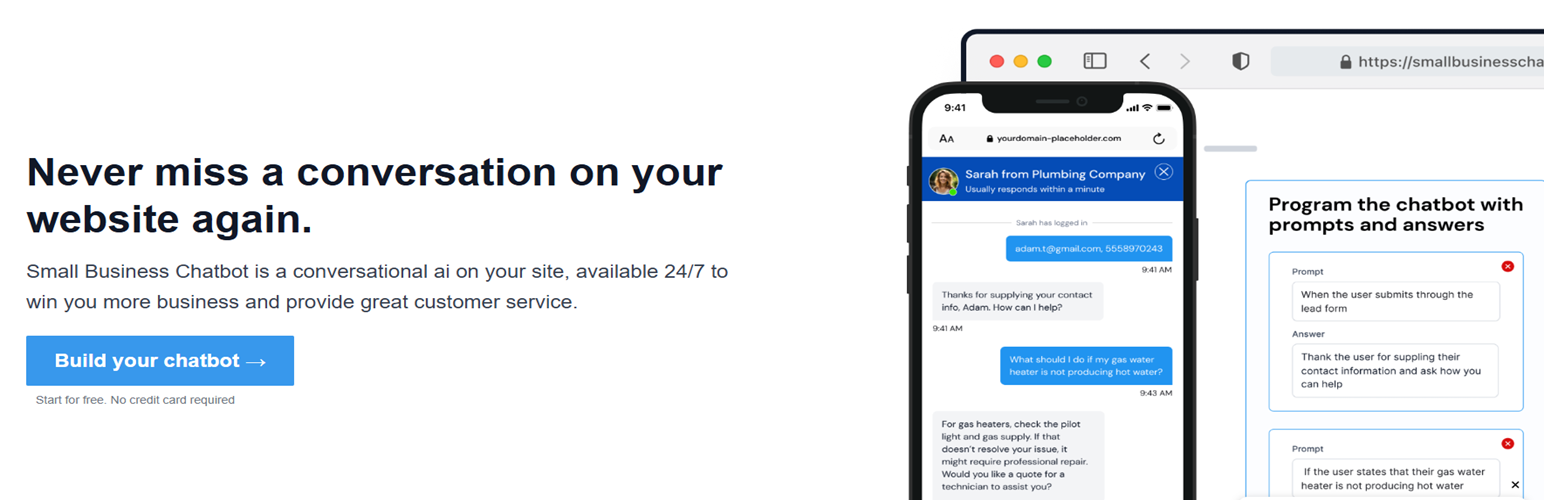
Small Business Chatbot
| 开发者 | arthurc7 |
|---|---|
| 更新时间 | 2026年8月6日 10:05 |
| PHP版本: | 7.0 及以上 |
| WordPress版本: | 7.0 |
| 版权: | GPLv2 or later |
| 版权网址: | 版权信息 |
详情介绍:
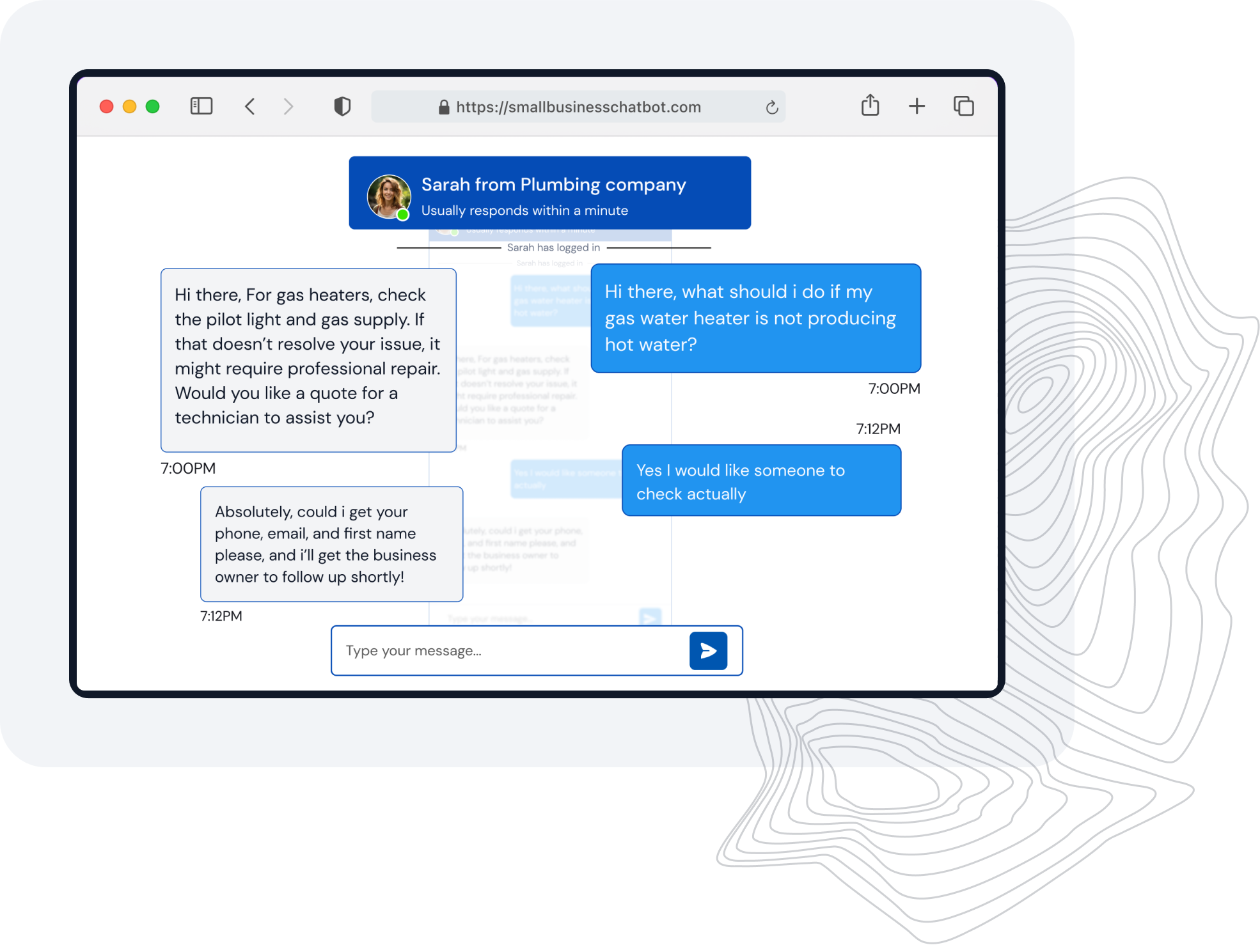
- AI answers based on your approved business content.
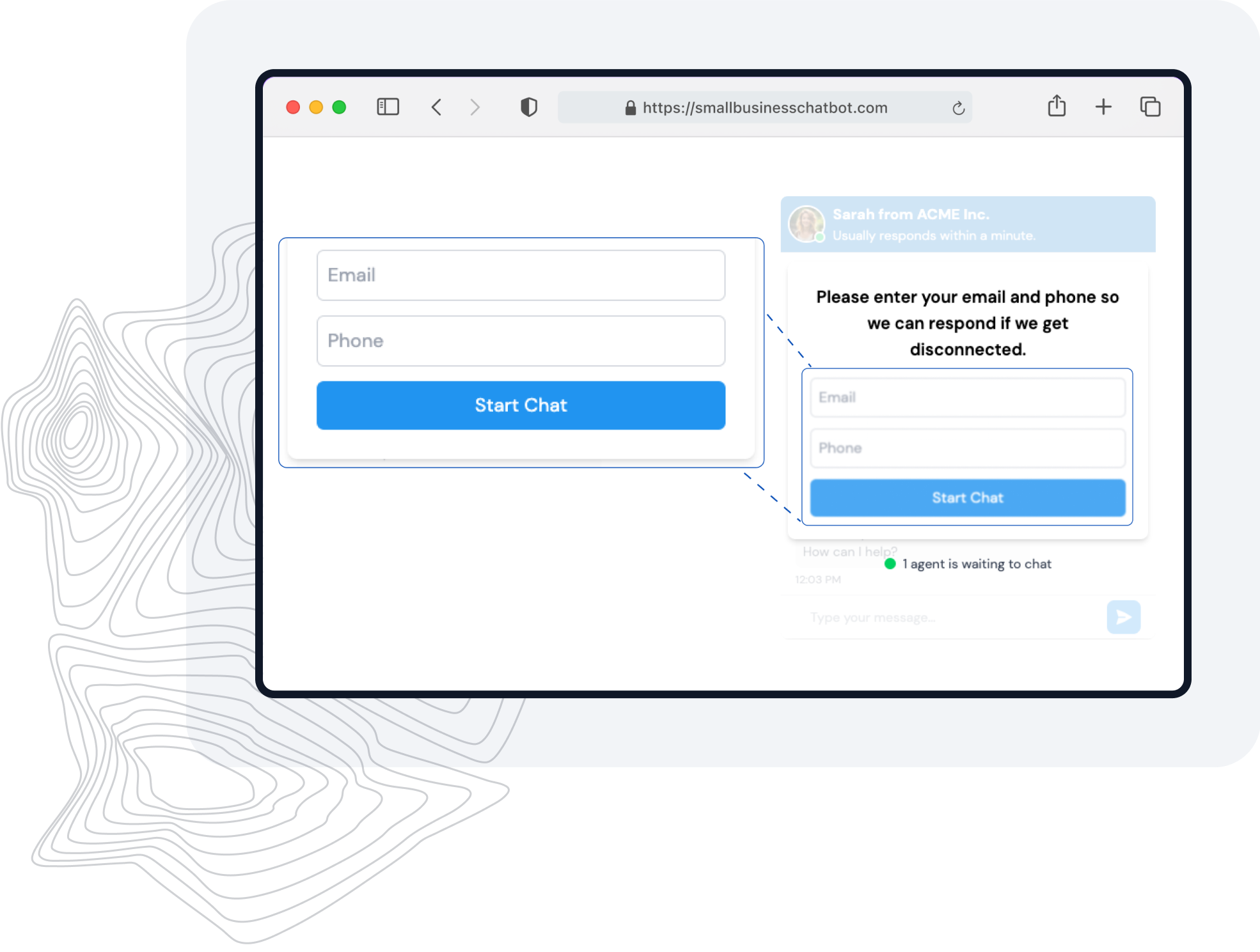
- Lead capture and conversation notifications.
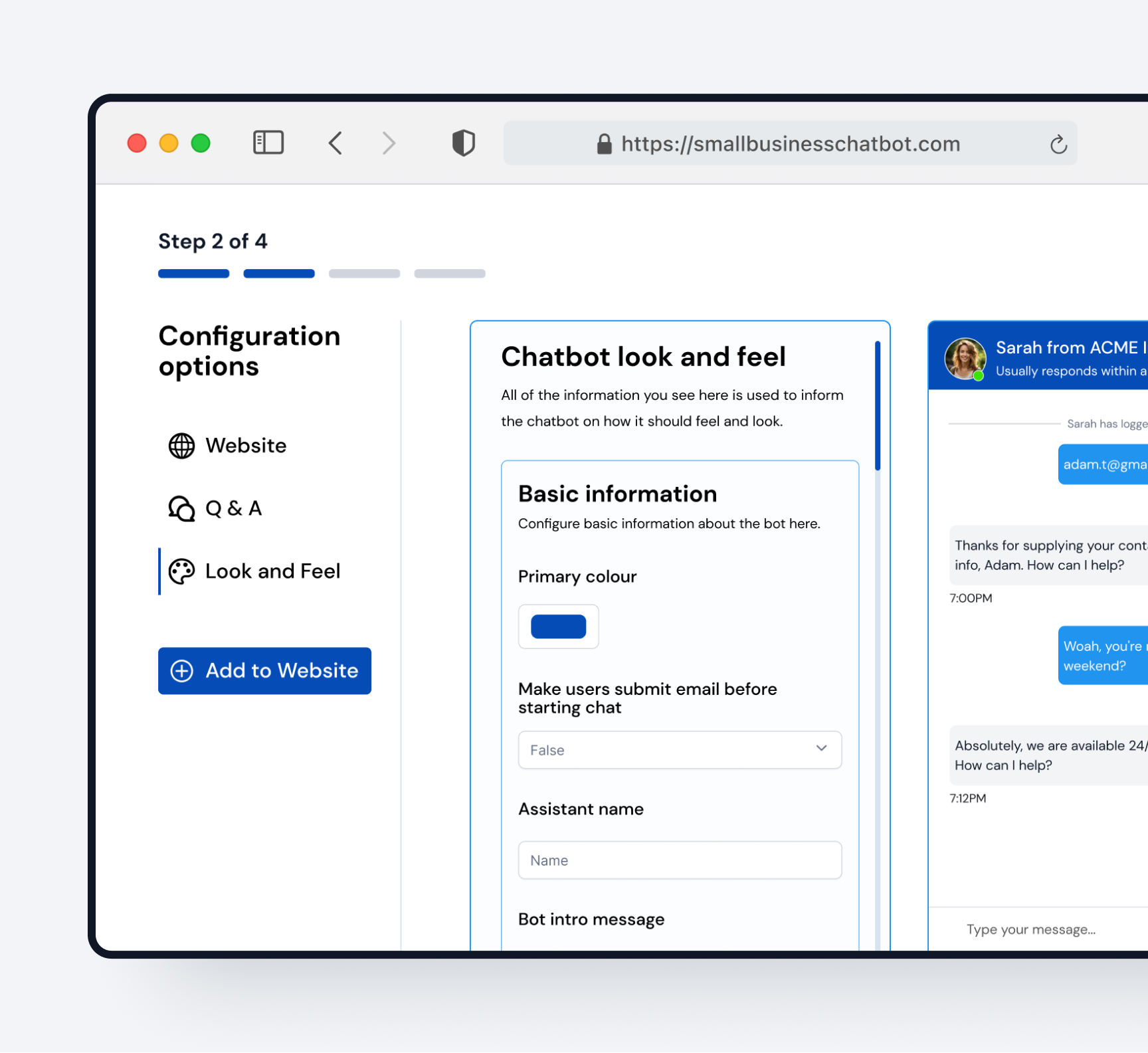
- Widget appearance, knowledge, and behavior controls in the Small Business Chatbot platform.
- Explicit, administrator-only account connection.
- A plan-limited website scan queued after connection: 20 pages on Self Serve and up to 3,000 pages on Managed.
- Disconnect and failed setup states keep the public widget off.
安装:
- Install and activate Small Business Chatbot from Plugins in WordPress admin.
- Open SBC Chatbot in the WordPress admin menu.
- Choose Create an account or Connect an existing account.
- Complete secure sign-up or sign-in on smallbusinesschatbot.com.
- Return to WordPress automatically. The plugin activates the widget only after the platform confirms the connection.
屏幕截图:
常见问题:
Does activating the plugin immediately add a chatbot?
No. Activation only installs local plugin settings. No remote request, account creation, website scan, or visitor-facing script occurs until an administrator completes the explicit account connection.
Can I connect an account I already use?
Yes. Choose Connect an existing account. The platform reuses that account's server-owned chatbot ID instead of creating or reconciling a plugin-generated ID.
What happens if signup is cancelled or expires?
The plugin remains disconnected and does not load a widget. Return to the SBC Chatbot admin page and start again.
What happens when I deactivate the plugin?
Deactivation stops all plugin hooks but preserves a valid connection for a later reactivation. Use the explicit Disconnect button when you intend to remove the local connection and turn off the widget.
How many pages are scanned?
After a successful WordPress connection, the normal platform crawl is queued. Self Serve accounts scan up to 20 pages and Managed accounts scan up to 3,000 pages.
Can I customize the chat widget?
Yes. Once connected, choose Open platform from the SBC Chatbot page to edit its appearance, behavior, and knowledge.
更新日志:
- Kept the widget bootstrap entirely within WordPress's script enqueue system while adding its validated chatbot identifier.
- Confirmed compatibility metadata for WordPress 7.0 and removed the legacy template-output path flagged in version 1.0.0.
- Updated the plugin and WordPress.org assets to the 2026 Small Business Chatbot brand.
- Removed activation-time chatbot ID creation, platform requests, scanning, and widget injection.
- Added administrator-only signup and existing-account connection using expiring state, verifier, and one-time code exchange.
- Added explicit disconnected, connected, retry/error, and disconnect behavior.
- Preserved valid 1.0 connections during upgrade while disabling unregistered placeholder IDs.
- Preserved connection data when the plugin is deactivated.
- Initial release.