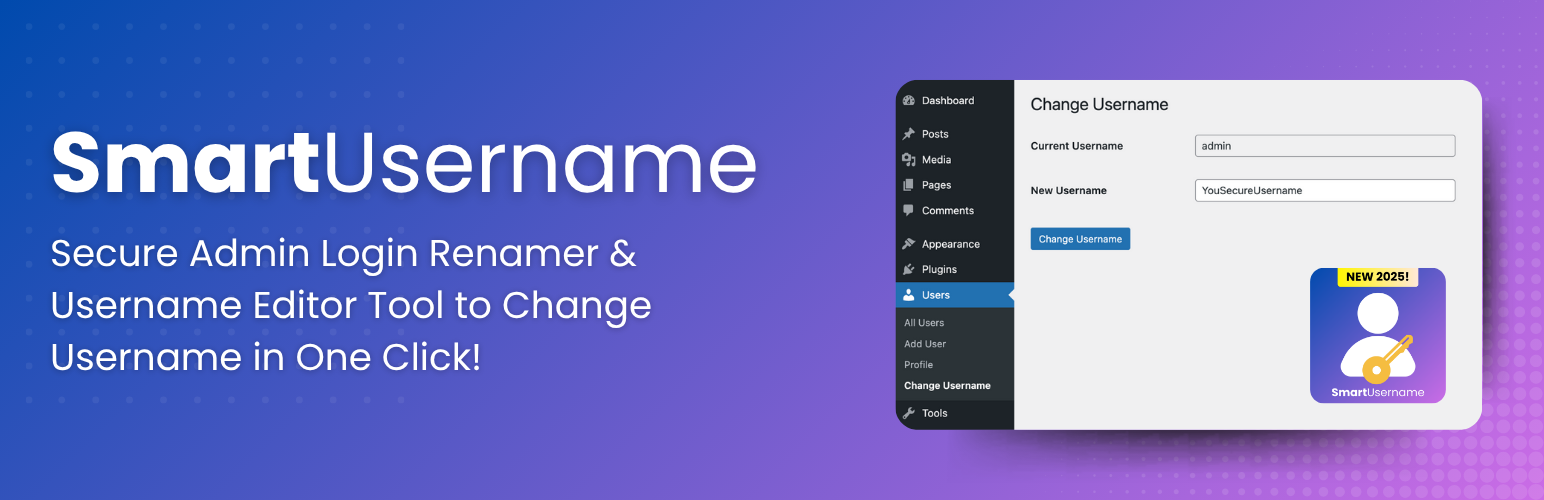
SmartUsername – Secure Admin Login Renamer & Username Editor Tool
| 开发者 | digitalpritam |
|---|---|
| 更新时间 | 2025年8月7日 02:14 |
| 捐献地址: | 去捐款 |
| PHP版本: | 5.0 及以上 |
| WordPress版本: | 6.8 |
| 版权: | GPLv2 or later |
| 版权网址: | 版权信息 |
详情介绍:
- Simple Interface: Clean, intuitive admin interface integrated seamlessly into WordPress
- Secure Process: Built with WordPress security best practices and proper nonce verification
- Administrator Control: Only users with proper permissions can change usernames
- Instant Updates: Changes take effect immediately with proper cache clearing
- User-Friendly: No technical knowledge required - just enter the old and new username
- WordPress Standards: Follows all WordPress coding standards and plugin guidelines
- Site Administrators who need to update user login names
- Agencies managing multiple client websites
- Membership Sites requiring username modifications
- Corporate Websites with changing employee usernames
- E-commerce Sites needing to update customer login names
- Navigate to Users → Change Username in your WordPress admin
- Enter the current username you want to change
- Enter the new desired username
- Click "Change Username" - it's that simple!
- Proper nonce verification for all form submissions
- Capability checks to ensure only authorized users can make changes
- Input sanitization and validation
- Follows WordPress security best practices
安装:
- Upload the
smartusernamefolder to the/wp-content/plugins/directory. - Activate the plugin through the 'Plugins' menu in WordPress.
- Go to Users -> Change Username to update the username.
常见问题:
Who can use this plugin to change usernames?
Only users with administrator privileges (manage_options capability) can change usernames. This ensures security and prevents unauthorized changes.
Can I change any username to anything I want?
Yes, as long as the new username follows WordPress username rules and isn't already taken by another user. The plugin will check for duplicates automatically.
What happens after I change a username?
The username is updated immediately in the database, user cache is cleared, and the change takes effect right away. The user will need to log in with their new username.
Is this plugin safe to use?
Absolutely! The plugin follows WordPress security best practices including proper nonce verification, input sanitization, and capability checks.
Will changing a username affect user data?
No, changing the username only affects the login name. All user data, posts, comments, and other content remain unchanged and properly associated with the user.
Can I change my own username?
Yes, administrators can change their own username or any other user's username from the admin interface.
Does this work with multisite installations?
The plugin works on individual sites within a multisite network, but you'll need to activate it on each site where you want to use it.
What if I enter a username that already exists?
The plugin will display an error message and prevent the change, ensuring no conflicts occur.
更新日志:
- Initial release.