
SmartWait Animated Preloader
| 开发者 |
shoiswp
freemius |
|---|---|
| 更新时间 | 2026年5月31日 02:20 |
| PHP版本: | 5.8 及以上 |
| WordPress版本: | 7.0 |
| 版权: | GPLv2 or later |
| 版权网址: | 版权信息 |
详情介绍:
SmartWait Animated Preloader is the most lightweight, SEO-friendly, and highly customizable website loading animation plugin for WordPress. Designed to improve User Experience (UX) and reduce bounce rates, this plugin ensures your visitors stay engaged while your website's content, images, and scripts load in the background.
With over 55+ high-quality CSS templates, Wait for Loop logic, and dynamic percentage trackers, SmartWait gives you the power to create a cinematic first impression that matches your brand perfectly.
🌟 Why Your Website Needs a Professional Preloader?
In the world of Core Web Vitals and SEO, "Perceived Performance" is everything. Even if your site is fast, a blank white screen during loading makes users leave. SmartWait replaces that blank screen with a beautiful, branded animation, making your site feel premium and professional from the very first second.
⚡ Why SmartWait Animated Preloader is the #1 Choice for Your Website
- Stop the Bounce: Don’t let visitors leave because of a blank screen. Keep them engaged with smooth animations.
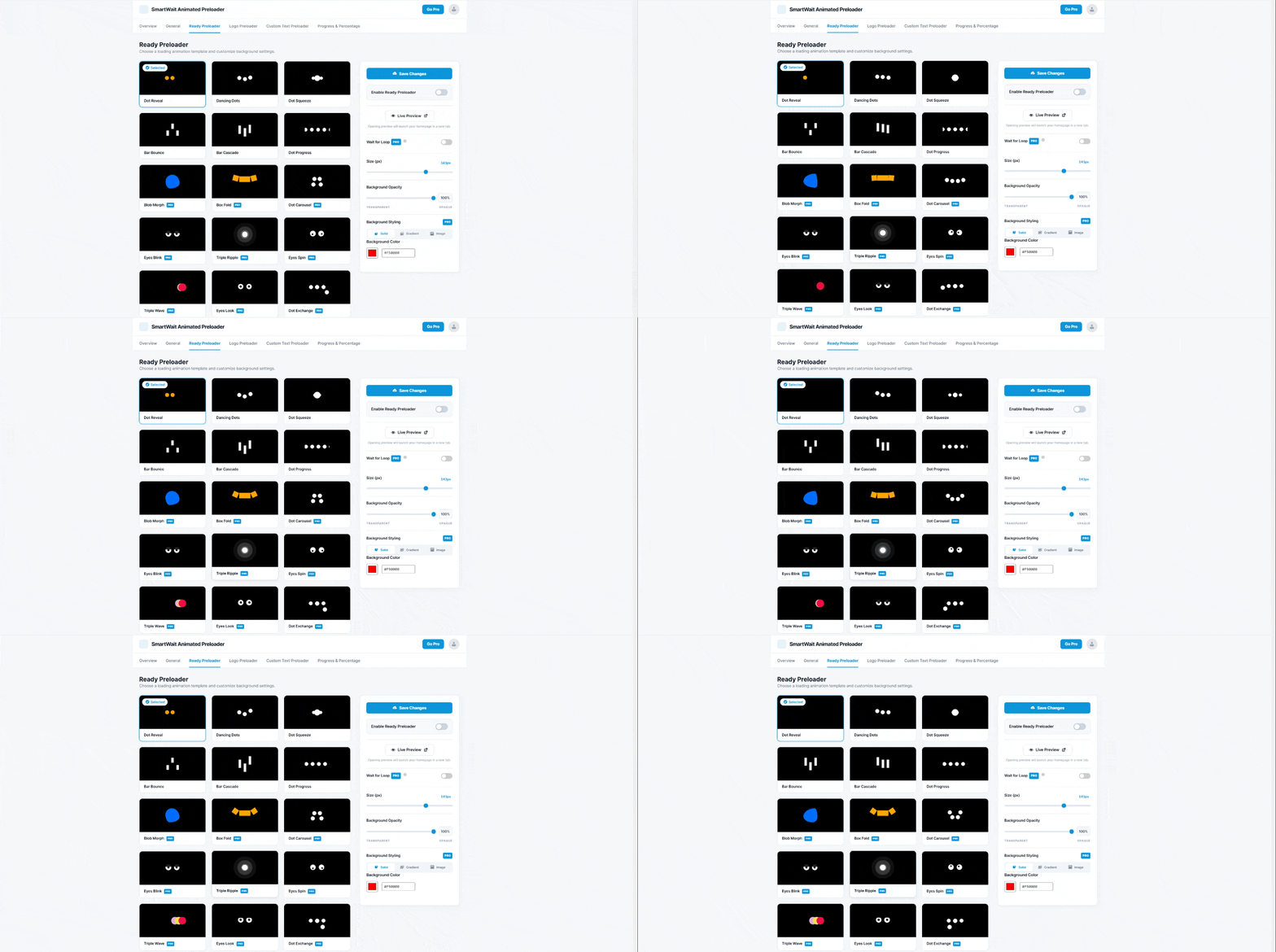
- 55+ Stunning Designs: From minimalist bars to complex animations, we have the perfect loader for every niche.
- Brand First Experience: Easily upload your own logo and match your brand colors in seconds.
- Zero Site Bloat: Built with highly optimized pure CSS, so your PageSpeed scores stay perfect.
- Professional Transitions (PRO): Use the unique "Wait for Loop" logic to ensure your animations never look glitchy or cut off.
- Mobile-Ready: Fully responsive and touch-friendly, working flawlessly on iPhones, Androids, and tablets. 🚀 Key Features of SmartWait Animated Preloader
- Global Preloader Activation: Easily enable the preloader for your entire website or restrict it to only the homepage for a focused landing experience.
- Smart Device Targeting: Full control to show or hide the loading screen on Desktop, Tablet, and Mobile devices for better mobile optimization.
- 55+ Designer Templates (PRO): Choose from a massive library of 55+ modern CSS loaders. Get 6 essential templates for free and unlock 49 premium ones with the PRO version.
- "Wait for Loop" Logic (PRO): A game-changer for professional sites. This ensures your animation (Logo, Loader, or Text) completes at least one full cycle before fading out, preventing ugly "cut-offs."
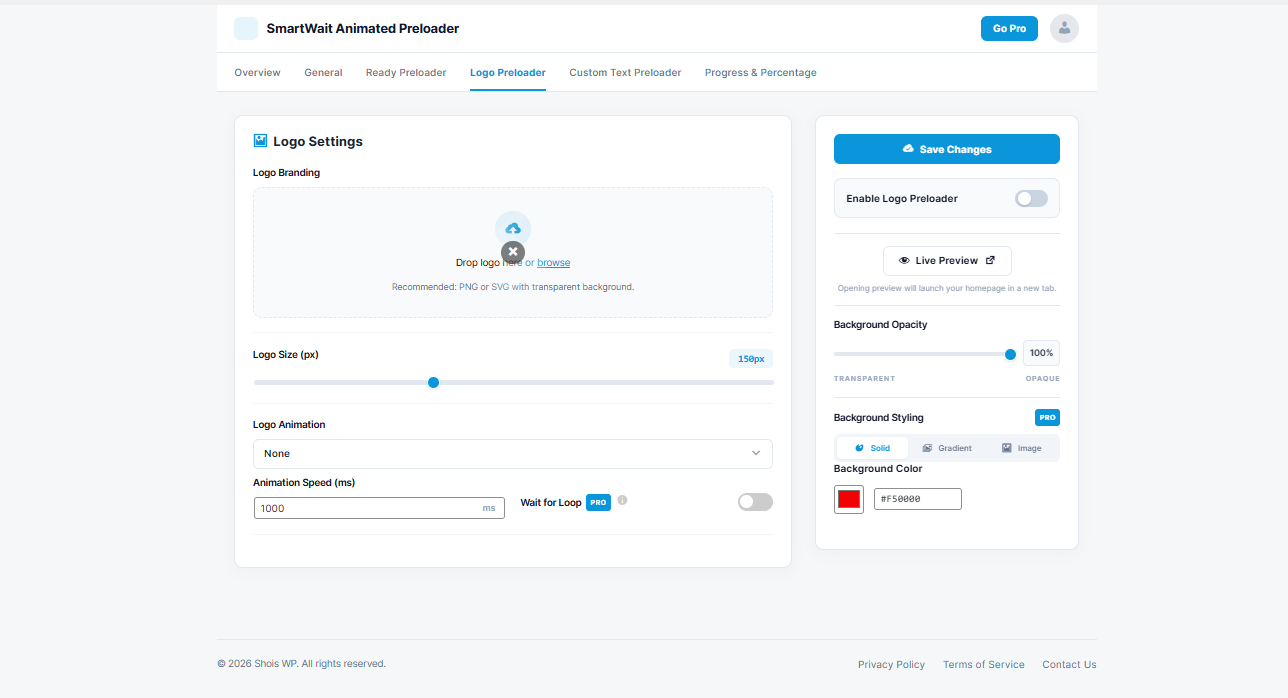
- Custom Brand Logo Support: Replace generic icons with your own brand logo. Adjust height, spacing, and animation speed effortlessly.
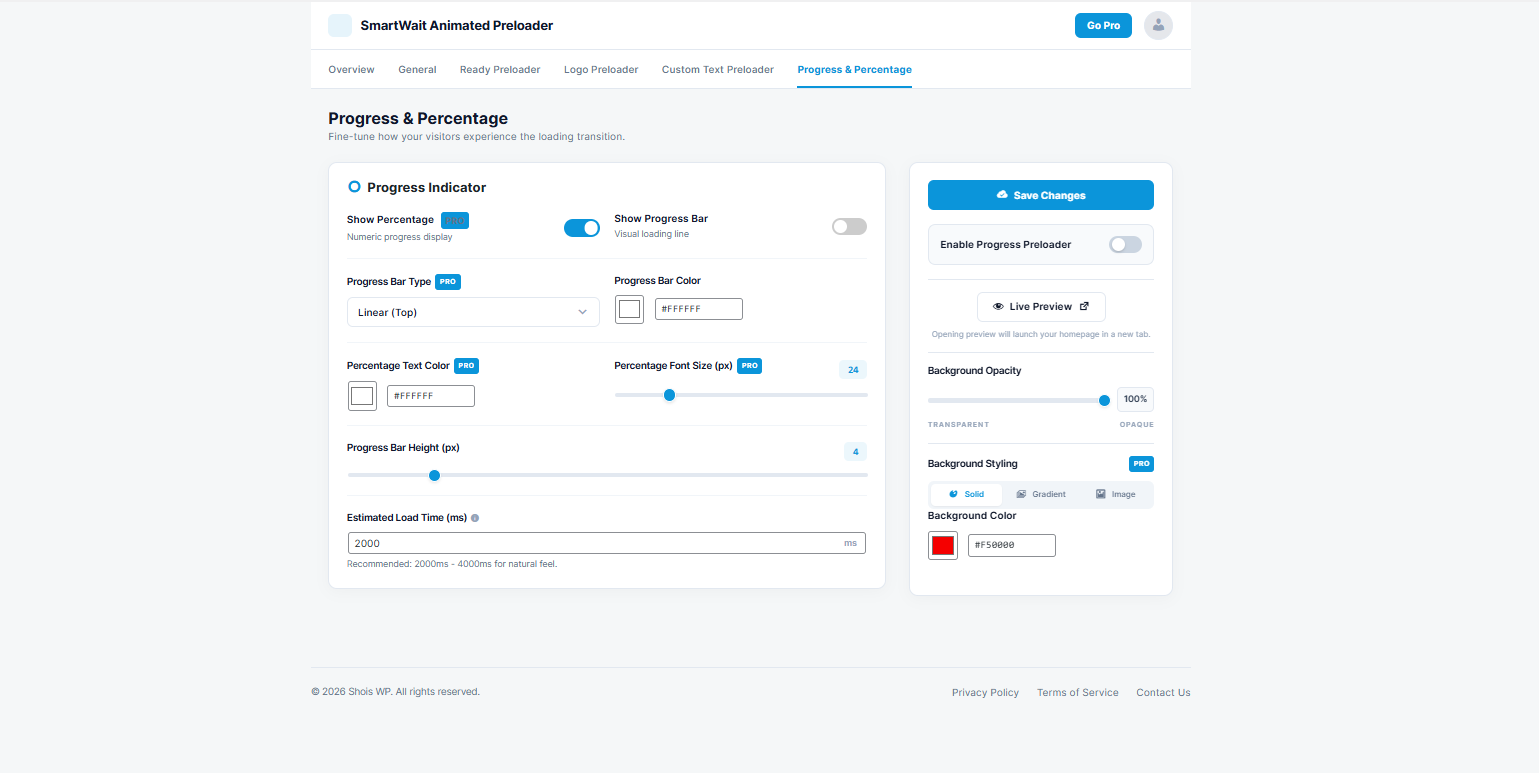
- Dynamic Loading Percentage (PRO): Show a real-time (0% to 100%) numeric progress counter to let users know exactly when the page will be ready.
- Interactive Progress Bar: Add a sleek loading line at the top or center (PRO) of the screen to visualize the loading progress.
- Advanced Background Styling (PRO): Go beyond solid colors. Use stunning dual-color Gradients or upload a custom Image Background with full opacity control.
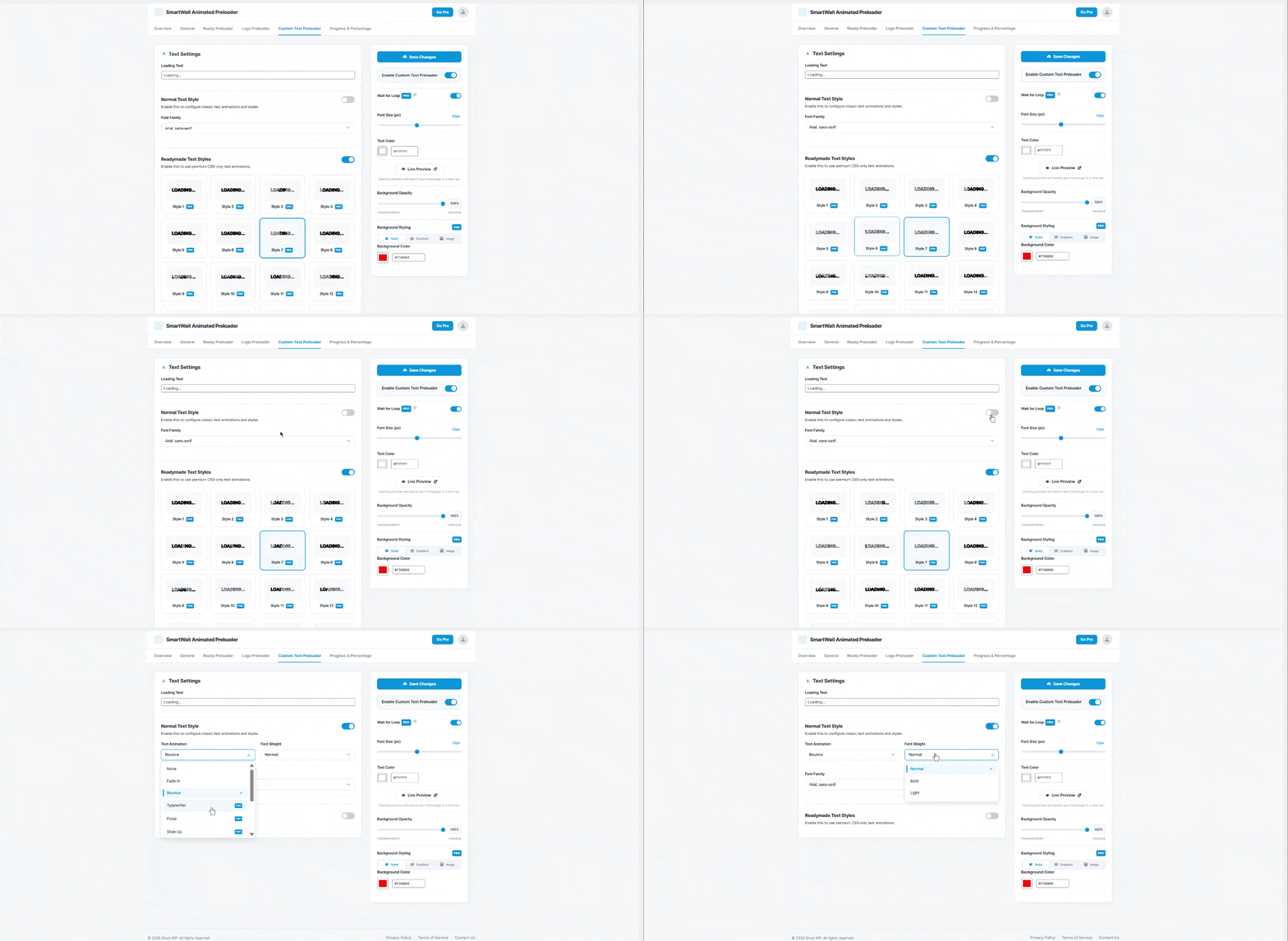
- Custom Loading Text & Typography: Add your own text (e.g., "Opening Magic...") with 20+ Premium Text Styles (PRO) including Neon, Glow, and 3D effects.
- 8 Advanced Text Animations (PRO): Make your loading text dance with Typewriter, Pulse, Slide Up, Zoom In, Flip, Wobble, and Blur In effects.
- Live Admin Preview: Safely design and test your preloader inside the WordPress dashboard without affecting your live visitors until you are ready.
- User Exclusion (Role Based): Option to hide the preloader for logged-in users or admins to ensure a smooth workflow while editing your site.
- Performance First (No Bloat): Built with pure, optimized CSS and minimal JavaScript. It won't slow down your site or hurt your Google PageSpeed scores.
- Fully Responsive: Every animation is mobile-responsive and works perfectly on all screen sizes and modern browsers.
- Page Builders: Fully compatible with Elementor, Divi, Beaver Builder, and Brizy.
- Themes: Works with Astra, GeneratePress, OceanWP, WoodMart, and all Gutenberg-based themes.
- E-commerce: Optimized for WooCommerce stores to keep customers engaged during checkout loading.
- SEO Tools: Compatible with Yoast SEO, RankMath, and LiteSpeed Cache.
安装:
- Go to your WordPress Dashboard > Plugins > Add New.
- Search for "SmartWait" or "Preloader".
- Click Install Now and then Activate.
- Navigate to the SmartWait Settings menu in your sidebar.
- Select your favorite template, customize your colors, and click Save Settings.
屏幕截图:
常见问题:
Does this plugin affect my SEO?
No, it actually helps! By keeping users on the page with an animation, you reduce your bounce rate, which is a positive signal for search engines.
Can I use a GIF or a custom image as a loader?
Yes! You can upload your own Logo or Image to act as the primary loading element.
Is it possible to show the preloader only once?
Currently, the preloader triggers on page load to ensure a smooth transition, but you can use the "Display Delay" feature to control the timing perfectly.
Does it work with Cache plugins?
Yes, SmartWait is compatible with WP Rocket, LiteSpeed Cache, and W3 Total Cache.
更新日志:
1.0.3
- Added 6 new free templates for preloader animation.
- Improved preloader load timing to eliminate page content flash.
- ShoisWP plugin promotion sidebar added.
- Global purple-to-blue gradient branding implemented.
- Fixed PRO badge color and hover gradient issues.
- UI improvement and more option added.
- Initial release as SmartWait Animated Preloader.
- 55+ Professional Animation Templates.
- Custom Logo and Text support.
- Progress Bar and Percentage display.