SmartyPress AI Engine — Free AI Engine for Content Generation
| 开发者 |
alexkovalevv
wpaifactory |
|---|---|
| 更新时间 | 2026年2月16日 08:05 |
| PHP版本: | 7.4 及以上 |
| WordPress版本: | 6.9 |
| 版权: | GPLv2 or later |
| 版权网址: | 版权信息 |
详情介绍:
- SEO-optimized title generation
- Full article and blog post creation
- Excerpt and summary generation
- Category suggestions from existing categories
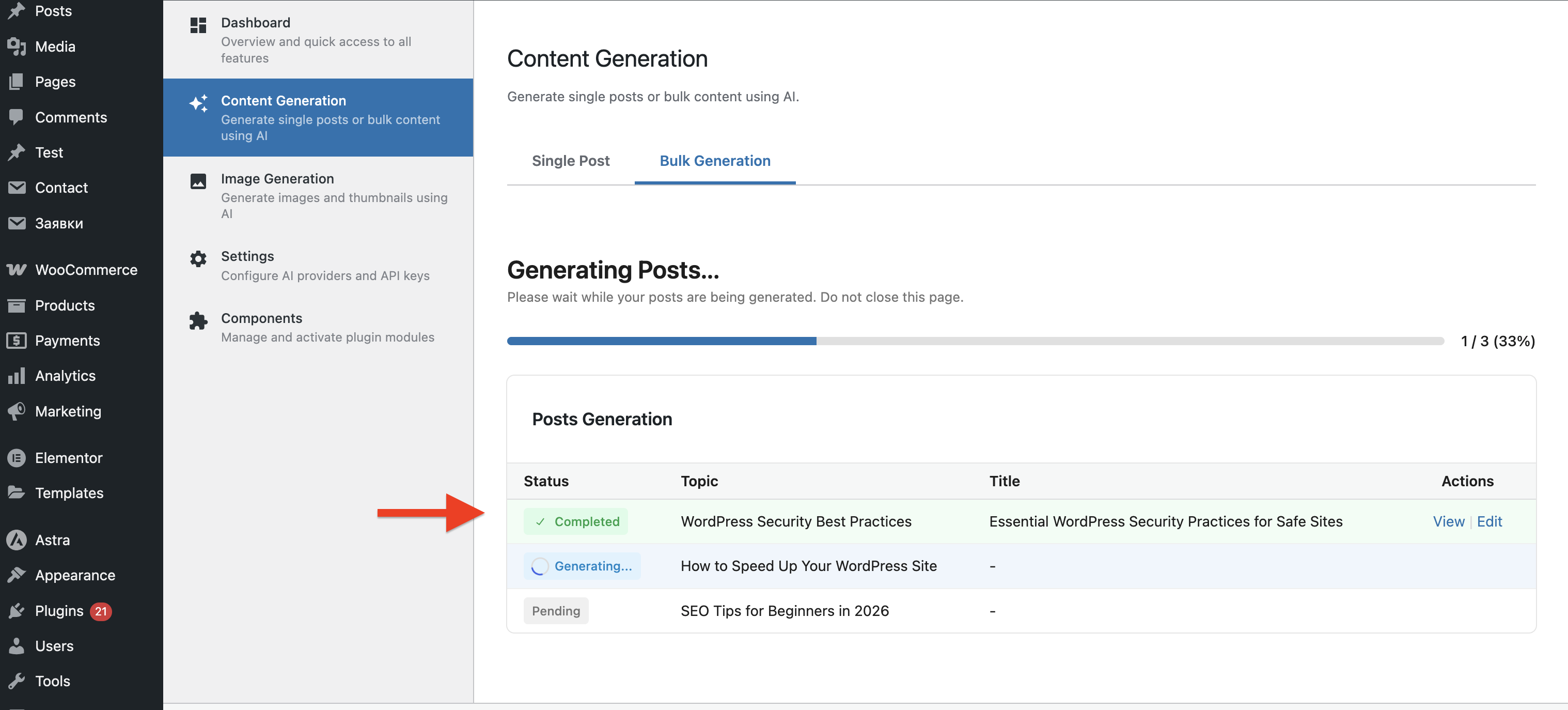
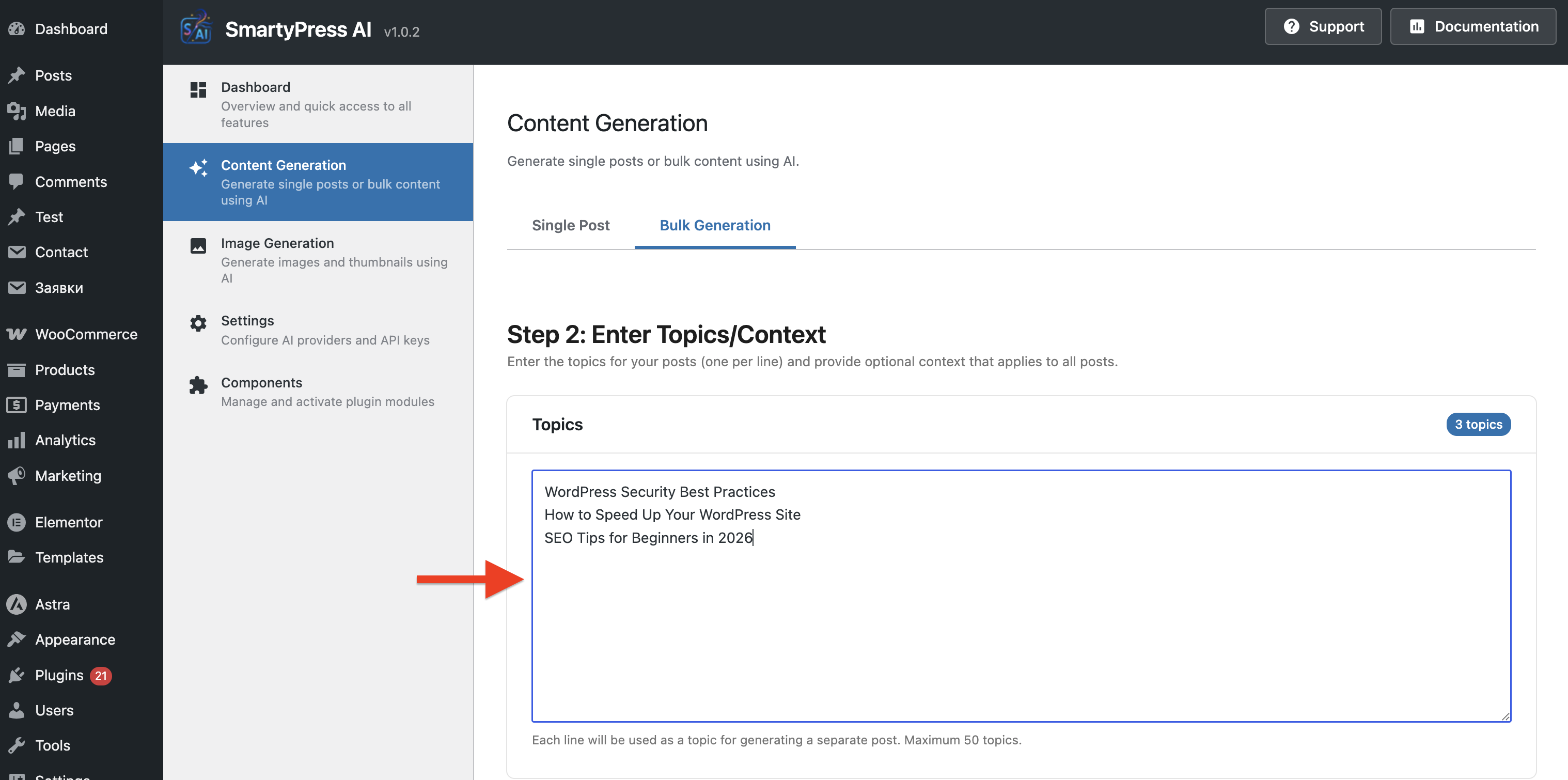
- Bulk post generation (1-50 posts at once)
- Support for all public post types (posts, pages, custom)
- Real-time content insertion into editor
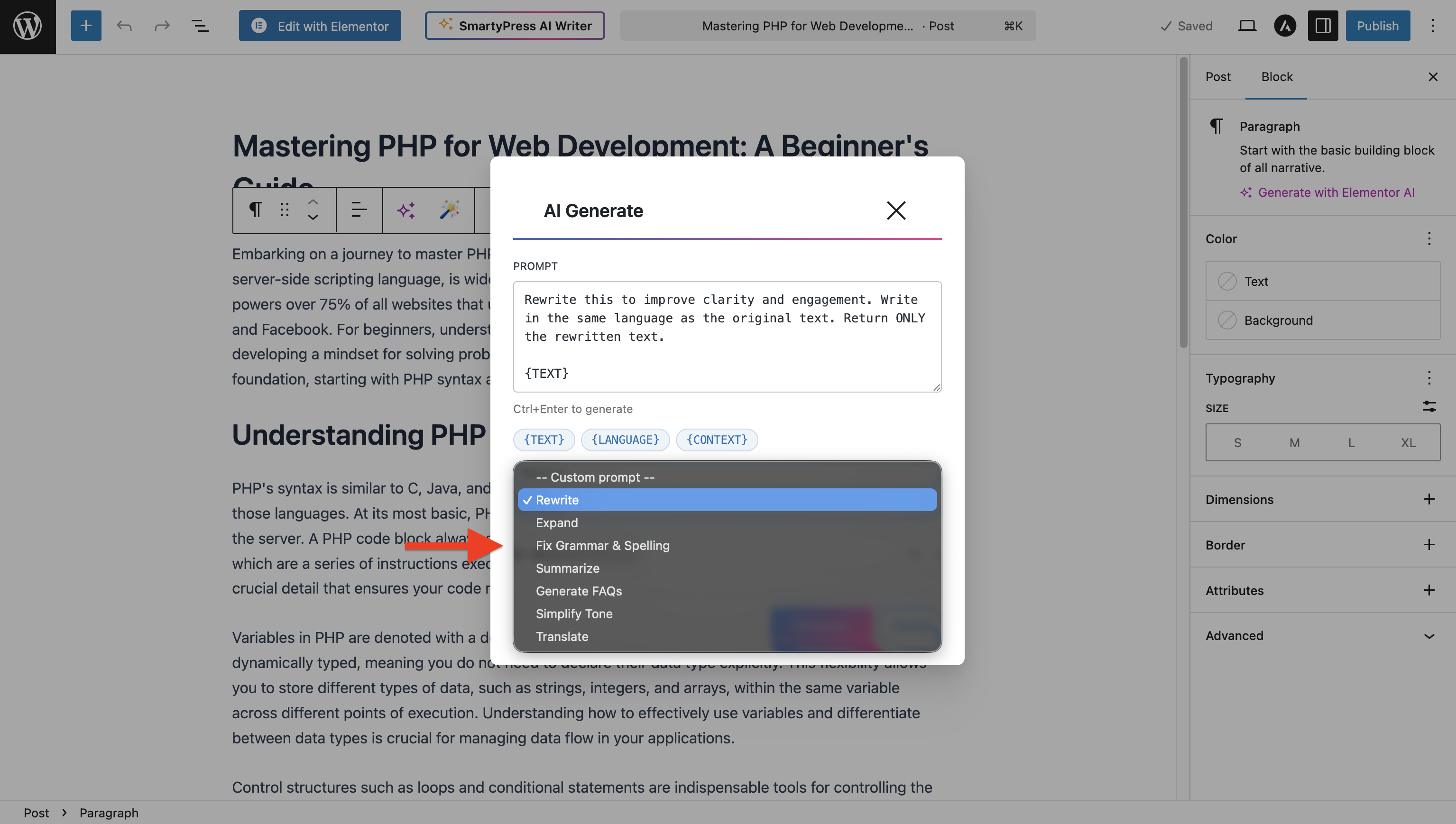
- Enhance Text — improve readability and quality
- Correct Text — fix grammar and spelling
- Longer Text — expand content with details
- Shorter Text — condense while keeping key points
- Translate Text — translate to any language Content Generation:
- Generate Content — create new content from custom prompts
- Generate Title — get 5 title suggestions (suggest mode)
- Generate Excerpt — get 3 excerpt variants (suggest mode)
- Suggest Synonyms — get 5 synonym options (suggest mode)
- Generate Alt Text — create alt text for images Supported Blocks:
- Paragraph, Heading, List, Quote, Code, Preformatted
smartypress_ai_prompt_{action}— customize prompts for any actionsmartypress_ai_wand_params— modify AI parameters (temperature, tokens)smartypress_ai_wand_features— add custom Magic Wand actions- REST API with secure endpoints
- Extensible action system for custom workflows
- Blog content creation and SEO articles
- Product descriptions for WooCommerce
- Landing page copy and marketing content
- Social media posts and newsletters
- Documentation and knowledge bases
- Bulk content generation at scale
- AI Power (AIP) - Comprehensive AI solution with multi-provider support and advanced content generation features
- AIWU - Workflow automation and AI content generation with visual workflow builder
- WP Wand - Unlimited AI content generation with support for multiple AI providers
- Aiify - AI copywriting and content editing with ChatGPT and OpenRouter integration
- AI Bud - AI content generator with chatbot and image generation capabilities
安装:
- Go to Plugins > Add New in your WordPress admin
- Search for "SmartyPress AI Engine"
- Click Install Now and then Activate
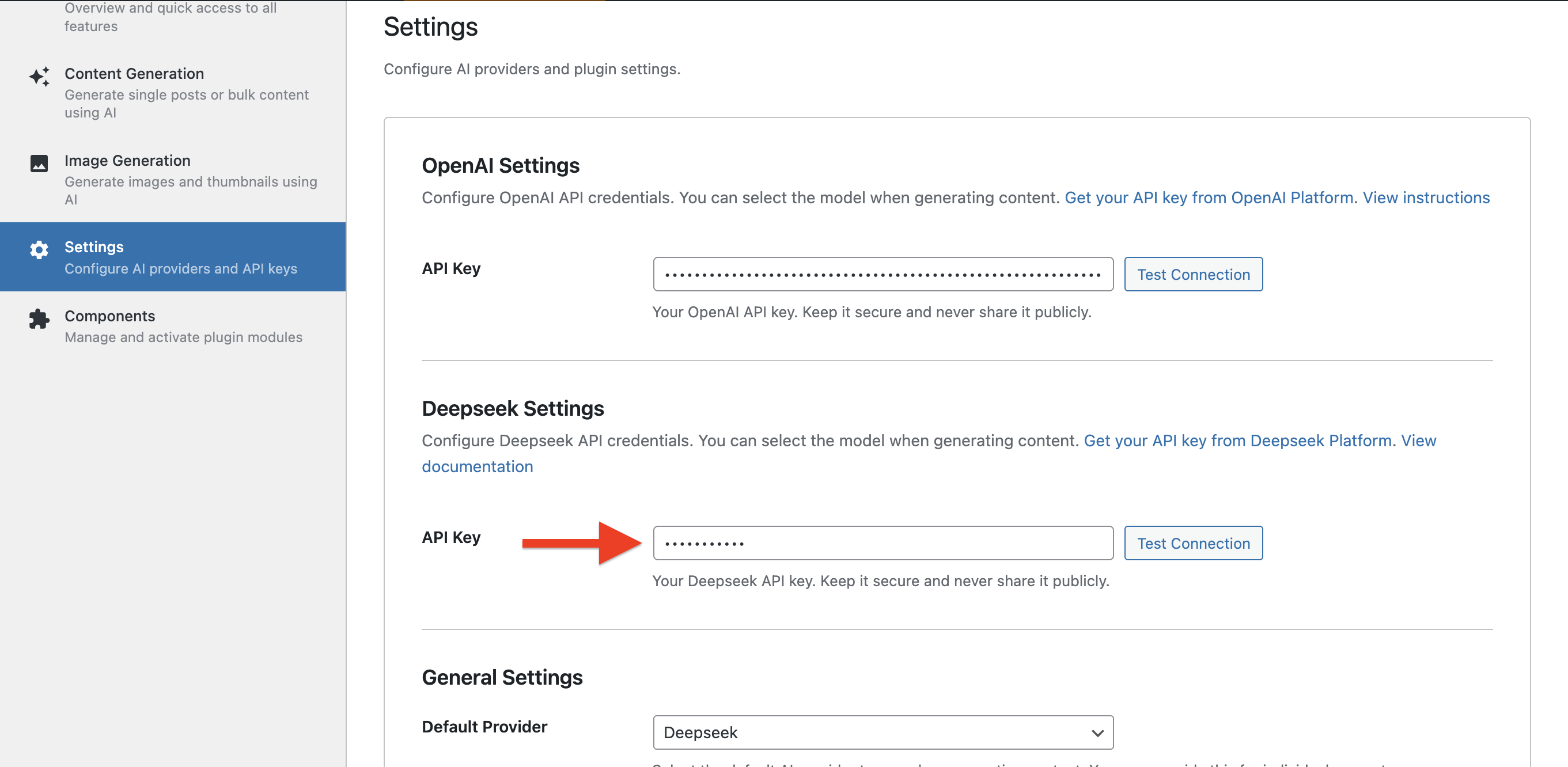
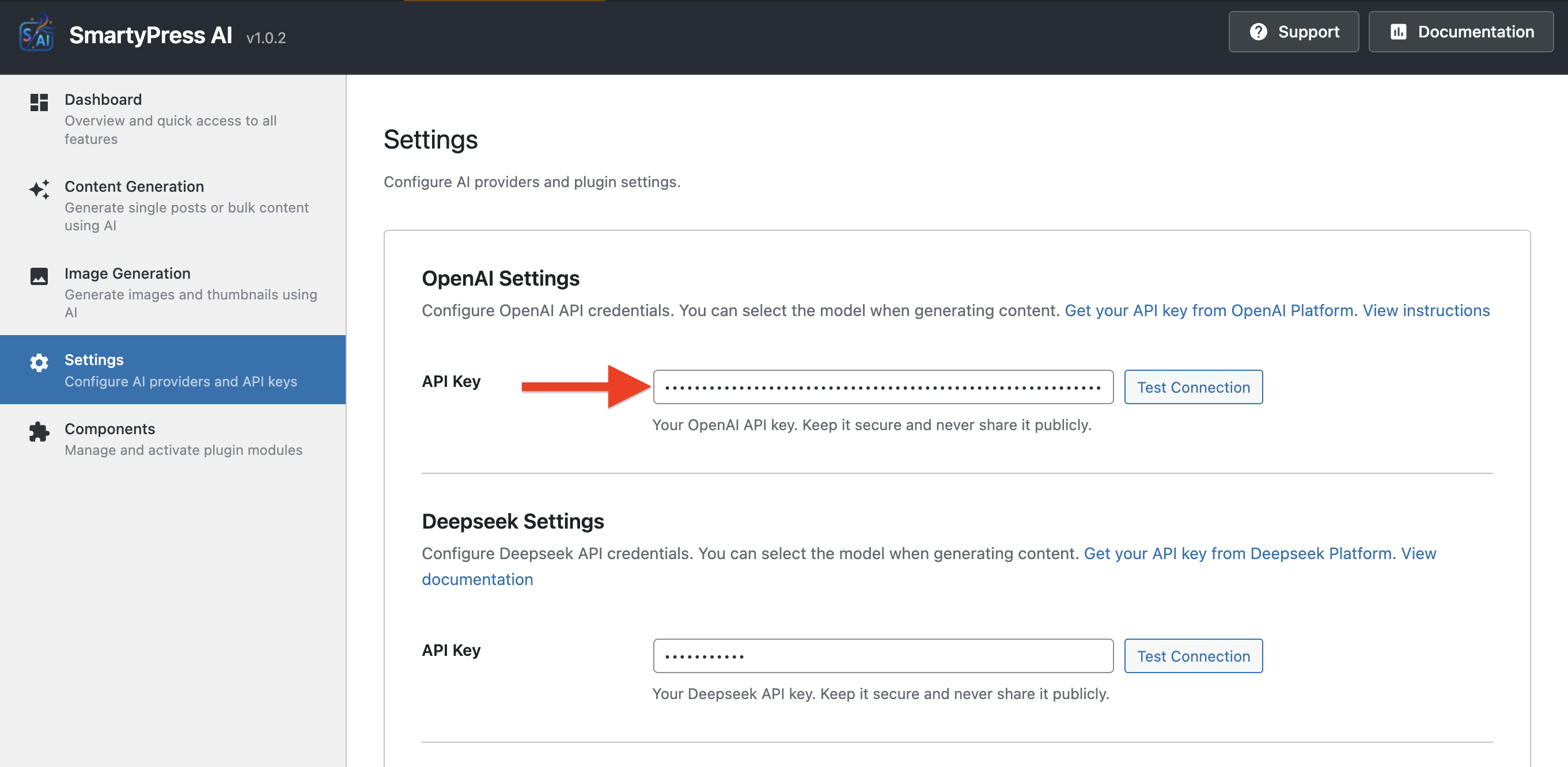
- Go to SmartyPress AI > Settings
- Enter your API keys (OpenAI and/or Deepseek)
- Save settings and start generating content!
- Download the plugin zip file
- Upload to
/wp-content/plugins/directory - Extract the files
- Activate through the Plugins screen
- Configure API keys in SmartyPress AI > Settings
- Visit https://platform.openai.com
- Sign up or log in
- Go to API Keys section
- Create new secret key
- Copy the key to plugin settings Deepseek:
- Visit https://platform.deepseek.com
- Sign up or log in
- Go to API Settings
- Create new API key
- Copy the key to plugin settings
- Node.js 18+ and npm
- PHP 8.0+
- Composer (optional, for dev dependencies)
bash
cd includes/admin/assets/
npm install
npm run build
Output: includes/admin/assets/dist/admin-app.js and admin-app.css
2. Content Generator Module:
bash
cd includes/modules/content-generator/assets/
npm install
npm run build
Output: includes/modules/content-generator/assets/dist/content-generator.js
3. Image Generator Module:
bash
cd includes/modules/image-generator/assets/
npm install
npm run build
Output: includes/modules/image-generator/assets/dist/image-generator.js
4. Gutenberg Integration (Magic Wand):
Build modes: gutenberg (Magic Wand) and wand (toolbar integration)
bash
cd includes/modules/content-generator/assets/
npm run build:gutenberg  # Magic Wand features
npm run build:wand       # Wand toolbar button
Development Mode
For development with hot reload:
bash
cd includes/admin/assets/
npm run dev
Note: Development mode requires manually changing script handles in PHP to load from Vite dev server.
Build configuration:
- Vite 6+ for bundling
- React 18+ components
- SCSS preprocessing
- Autoprefixer for browser compatibility
- Minification enabled
- IIFE format for WordPress compatibility
屏幕截图:
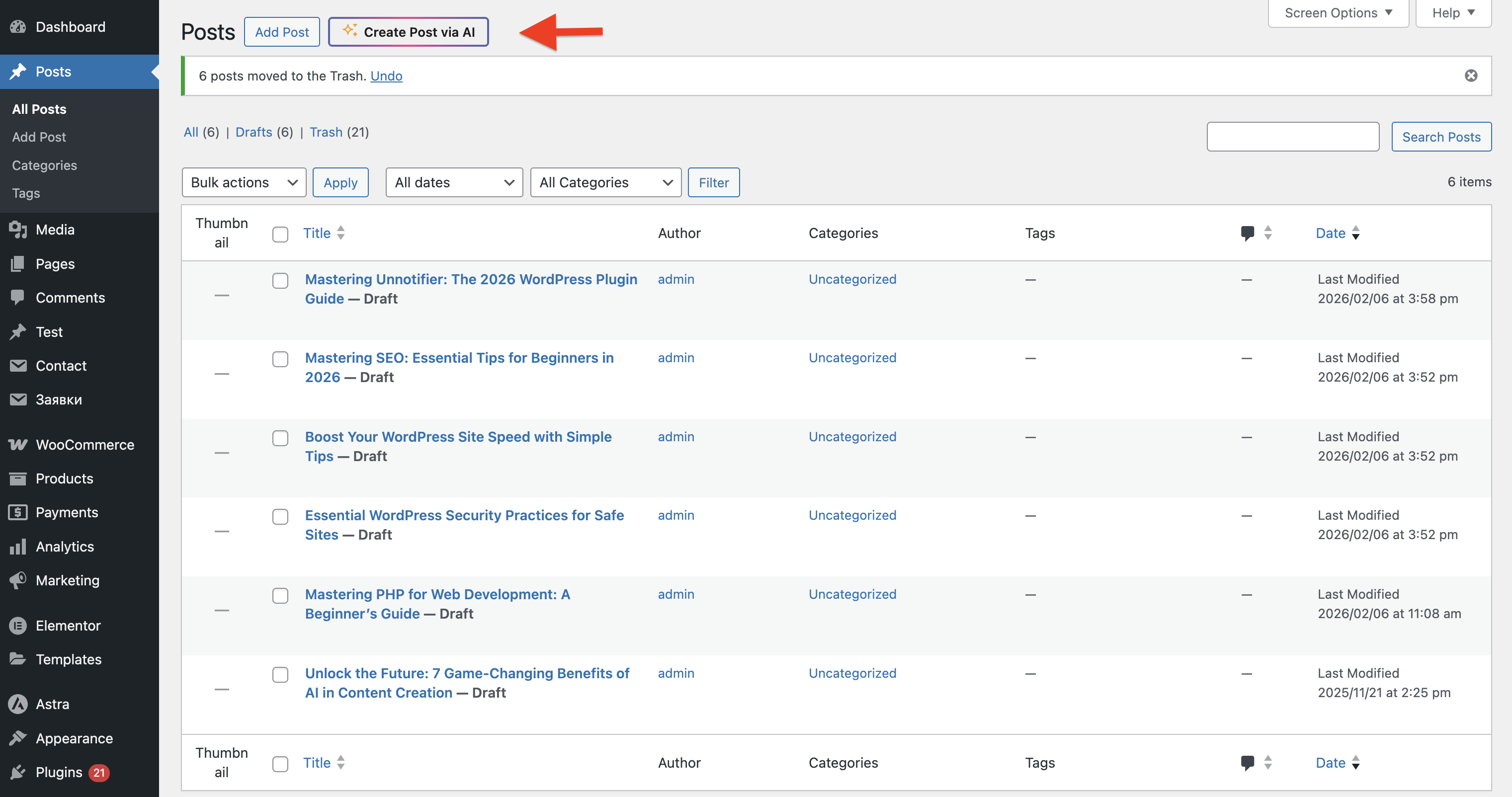
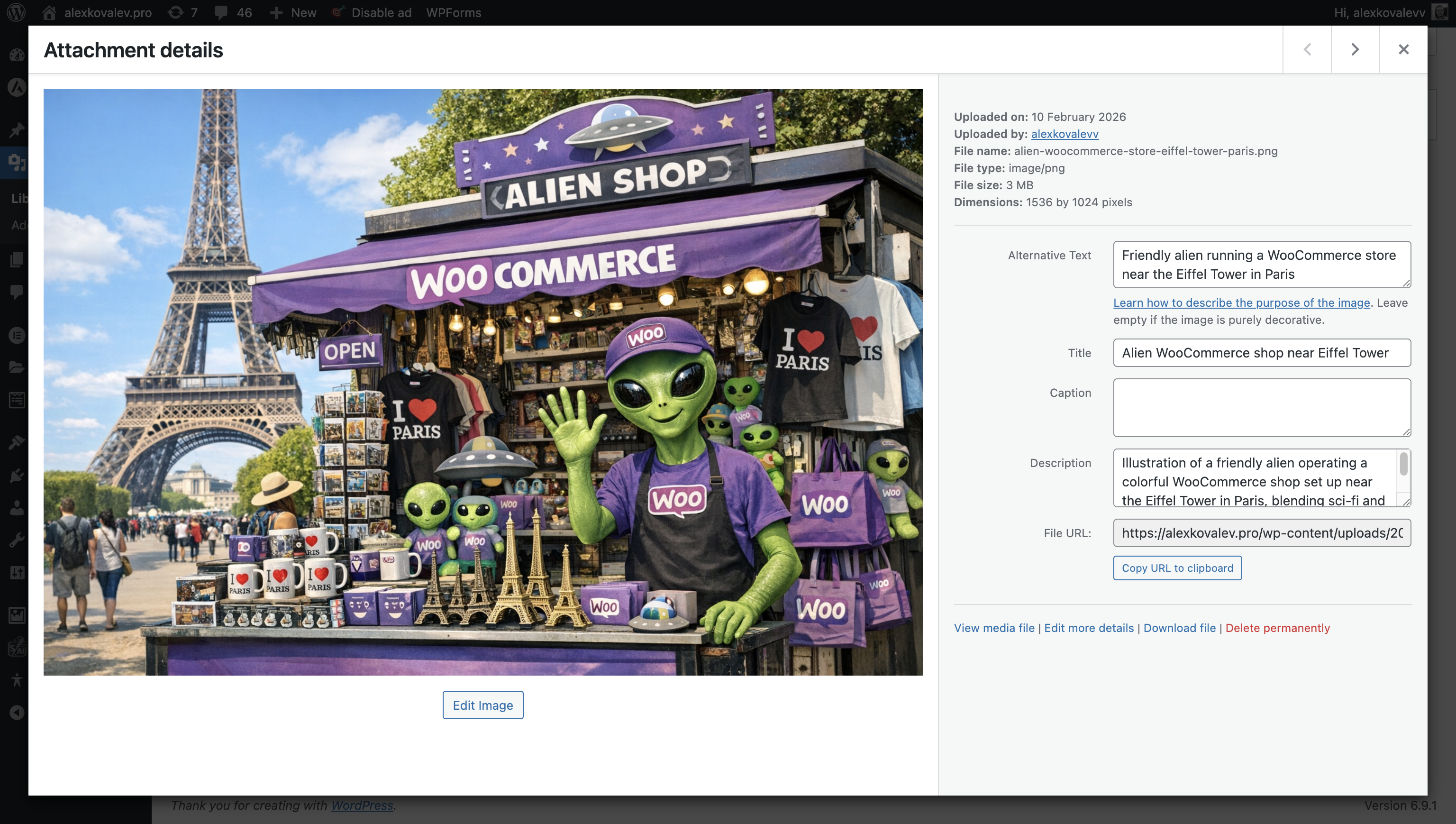
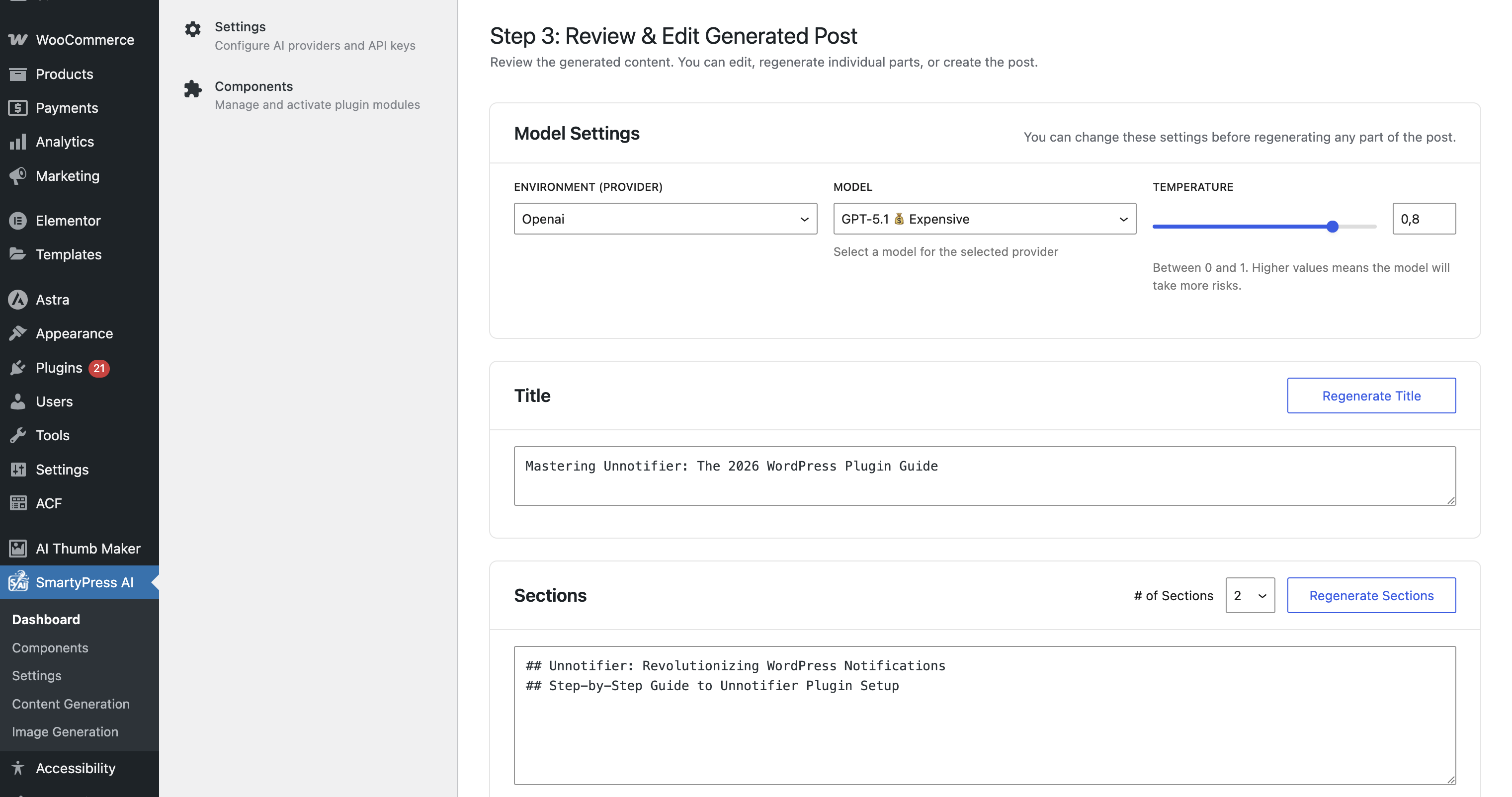
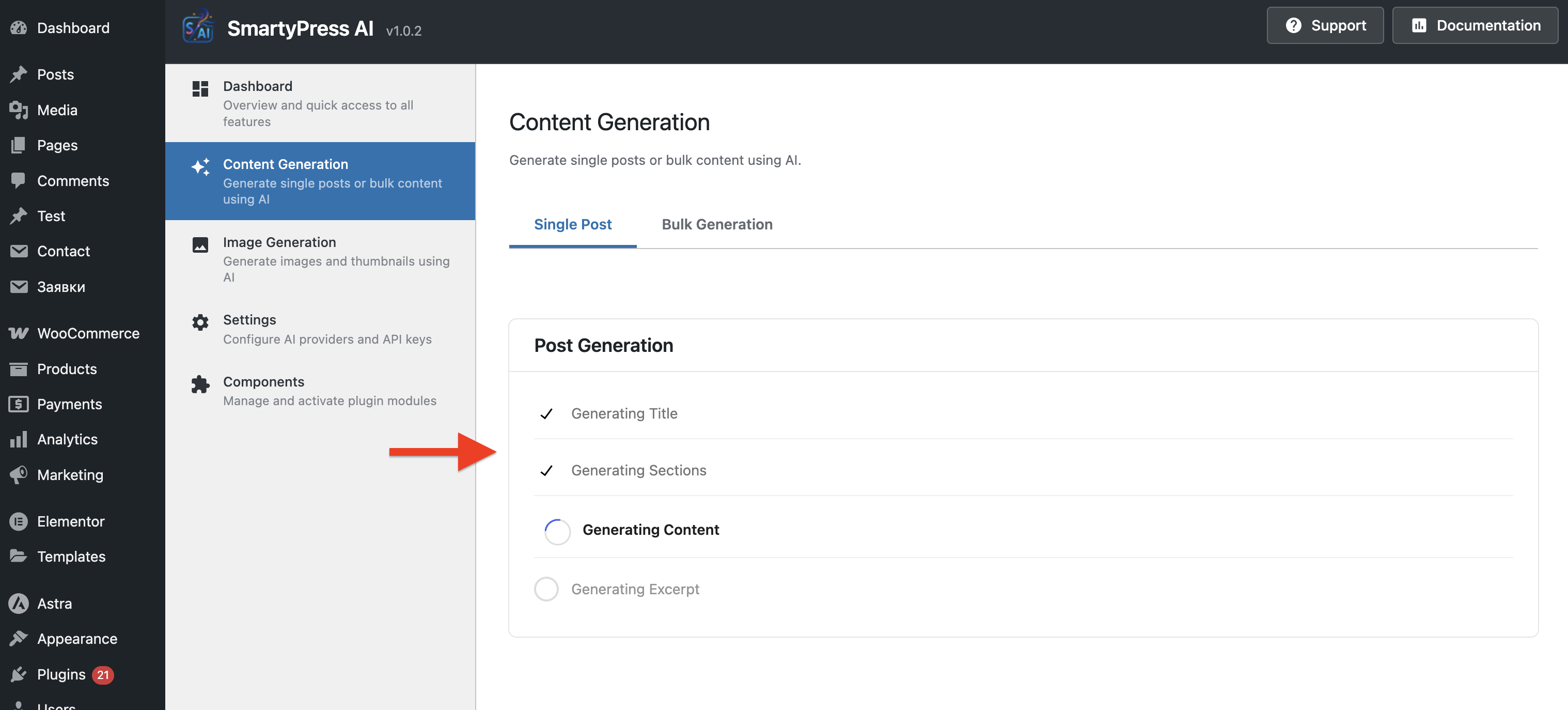
常见问题:
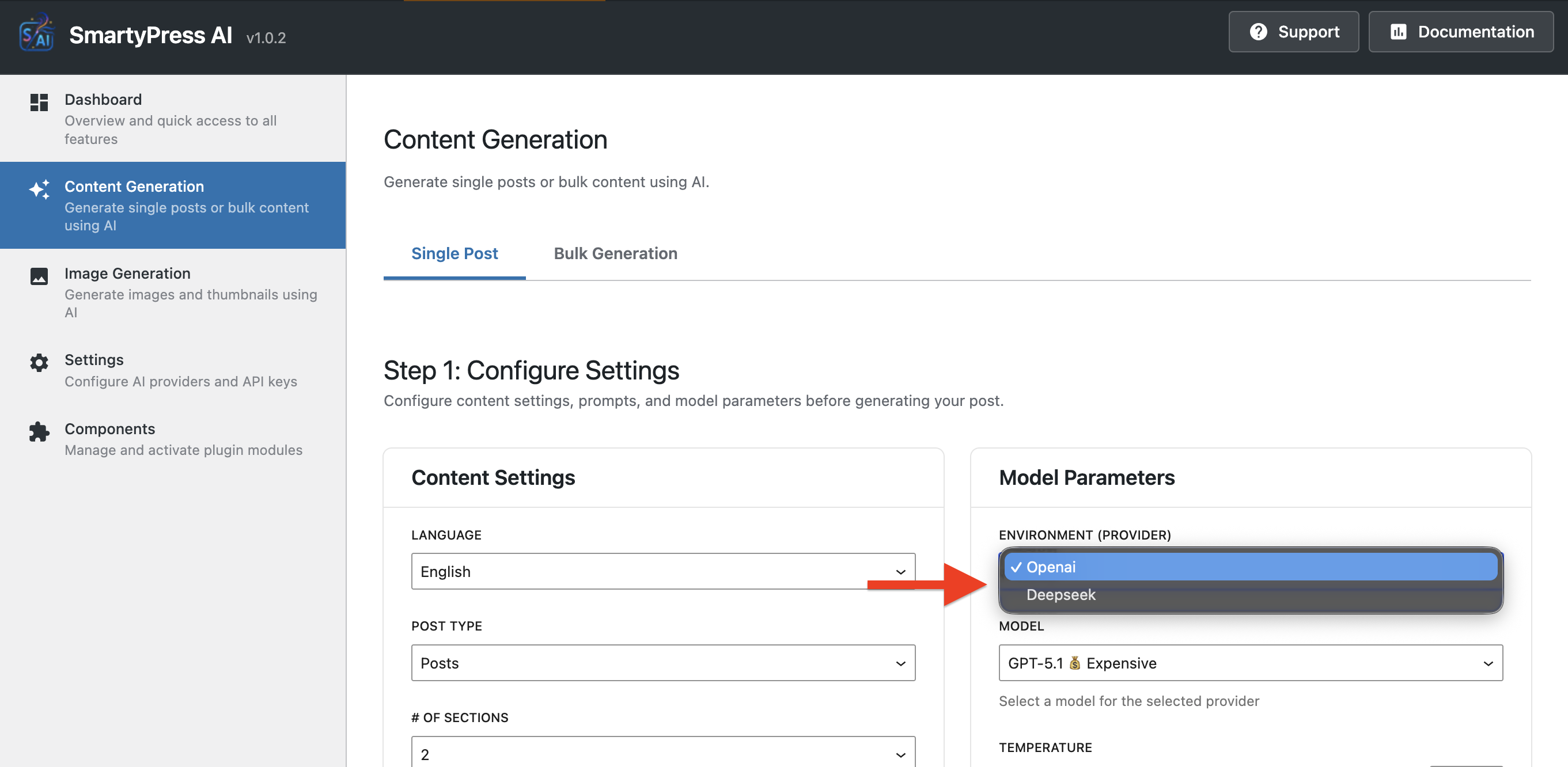
Do I need API keys?
Yes, you need at least one API key from OpenAI (https://platform.openai.com) or Deepseek (https://platform.deepseek.com). You can use both providers if you want.
How much does it cost?
The plugin itself is completely free. However, you pay for API usage to OpenAI and/or Deepseek based on their pricing:
- OpenAI: Pay-per-token pricing, varies by model (check their pricing page)
- Deepseek: Generally more affordable than OpenAI (check their pricing page) Typical costs:
- Generating a blog post title: $0.001 - $0.01
- Generating full article (500-1000 words): $0.02 - $0.10
- The exact cost depends on the model, prompt length, and generated content length
Is my data safe?
Yes. Security measures include:
- All API communications use HTTPS encryption
- API keys stored securely in WordPress database
- No data stored on third-party servers after generation
- WordPress nonces and capability checks
- Input sanitization and output escaping Your content is sent to AI providers only when you explicitly request generation. Please review the "External Services" section and AI providers' privacy policies.
Can I use custom prompts?
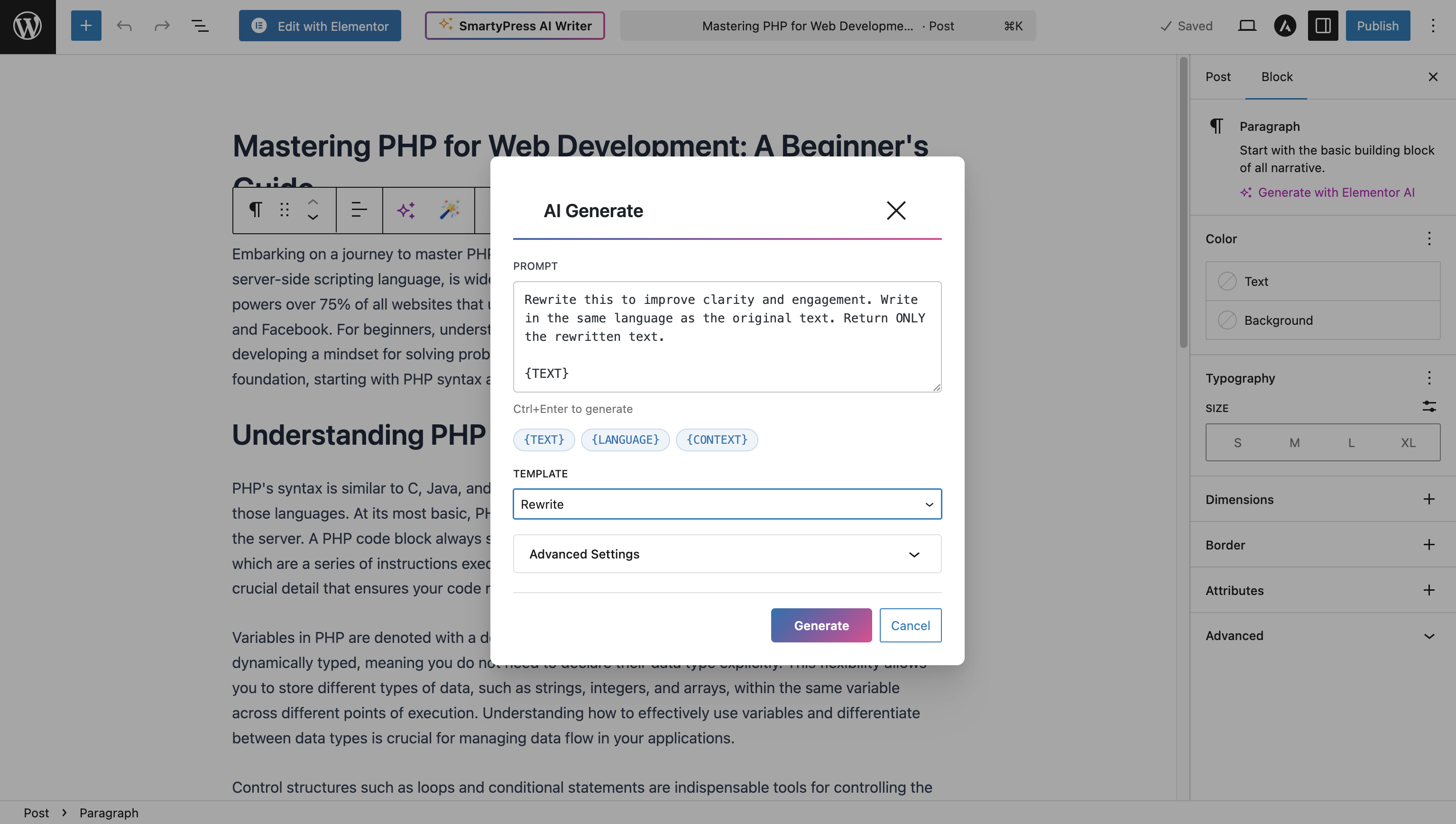
Yes! Magic Wand feature allows you to enter completely custom prompts for any block. You can also customize default prompts using WordPress filters.
Which AI provider should I use?
OpenAI:
- Higher quality outputs
- Better understanding of complex prompts
- More expensive
- Recommended for: critical content, marketing copy Deepseek:
- Faster generation
- More affordable
- Good quality for most use cases
- Recommended for: blog posts, drafts, bulk generation You can switch between providers anytime or use both.
Which post types are supported?
All public post types including:
- Posts
- Pages
- Custom Post Types (configured in Settings)
Can I limit who can use AI generation?
Yes, the plugin respects WordPress capabilities:
edit_posts- required for using generator panel and Magic Wandpublish_posts- required for bulk post generationmanage_options- required for plugin settings Configure user roles in WordPress to control access.
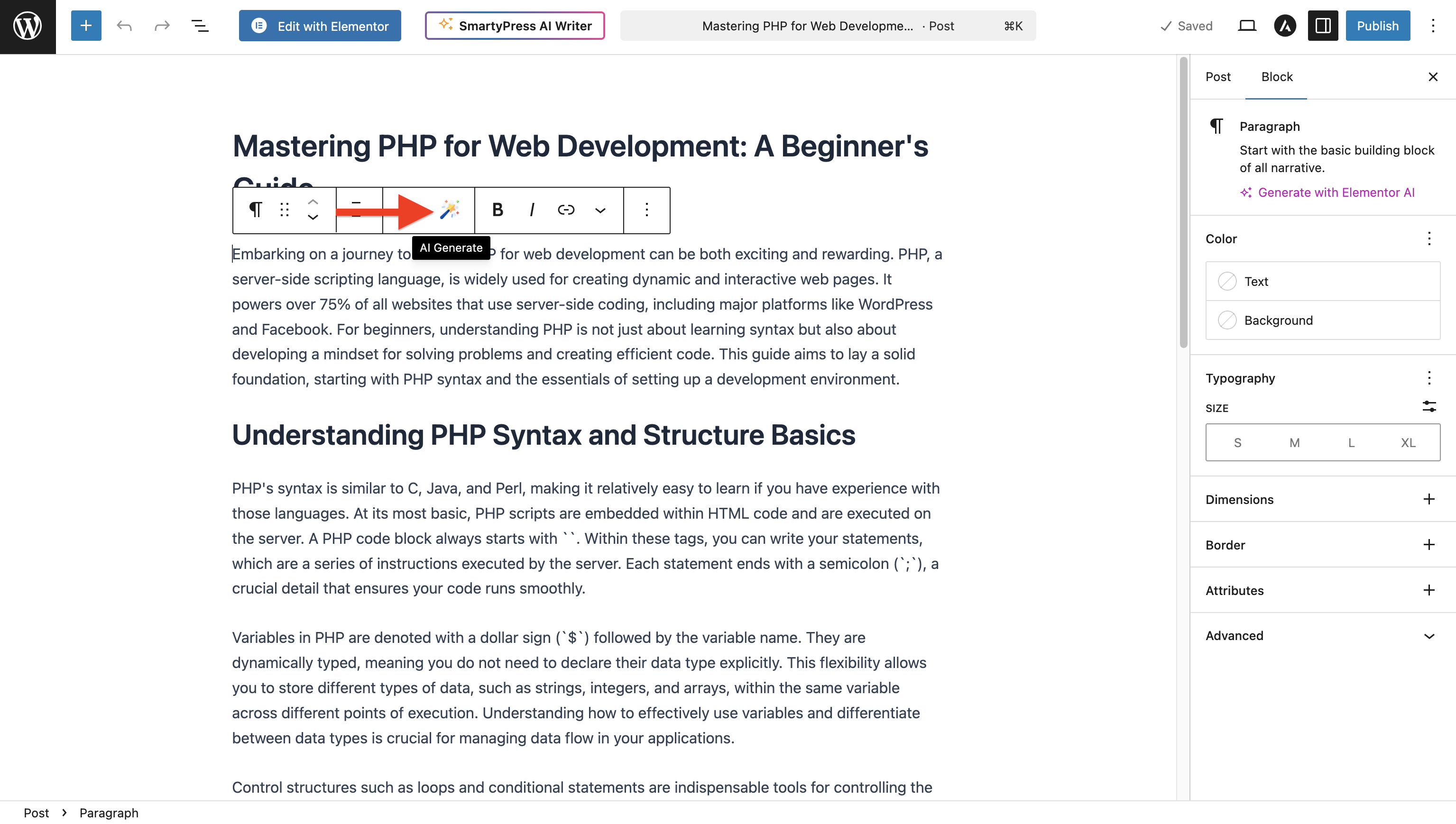
How does Magic Wand work?
- Select any supported block (paragraph, heading, quote, etc.)
- Click the magic wand icon in the block toolbar
- Enter your prompt (e.g., "Write about WordPress AI plugins")
- Click Generate
- Content appears in your block instantly!
What languages are supported?
AI models support all major languages. You can:
- Generate content in any language by specifying it in your prompt
- Use the Translate Text action to translate between languages
- Plugin interface available in English and Russian
Can developers extend the plugin?
Yes! The plugin provides WordPress filters for customization:
smartypress_ai_prompt_{action}- Customize promptssmartypress_ai_wand_params- Modify AI parameterssmartypress_ai_wand_features- Add custom actions
Does this work with the classic editor?
No, this plugin requires the Gutenberg block editor (WordPress 5.0+). It's designed specifically for block-based editing.
Can I use this for WooCommerce products?
Yes, if WooCommerce products are enabled as a public post type, you can generate product descriptions, titles, and other content.
What happens if I run out of API credits?
Generation will fail with an error message. You'll need to add credits to your OpenAI or Deepseek account. The plugin will show the API error message to help you troubleshoot.
What happens when I uninstall the plugin?
When you delete the plugin through WordPress admin, all plugin data will be completely removed:
- Plugin settings and API keys
- All options and transients
- Post meta created by the plugin (if any)
- User meta created by the plugin (if any) Note: Generated content (posts, titles, excerpts) will NOT be deleted as they are your content. Only plugin-specific data is removed.
更新日志:
- Translation loading for WordPress 6.7+: moved init to init hook, added load_plugin_textdomain. Resolves "translation loading triggered too early" notice.
- Minor changes
- Review notice on admin pages: invitation to rate the plugin and share ideas on WordPress.org
- Notice shows 7 days after install, then 30/90/180 days after dismiss. DEBUG constant for instant display Fixed:
- Content generator: model selection now persists in localStorage after page refresh
- Preview: Markdown displayed in preview, HTML conversion only when creating post
- Extended translation support for content generation prompts (title, sections, content, excerpt)
- Improved translation coverage across settings and editor interfaces
- Fixes for translation file references to ensure correct loading of translations
- Module toggle error: "Cannot use a scalar value as an array" when switching modules on/off
- Automatic migration of module settings from scalar (boolean) to array format
- Backward compatibility with old installations
- Module enabled by default (same as Content Generator)
- Sidebar menu updates immediately when activating or deactivating the module (no page reload)
- Module scripts always loaded on plugin admin page so toggling works without refresh Components / Navigation:
- ModulesContext provides live routes from enabled modules; Layout and Navigation react to changes after toggle
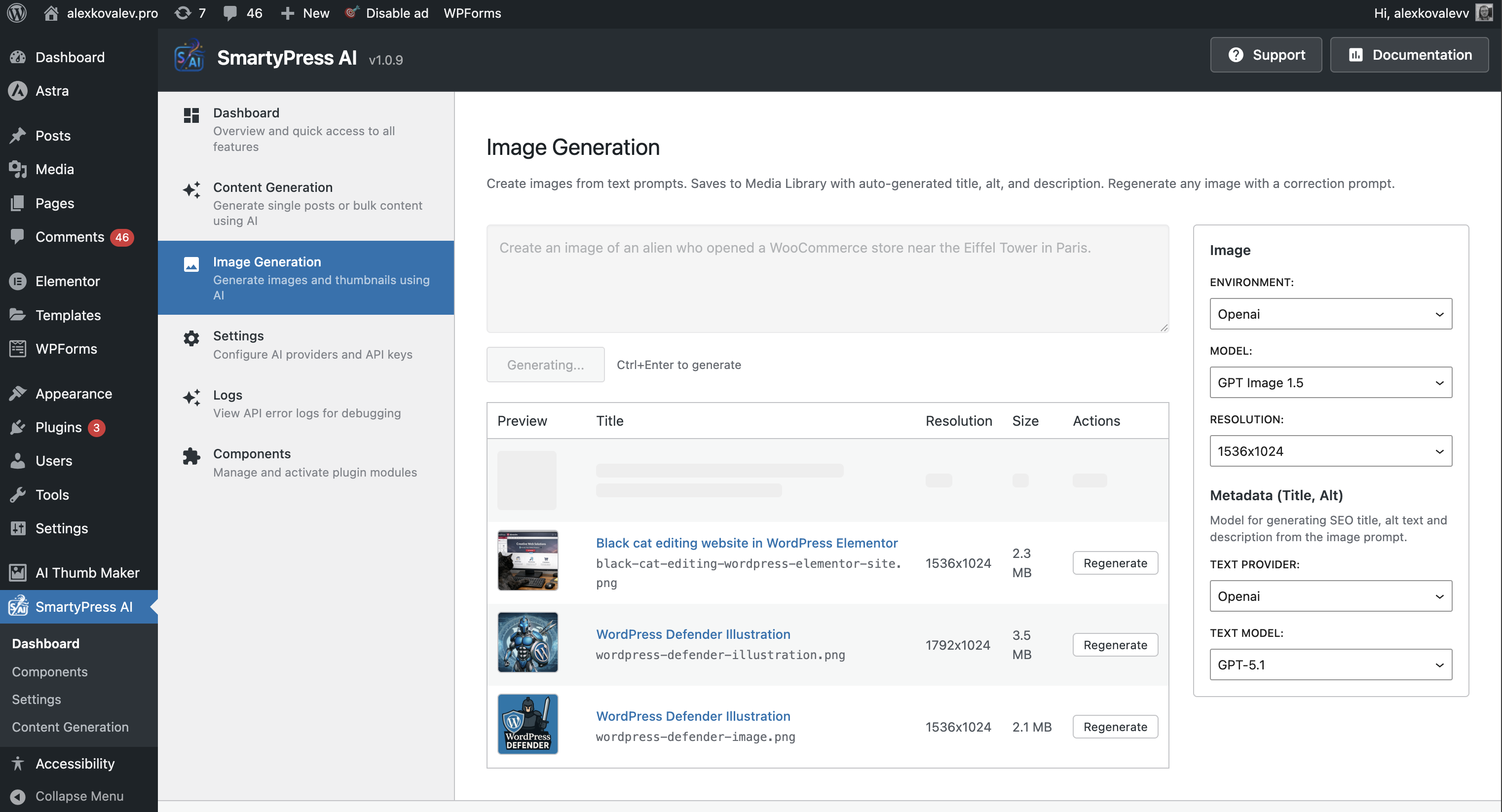
- Generate images from text prompts, save to Media Library with auto-generated title, alt, and description
- Regenerate existing images with correction prompt (Image Edit API for GPT Image, DALL-E via describe + regenerate)
- Settings: provider, model, resolution, text model for metadata; persistence in localStorage
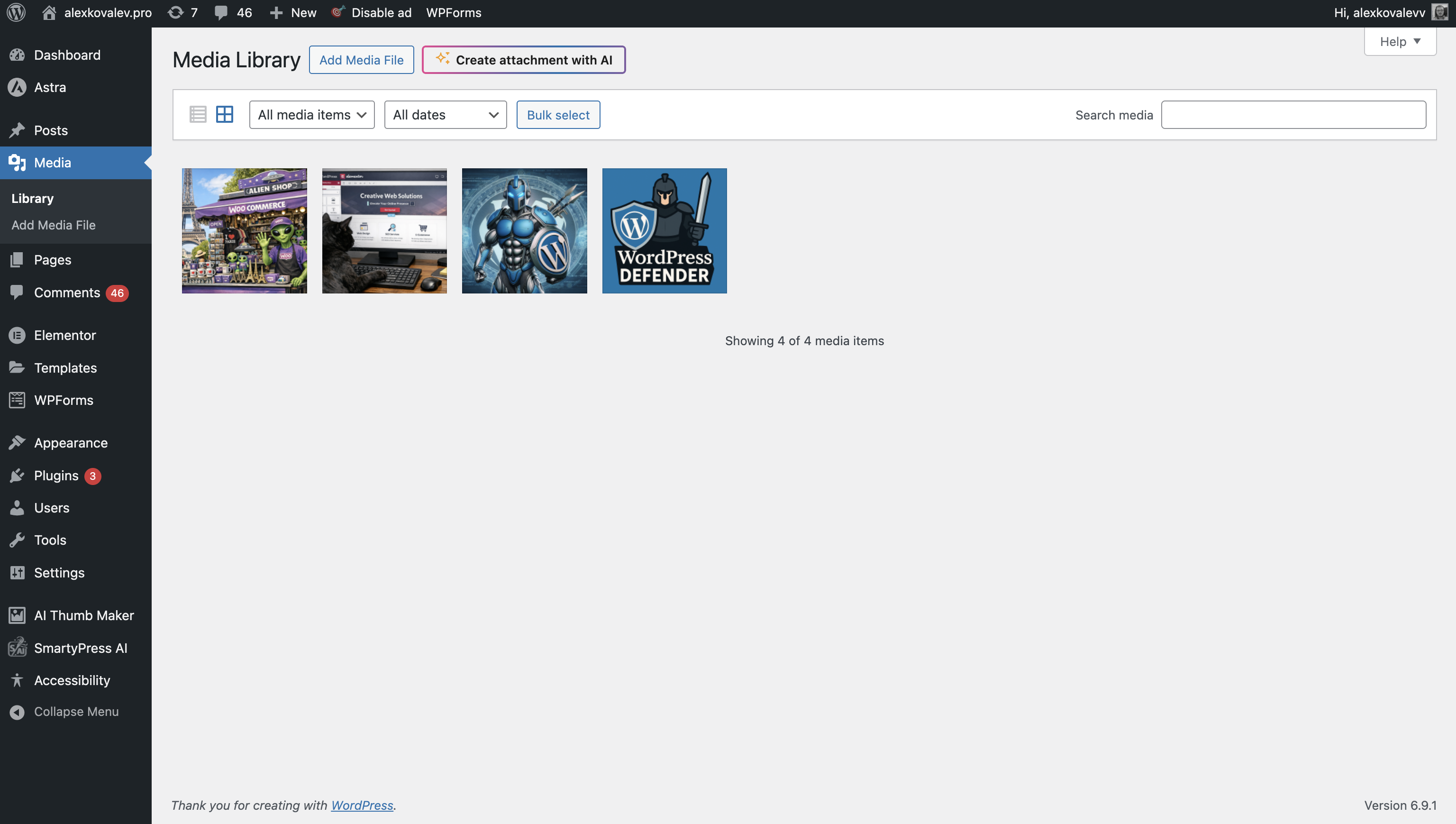
- "Create attachment with AI" button on media library (upload.php) page API Logs:
- Support for module events (image generation logs) with stage, context, and data display
- Language parameter now correctly passed to AI API for title, content, and excerpt generation
- Prompts in Gutenberg editor now use {LANGUAGE} variable instead of "same language as content" Enhanced:
- Full request/response logging for debugging (enable in Settings > Debug)
- Option to log successful API requests for troubleshooting
- Improved log display with word wrap (no horizontal scroll)
- Increased log block height for better readability Changed:
- Temporarily hidden "Suggest Categories" feature (will return in future update)
- WooCommerce short description generation now correctly updates TinyMCE editor
- Magic Wand button now available in WooCommerce product short description editor
- Default AI model from settings now properly applied in Classic Editor modal
- API key corruption issue when saving settings with masked keys Enhanced:
- Improved Classic Editor integration for WooCommerce products
- Better model selection handling across all editor interfaces