Payment Gateway for Alipay and WeChat Pay (支付宝,微信支付,银联支付北美版)
| 开发者 | SnapPay |
|---|---|
| 更新时间 | 2023年1月19日 02:59 |
| PHP版本: | 4.0 及以上 |
| WordPress版本: | 6.1 |
| 版权: | GPL2 |
| 版权网址: | 版权信息 |
详情介绍:
== Country restriction ==
This plugin is built for Merchants located in Canada or USA. The settlement currency is in Canadian Dollars or US dollars.
安装:
- In Wordpress -> Plugins menu, click “Add New”. In the search field, search by “Payment Gateway for Alipay and WeChat Pay (支付宝, 微信支付, 银联支付北美版)”.
- Install and activate the plugin.
- Contact customer service (1-888-660-7729) to open a merchant account.
- Once your account is created, you can login to SnapPay merchant backoffice to retrieve the MD5 Sign Key, the merchant ID and the APP ID.
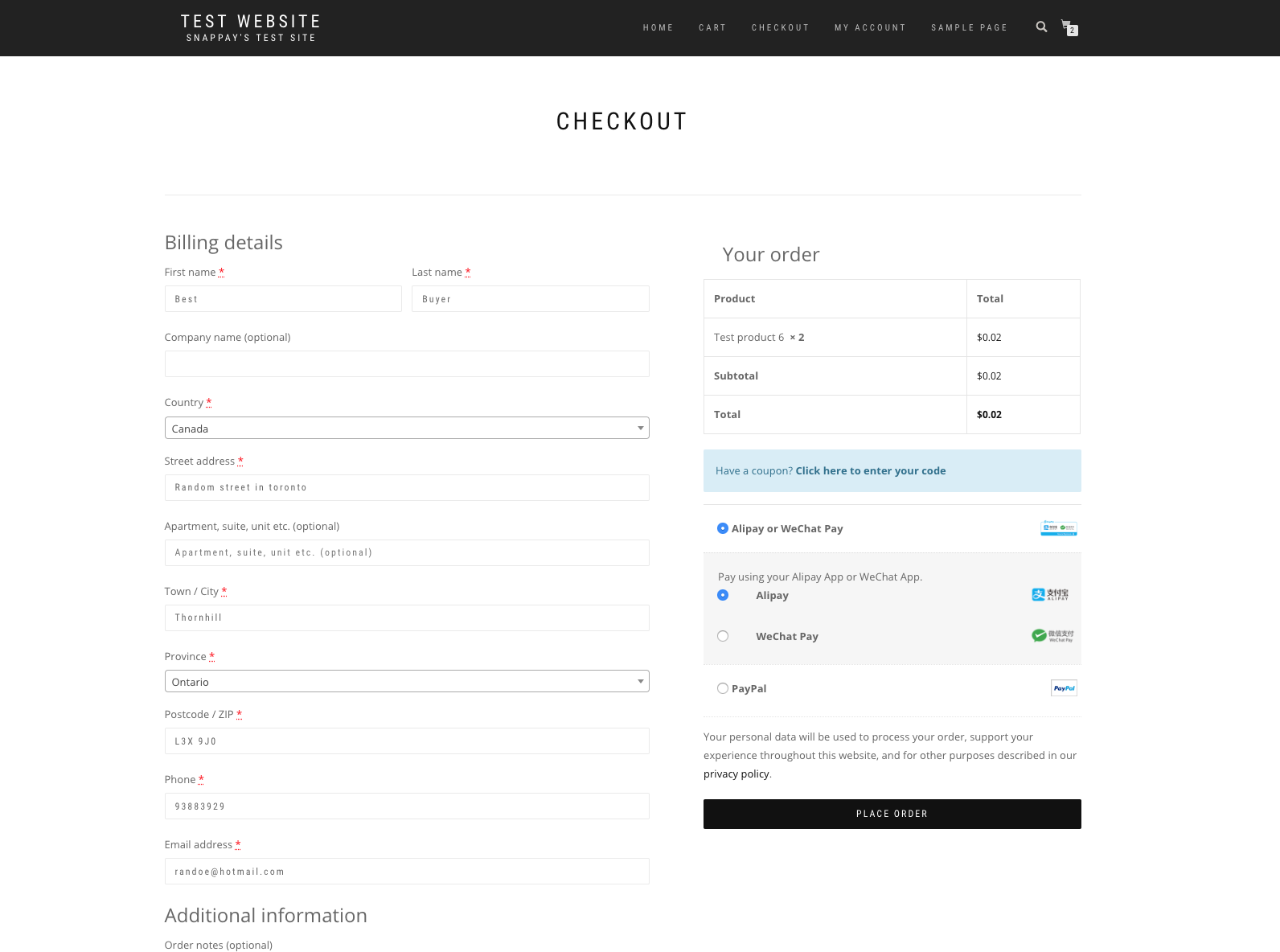
- In Wordpress, navigate to WooCommerce Settings ->Payment tab. Here you can activate payment methods and modify settings for checkout. You will be asked to enter Merchant ID, Sign Key, APP ID and Settlement Currency.
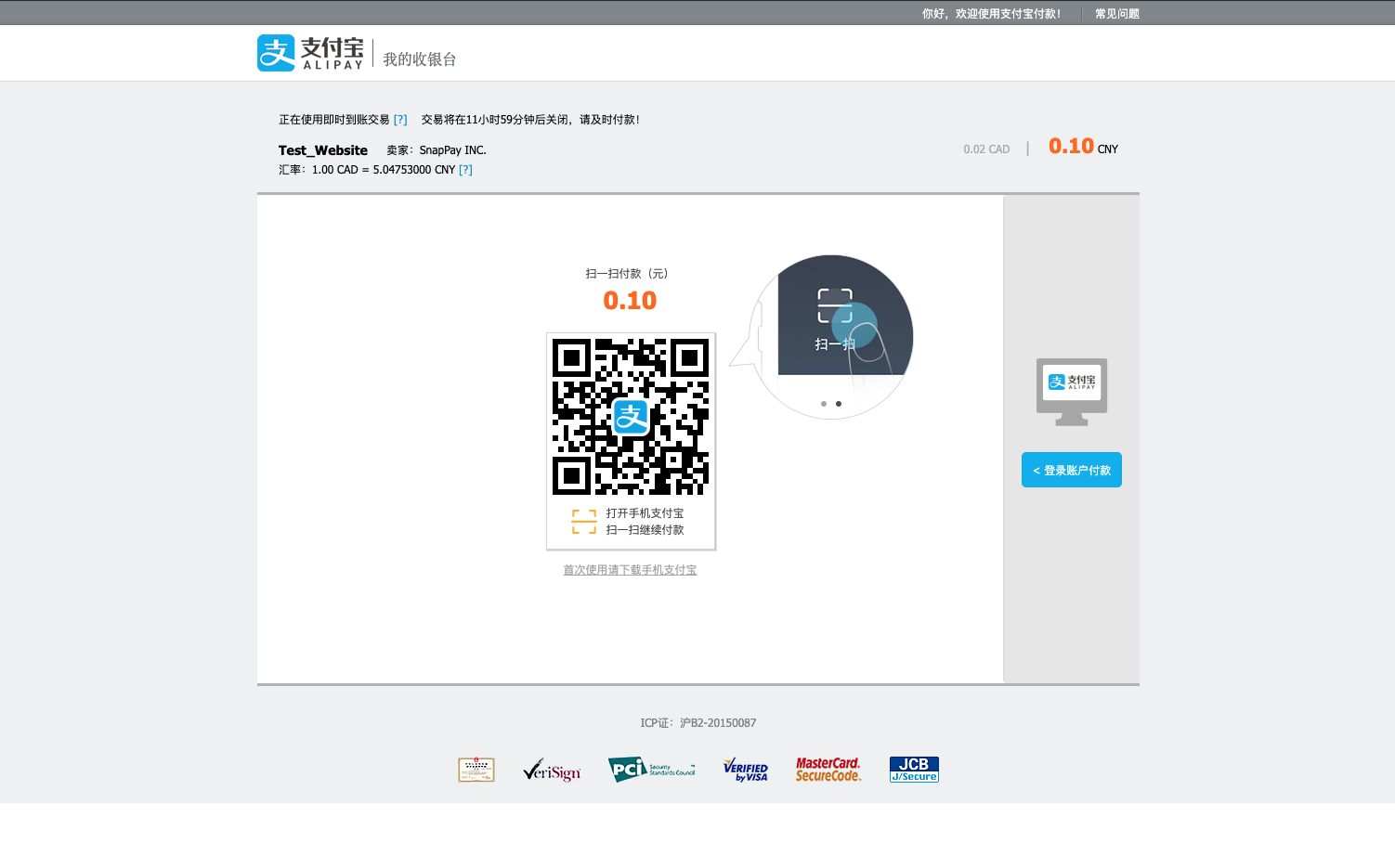
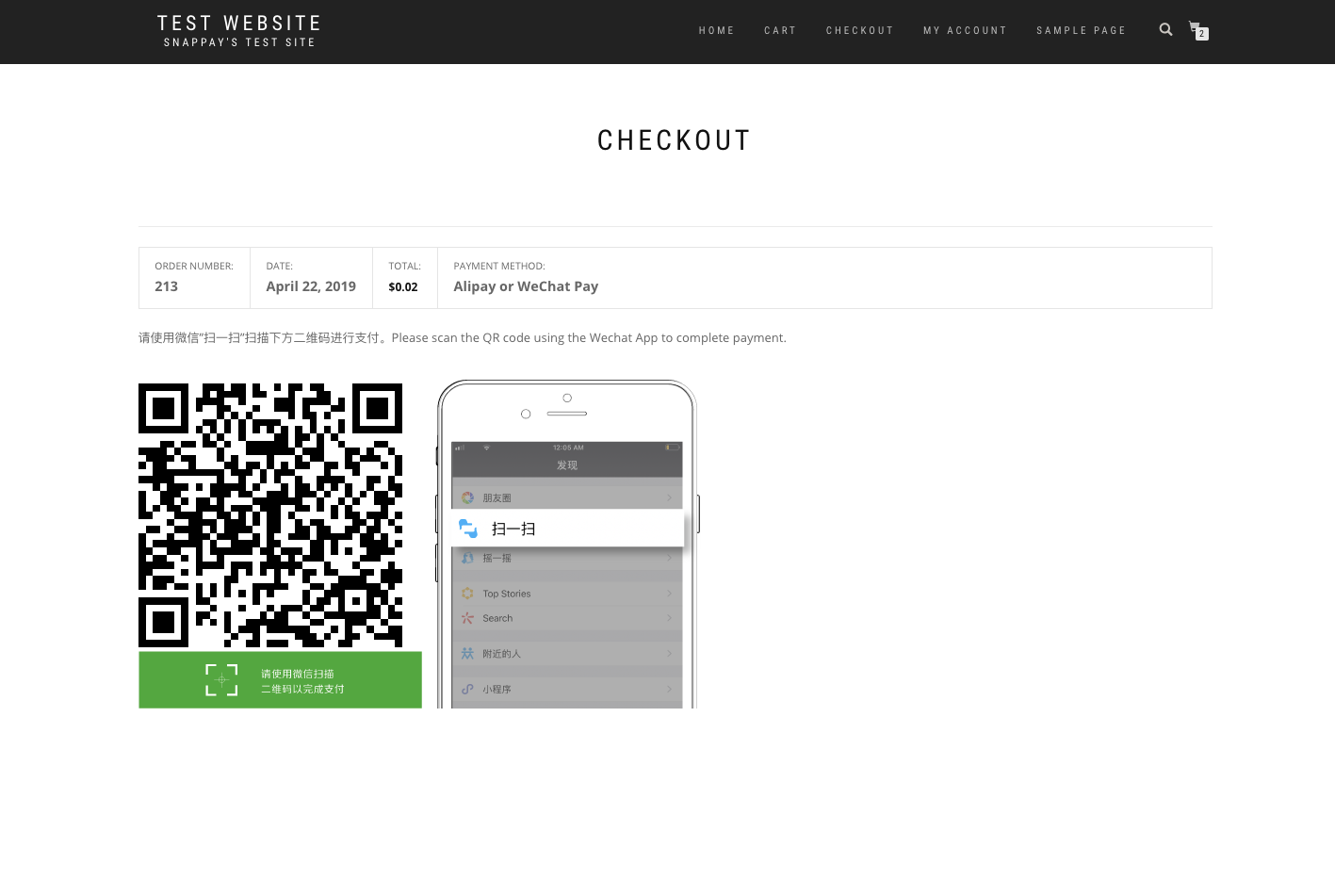
屏幕截图:
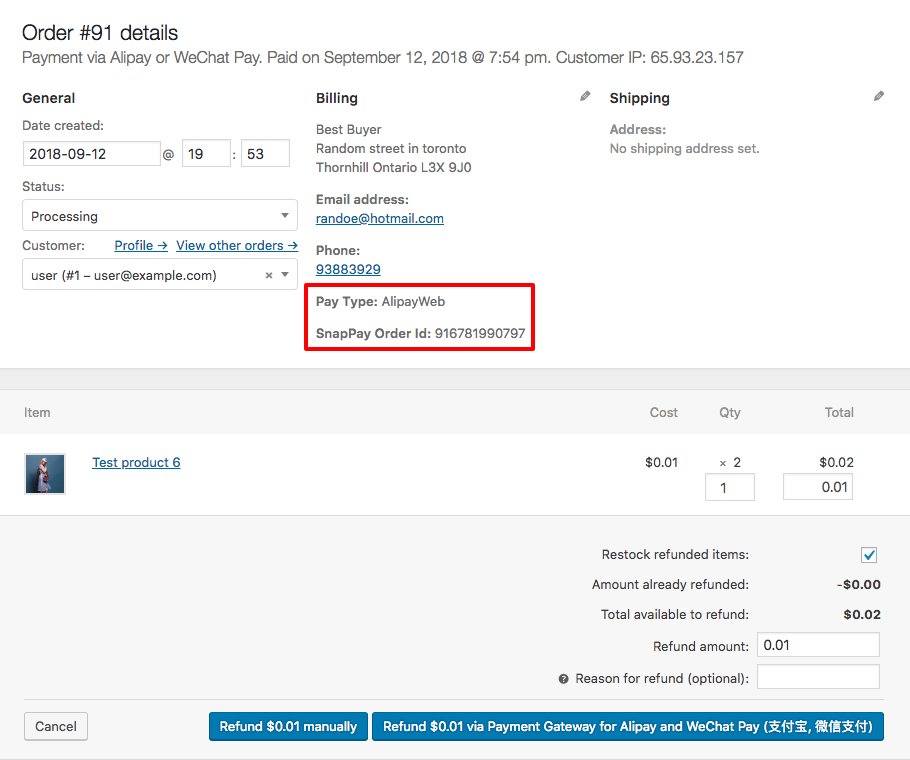
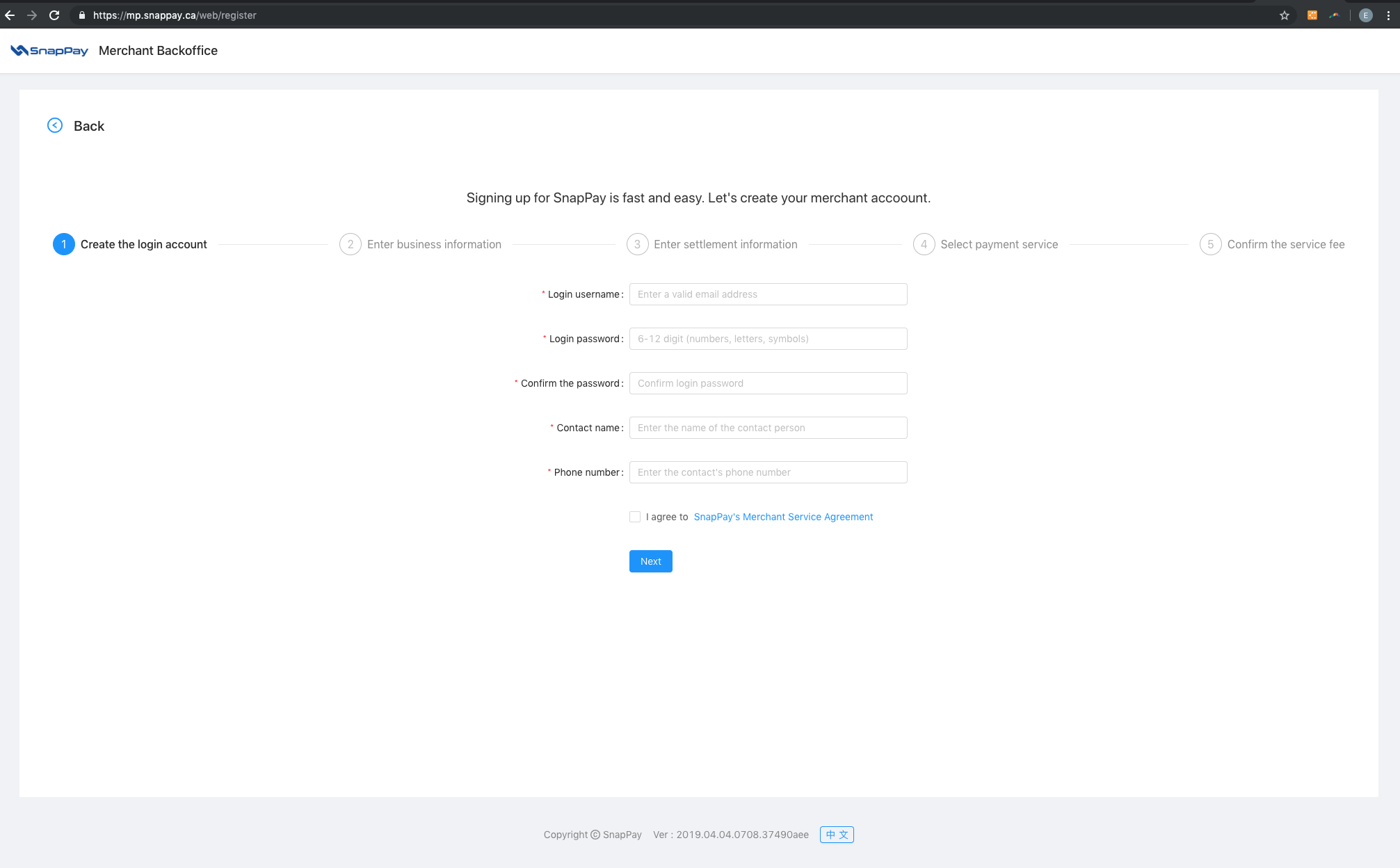
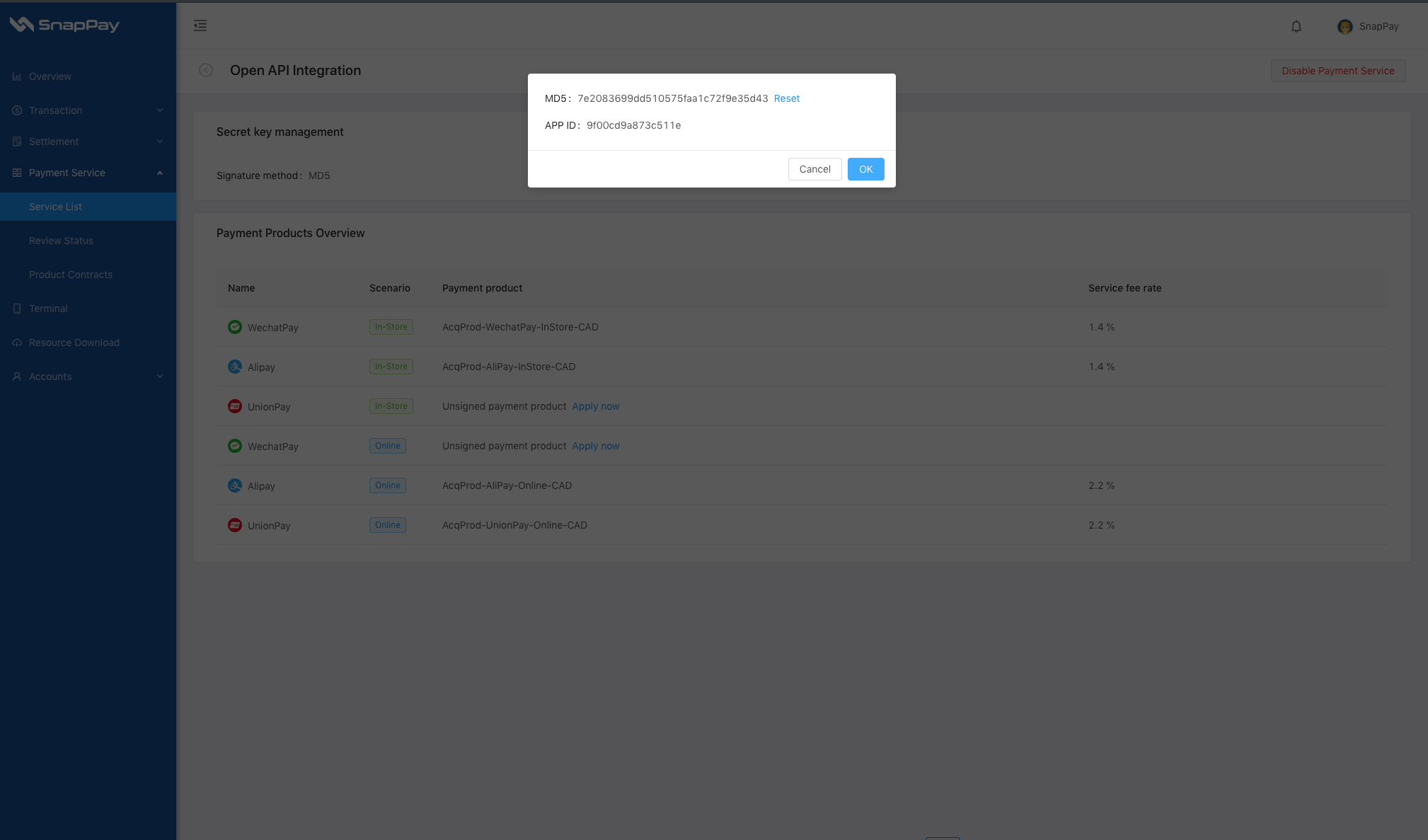
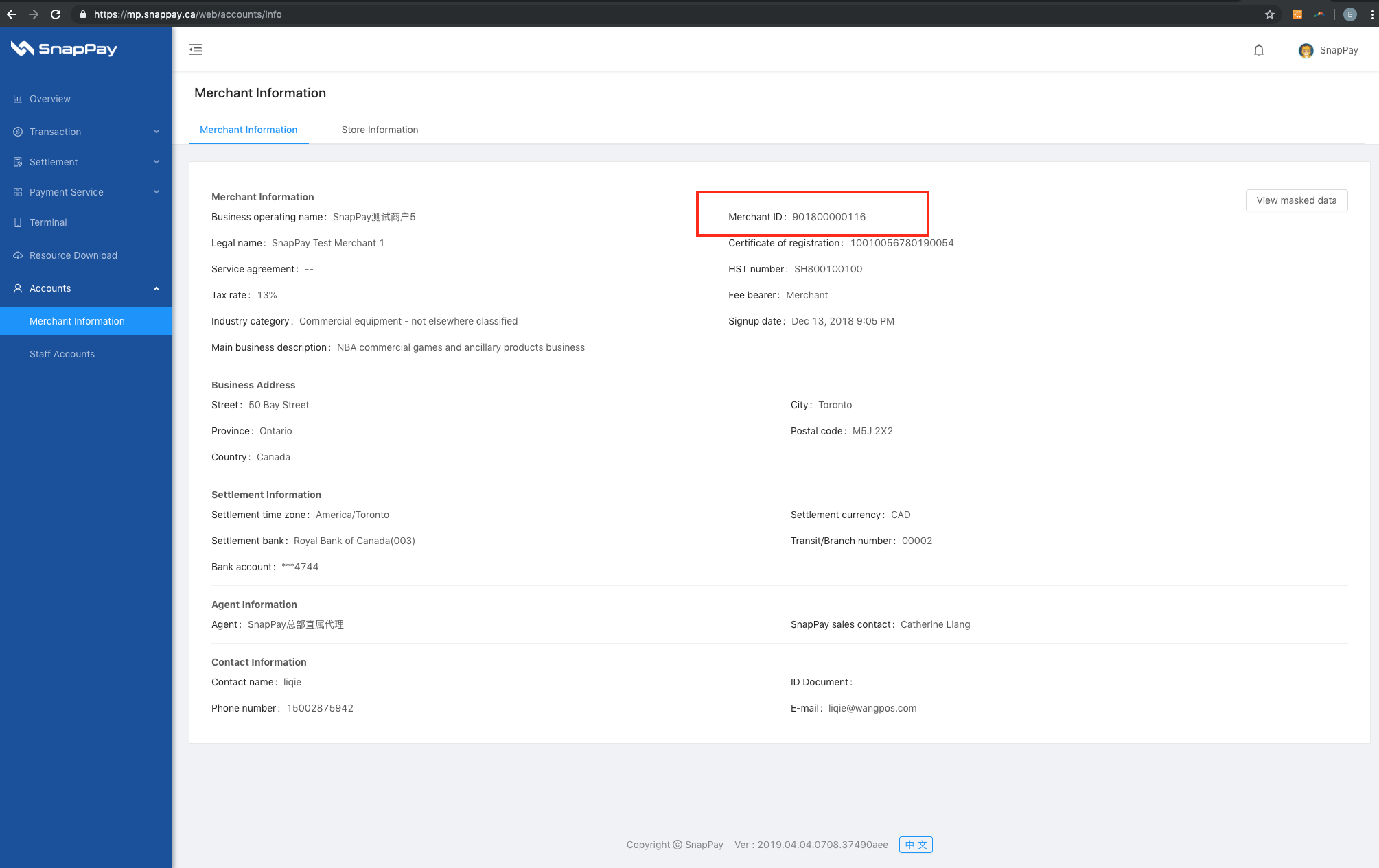
更新日志:
2.3.3 - 18 January 2023
- Compatible to PHP 8.
- Add UnionPay Enable/Disable function.
- Add UnionPay.
- Enhancement notify order status function.
- Better payment experience on mobile devices.
- Improve error message display.
- Some bugs fix.
- Upgraded the payment gateway to leverage SnapPay's V2.0 payment system.
- Added the USD settlement currency.
- Improved customer payment experience on mobile devices.
- Added WaChat H5 payment method.
- Added Alipay Wap payment method.
- Bug fix: Don't clear cart, if payment fail.
- This is the first release.