
Socync - Automatic social media posting and scheduling
| 开发者 | gocemitevski |
|---|---|
| 更新时间 | 2026年8月18日 18:42 |
| PHP版本: | 7.4 及以上 |
| WordPress版本: | 7.1 |
| 版权: | GPL v2 or later |
| 版权网址: | 版权信息 |
详情介绍:
Socync connects your WordPress site to four major social platforms and automatically publishes your content when you publish a new post. It also supports standalone scheduled posts for full control over timing and content.
Features
- Auto-Post on Publish: Automatically push new WordPress posts to all connected platforms after a configurable delay (default 2 minutes)
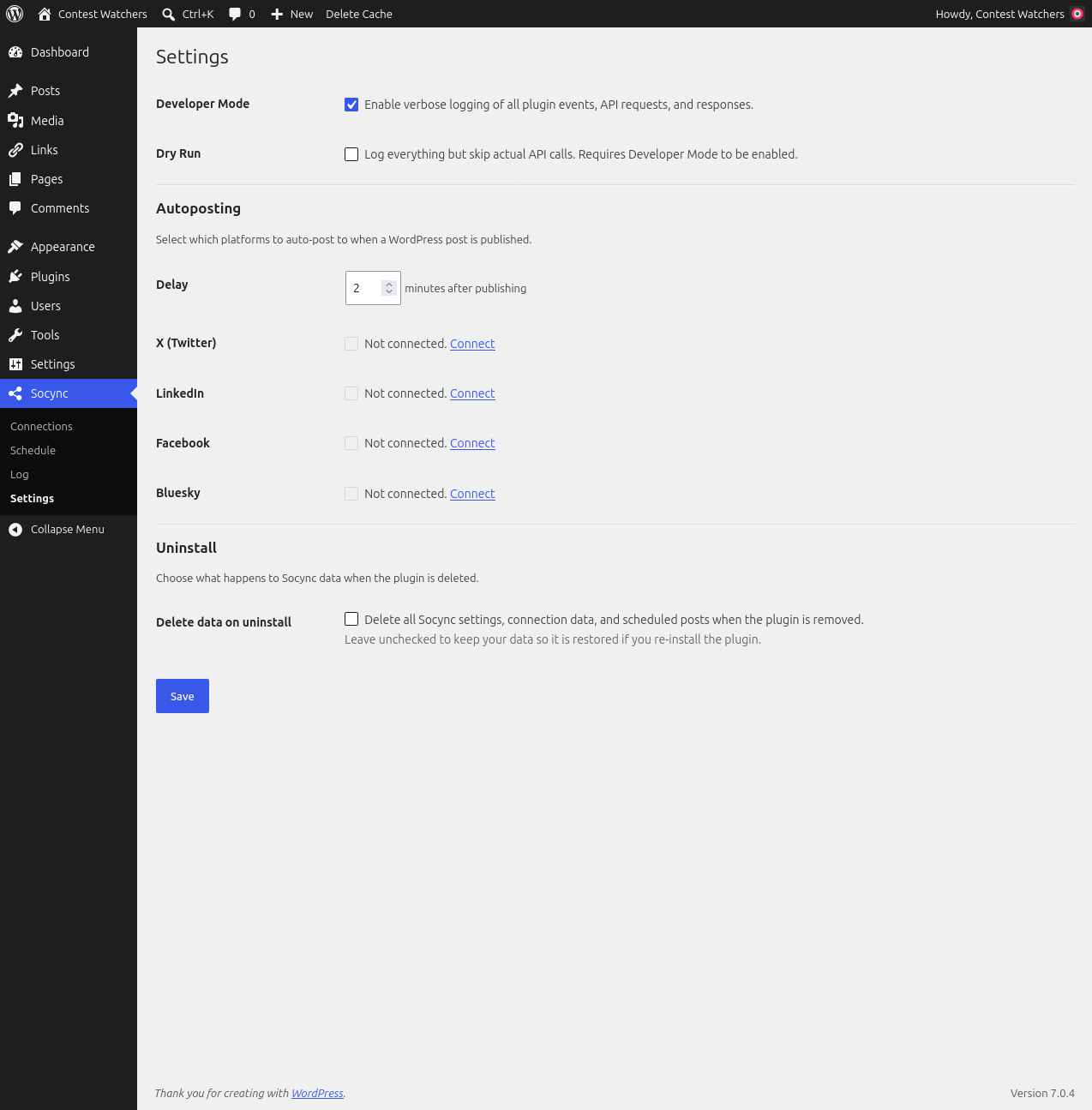
- Per-Platform Autoposting Toggle: Choose which connected platforms receive auto-posts on the Settings page
- Multi-Platform Support: Post to X (Twitter), LinkedIn, Facebook, and Bluesky
- Link Previews with Thumbnails: LinkedIn and Bluesky posts include OG thumbnail images
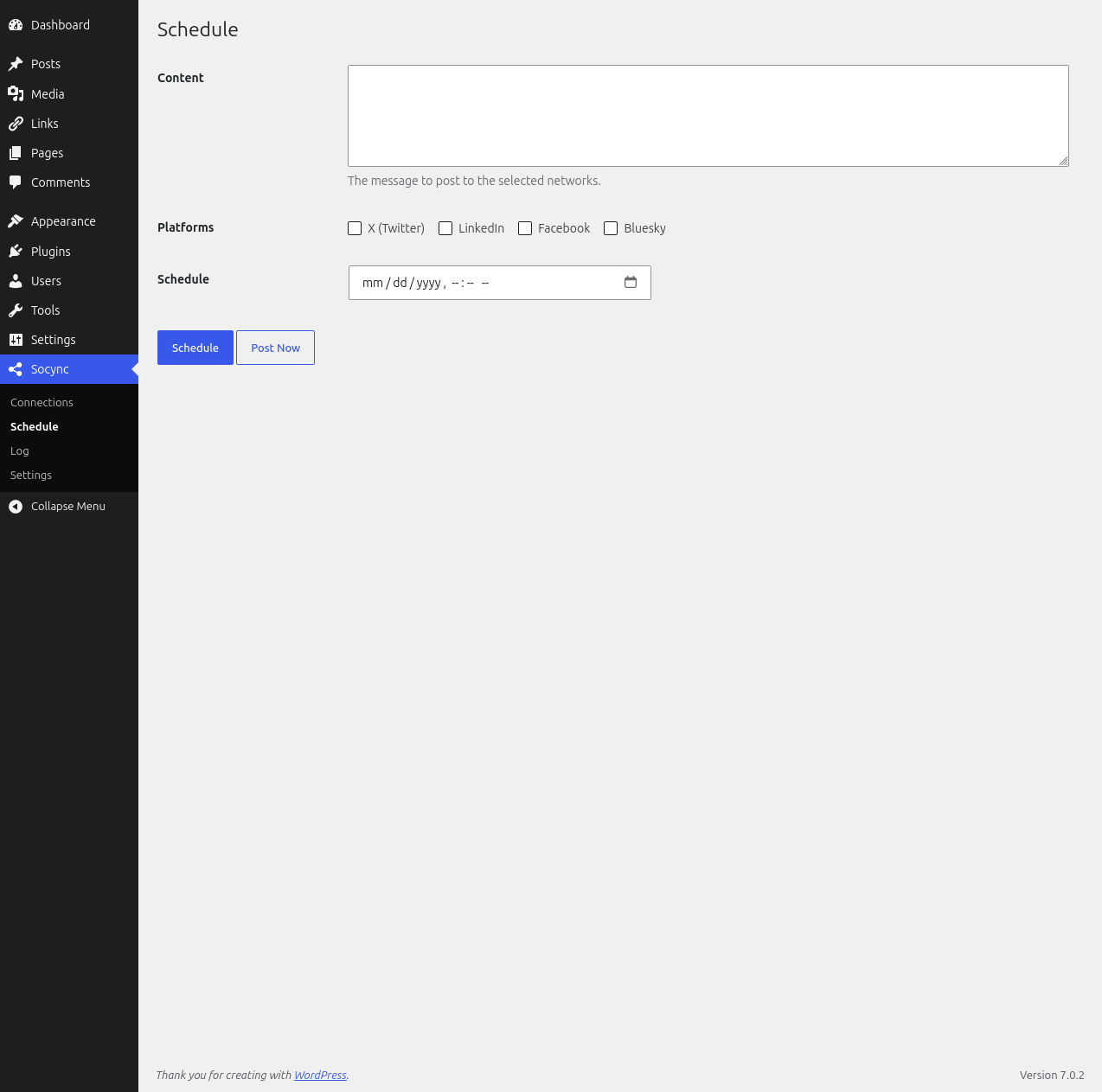
- Standalone Scheduled Posts: Create posts directly from the Schedule page — no WP Post required
- Flexible Scheduling: Schedule standalone posts at a specific date and time
- Custom Content: Full control over post content for each platform (prefix, hashtags per platform)
- Dry Run Mode: Preview what would be posted without actually publishing
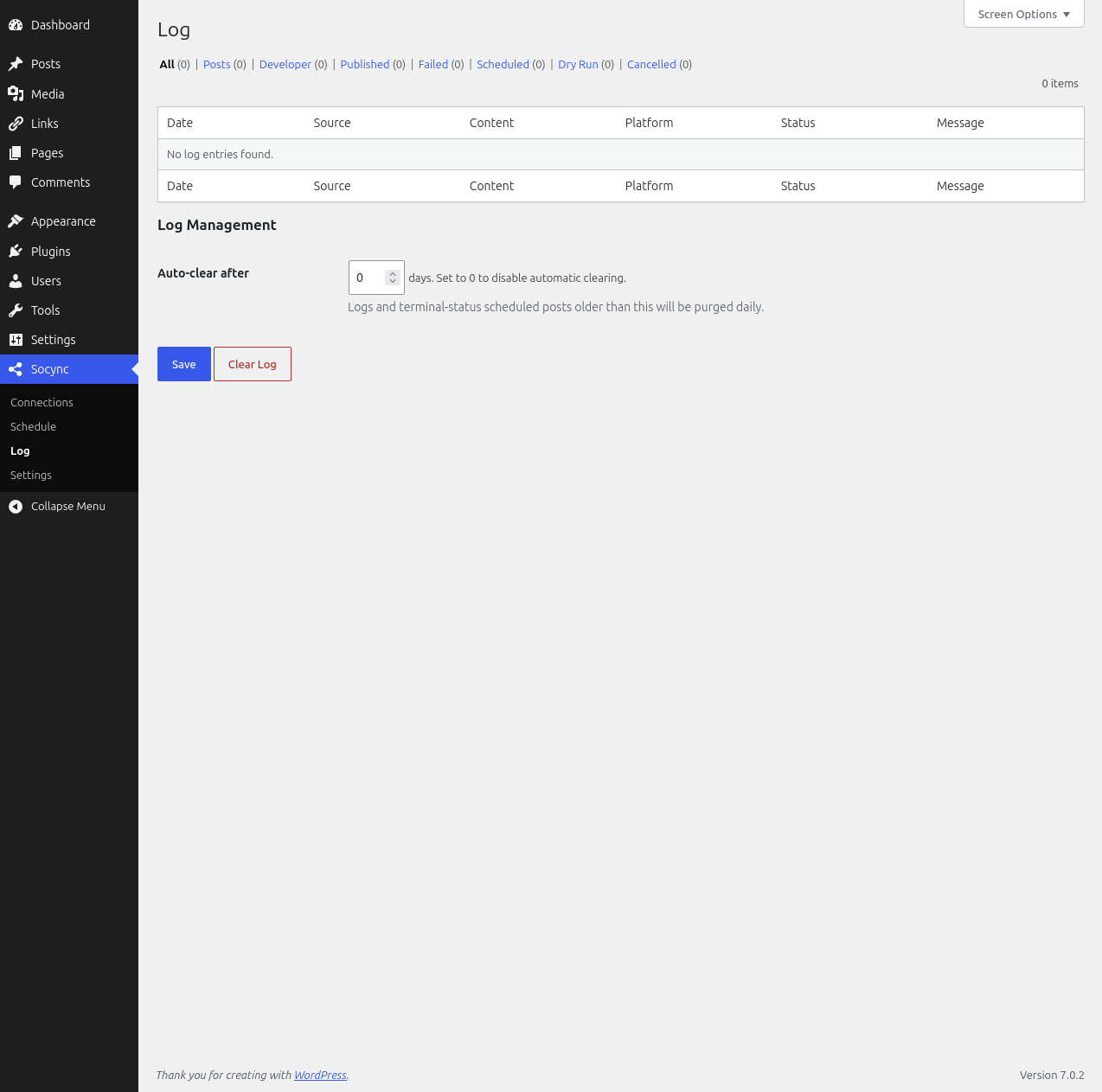
- Clean Admin Interface: Tabbed settings page with unified Log view
- Comprehensive Logging: Track all posting attempts, errors, and developer-level API details
- Multiple Auth Methods: OAuth 2.0 (X, LinkedIn, Facebook), OAuth 1.0a legacy (X fallback), App Password (Bluesky)
安装:
- Upload the
socyncfolder to the/wp-content/plugins/directory - Activate the plugin through the 'Plugins' menu in WordPress
- Navigate to Socync in the admin menu to configure your connections
屏幕截图:
常见问题:
Which platforms are supported?
X (Twitter), LinkedIn, Facebook, and Bluesky.
What authentication methods are used?
X uses OAuth 2.0 Authorization Code with PKCE (with OAuth 1.0a fallback). LinkedIn and Facebook use OAuth 2.0. Bluesky uses App Password authentication.
Can I schedule posts in advance?
Yes. Use the Socync > Schedule page to create standalone scheduled posts at any future date and time.
Is there a dry run mode?
Yes. Enable Developer Mode on the Settings page and then use Dry Run mode to preview what would be posted without actually sending anything.
What happens to my data when I delete the plugin?
Your Socync settings, connection data, and scheduled posts are preserved so they are restored if you re-install the plugin. To remove all plugin data on deletion, enable the "Delete data on uninstall" option on the Settings page.
更新日志:
0.7.6
- Log entries for auto-published posts now show the source article title, making auto-posted items identifiable in the Log
- Replaced the default admin menu icon with a custom Socync SVG icon
- Upgraded Facebook publishing to Graph API v25.0 (v18.0 is deprecated)
- Corrected the LinkedIn connection guide: the Posts API product is required for publishing, alongside Share on LinkedIn for posting permissions
- Corrected the Facebook connection guide: use the pages_manage_posts and pages_read_engagement permissions
- Added detailed step-by-step connection guides for X, LinkedIn, Facebook, and Bluesky
- Fixed HTML entity decoding in Open Graph metadata so Bluesky and LinkedIn link previews show clean titles and descriptions
- Limited readme tags to five to comply with WordPress Plugin Directory requirements
- Tested up to WordPress 7.1
- Added option to preserve plugin data on uninstall (data is kept by default; enable deletion in Settings > Uninstall)
- Fixed Facebook token refresh to use the stored access token
- Fixed timezone-dependent future-date check for scheduled posts
- Added plugin icon assets for the WordPress Plugin Directory
- Gated scheduled posts table creation behind a versioned option
- Documented external services (what data is sent, when, and links to each provider's terms/privacy policy)
- Removed register_uninstall_hook in favor of uninstall.php for reliable cleanup
- Sanitized OAuth callback query parameters (security hardening)
- Moved inline admin JavaScript and CSS into enqueued assets
- Fixed page-number navigation (Enter key) on the Log page
- Updated admin screenshots
- Renamed plugin from SocialSync to Socync (all internal prefixes, classes, options, hooks, and the text domain now use the socync prefix)
- Existing SocialSync settings are not migrated automatically — reconnect your accounts after updating
- Fixed hardcoded admin version reference so asset caching uses the current plugin version
- Fixed PHP 7.4 compatibility: removed union return types (array|WP_Error) which require PHP 8.0+
- Fixed LinkedIn image thumbnail upload returning 426 Upgrade Required (LinkedIn-Version header mismatch between Posts API and Images API)
- Added missing plugin headers (Requires at least, Requires PHP, Tested up to, Domain Path)
- Added load_plugin_textdomain() call and /languages/ directory
- Created WordPress-format readme.txt for Plugin Directory
- Drop custom scheduled_posts table on uninstall
- Wrapped all static WP_Error messages in __() for i18n consistency
- Added SSRF protection for OG metadata and thumbnail fetches
- Fixed Bluesky JWT storage (removed sanitize_text_field that could corrupt tokens)
- Fixed Bluesky handle URL encoding (rawurlencode for RFC 3986 compliance)
- Disabled autoloading for socync_logs option to reduce database overhead
- Added Settings page integration tests
- Updated admin page dashicons
- Improved plugin headers and metadata
- Security audit fixes: sanitization hardening, unified logging for Facebook, OAuth URL redaction, WP_Error redirect fixes
- Security audit fixes: token storage sanitization removal, body redaction fallback, dev logger HTML stripping