
Solid Post Likes
| 开发者 |
oacstudio
conschneider |
|---|---|
| 更新时间 | 2026年10月14日 14:40 |
| PHP版本: | 7.4 及以上 |
| WordPress版本: | 7.1 |
| 版权: | GPLv2 or later |
| 版权网址: | 版权信息 |
详情介绍:
- All post types, selectable per post type.
- Single posts, and optionally archives, search results and query loops.
- WooCommerce products — all product types (Subscriptions, Bookings, ...).
- Post comments, also on custom post types.
- Anywhere you want via shortcode.
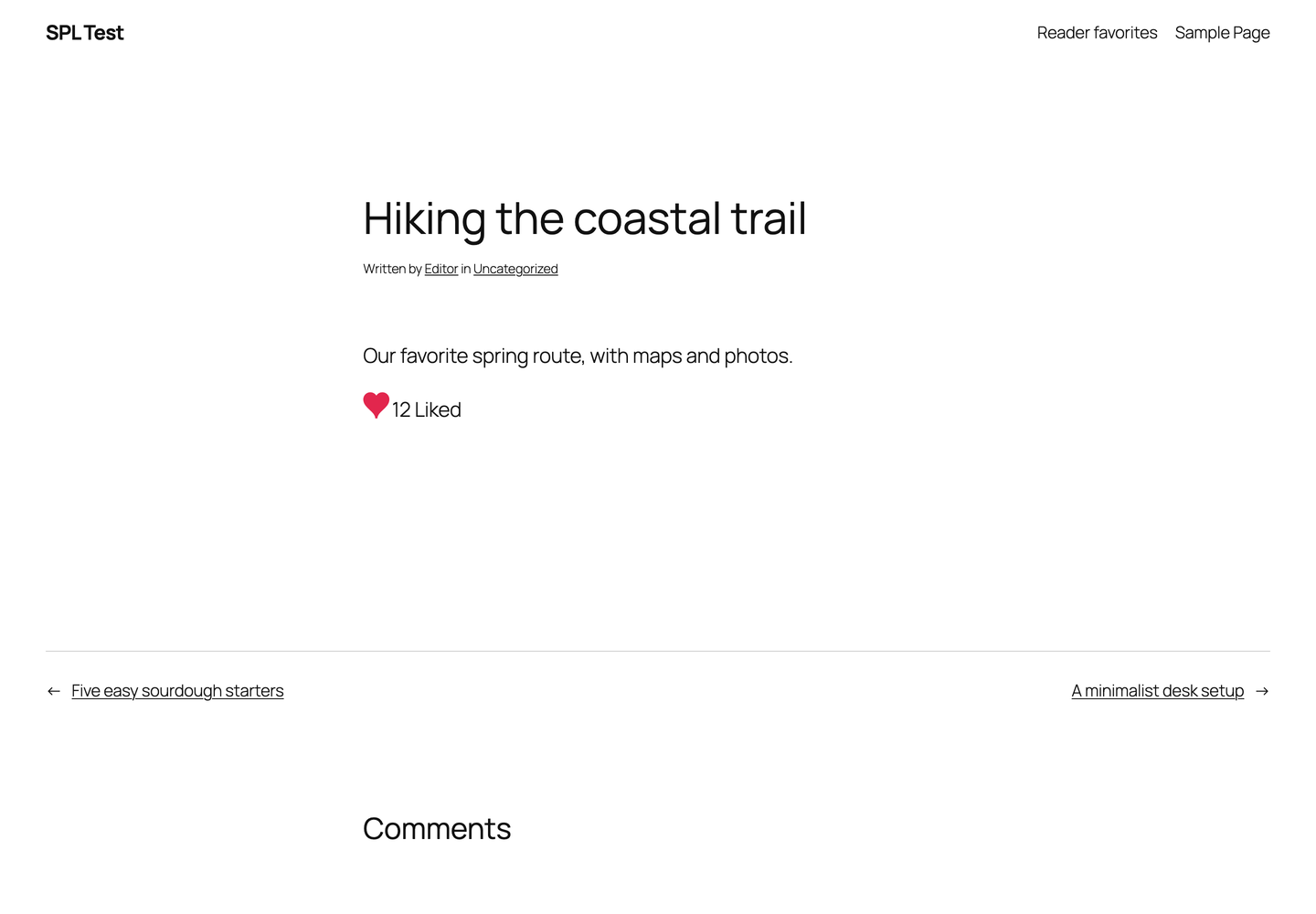
- Like Button block — drop it anywhere, including inside Query Loops. Counter toggle in the sidebar.
[oacsspl]— the like button. Arguments:post_id,counter=offto hide the count for that instance.[oacsspltop count=5 post_type=post]— the most-liked posts, with counts. Adddays=7for trending (most likes in the last 7 days). Adddisplay=imageto show the featured image instead of the title. Addcategory=newsto list only the posts of one category.[oacsspllist]— the posts the current user likes. Adduser_id=123to show a specific user's likes.[oacs_spl_profile]— same list, table style.
- Visitors can like. Since 1.2.0 visitors are remembered via an anonymous browser cookie (no personal data, works behind shared/mobile networks); before that via anonymized IP — the stored address always ends in .0.
- Or logged-in users only: the button and count stay visible, clicking sends visitors to the login page (or a custom URL).
- One-way likes: optionally disable unliking to prevent accidental removals.
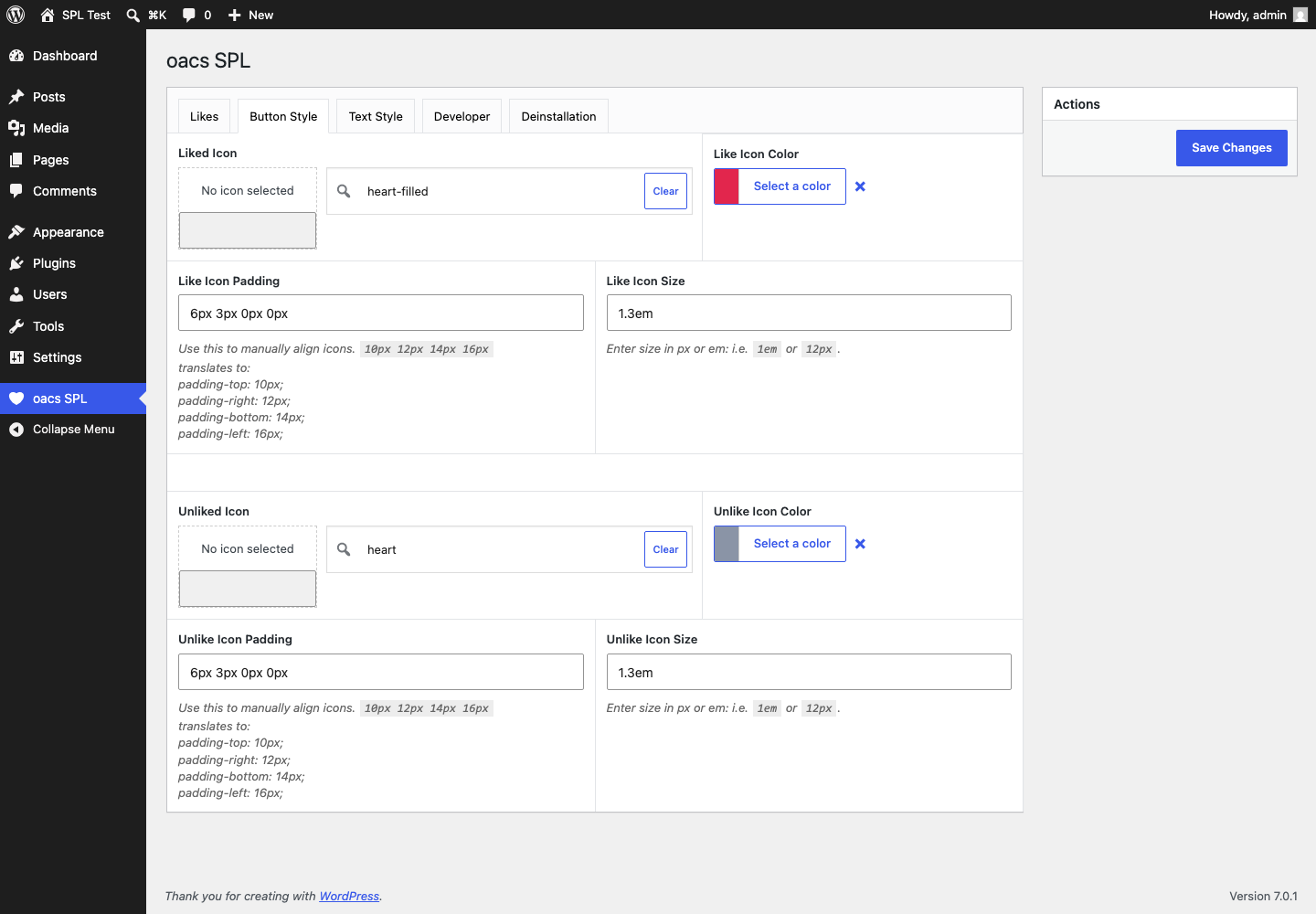
- 29 icons for the liked and unliked state, individually selectable.
- Custom text for like and unlike.
- Color, size and padding controls for icon, text and counter.
- Sortable "Likes" column on the post list of every enabled post type.
- Liked posts shown in the backend user profile.
- Set or reset like counts manually.
- Disable likes per post ID.
- REST API:
GET /wp-json/spl/v1/likes/<id>andPOST /wp-json/spl/v1/likes/<id>/toggle— for headless and mobile use (Application Passwords supported). - Every like is stored as its own database row with a timestamp (since 1.2.0) — no more lost likes under concurrent clicks, and trending queries become possible.
- Place the button via your own theme hook (posts and WooCommerce separately).
before_oacs_spl_button/after_oacs_spl_buttonfilters for custom content around the button.- Full page cache support: like state and counts load via Ajax, including a fresh nonce, so cached pages keep working.
安装:
- Upload the plugin files to the
/wp-content/plugins/solid-post-likesdirectory, or install the plugin through the WordPress plugins screen directly. - Activate the plugin through the 'Plugins' menu in WordPress.
- Navigate to the new "oacs SPL" main menu item to configure.
屏幕截图:
![The Like Button block in a Query Loop, plus `[oacsspltop]` trending and all-time lists.](https://cdn.jsdelivr.net/wp/solid-post-likes/assets/screenshot-4.png)
常见问题:
Is there a dislike / thumbs down button?
No. This plugin uses the same button for like and unlike. You can however set different icons for the liked and unliked state.
Can this be used as a voting tool?
Yes. Use [oacsspltop count=10] to show the most-liked posts sorted by likes, and sort the admin post list by the Likes column.
Can I show likes on archive pages or in query loops?
Yes. Enable "Enable Likes in Archives and Query Loops" in the settings. The shortcode then also works in custom loops via do_shortcode( '[oacsspl]' ).
Can I restrict liking to logged-in users?
Yes. Enable "Only Logged-in Users Can Like". The button and count stay visible for visitors; clicking sends them to the login page or a custom URL of your choice.
Does it work with full page caching?
Yes. Enable "Enable full page caching support" in the Developer tab. Buttons then fetch their live state (and a fresh security nonce) on page load.
Is this a favorite tool?
In a limited way. Use [oacsspllist] to show the posts the current user likes, or [oacsspllist user_id=123] for a specific user.
Can I show trending posts?
Yes. [oacsspltop days=7] lists the posts with the most likes recorded in the last 7 days. Likes made before 1.2.0 count towards the post's last like date.
Can the most-liked list show featured images instead of titles?
Yes, since 1.2.1. [oacsspltop days=7 display=image] shows the featured image of each post as a linked image grid. display=both shows the image with the title below it. image_size=medium picks another image size (default thumbnail). show_count=no hides the like count. A post without a featured image shows its title.
Can the most-liked list show only one category?
Yes, since 1.2.2. [oacsspltop category=news] lists only the posts of that category. Use the category slug or the name, in quotes if it has spaces: category="Game Reviews". Several categories are separated by commas: category=news,reviews. Posts of child categories are included. It combines with the other attributes, for example [oacsspltop days=7 display=image category=news].
Is there a REST API?
Yes, since 1.2.0. GET /wp-json/spl/v1/likes/<id> returns the count, whether the current visitor liked it, and a nonce. POST /wp-json/spl/v1/likes/<id>/toggle likes/unlikes — authenticate with an Application Password (headless/mobile) or pass the nonce from the GET response. Comments: add ?type=comment.
Does upgrading to 1.2.0 change my data?
Your existing likes and counts are kept. Likes move into a dedicated database table the first time each post is viewed or liked; the old data stays in place untouched as a safety net. One caveat: if you downgrade to 1.1.x and later upgrade again, likes made during the downgrade window are not merged back — the post returns to its pre-downgrade state.
更新日志:
- Fix: PHP 8.2+ wrote the deprecation notice "Creation of dynamic property SolidPostLikesLoader::$shortcodes" to debug.log on every request. The property is declared now.
- New:
categoryattribute on[oacsspltop]—category=newslists only the most-liked posts of that category (slug or name, several separated by commas, child categories included). Works for the all-time list and fordays=.
- New:
displayattribute on[oacsspltop]—display=imageshows the featured image instead of the post title,display=bothshows image and title.image_sizepicks the image size (defaultthumbnail). Posts without a featured image keep their title. - Tested with WordPress 7.1.
- New: Like Button block for the block editor — works inside Query Loops, counter toggle in the sidebar.
- New: REST API —
GET /wp-json/spl/v1/likes/<id>andPOST /wp-json/spl/v1/likes/<id>/toggle(Application Passwords supported). - New: trending —
[oacsspltop days=7]ranks by likes recorded within the window. - New:
[oacsspllist user_id=123]— show a specific user's liked posts. - New: every like is stored as its own row in a dedicated table with a timestamp. Fixes likes lost under simultaneous clicks and removes the scaling ceiling of one serialized array per post. Existing likes migrate automatically per post on first view; legacy data is left untouched as a rollback safety net. Manually set counts are preserved.
- New: visitors are remembered via an anonymous browser cookie instead of only the anonymized IP — likes from shared and mobile networks no longer collide. Existing IP-based likes remain recognized.
- Fix:
[oacsspllist]and the profile likes list were capped at 10 posts.
- New: Enable Likes in Archives and Query Loops setting — buttons on archive pages, search results and custom query loops.
- New: Only Logged-in Users Can Like setting with optional custom login URL — visitors see the button and count, clicking sends them to the login page.
- New: Disable Unlike setting — one-way likes, prevents accidental unlikes.
- New:
[oacsspltop]shortcode — list the most-liked posts (count,post_type,show_countattributes). - New:
counter=offattribute on[oacsspl]— hide the counter per instance. - New: sortable "Likes" column on the admin post list of every enabled post type.
- Fix: fatal error
count(): Argument #1 ($value) must be of type Countable|arraywhen a like targeted an invalid post or comment ID. - Fix: the "Set Like Position via Hook" developer setting for WooCommerce was never applied due to a variable typo.
- Fix: the "Set Like Position via Hook" developer setting for posts printed escaped markup instead of the button.
- Fix: liking without JavaScript showed raw JSON instead of returning to the post.
- Fix: cache support now refreshes post buttons too (previously only comment buttons) and delivers a fresh nonce, so likes keep working on pages served from a long-lived full page cache.
- Fix: the "You Like" lists could include posts liked by a different user whose ID contains the same digits.
- Fix:
[oacsspllist]printed broken list markup and queried with user ID 0 for visitors — visitors now get a login hint. - Fix: script/style cache busting used a stale internal version number.
- Updated Carbon Fields to 3.6.9 (PHP 8.2+ and current WordPress compatibility).
- Text domain changed to
solid-post-likesso translations can be delivered via wordpress.org language packs.
- Fix: Shortcode like list outputted in header in some cases.
- Fix: Add none to post type setting to allow shortcode usage only.
- Fix: Shortcode like button outputted in header in some cases.
- Fix: Attempt to read property "ID" on int notice on like list.
- Add priority to comment_text to fix deprecated message.
- Renamed CSS class to spl-is-active
- Likes can now be set to zero via the settings.
- Fix: Undefined Variable post.
- Update Carbon Fields.
- Fix individual comment like.
- Fix: array_key_exists on int error occuring on some systems.
- Fix: Undefined index: post_id
- Fix: Trying to access array offset on value of type int
- Add post_id as [oacsspl] shortcode argument. You can now use [oacsspl post_id=123] to show post likes of post with the ID = 123. Fallback post_id value is the current post ID.
- Fix [oacsspl] output by replacing escape function.
- Initial release.