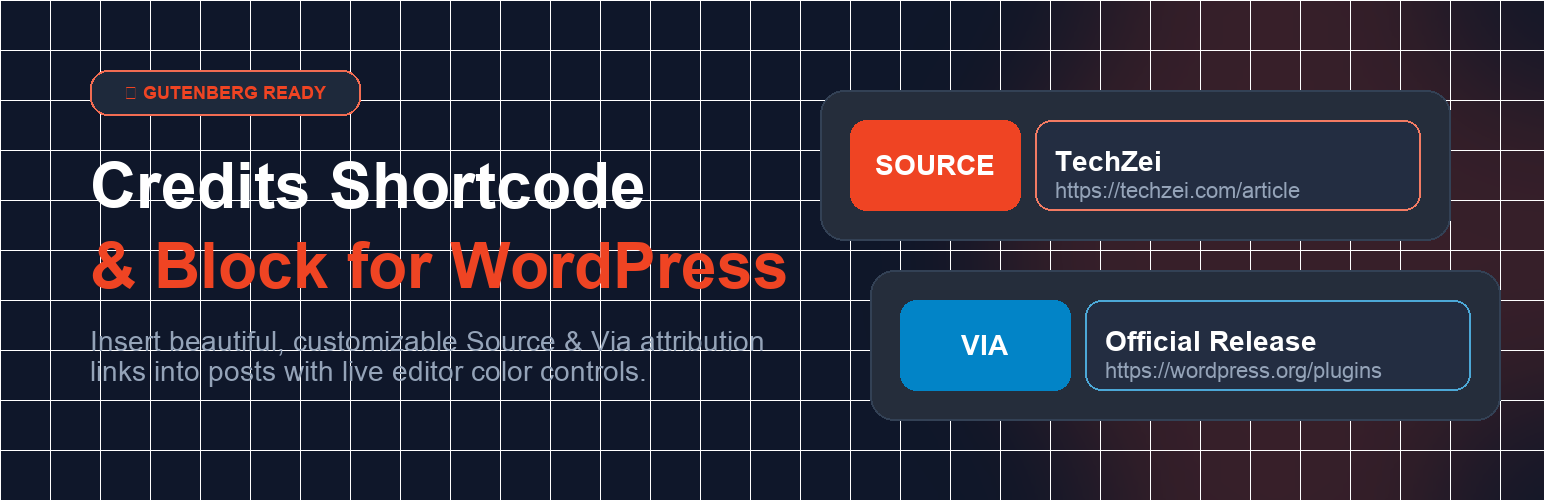
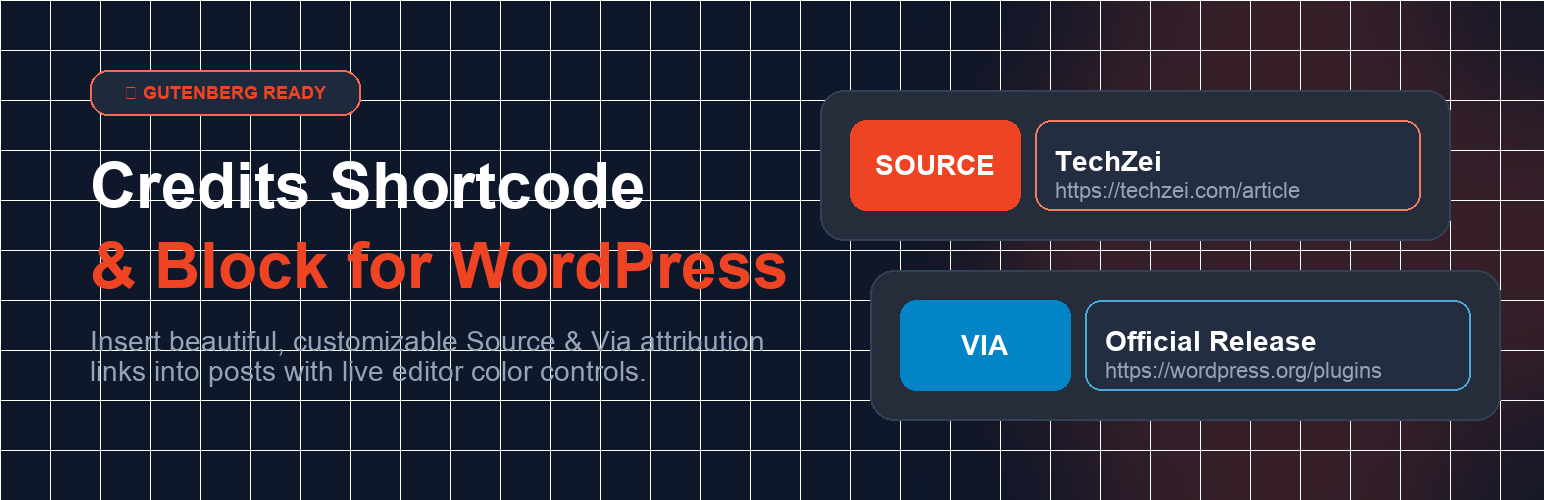
Credits Shortcode & Block
| 开发者 | jashjacob |
|---|---|
| 更新时间 | 2026年8月29日 16:14 |
| 捐献地址: | 去捐款 |
| PHP版本: | 7.4 及以上 |
| WordPress版本: | 7.1 |
| 版权: | GPLv2 or later |
| 版权网址: | 版权信息 |
详情介绍:
[credits link="https://example.com"]Source Name[/credits]
Via attribution:
[credits link="https://example.com" type="via"]Via Name[/credits]
With a name attribute (instead of wrapped text):
[credits name="TechZei" link="https://example.com"]
Full set of attributes:
name— the attribution name to display. Defaults to the shortcode's inner content.link— the URL the credit links to (escaped withesc_url()).source— an optional secondary label shown alongside the name.type—sourceorviabadge prefix.badge_color,link_color,link_text_color— hex color overrides for the accent styling.
[credits link="https://example.com" type="source" badge_color="#0073aa" link_color="#f0f0f0" link_text_color="#0073aa"]Source Name[/credits]
Block Usage
- In the WordPress Block Editor, click + or type
/creditsto insert the Credits Link block (credits/shortcode). - Set the Credit Type (Source/Via), attribution name, and Link URL in the block sidebar.
- Optionally expand Accent Color Settings to customize the badge background, link background, and link text colors.
安装:
- In your WordPress admin, go to Plugins > Add New.
- Search for "Credits Shortcode & Block".
- Click Install Now, then Activate.
- Download the plugin from WordPress.org (or this repository) as a
.zipfile. - Go to Plugins > Add New > Upload Plugin and choose the
.zip, or upload the extractedcredits-shortcodefolder to your/wp-content/plugins/directory via FTP/SFTP. - Activate the plugin through the Plugins menu in WordPress.
屏幕截图:
常见问题:
Can I change how the credit line looks?
Yes. Use the Accent Color Settings in the block sidebar, the color attributes on the shortcode, or override the CSS classes (.cre_cate, .cre_cate_link) in Appearance > Customize > Additional CSS. The plugin enqueues minimal default styles that are easy to override.
Can I add multiple credits per post?
Yes. Insert multiple blocks or shortcodes anywhere in a post or page — each one renders its own independent credit line, so you can list several sources.
What happens if I deactivate the plugin?
Shortcode output stops being rendered, so existing [credits] tags will appear as plain text inside your post content. Your posts are not modified; simply re-activate the plugin to restore the rendered credit lines.
How do I change the colors?
Per-instance colors can be set with the badge_color, link_color, and link_text_color attributes (hex values) or via the block sidebar color pickers. Site-wide defaults can be overridden with custom CSS targeting the same classes.
Does it add rel="nofollow" to the links?
No, links use standard anchor markup with escaped URLs. If you need nofollow for SEO reasons, you can filter the output with your own markup filter or use a third-party link-management plugin; the credit line is plain HTML so any standard link-filtering plugin will apply to it.
更新日志:
- Added internationalization (i18n) support — all strings now use the
credits-shortcodetext domain; translators welcome. - The Gutenberg block is now registered from
block.jsonmetadata withapiVersion 3. - Version is now maintained from a single source of truth in the main plugin file.
- Added a PHPUnit test suite (32 tests) running in continuous integration.
- Neutral, theme-friendly default styling: the badge no longer forces brand colors or italics; accent colors are opt-in and links inherit your theme's link color. Existing blocks keep their saved colors.
- New Settings -> Credits page: store site-wide default credit type and accent colors (saved via the Settings API with hex validation); shortcodes and blocks without explicit values use them. Settings are removed on uninstall.
- Sanitize attributes on input (
esc_url_raw,sanitize_text_field,sanitize_key,sanitize_hex_color). - Escape only when building output:
esc_url()for href,esc_html()for text,esc_attr( safecss_filter_attr() )for inline CSS. - Restrict accent colors to hex values and run the final markup through
wp_kses().
- Added native Gutenberg Block support (
credits/shortcode). - Added custom Accent Color Pickers in the Block Editor sidebar and shortcodes.
- Added micro-interaction hover lift animations and smooth CSS transitions.
- Fixed Stored XSS vulnerability (CVE-2026-6256).
- Initial public release with Classic Editor support.