
Sourcelyx Supplier Sync for WooCommerce
| 开发者 | sllckylldrm |
|---|---|
| 更新时间 | 2026年10月11日 02:26 |
| PHP版本: | 8.2 及以上 |
| WordPress版本: | 7.1 |
| 版权: | GPL-2.0-or-later |
| 版权网址: | 版权信息 |
详情介绍:
Sourcelyx Supplier Sync for WooCommerce helps store owners preview and apply supplier CSV price and stock updates to WooCommerce products by SKU. This is a public beta. Review the preview carefully before applying changes and test on a staging site first. Compatibility was validated in isolated environments with WordPress 6.8.3 and 7.1.2, WooCommerce 10.4.3, PHP 8.2, and MariaDB 10.11.
安装:
- Install and activate WooCommerce.
- Upload the
sourcelyx-supplier-sync.zippackage through the WordPress plugin installer. - Activate Sourcelyx Supplier Sync for WooCommerce.
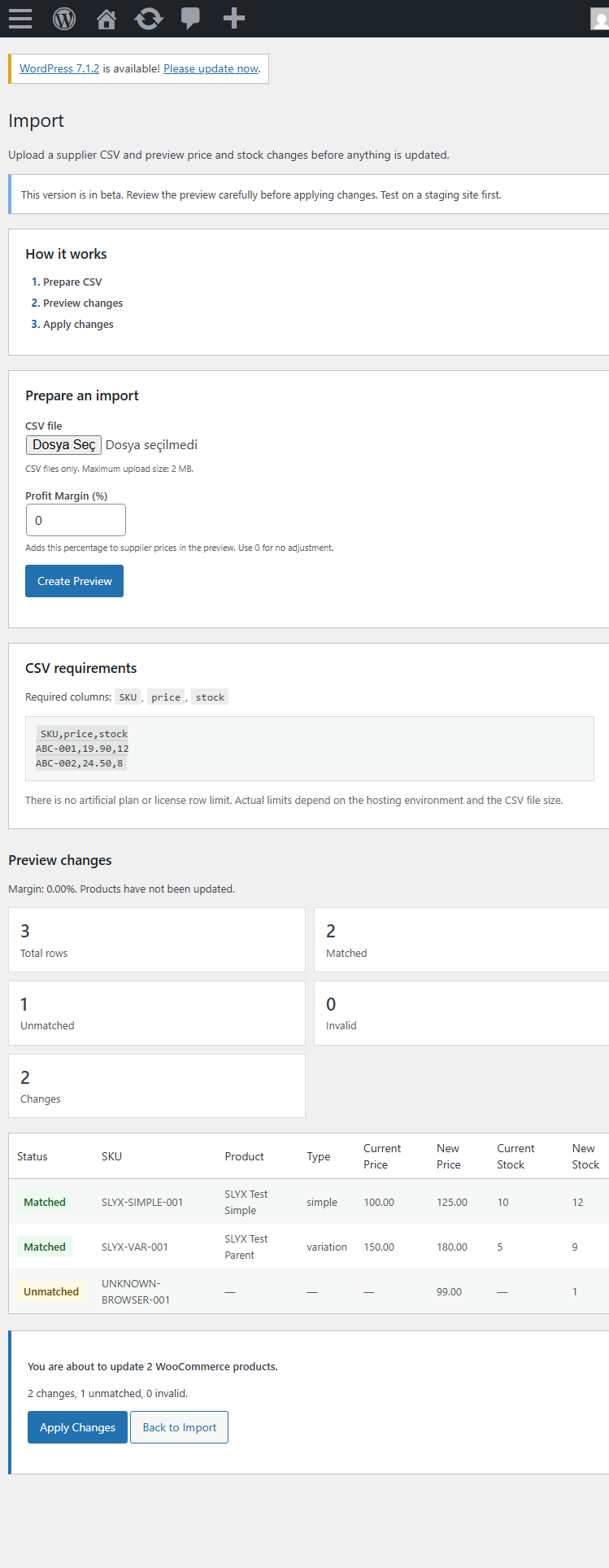
- Open Sourcelyx Supplier Sync, choose a CSV file, and review the preview.
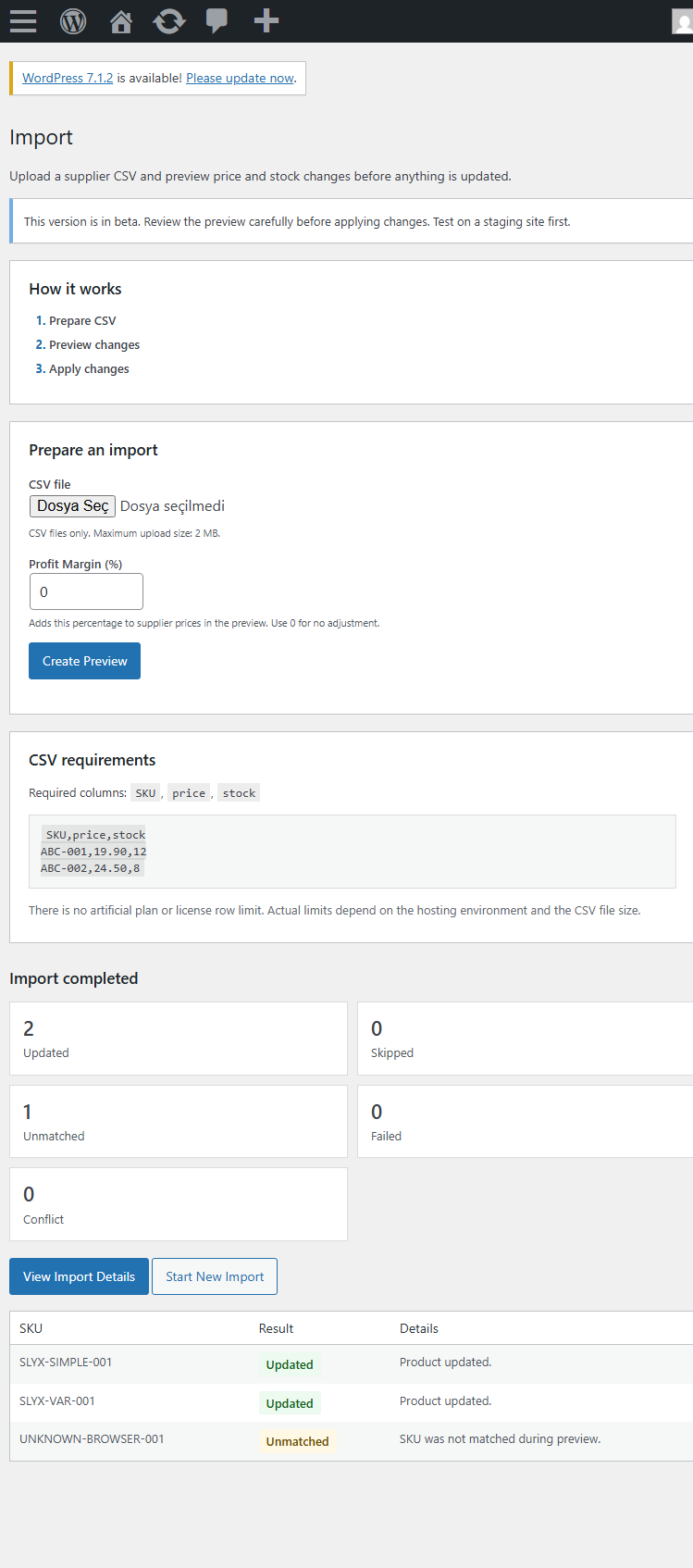
- Apply changes only after reviewing the separate confirmation table.
屏幕截图:
常见问题:
Does preview change products?
No. Preview only reads and displays matching data. Apply requires a separate explicit action.
What happens when a SKU is not found?
The row is reported as unmatched and is not used to create a product.
What happens when a product changes after preview?
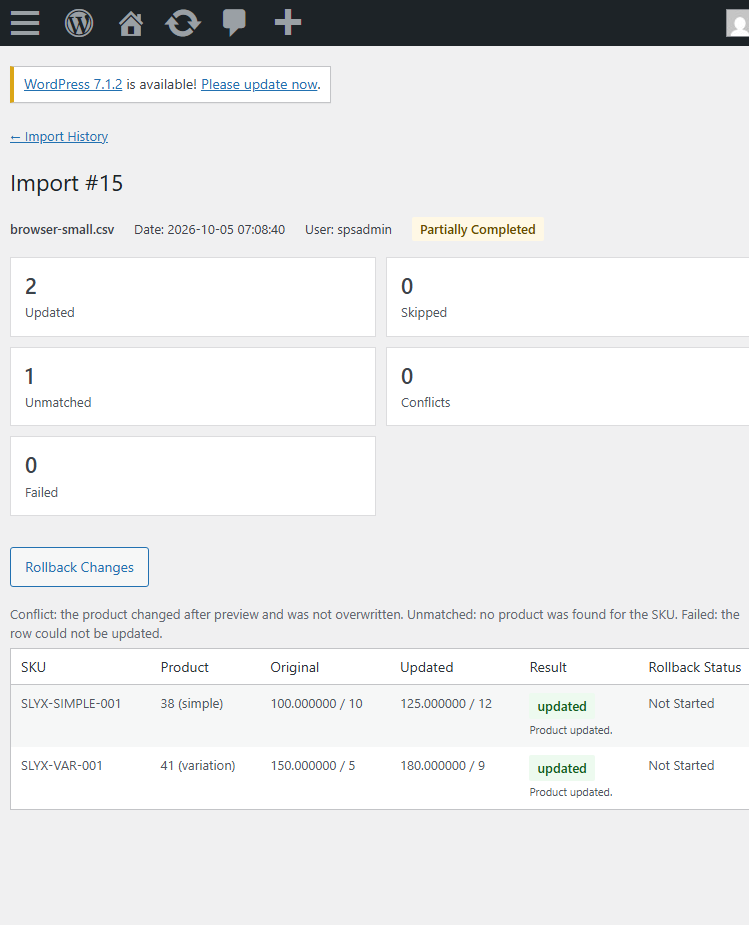
The row is reported as a conflict and is not silently overwritten.
Does uninstall delete import history?
No. Uninstall is intentionally non-destructive and retains import history and user data.
更新日志:
0.1.5
- Refined the admin interface with clearer navigation, cards, form controls, status styling, responsive layouts, and improved import/history presentation.
- Added an optional Pro information page with transparent Free vs Pro positioning and explicit outbound links to Freemius-hosted checkout.
- Free remains fully functional without licensing, remote activation, telemetry, or an artificial usage quota.
- Fixed public extension API apply safety so product changes made after preview are reported as conflicts instead of being silently overwritten.
- Added a versioned public extension API for companion integrations without changing the CSV workflow.
- Declared WooCommerce HPOS compatibility after auditing the plugin's order-storage dependencies.
- Confirmed product updates use WooCommerce product CRUD APIs; no order storage or cart/checkout declaration was added.
- WordPress.org review remediation: distinctive branding, Free-only packaging, native upload handling, and no artificial row quota.
- Initial public Free beta.
- Added CSV price and stock updates by SKU without an artificial row limit.
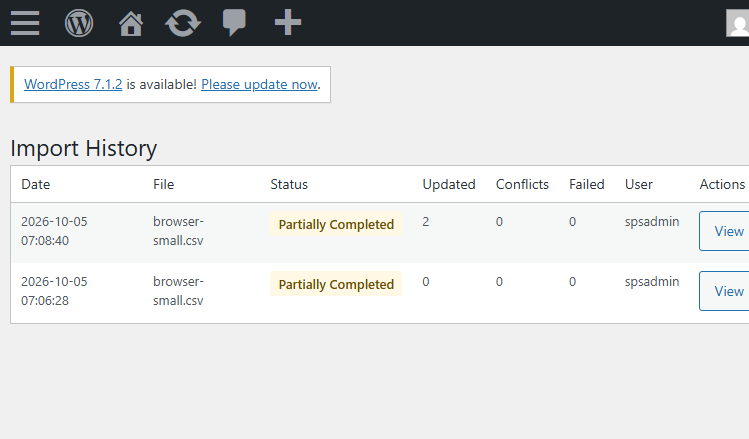
- Added preview before apply, variation SKU support, conflict protection, import history, and guarded rollback.