
Sparkle for Divi
| 开发者 | felix1958 |
|---|---|
| 更新时间 | 2026年4月29日 11:22 |
| 捐献地址: | 去捐款 |
| PHP版本: | 7.4 及以上 |
| WordPress版本: | 6.9 |
| 版权: | GPL-2.0+ |
| 版权网址: | 版权信息 |
详情介绍:
- ✨ Gold Elegance
- 🌟 Silver Shimmer
- 🌸 Rose Glow
- 🎉 Rainbow Celebration
- 🔥 Fire Sparks
- ❄️ Snow Drift
- 🌿 Mint Breeze
- 💙 Neon Blue
- 💜 Neon Purple
- ❤️ Red Passion
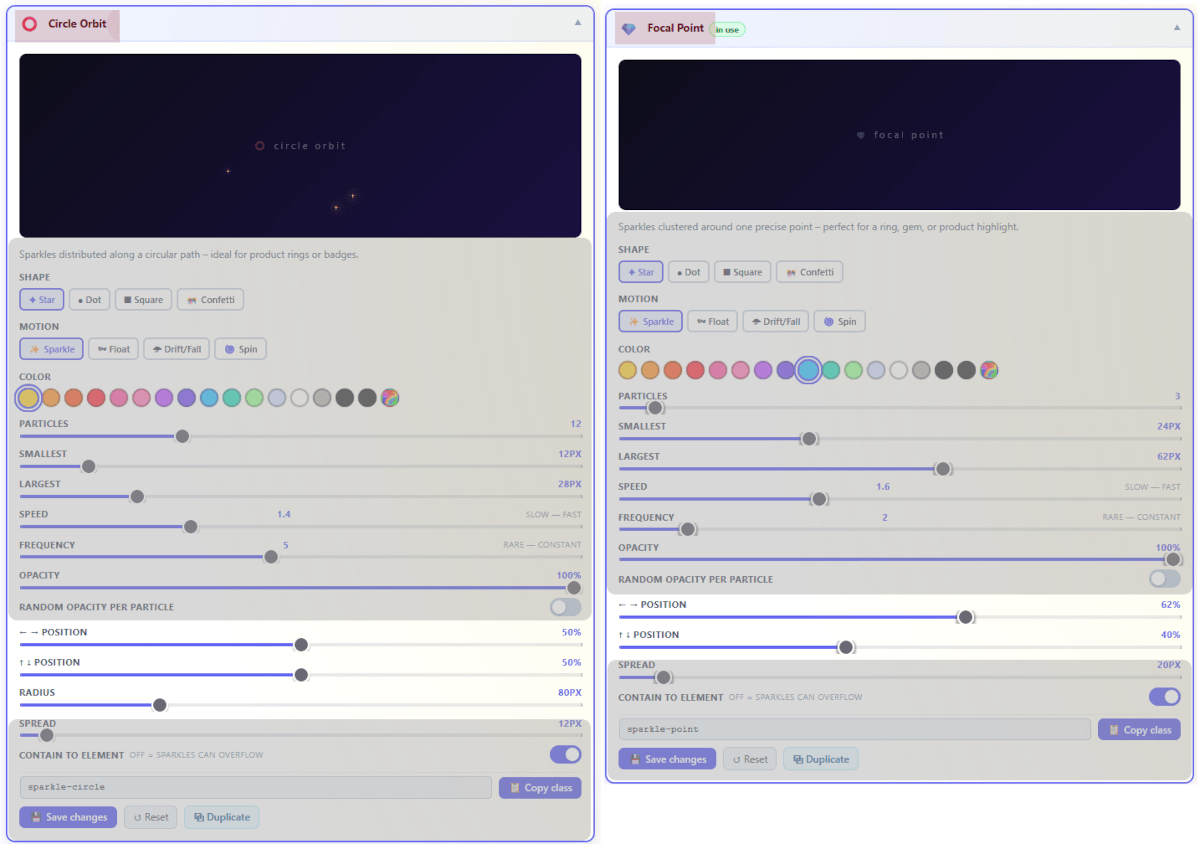
- 💎 Focal Point
- ⭕ Circle Orbit
- ✦ Horizontal – Gold
- ✦ Horizontal – White
- ✦ Horizontal – Rainbow
- 🌠 Night Sky
- ❙ Vertical – Left
- ❙ Vertical – Right
- ↘ Diagonal – Top Left
- ↙ Diagonal – Top Right
- 5 particle shapes: Star, Dot, Square, Confetti, Custom (upload your own PNG)
- 6 motion types: Sparkle, Float, Fall, Spin, Float+Spin, Fall+Spin
- Line modes: Horizontal, Vertical, Diagonal, Focal Point, Circle Orbit
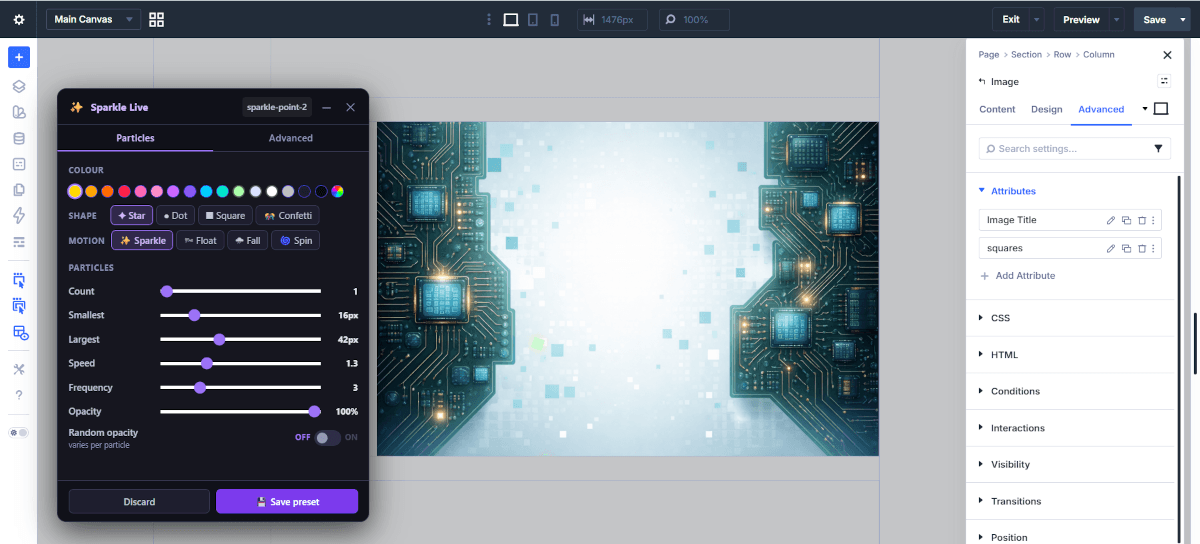
- Live Editor — floating panel to fine-tune any preset in real time directly on your page
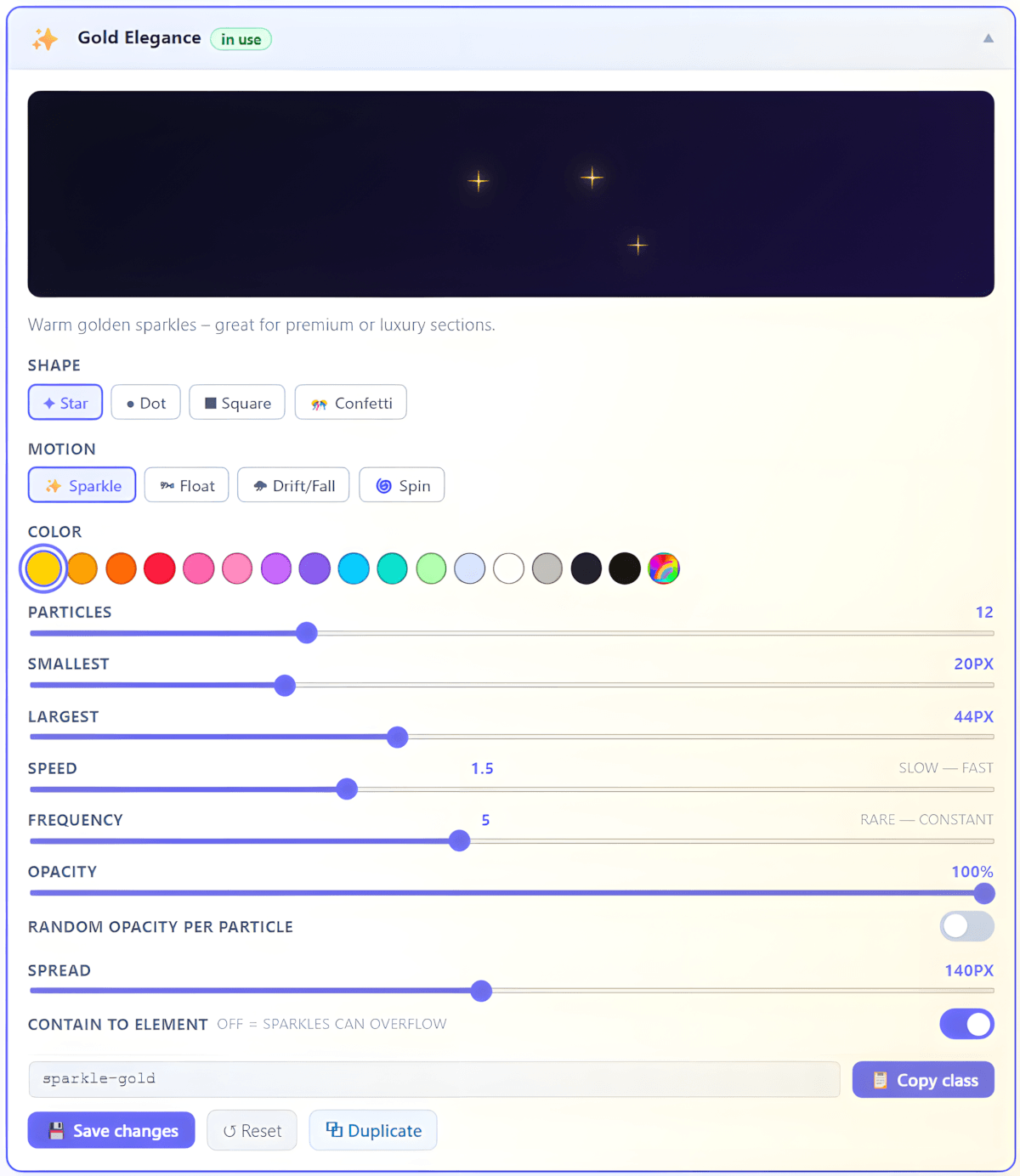
- Live preview on every preset card — see changes in real time in the dashboard
- Custom presets: duplicate any preset and give it your own name, class and description
- Undo: up to 3 snapshots per preset — step back whenever you need to
- Apply up to 3 presets on one element simultaneously
- Global on/off switch without removing classes
- Respects prefers-reduced-motion for accessibility
- Activates only when the element enters the viewport (saves CPU and battery)
- Global particle cap prevents performance issues on busy pages
- Pure CSS keyframes — no canvas, no heavy libraries
- Frontend footprint under 40 KB — Live Editor loads only inside the Divi Builder, never on visitor-facing pages
- Go to Sparkle for Divi in the WordPress admin menu
- Pick a preset and customize it to your liking
- Click 💾 Save changes — then 📋 Copy class
- Open any Divi section, row or module → Advanced → Attributes → Class → paste the class
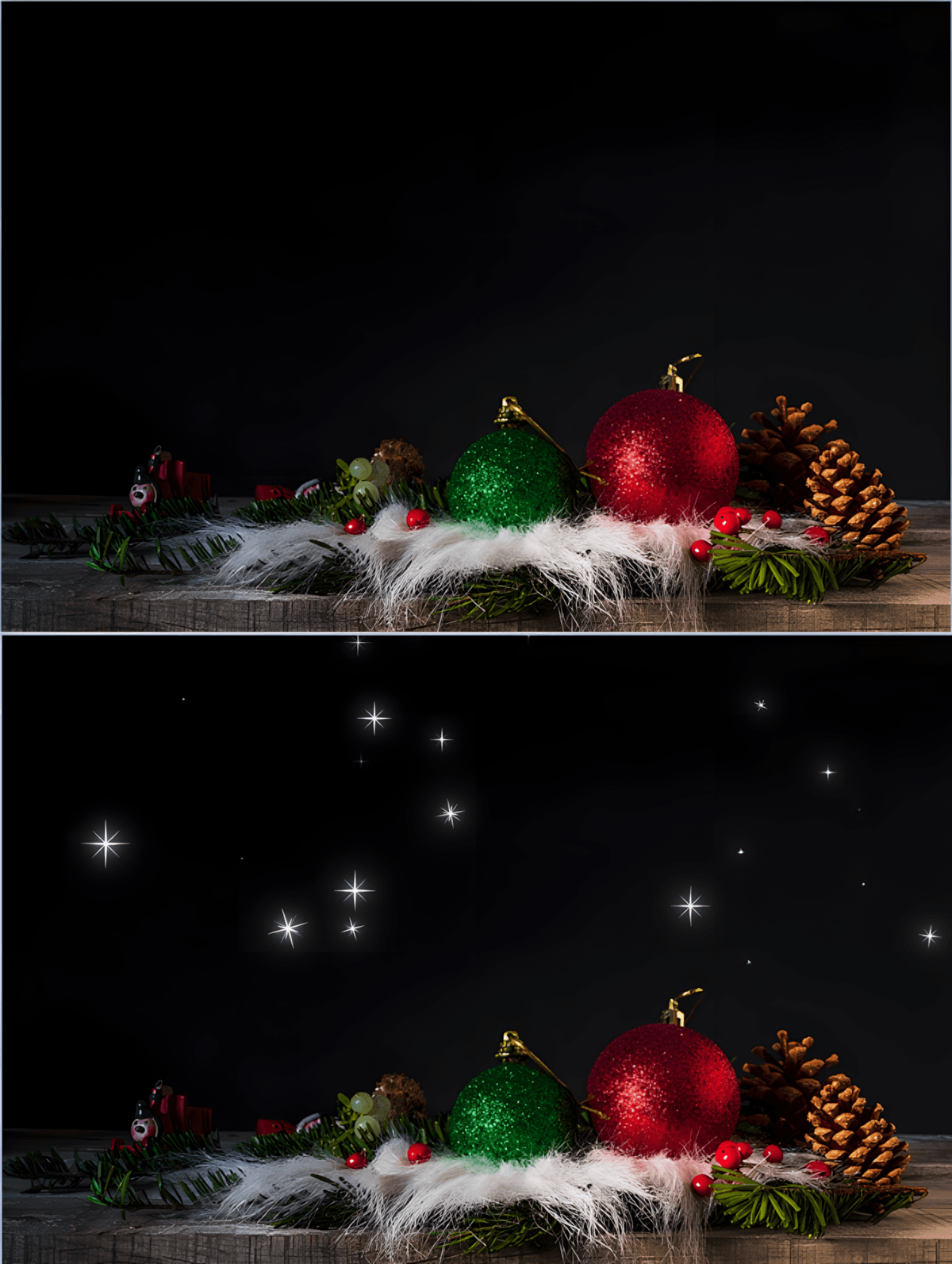
- Save your page and visit it — sparkles appear automatically!
- Optional: click ⚡ Live Preview to open the floating Live Editor and fine-tune your preset in real time directly on the page
安装:
- In your WordPress admin, go to Plugins → Add New Plugin
- Search for Sparkle for Divi
- Click Install Now, then Activate
- Go to Sparkle for Divi in the admin menu to get started
屏幕截图:
常见问题:
Does this work with Divi 5?
Yes — Sparkle for Divi is built and tested specifically for Divi 5. Add the class via Advanced → Attributes → Class on any section, row or module.
Will it slow down my site?
No. The plugin loads two small files on the frontend (CSS + JS, under 40 KB total). The Live Editor loads only inside the Divi Builder — never on the visitor-facing page. Animations only activate when the element enters the viewport, and a global particle cap prevents any runaway scenarios on busy pages.
Does it support accessibility?
Yes. Enable "Respect prefers-reduced-motion" in the Settings tab to automatically disable animations for visitors who prefer reduced motion.
Can I use my own shapes?
Yes — upload any PNG (max 100x100 px, 50 KB) as a custom particle shape. Logos, icons, anything goes.
Can I create my own presets?
Yes — click Duplicate on any preset to create a personal copy with your own class name, title and description. Changes are fully independent of the original.
Can I undo changes?
Yes — each preset keeps up to 3 snapshots. Click Undo on the preset card to step back one change at a time.
Can I apply multiple presets to one element?
Yes — separate up to 3 class names with a space in the CSS Class field.
What is the Live Editor?
The Live Editor is a floating panel that opens directly on your page inside the Divi Builder. Adjust sliders and see the sparkle effect update instantly — no switching between tabs. When happy, click Save preset to persist the changes to the dashboard.
Does it work in the Divi visual editor?
Sparkles are designed for the frontend. Apply the class, save your page, and use the Live Editor (click the Live Preview button on any preset card) to fine-tune everything in real time directly in the builder.
更新日志:
- Changes apply instantly (no second-guessing)
- Reset now actually resets — and sticks
- What you see = what's saved (wild concept, we know) Animations that make sense
- Consistent behavior across all shapes
- Float+Spin and Fall+Spin now do exactly what their names suggest
- No more "why is this one acting weird?" moments Bring your own shapes
- Upload PNGs and use them as particles
- Logos, icons, experiments… go for it UI that explains itself
- Hover anything → get a clear answer (no jargon, promise)
- Better visibility for controls and info elements
- Less guessing, fewer surprises Presets that don't fight back
- Reliable behavior across the board
- Duplicate, undo, edit — all predictable now
- Jump from preset → Live Editor with fewer clicks (because five clicks was a bit much)
- Clear feedback on where things are used Badges that tell the truth
- "In use" badges now update instantly when you add or remove effects
- No more ghost badges from unsaved changes
- Changes in the builder are reflected without manual refreshes
- Everything stays in sync — even when Divi takes its time Behind the scenes (where most of the work actually went)
- Fixed a lot of edge cases (especially inside the Divi Builder)
- Resolved timing issues between builder saves and database updates
- Previews and live updates are now stable instead of "usually fine"
- Removed fragile logic (including one that broke… pretty much everything 😅)
- Cleaner code, fewer hacks, better performance Solid foundation (no drama)
- Proper input validation (so things don't go off the rails)
- Full WordPress standards compliance
- General cleanup to keep future updates sane In short: It does what you expect now. Consistently. Every time. And yes — even the badges behave.