SpawnWP Deploy — WordPress Blueprint Capture & Site Migration
| 开发者 | wpvoicer |
|---|---|
| 更新时间 | 2026年9月6日 18:16 |
| PHP版本: | 7.4 及以上 |
| WordPress版本: | 7.0 |
| 版权: | GPLv2 or later |
| 版权网址: | 版权信息 |
详情介绍:
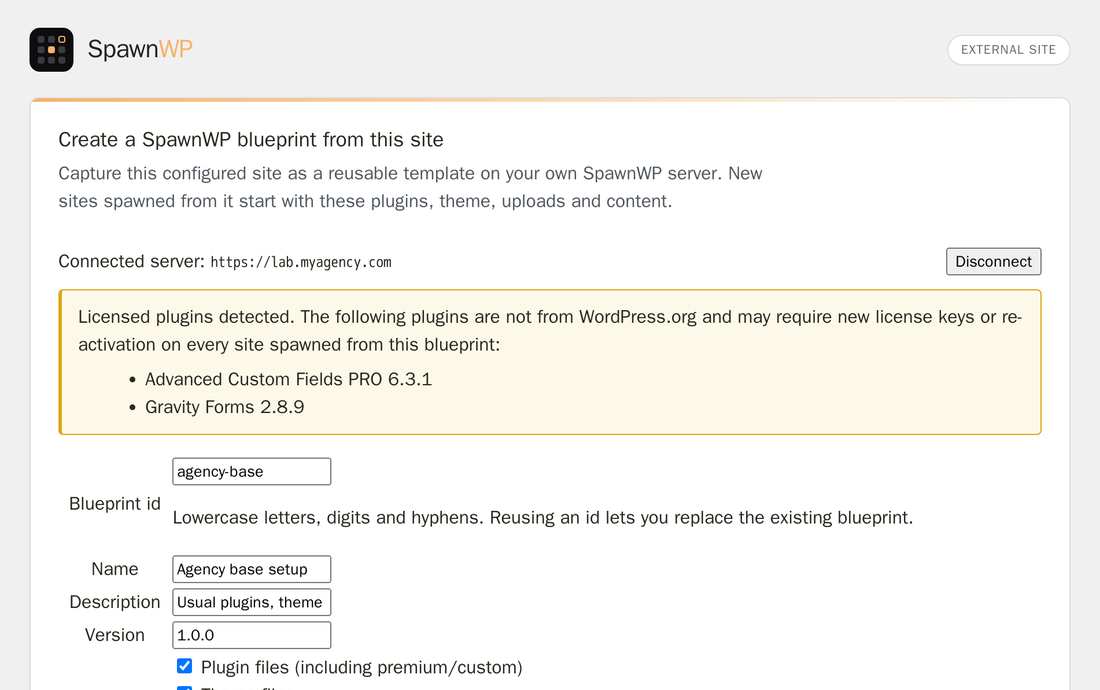
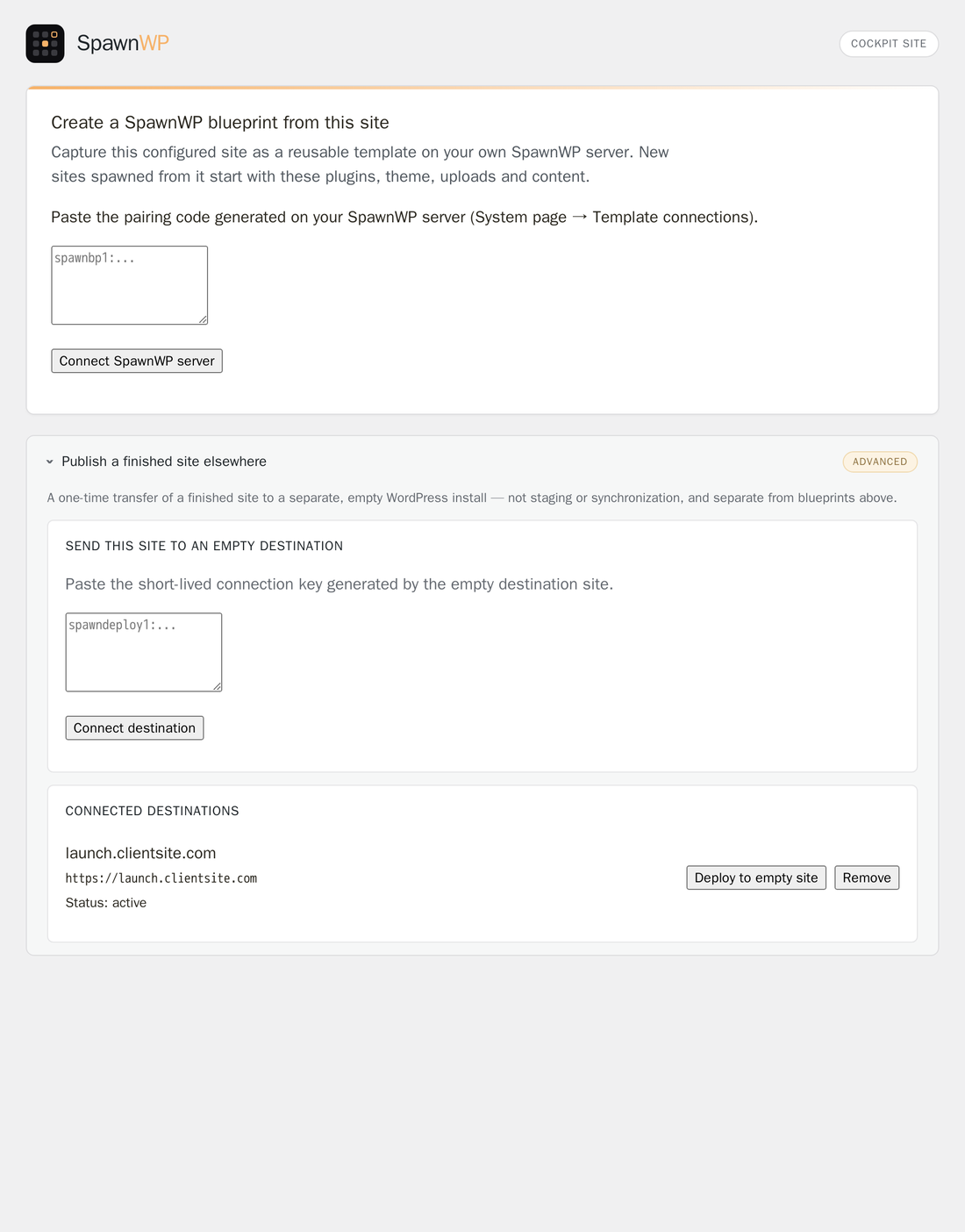
- Capture a configured WordPress site as a reusable blueprint on a self-hosted SpawnWP server.
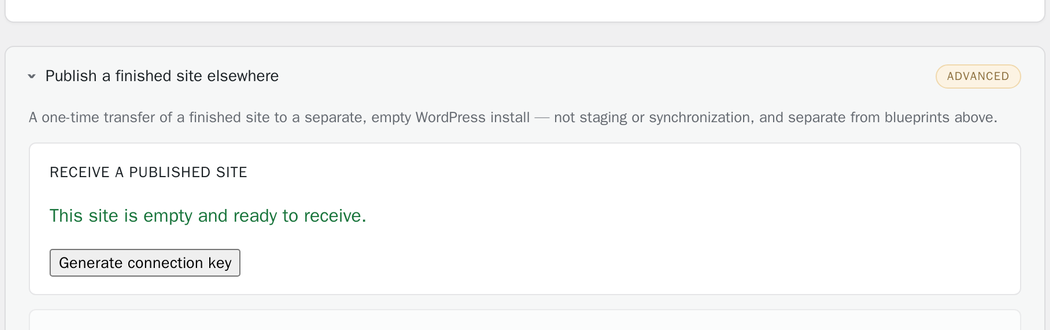
- Publish a finished site once to a separate, fresh WordPress installation.
- WordPress single-site.
- PHP 7.4 or later with the Sodium and ZIP extensions.
- HTTPS with a publicly trusted certificate on paired endpoints.
- A reachable WordPress REST API without an additional HTTP password.
- Write access to the WordPress plugin, theme and uploads directories.
- Sufficient free disk space for staging and rollback data.
安装:
- Install and activate SpawnWP Deploy.
- Open Tools > SpawnWP Deploy.
- Choose the workflow that applies to the current site.
- Generate or paste the single-use pairing code at the administrator's request.
- Review the selected content and confirmations before starting the operation.
屏幕截图:
常见问题:
Does this continuously synchronize two sites?
No. It performs a one-time publish to an empty destination. It does not merge later changes, orders, comments, form submissions or users.
Is a SpawnWP server required?
Only for reusable blueprint capture. A one-time site-to-site publish uses SpawnWP Deploy on both WordPress installations.
Does the plugin send data automatically?
No deployment or capture payload is sent automatically. An administrator must pair an endpoint and explicitly start the operation. A cached WordPress.org plugin-information lookup may occur when an administrator opens the blueprint inventory, as documented in External Connections.
Are WordPress users copied?
No. User and user-meta tables are excluded. On deployment, ownership of imported content is assigned to the administrator of the destination site.
Can I deploy over an existing site?
No. The destination guard rejects sites containing application content or unexpected active plugins. Use a dedicated backup or migration product when merging into an active site.
Where is temporary data stored?
Packages and receiver workspaces are stored below the WordPress uploads directory in
spawnwp-deploy/, protected from direct web access, and removed after completion or
expiry. Rollback data is retained for up to seven days.
更新日志:
- Added PHP 8.5 to the runtime choices stored in captured SpawnWP blueprints.
- Rewrote the plugin listing title and short description for discoverability. No functional changes.
- Added the exact source table prefix to authenticated blueprint captures so SpawnWP can safely distinguish active tables from abandoned table sets.
- Added remembered blueprint capture fields and safe patch-version suggestions.
- Added a clear reset flow for starting a different blueprint.
- Prepared the plugin for WordPress.org distribution and validation.