
Speakable
| 开发者 |
themeshape
shagors |
|---|---|
| 更新时间 | 2026年6月6日 21:41 |
| PHP版本: | 7.4 及以上 |
| WordPress版本: | 6.9 |
| 版权: | GPLv2 or later |
| 版权网址: | 版权信息 |
详情介绍:
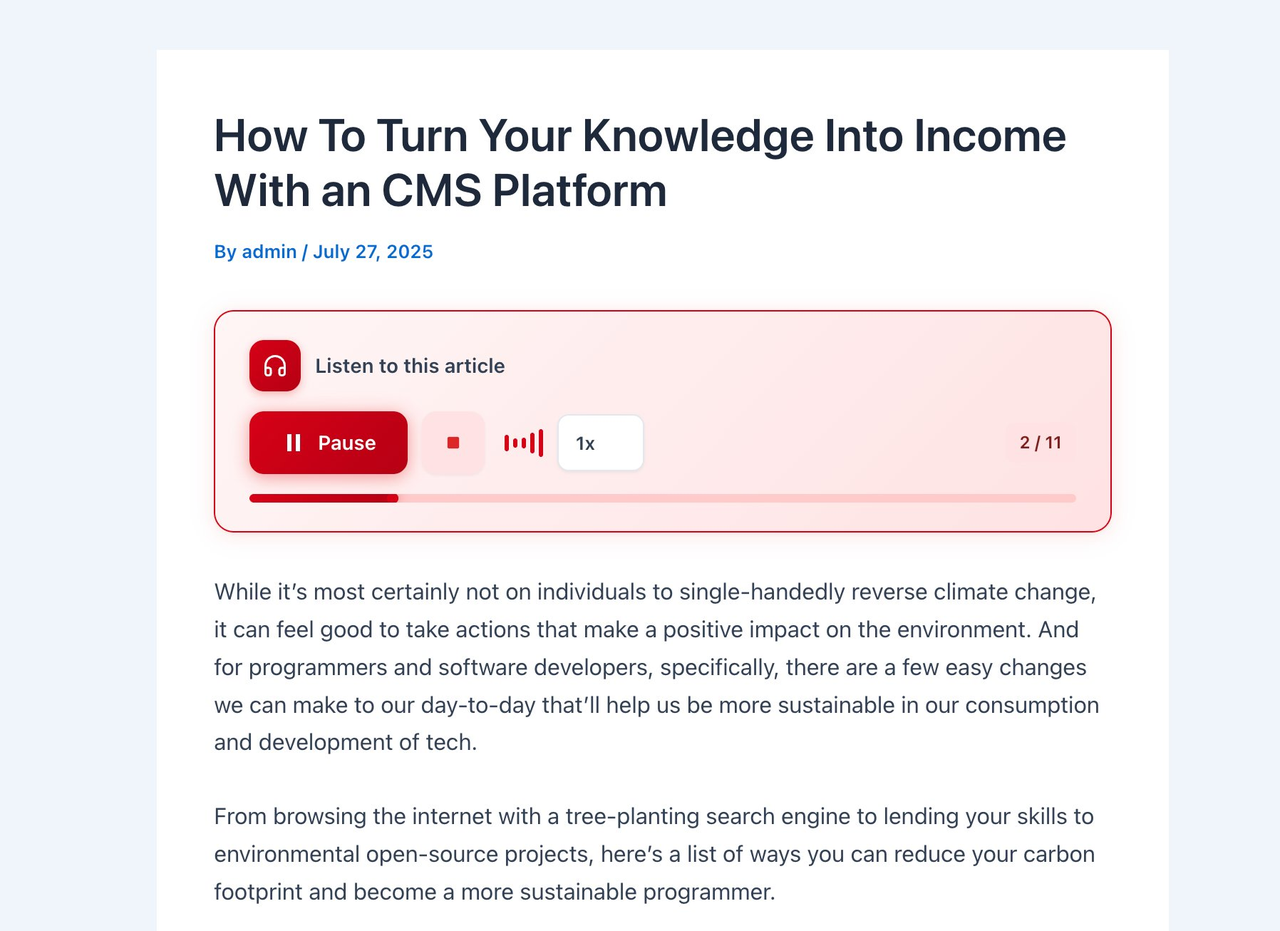
- Play / Pause / Stop controls
- Adjustable playback speed (0.75x - 2x)
- Progress bar with sentence counter
- Voice, pitch, volume, and speed settings from the admin dashboard
- Enable/disable per post type (Posts, Pages, Products, etc.)
- Customizable button color with live preview
- Gutenberg block — place the player anywhere in your content
- Sticky mini-player that follows users while scrolling
- Mobile-optimized with large touch targets
- Accessible: ARIA labels, roles, keyboard navigation, and live regions
- Zero external dependencies — no third-party scripts, fonts, or services
- The plugin filters post content to inject a player bar (or use the Gutenberg block)
- JavaScript extracts article text and splits it into sentences
- Each sentence is spoken using the Web Speech API
- Sentence-by-sentence playback avoids Chrome's known timeout bug
安装:
- Upload the
speakablefolder to/wp-content/plugins/ - Activate the plugin through the 'Plugins' menu in WordPress
- Go to Speakable > Settings to configure voice and display options
- Visit any single post to see the player
屏幕截图:


常见问题:
Does this plugin require an API key?
No. It uses the browser's built-in Web Speech API which is completely free.
Which browsers are supported?
Chrome 33+, Safari 7+, Firefox 49+, Edge 14+, and most modern mobile browsers.
Can I place the player anywhere I want?
Yes. Use the "Speakable Player" Gutenberg block to place the player at any position within your content. When the block is used, global auto-insertion is automatically skipped for that post.
Why do voices sound different on different devices?
Voices are provided by the operating system, not the plugin. Available voices vary by OS (macOS uses Siri voices, Windows uses Microsoft voices, Android uses Google TTS, etc.).
Can I choose which post types show the player?
Yes. Go to Speakable > Settings > Display tab and select which post types should show the player.
Does the player appear on archive pages?
No. The player only appears on single post/page views, never on archives, search results, or the homepage.
Will this slow down my site?
No. The plugin only loads its small CSS and JS files on singular pages where TTS is enabled. On all other pages the frontend class is not even loaded. No external scripts, fonts, or services are used.
更新日志:
- Fix: player no longer reads related-post titles or meta — content extraction is now scoped to the player's own article container.
- Improvement: the post title is now read before the article body.
- Docs: added a Source Code and Development section to the readme pointing to the public GitHub repository.
- Initial release
- Browser-based TTS using Web Speech API
- Admin settings dashboard under Speakable menu
- Voice, speed, pitch, and volume controls
- Enable/disable per post type
- Customizable button color and position (before/after content)
- Progress bar and speed control toggles
- Sticky mini-player during playback
- Gutenberg block for manual player placement
- Analytics and Help submenu pages
- Mobile-optimized touch interface
- Accessible markup with ARIA attributes and keyboard navigation
- Performance-optimized: frontend assets only loaded where needed