Spotlight Search – Find Anything, Anywhere
| 开发者 |
litonice13
pixarlabs jwthemeltd masteraddons |
|---|---|
| 更新时间 | 2026年6月13日 19:36 |
| 捐献地址: | 去捐款 |
| PHP版本: | 7.4 及以上 |
| WordPress版本: | 7.0 |
| 版权: | GPLv3 or later |
| 版权网址: | 版权信息 |
详情介绍:
- Adminify - White Label Admin Menu Editor, Login Customizer - Admin customization with Dark Mode, Menu Editor, Login Customizer, and Admin Columns.
- Master Addons for Elementor - 55+ Elementor widgets and extensions including Theme Builder and Popup Builder.
安装:
- In your WordPress dashboard, go to Plugins → Add New and search for "Jewel Theme Spotlight".
- Click Install Now, then click Activate to enable the plugin.
- Alternatively, download the ZIP file and upload it via Plugins → Add New → Upload Plugin.
- You can also extract the ZIP and upload the
spotlightfolder to/wp-content/plugins/via FTP, then activate from the Plugins screen.
屏幕截图:
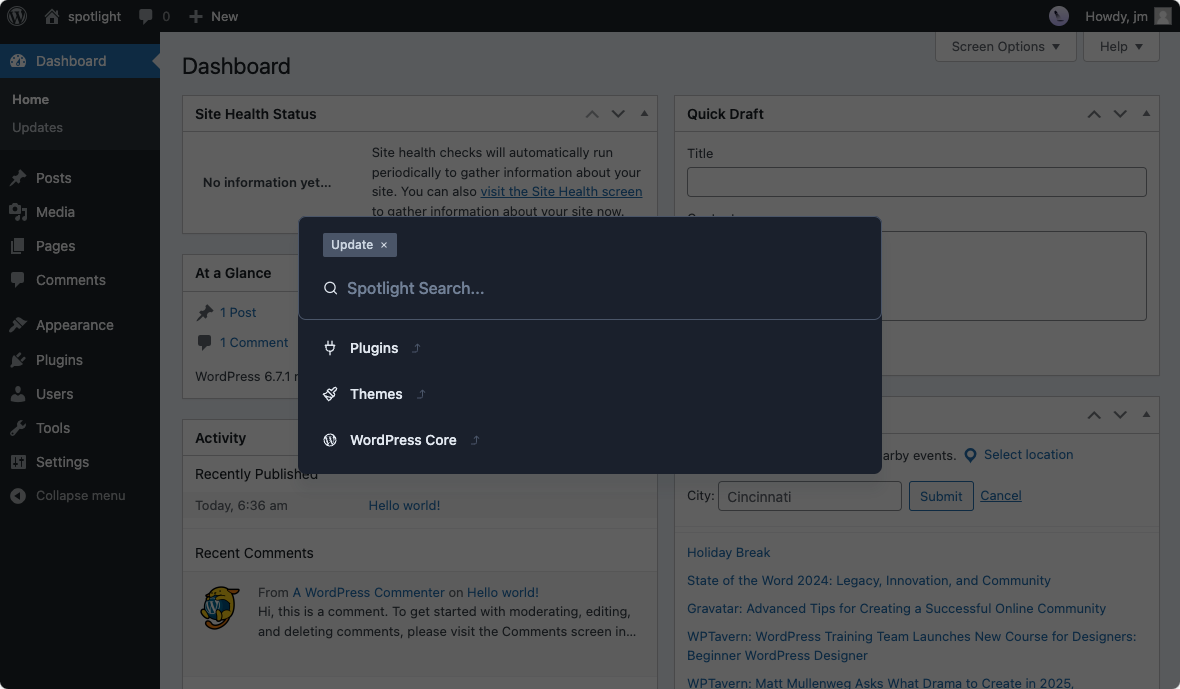
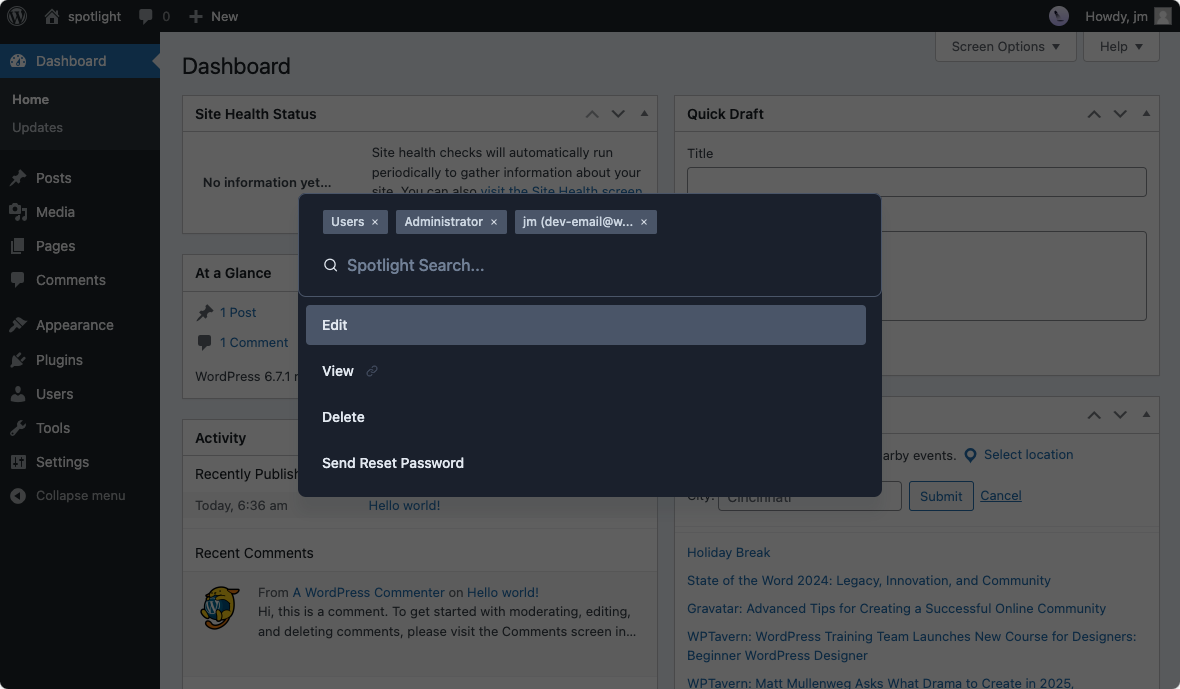
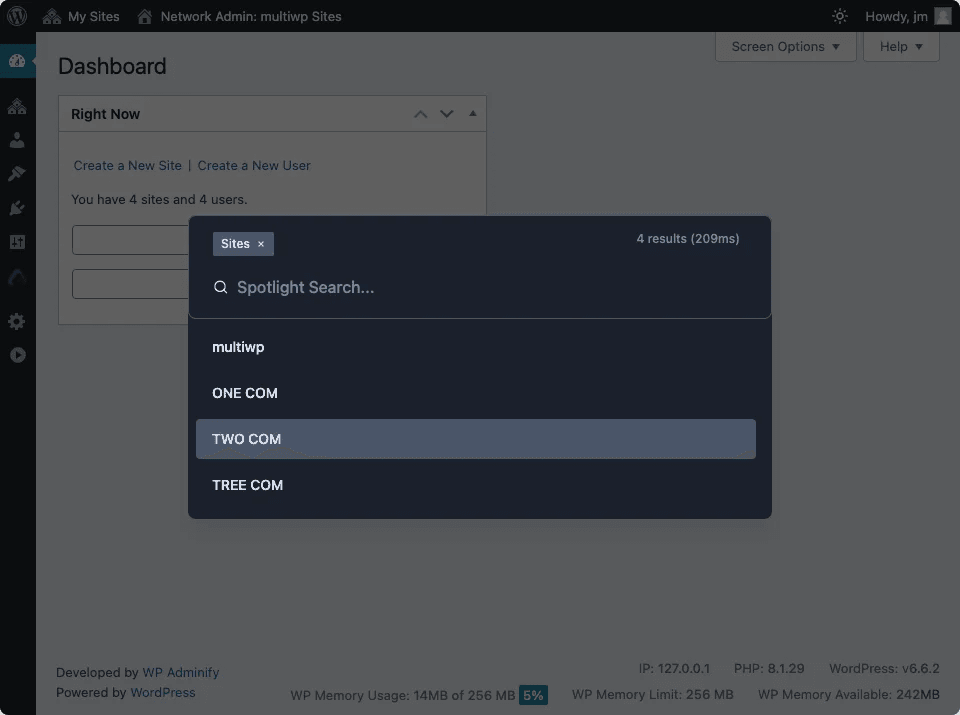
常见问题:
Is Spotlight compatible with WordPress multisite?
Yes. It has been tested on WordPress multisite and configured to work correctly across network sites.
Is Spotlight translation ready?
Yes. It is WPML-compatible and all strings can be translated into your language.
Is it RTL ready?
Yes. Spotlight supports right-to-left text direction.
Is Spotlight keyboard accessible?
Yes. The plugin is fully keyboard accessible with customizable shortcuts supporting up to 4-key combinations.
Which page builders does Spotlight support?
Currently Elementor, Bricks, and Gutenberg are supported. Support for Divi and Oxygen is in development.
Does it affect frontend page speed?
No. The plugin does not load extra scripts on the frontend for regular site visitors.
Is there a demo where I can try Pro features?
Yes. Visit the Spotlight live demo to explore all features including Pro.
How can I get support?
Post a topic in the Spotlight support forum. Our team will respond as quickly as possible.
Where do I report security bugs found in this plugin?
Please report security bugs found in the source code of the Spotlight plugin through the Patchstack Vulnerability Disclosure Program. The Patchstack team will assist you with verification, CVE assignment, and notify the developers of this plugin.
更新日志:
- Removed: All automatic remote calls (promotional data sync and the dashboard news feed) — the plugin no longer phones home without consent.
- Changed: Theme updates now run through the WordPress core upgrader instead of unzipping packages directly into the themes folder.
- Security: Tightened REST API permissions for post-type listing and search endpoints — callers must be able to edit the requested post type, and only posts they can edit are returned.
- Changed: Standardized every internal identifier — functions, classes, namespace, constants, option/transient keys, hooks, AJAX actions, REST API namespace, and the localized script object — to a single unique plugin prefix per WordPress.org guidelines.
- Added: One-time automatic data migration that preserves your existing settings (key bindings, dark/light mode, onboarding tour status, and notice state) when upgrading.
- Added: The REST API namespace is now defined in one place (a single constant) for easier maintenance.
- Changed: Plugin and theme install/update now go through the WordPress core upgrader instead of writing packages directly into the plugins/themes folders.
- Changed: Deactivation feedback and the subscribe form now send only what you enter (name, email, and reason). Server details, WordPress details, the installed-plugin list, user counts, and WooCommerce billing data are no longer transmitted.
- Security: REST API endpoints now check the correct capability for each action (for example install_plugins, update_themes, upload_files, edit_posts, delete_users) instead of a broad capability.
- Security: Added missing output escaping and input sanitization across admin and REST requests.
- Improved: Admin inline scripts and styles are now loaded through the WordPress enqueue system instead of being printed inline.
- Improved: Removed unnecessary loading of WordPress core files and added proper translator comments for internationalization.
- Improved: Documented all external services (endpoints, data sent, and Terms/Privacy links) in the readme.
- Updated: Compatibility improvements and stability fixes.
- Updated: General improvements.
- Fixed: Minor bug fixes.