
Sprintplan Pipedrive Integration
| 开发者 |
WPSprintPlan
iqbal1486 |
|---|---|
| 更新时间 | 2026年11月16日 16:26 |
| PHP版本: | 7.2 及以上 |
| WordPress版本: | 7.1 |
| 版权: | GPLv2 or later |
| 版权网址: | 版权信息 |
详情介绍:
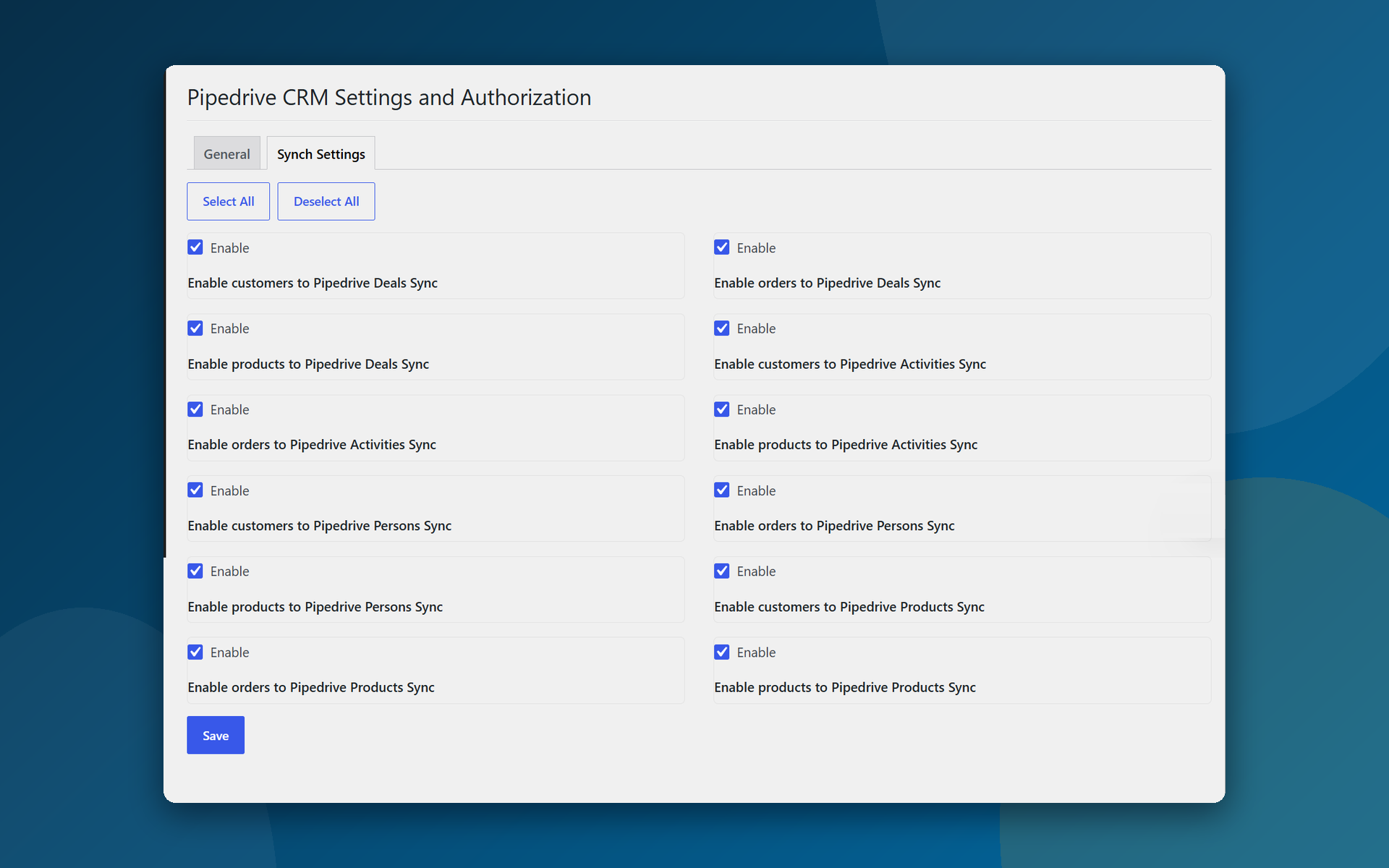
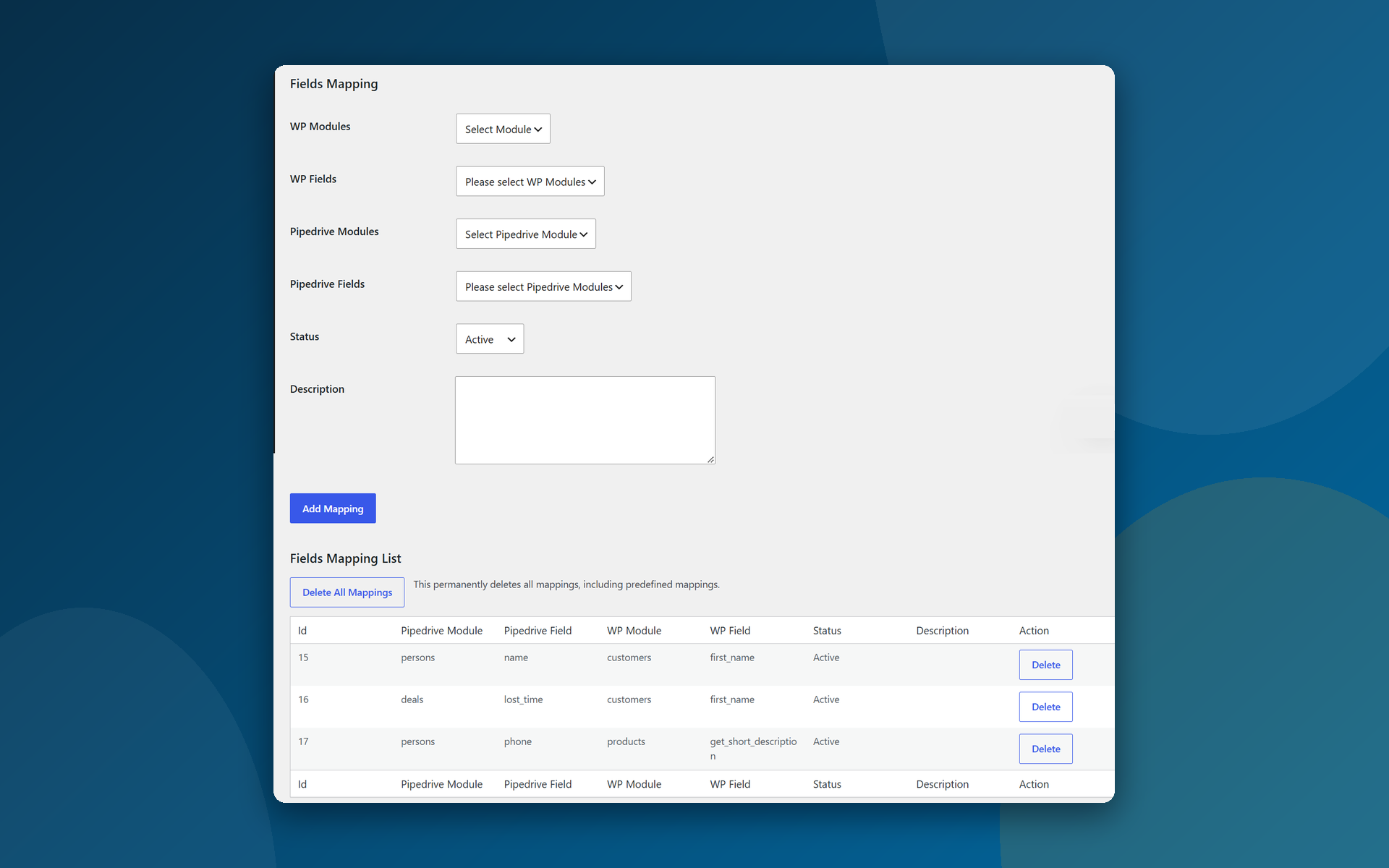
Sprintplan Pipedrive Integration lets WooCommerce administrators map customer, order, and product fields to supported Pipedrive fields. Administrators can enable synchronization by WordPress and Pipedrive record type, save mappings, and manually synchronize individual records.
The plugin sends only mapped record fields to Pipedrive using the API token entered by the site administrator. Automatic synchronization runs only for record types enabled in the plugin settings. The API token is stored in this WordPress site's options.
This plugin does not send telemetry to Sprintplan or Geekerhub.
This plugin is an independent integration and is not made by, affiliated with, or endorsed by Pipedrive.
安装:
- Install and activate WooCommerce.
- Upload the plugin ZIP through Plugins > Add New Plugin > Upload Plugin, or install the plugin directory in
wp-content/plugins. - Activate Sprintplan Pipedrive Integration.
- Open Smart Pipedrive settings and enter a Pipedrive API token. Save and authorize the token.
- Enable the WordPress-to-Pipedrive record types you want to synchronize, then save.
- Add active field mappings under Fields Mappings.
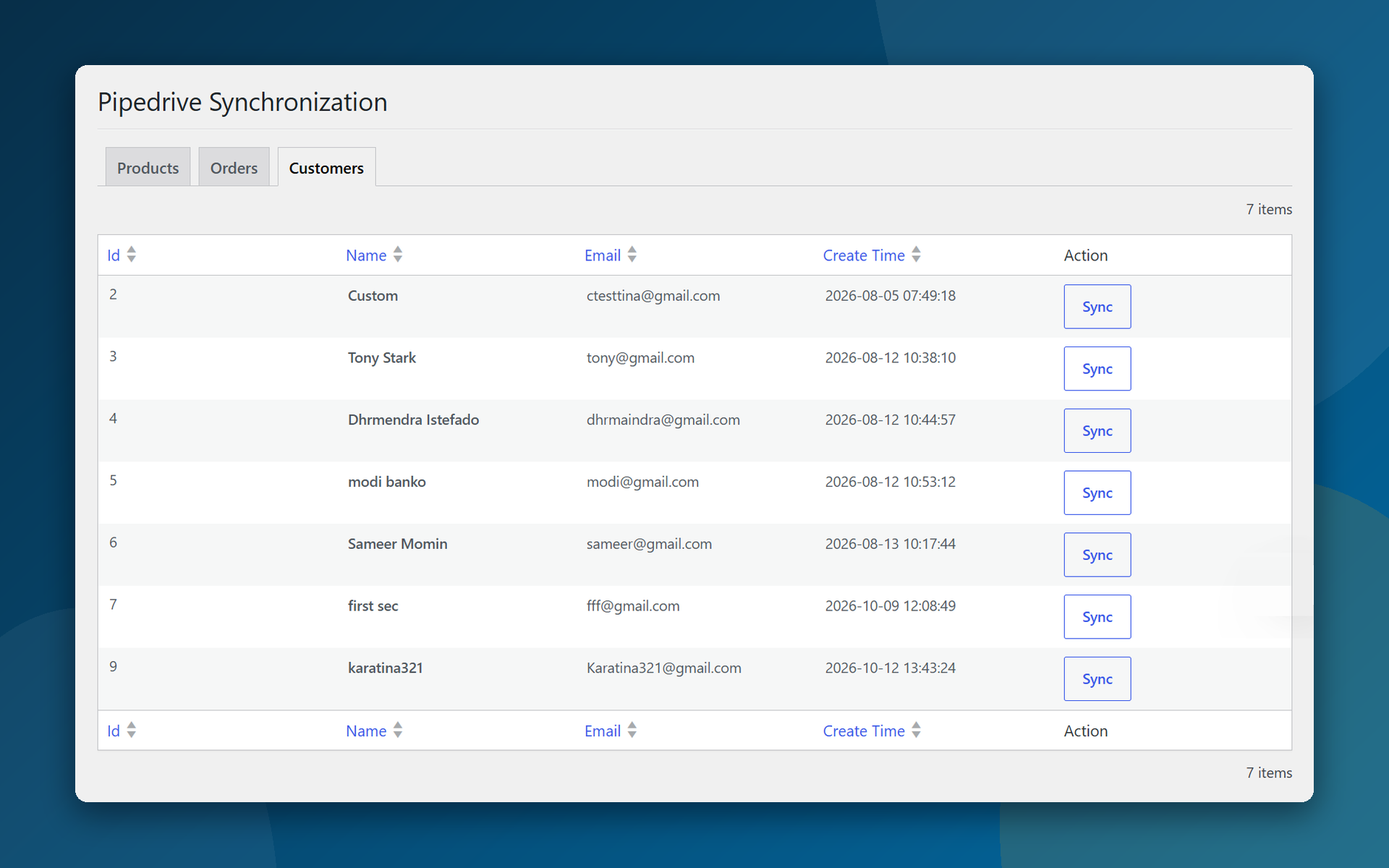
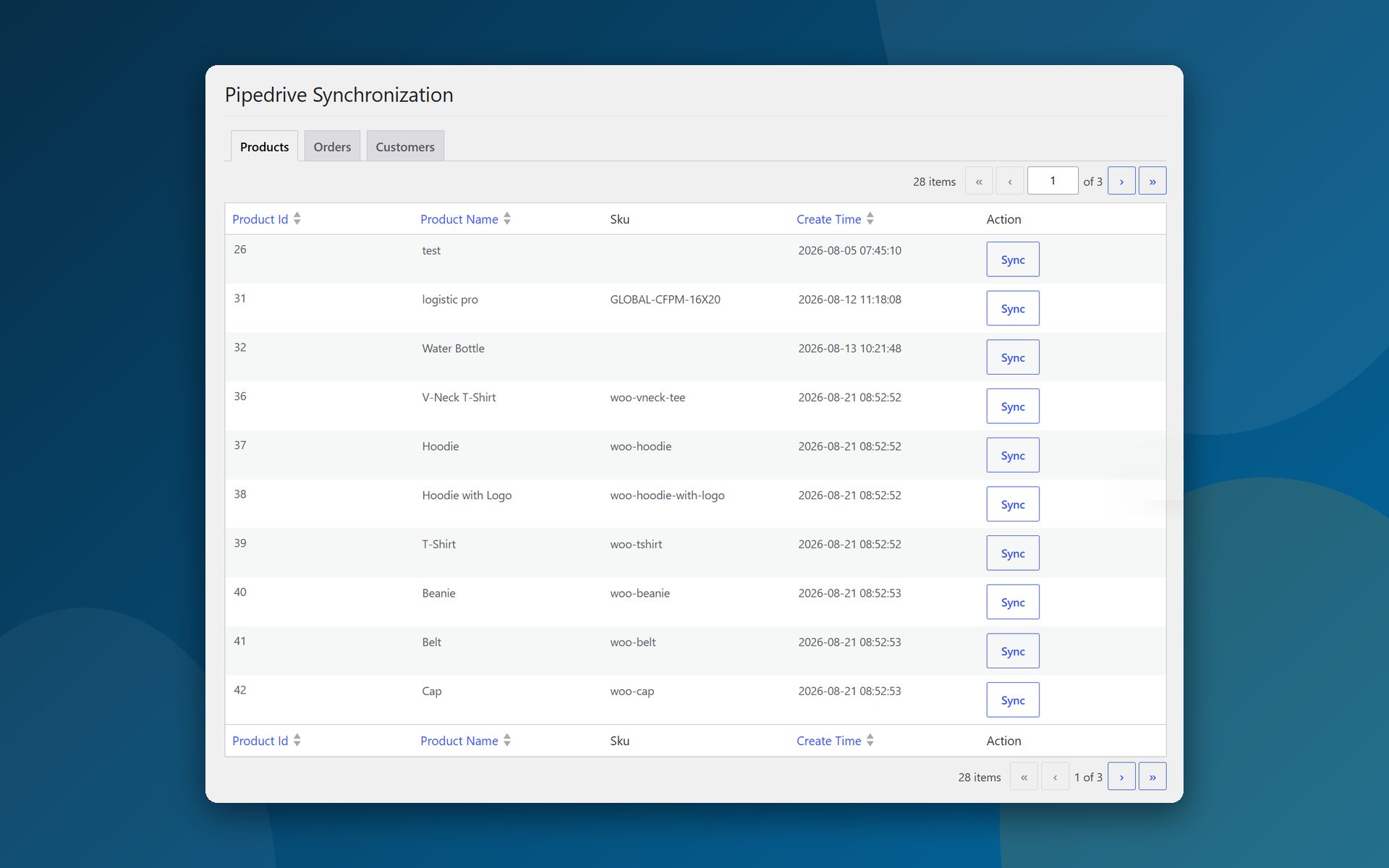
- Use Synchronization to manually send an individual customer, order, or product, or allow the enabled automatic synchronization events to run.
屏幕截图:
常见问题:
Which fields are sent to Pipedrive?
Only fields configured in active mappings for enabled synchronization types are sent.
What happens when the plugin is deactivated?
Settings, field mappings, and stored WordPress-to-Pipedrive record references are retained when the plugin is deactivated.
What happens when the plugin is deleted?
On uninstall, the plugin deletes its settings, mapping/report tables, and stored WordPress-to-Pipedrive record references. Records already sent to Pipedrive are not deleted.
Does this plugin require WooCommerce?
Yes. WooCommerce must be installed and active.
Where can I find technical error logs?
Synchronization and API errors are recorded in WooCommerce logs. Open WooCommerce > Status > Logs and select a log with the sprintplan-pipedrive-integration source.
更新日志:
2.2.0
- Added upload-ready plugin metadata and documentation.
- Preserve plugin data on deactivation and clean it up on uninstall.
- Added synchronization feedback, select-all controls, and nonce-protected mapping deletion.
- Improved WooCommerce High-Performance Order Storage compatibility and field validation.
- Initial published version.