Square Up To WooCommerce Import Ninjas
| 开发者 | CustomWPNinjas |
|---|---|
| 更新时间 | 2014年12月23日 22:29 |
| 捐献地址: | 去捐款 |
| PHP版本: | 3.0.1 及以上 |
| WordPress版本: | 4.1 |
| 版权: | GPLv2 or later |
| 版权网址: | 版权信息 |
详情介绍:
Great plugin designed to do both importing and exporting from your WooCommerce store and your SquaredUp Dashboard. Having your products in two separate places is not fun and very difficult to manage, we help you become less of a book keeper and more of a business owner by letting your two separate inventories report back to each other.
[youtube https://www.youtube.com/watch?v=BTplhbDIF9s]
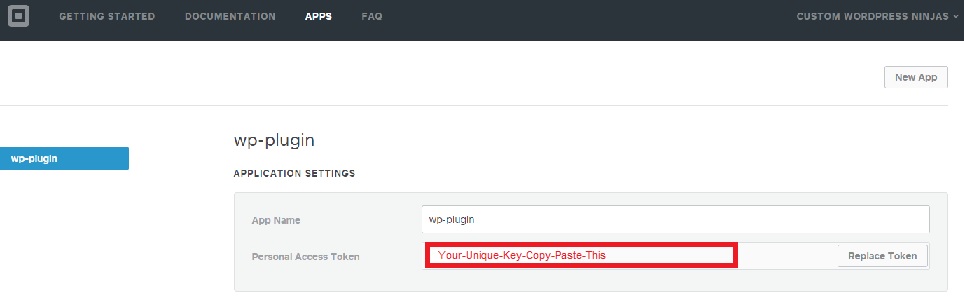
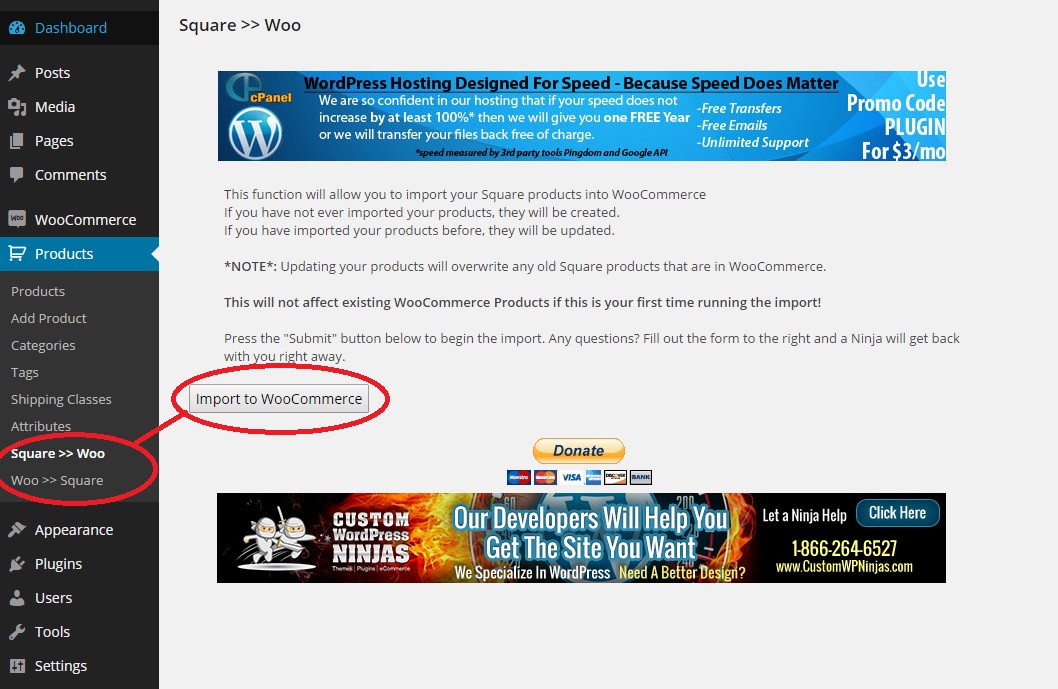
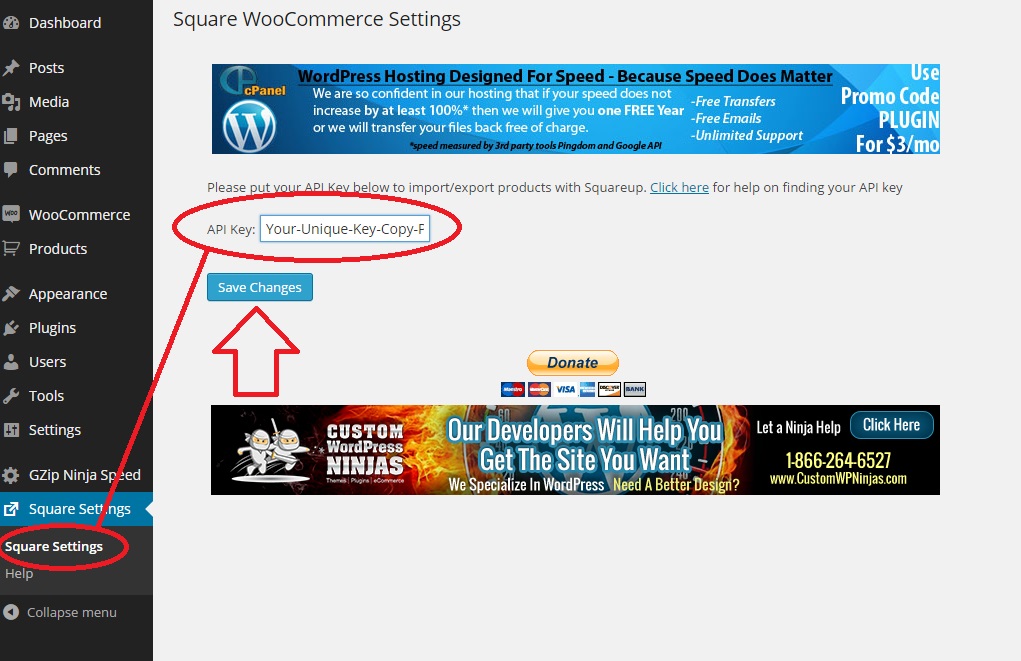
Simply download the plugin, insert your Personal Access Token in the settings page, and import from Square to Woo or from Woo to Square. Want to do this every day? No problem, manage your inventory levels easily across both platforms with this plugin.
安装:
- Upload '/square-up-to-woocommerce-inventory-import-ninjas/
to the/wp-content/plugins/` directory - Activate the plugin through the 'Plugins' menu in WordPress
- Navigate to "GZip Ninja Speed" on wp-admin left side menu. Check mark means it is enabled.
屏幕截图:
常见问题:
Q: Does this delete my existing inventory?
A: No, when it is imported the first time it is tagged with square's unique identifier. Only those products imported from Square or to Square will ever be affected.
Q: Does inventory management work?
A: Yes, you can manage stock levels at either Woo or Square.
Q: Do pictures transfer?
A: Yes, from Square to Woo - but not from Woo to Square. Would love help on this bug if anyone out there knows why!!
Q: What if it messes my site up?
A: No worries! We create backups of your files and store them directly on your server before we edit anything. Feel free to restore any of those files at any time.
更新日志:
1.1.1
Fixed Square bug
1.1
Bonehead bug fixed
1.0
Initial release.