
Squishify
| 开发者 | xcastaneda |
|---|---|
| 更新时间 | 2026年11月6日 02:13 |
| PHP版本: | 7.4 及以上 |
| WordPress版本: | 7.1 |
| 版权: | GPLv3 or later |
| 版权网址: | 版权信息 |
详情介绍:
- Two views, one queue — a Grid / Preview switch sits in the header all session. Grid shows every image you queued at a glance; Preview works through them one at a time with the full before/after comparison
- Batch settings apply to every image in one move — format, quality and effort, a max width, a crop ratio, and a numbered rename sequence
- Jump straight to an image — click any tile in the grid to open it on its own, then switch back whenever you like
- Batch settings stick — add more images later and they inherit the size, crop and rename sequence you already chose
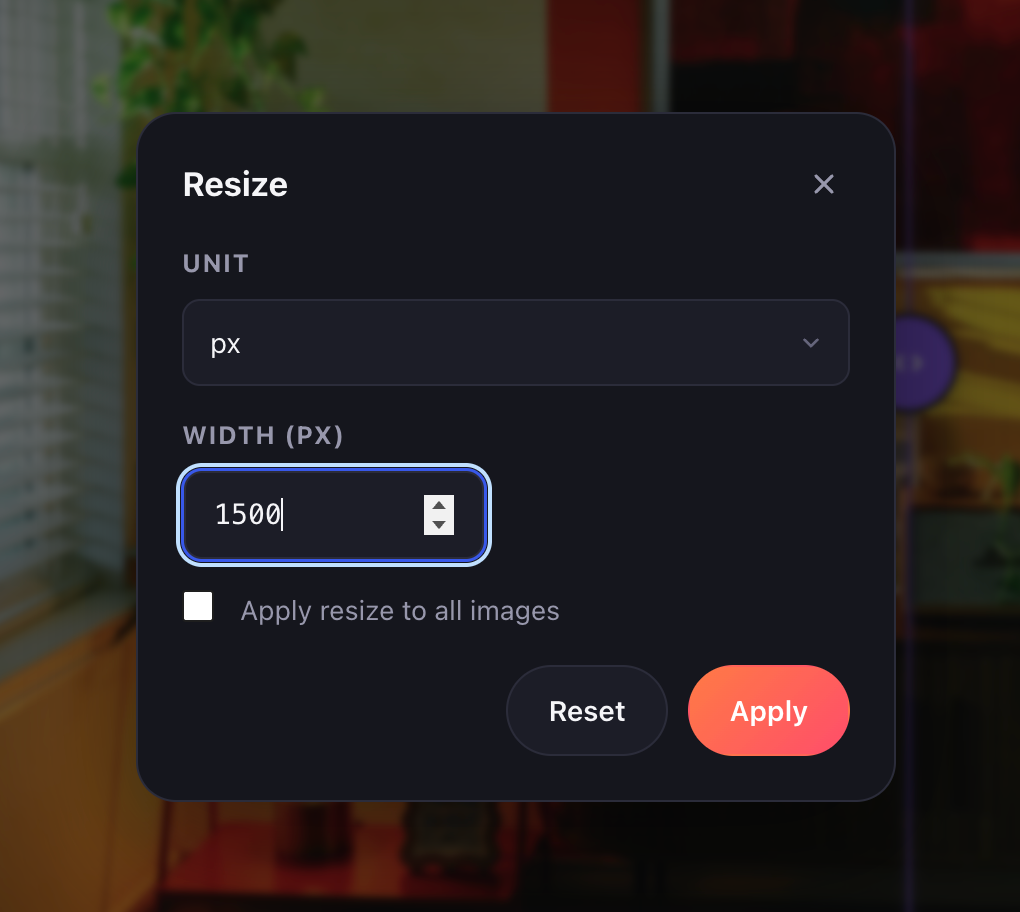
- Resize images individually or all at once, to the exact size you need
- Crop to a fixed ratio (1:1, 4:3, 16:9) or to exact output dimensions — one image, or the same shape across the whole batch
- Batch crop by ratio — every image gets the largest centred window at the ratio you pick, shown right in the thumbnails
- Rotate and flip — turn left, turn right, flip horizontal or vertical, one image at a time — beside the zoom buttons in the editor and on each tile when you hover it in Grid
- Batch rename three ways — rename one image, number a whole sequence, or type a name for every image in one pass
- Numbered sequences with or without a prefix (
gallery-01…or just 1, 2, 3), zero-padded so 12 images sort correctly instead of running 1, 10, 11, 12, 2
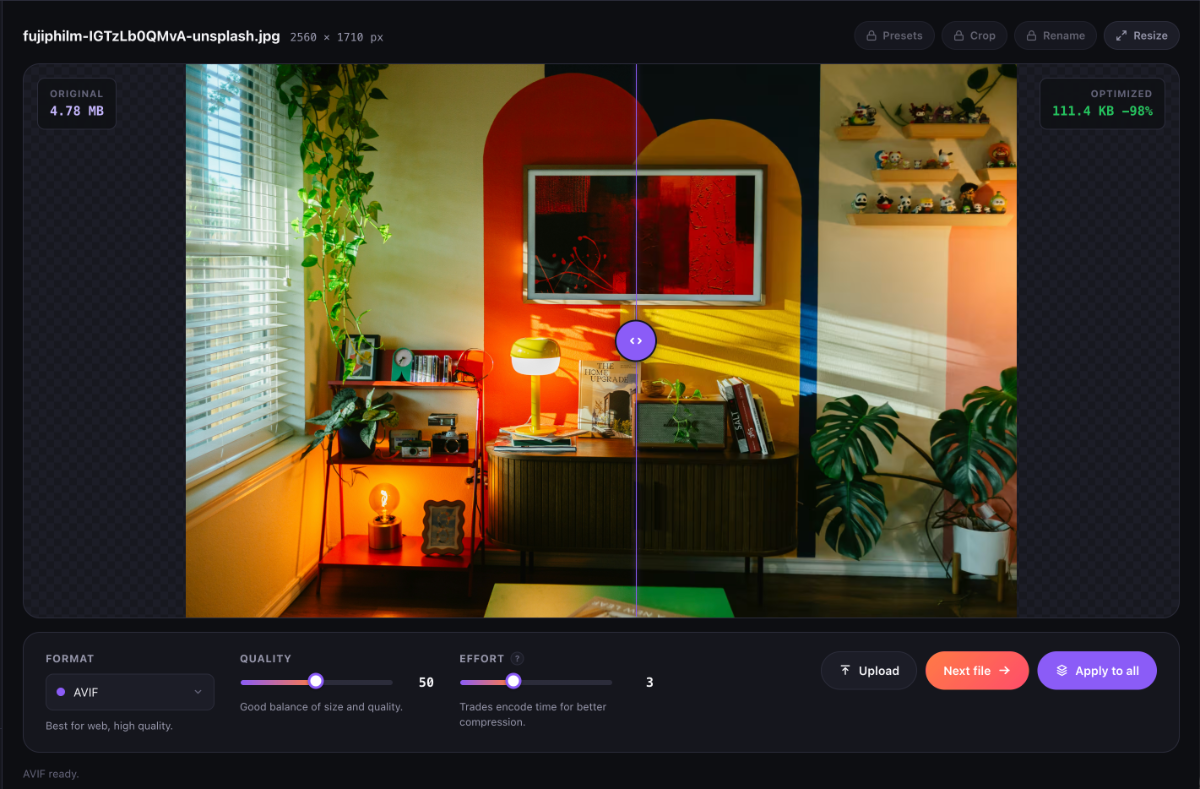
- libavif (AVIF), libwebp (WebP), MozJPEG, and Oxipng (PNG) — the same encoders behind Squoosh, compiled to WebAssembly and running in your browser
- Per-image format, quality and effort controls, with a live before/after comparison loupe
- No cloud API, no credits, no quotas, no account — there is no server to send anything to
- Your images never leave your device until you choose to upload the finished files to your own site
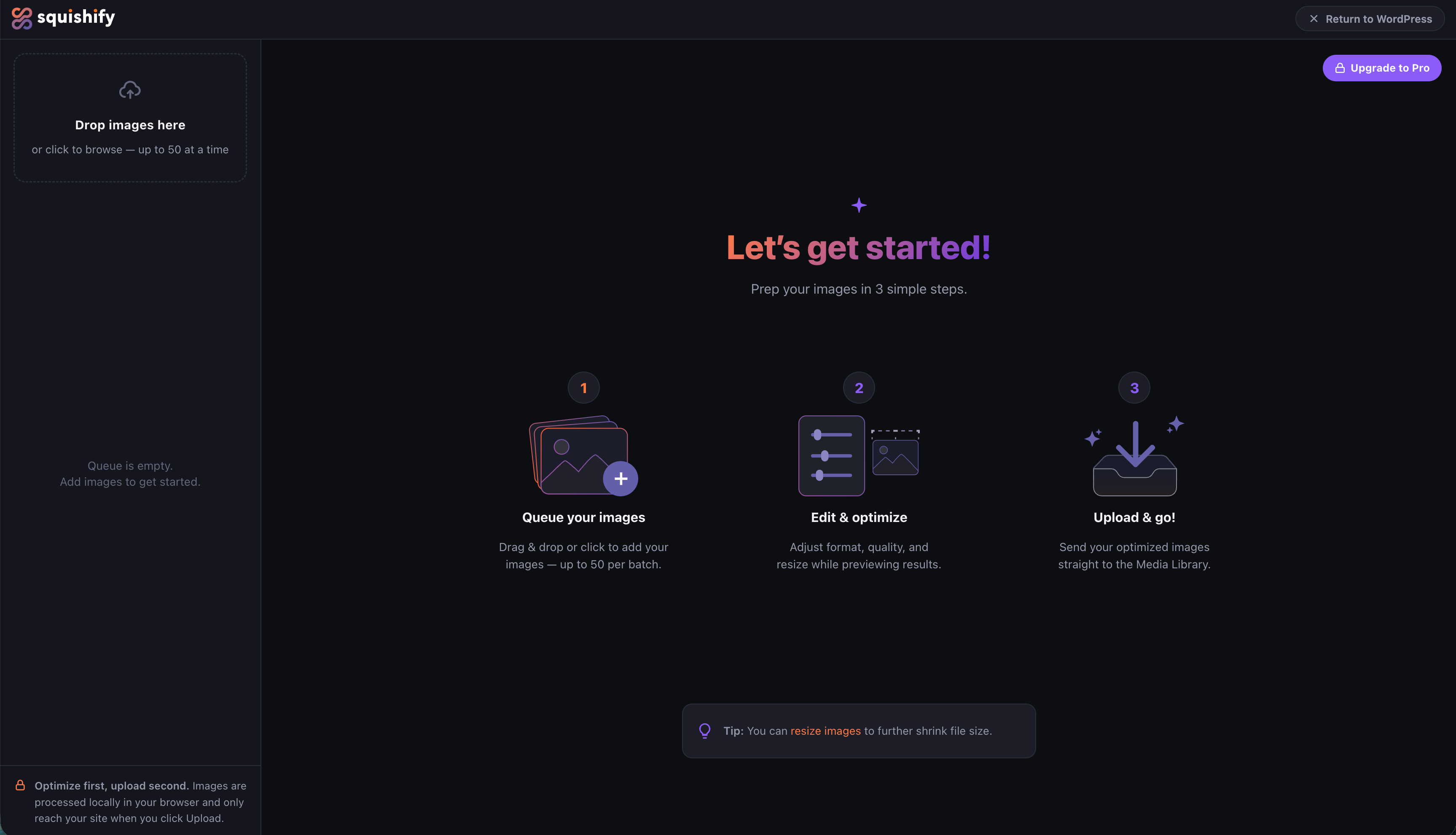
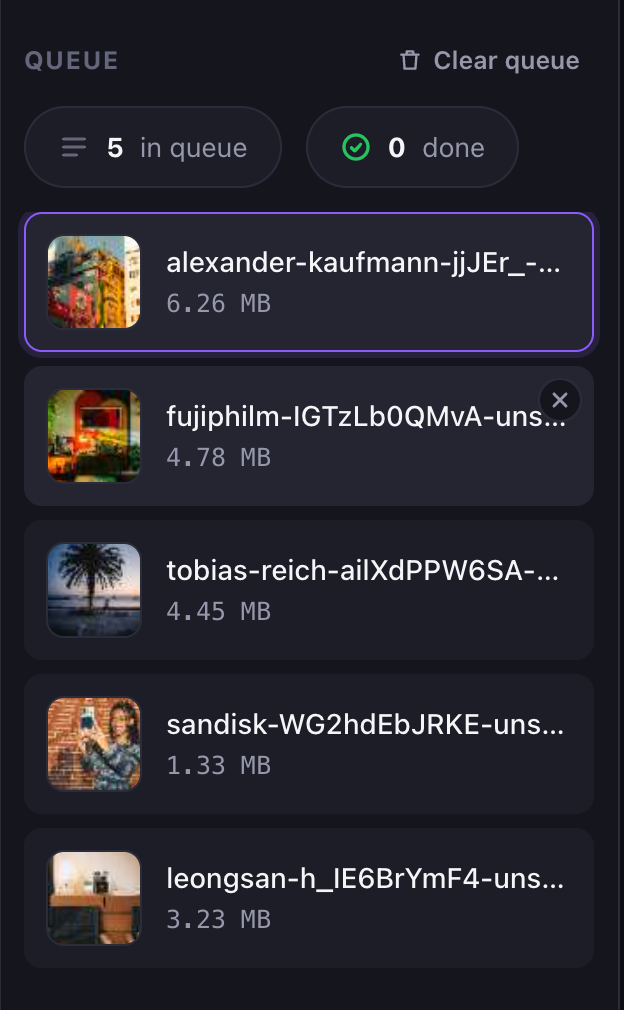
- Drag and drop a batch, or a whole folder — everything inside it gets queued at once, up to 50 images per batch
- Paste from your clipboard — press Ctrl/Cmd+V to drop a screenshot straight into the queue, no saving to disk first
- SVG files rasterize at a proper working size instead of their (often tiny) declared dimensions
- HEIC photos straight from your iPhone — they open as sources with no converting first, in every browser, including the ones that can't read HEIC themselves
- TIFF files from scanners, print workflows and Photoshop exports open the same way
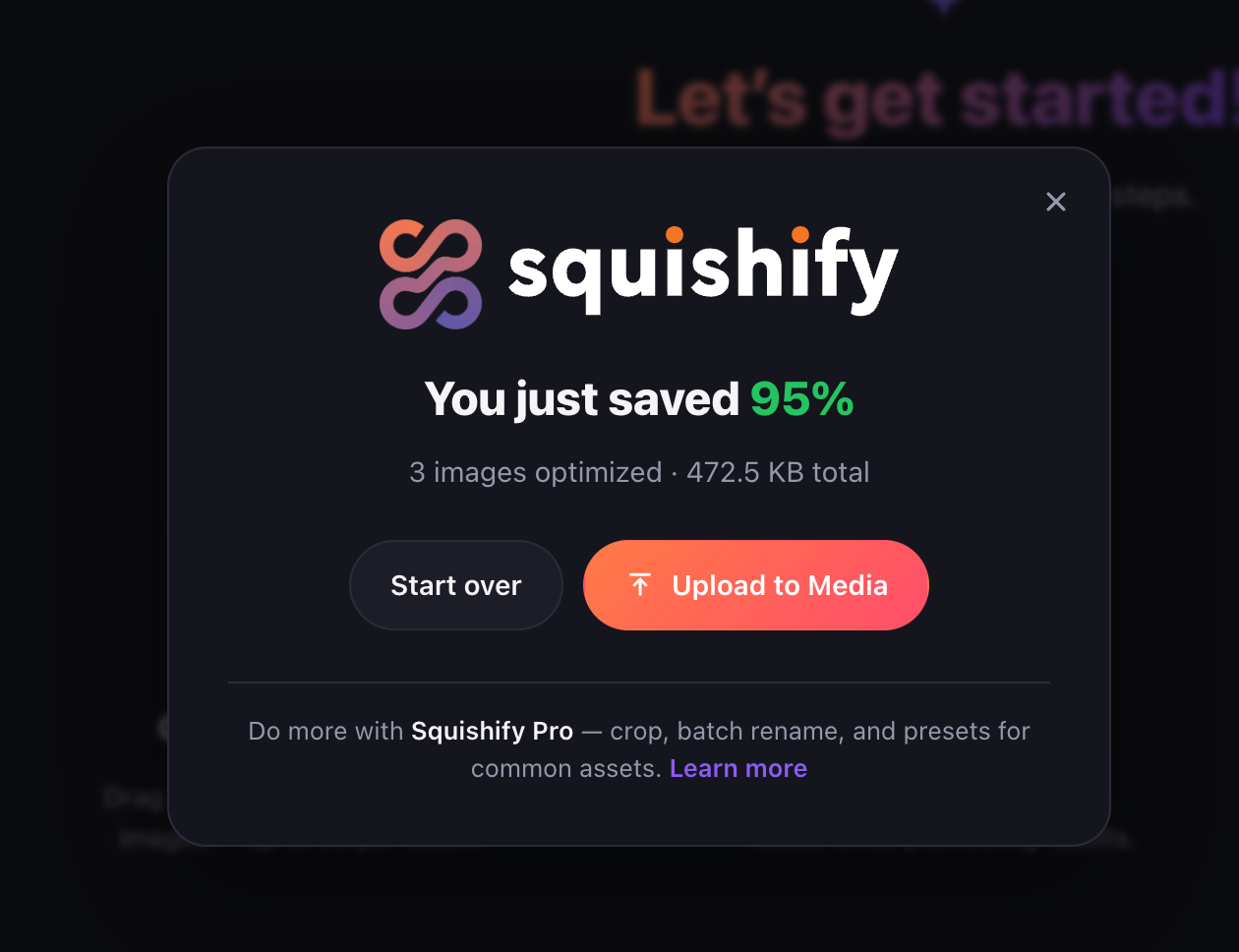
- Upload straight to the Media Library when you're ready
big_image_size_threshold). Because the file you upload is already at or under that size, WordPress never generates its own separate -scaled copy: what you see in the editor is what ends up in your Media Library. One file, no server-side duplicate.
安装:
- Upload the
squishifyfolder to/wp-content/plugins/, or install the zip via Plugins → Add New → Upload Plugin. - Activate the plugin.
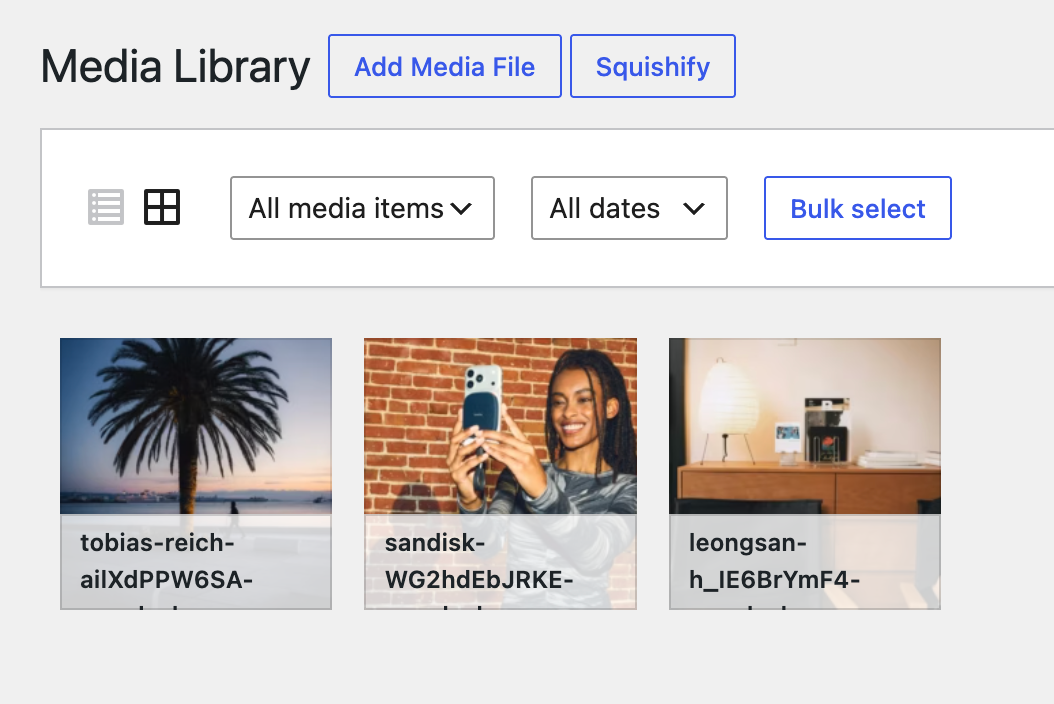
- Open Media → Squishify, or click the Squishify button on the Media Library screen.
屏幕截图:


常见问题:
Does auto-optimize apply to images other people upload?
Yes — that is what makes it useful. Once an administrator switches it on it covers every upload by every user on the site, including people who have never opened Squishify. They see a short "Squishify is optimizing" dialog with a link to the setting, so nobody is left wondering what happened to their file. Only administrators can change or switch it off.
My host can't make thumbnails from AVIF. Does auto-optimize still work?
Yes, and it checks for you. Some hosts' image libraries are built without AVIF support, and on those WordPress stores and serves the full-size AVIF but generates no smaller crops. Squishify asks your server that question and pre-selects WebP instead when the answer is no — and if you choose AVIF anyway, the setting says plainly what it will cost.
Are my images sent anywhere for processing?
No. All compression, conversion, and resizing happens locally in your browser. The only network transfer is the final upload of finished files to your own WordPress site.
What formats can it produce?
AVIF, WebP, JPEG (MozJPEG), and optimized PNG (Oxipng). AVIF uploads require WordPress 6.5+.
Uploads fail with an error mentioning a security plugin or firewall
Some security hardening (Sucuri, ModSecurity, host firewalls) can block media uploads through the WordPress REST API before WordPress ever sees them. If uploads fail with that message, review your security plugin's hardening options or ask your host to allowlist REST media uploads (/wp-json/wp/v2/media). Squishify uses the same standard upload format as WordPress's own uploader.
Can I paste a screenshot straight in?
Yes. Copy an image anywhere, then press Ctrl/Cmd+V with Squishify open and it joins the queue like any dropped file — no saving to disk first. On Chromium-based browsers (Chrome, Edge), Squishify can also notice an image waiting on your clipboard when you switch back to the tab and offer to paste it for you; there's a Don't ask again if you'd rather it didn't. Firefox and Safari don't allow that passive check, so on those browsers use the keyboard shortcut.
Does it work with multisite?
Yes. Squishify checks the standard upload_files capability on whichever site you're on, so it works whether the plugin is network-activated or activated per-site — no separate configuration either way.
What happens to my original files?
Nothing — Squishify never touches them. Everything happens in your browser on a copy of the image; your source file is only read, never modified. Only the optimized output you choose to upload leaves the editor, and only after you click Upload.
Why is the first AVIF encode slower than the rest?
The AVIF encoder is a WebAssembly module that has to be downloaded and compiled by your browser the first time it's used in a session. After that one-time warmup, your browser caches the compiled module and subsequent encodes are much faster.
What browsers are supported?
Any current version of Chrome, Firefox, Safari, or Edge. All processing uses standard Web APIs (WebAssembly, Web Workers) with no browser-specific requirements.
更新日志:
- The finish screen now puts saving first. Start over appears once your images are saved, so it can't clear work you haven't kept yet.
- Grid view's batch settings now open as a single line summing up what the batch is set to — "AVIF · Quality 50 · Original size · No crop · Keep filenames" — with the full cards one click away under "Edit settings". Click any part of the summary to open the panel on that setting. Whichever way you leave it is remembered.
- The image count, Undo, Reset all and Clear images moved off the settings heading onto a bar of their own above the grid. The settings line now carries just the summary and the Pro batch tools, divided by a rule — what the batch is set to on one side, what else you can do to it on the other.
- The site links at the bottom of the app step aside once you have images loaded, giving the grid the room back. They are all still in the menu, top right. This now happens inside WordPress too, where the row used to stay put.
- Fill and Fit explain themselves on hover: Fill crops in to the ratio and trims the edges, Fit pads out to it and keeps them.
- Long tooltips wrap instead of running off their own background.
- Open HEIC photos straight from your iPhone — no converting them first.
- Open TIFF files from scanners, Photoshop exports and print workflows.
- Pro: open Photoshop PSD files. Squishify imports the flattened composite — the image Photoshop itself shows — not individual layers.
- Files that can't be opened now say why, instead of landing in the queue as a blank row. Anything unreadable is skipped with an explanation rather than left for you to clear.
- Images the browser reports no file type for are no longer rejected as "not an image" — a common case for HEIC photos copied off an iPhone.
- On a phone, the batch settings bar no longer runs off the side of the screen. The tool pills and the queue actions wrap onto as many lines as they need instead of pushing the whole page sideways.
- New: a Settings panel, opened from the gear in the header. Everything in it is remembered between sessions.
- New: a light theme, across the whole app and the WordPress overlay.
- New: set your own default format and quality — every new session starts there instead of AVIF at 50.
- Batches of two or more images now open in Grid rather than the single-image editor. Settings has a switch to put it back, and single images are unchanged.
- Reset preferences puts theme, defaults and the batch view back to how they shipped. It leaves your license alone.
- Fixed: a transparent PNG exported as JPEG came out with black filling the transparent areas, since JPEG has no alpha channel. It now fills white, the same as every other format that can't carry transparency.
- Fixed: rotating or flipping a cropped or colour-adjusted image in the grid flickered instead of turning smoothly. (Shipped to the web app and Squishify Pro on 2026-09-17; this release brings the free plugin level.)
- Faster: dropping a batch of big photos no longer freezes the window while the queue fills. Thumbnails are now decoded off the main thread, at thumbnail size, so twenty-five 40-megapixel photos take about a third of the time to land in the queue and the app stays responsive the whole way — you can start on the first image while the rest are still arriving.
- New: rotate and flip, free on every tier. Rotate left, rotate right, flip horizontal and flip vertical sit beside the zoom buttons in the editor, and appear on each tile in Grid when you hover it. Per image, on purpose — a sideways photo is a fact about that photo, so there is no apply-to-all. A crop you've already set turns with the picture and keeps the same pixels; Reset puts the image back the way it arrived.
- Fixed: inside wp-admin, checkboxes in the Squishify overlay showed a second checkmark and a focus ring on click — wp-admin's own form styles were reaching into the overlay.
- A one-time notice after install points at auto-optimize, with a button straight to the setting. Dismiss it once and it stays dismissed for you; it also goes away on its own once auto-optimize is on.
- The plugin's Settings page now links to the web app at squishify.app for working outside WordPress.
- New: zoom in the editor. Scroll the mouse wheel or pinch on a trackpad to zoom the before/after preview from 0.5x to 3x, anchored on the cursor; two-finger drag pans, and a navigator thumbnail in the corner shows where in the image you are. The compare divider keeps working at any zoom. Zoom is a per-image look-closer, not a setting — every image starts at fit.
- In crop mode you can zoom out to regain context while placing the frame; zooming in is capped there, since the frame is exact at any scale.
- New: auto-optimize on upload. Turn it on under Media → Squishify and every image added through WordPress — the Media Library, the block editor, anywhere — is converted and resized in the browser before it is sent, so the full-size original never reaches your server. Pick the output format and a maximum width; a small progress dialog shows what's happening, with a link to change or turn it off.
- Auto-optimize leaves anything it can't improve exactly as it is: an image Squishify can't make smaller is uploaded untouched, as is anything that isn't a JPEG, PNG, WebP or AVIF. GIFs and SVGs are never converted.
- Keyboard shortcuts for the editor: P, C, S, R, U and T open Presets, Crop, Resize, Rename, Upscale and Color, G switches between Grid and Preview, Delete removes the image you're on, ↑/↓ move between images, ←/→ slide the before/after compare (hold Shift for bigger steps), Enter finishes an image and moves to the next, and Ctrl/Cmd+Enter applies your settings to every image.
- Press ? at any time — or the link on the start screen — for the full list. Hover any tool and its tooltip now shows the key as well, so the shortcut is findable without going looking for it.
- Shortcuts stand down while you're typing in a field, and while a crop is open — crop mode keeps Escape and Enter for itself.
- Paste an image straight from your clipboard to add it to the queue — press Ctrl/Cmd+V anywhere in Squishify and it lands like any other file. A screenshot no longer has to be saved to disk first.
- Switch back to the tab with an image still on your clipboard and Squishify offers to paste it for you, with a "Don't ask again" if you'd rather it didn't. It stays quiet about an image that's already in your queue, and about anything it has already offered once.
- The drop area now mentions pasting alongside dropping and browsing, so the shortcut is findable without waiting for the prompt.
- Bulk mode: a Grid / Preview switch in the header, so you can see everything you queued in one place or work through it an image at a time. Grid carries the batch settings underneath; click any tile to edit that image on its own, and the switch brings you back.
- Batch settings apply to the whole queue at once — format, quality and effort, a max width, a crop ratio, and a numbered rename sequence.
- Batch crop is a ratio: pick 1:1, 4:3 or 16:9 and every image gets the largest centred window at that ratio. The thumbnails show the result.
- Pro: Color adjustments join the batch settings, so one set of values covers the whole queue.
- New app header and footer: the logo, the menu and the privacy promise now stay put for the whole session instead of living in the queue panel.
- The queue panel is now part of editing a single image, so the empty state and the grid both use the full width.
- Crops now show in the queue thumbnails instead of only on the stage, and thumbnails are sharper.
- Thumbnails of transparent PNGs, WebP and AVIF no longer flatten to black.
- The drop area now shows a folder instead of a cloud-upload icon. Nothing about how Squishify works has changed — your images have always been processed on your own device and never uploaded anywhere — but the old icon was the one symbol everyone reads as "this goes to a server", and it was saying the opposite of the truth.
- Fixed: on some browsers, AVIF and PNG encodes could fail in the WordPress admin with a "multithreaded codec excluded" error. The plugin now always uses the codec builds it actually ships with, so it can't happen on any browser.
- Fixed: on the free WordPress plugin, uploading a batch to the Media Library announced the upload but never closed Squishify, and WordPress went on warning about unsaved work that had already been uploaded. The overlay now tears down and takes you to the Media Library as it always should have.
- The controls bar now offers two named paths instead of one button and a checkbox: "Next file" to keep reviewing image by image, and "Process all" to apply your settings to the whole queue and go straight to the summary.
- Resize opens with "Apply resize to all images" already ticked when there's more than one image queued — untick it for a one-off. On a single image the option is hidden entirely.
- Rename opens on Sequence when you have a batch queued, and on This image when you don't. Whichever mode you pick yourself is remembered.
- On the web app, per-image Download is hidden while you're working on a batch — Process all collects everything into one zip instead.
- Crop is now free, on every version — web and WordPress. Drag a frame or lock it to a ratio and type exact output dimensions, on one image or across the whole batch. It used to be part of Pro; it isn't any more, and nothing about it was cut down on the way.
- The Pro feature tour now shows Image Boost, which never had a place in it before.
- Opening Squishify from the Media Library now eases in with a real progress bar instead of cutting straight to the editor.
- Fixed: changing a setting across the whole queue — resizing everything, or clearing a resize — left images you had already finished holding their previous version, so they could be downloaded at the old settings. Those images now show that they will be re-encoded, and Finalize brings them up to date.
- More room for your images: the sidebar and drop area now step aside once you have a queue going, and long filenames are trimmed with the full name on hover.
- Tool buttons are shorter — they show the setting itself ("16:9", "1800px") instead of spelling it out, so the toolbar keeps its shape as you use more tools.
- The Resize window now tells you the size you're resizing from.
- Crop gained a Reset, matching Resize — with "Apply to all" ticked it clears the crop across the whole queue.
- Clearing the queue no longer flashes the previous image for a moment when you add new ones.
- The loading sequence when images arrive now plays for every batch, not just the first one of a session.
- Rename now has three modes — rename this image, number a whole sequence, or type a name for every image in one pass.
- Sequences can skip the prefix entirely, so you can number files 1, 2, 3.
- Sequences are zero-padded automatically, so 12 images sort correctly instead of running 1, 10, 11, 12, 2.
- Add more images to a numbered batch and they pick up the sequence instead of arriving unnamed.
- Switching between rename modes keeps what you already typed.
- Fixed an error that could interrupt the first image of a batch with an "Encode failed" message when it was added.
- Various interface adjustments.
- Adding a batch now eases in: a brief loading pass, then your images arrive in the queue one after another — so you can see at a glance how many landed.
- The file heading now shows where you are in the queue ("1 of 15"), next to the filename and dimensions.
- "Apply to all" is now a checkbox on the main button instead of a second button competing with it — tick it and Next file becomes Finalize, which processes everything and takes you straight to the summary.
- Slimmer format and quality bar, leaving noticeably more room for the image you're actually working on.
- Images scaled down to the maximum working size are now reported once, with a count of how many were affected, instead of a separate notice per image.
- Notices and toasts no longer sit on top of dialogs.
- Batch rename is now part of the free tier — give a whole set a base name and automatic numbering, no licence needed.
- Fixed resized images looking softer or jagged compared to a desktop editor's export, especially on small or heavily cropped outputs — resizing now uses a sharper algorithm, with safeguards to keep large source photos fast.
- Drag a whole folder of images onto the dropzone to queue everything inside it at once.
- SVG images now rasterize at a proper working size instead of their (often tiny) declared dimensions.
- Added an in-app "what's new" modal so you'll see a quick summary the next time a new version ships.
- Fix: guard against a file being added to the queue twice from a single drop/select action.
- First public release: editor overlay, batch queue, upload to Media Library.
- First development release: editor overlay, batch queue, upload to Media Library.