
SR WP Minify HTML
| 开发者 | superrishi |
|---|---|
| 更新时间 | 2018年11月22日 12:15 |
| 捐献地址: | 去捐款 |
| PHP版本: | 5.2.0 及以上 |
| WordPress版本: | 4.9.8 |
| 版权: | GPL2 or later |
| 版权网址: | 版权信息 |
详情介绍:
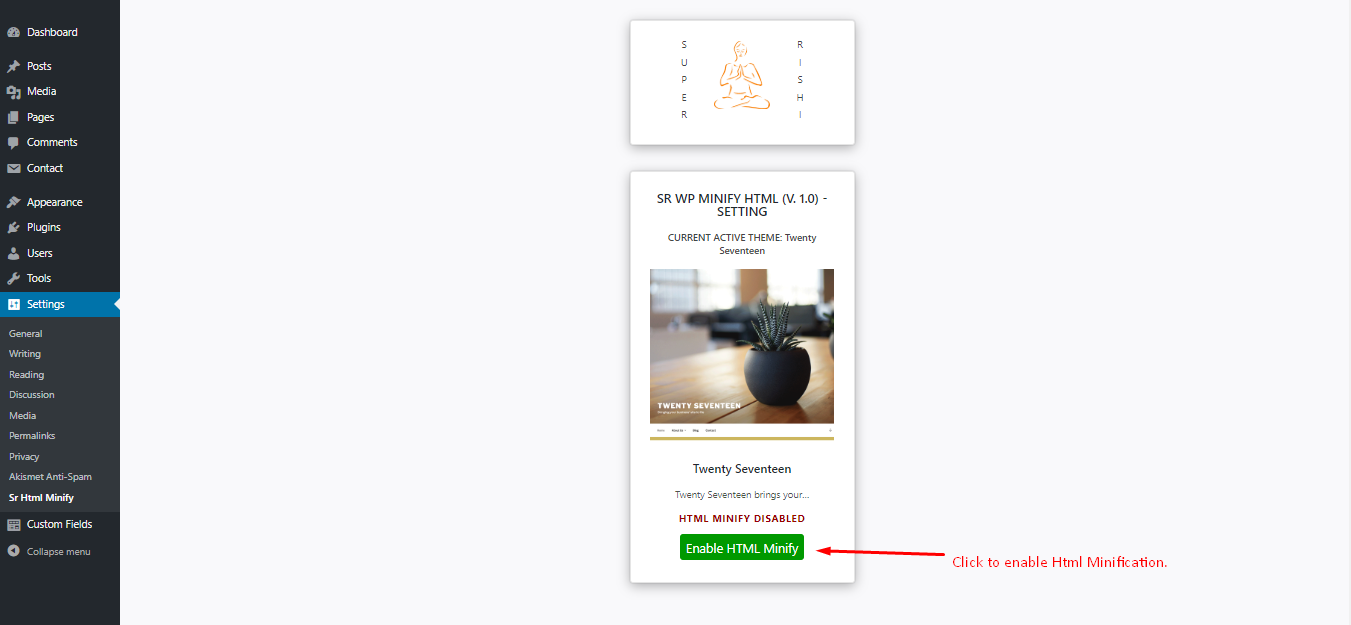
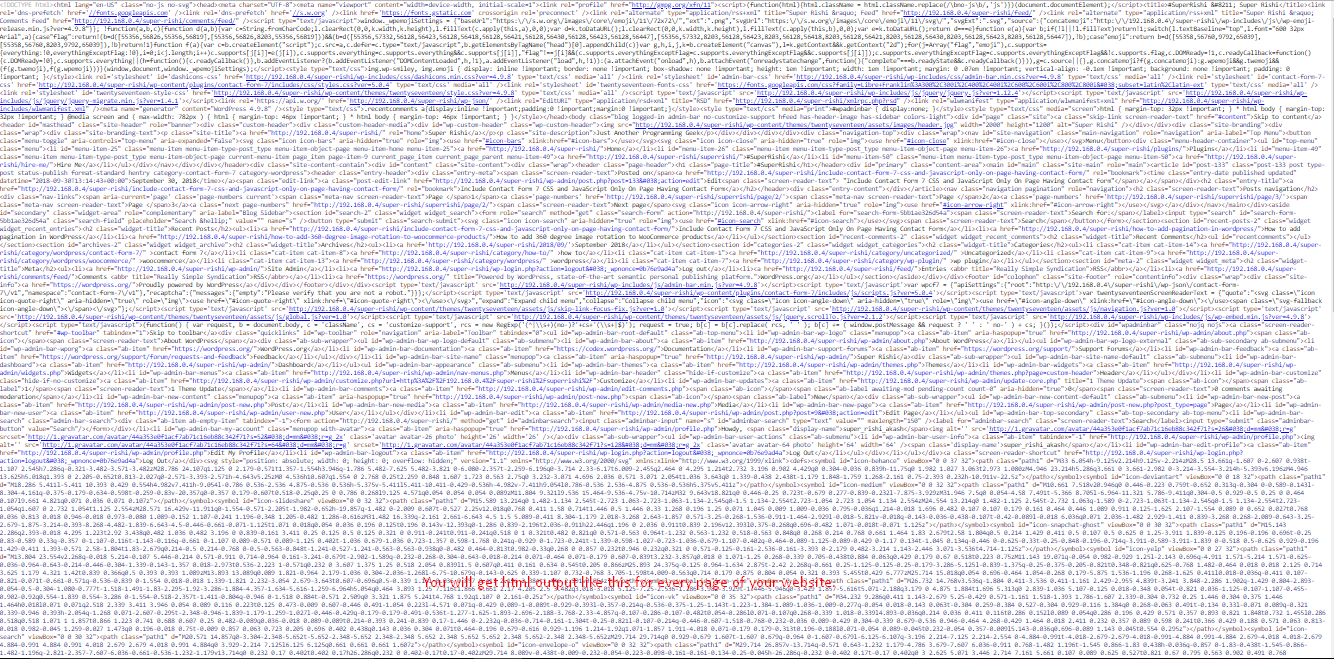
SR Minify HTML compresses the HTML output and removes all new lines, extra spaces, HTML comments, CSS and JS comments single and multiline both and delivers only one single line of HTML code to the client side. This will help you reduce the page size and apparently the load time.
This plugin will help you increase your SEO score.
安装:
- Upload the entire sr-minify-html folder to the /wp-content/plugins/ directory.
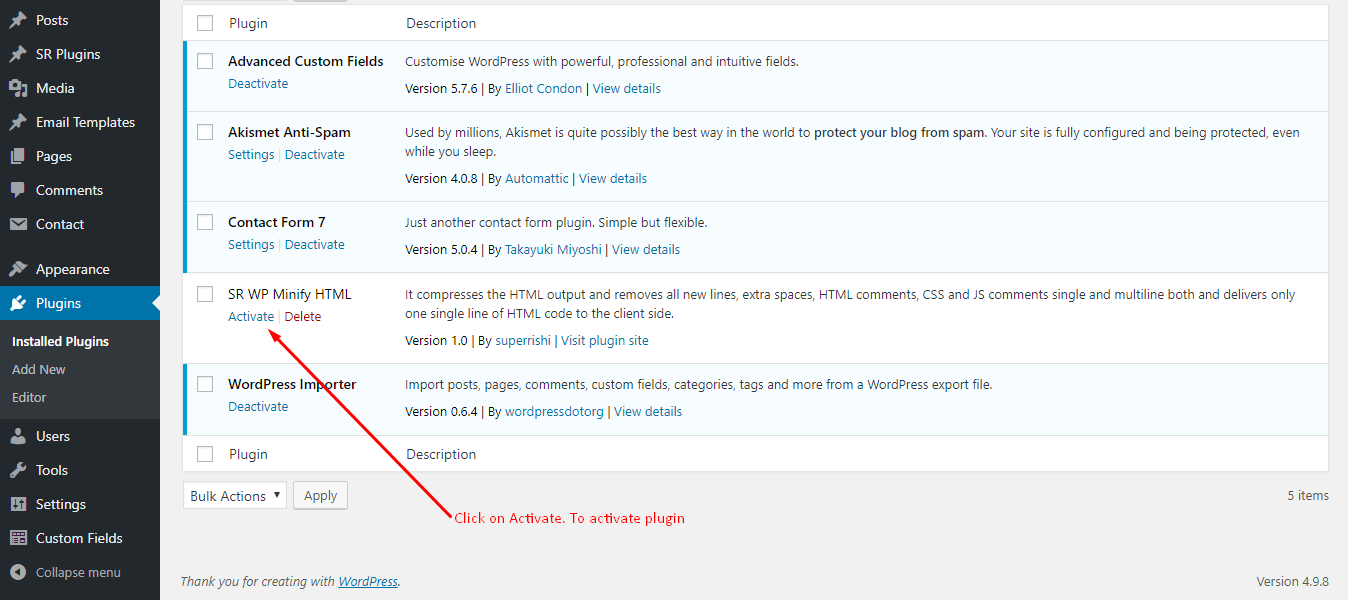
- Activate the plugin through the ‘Plugins’ menu in WordPress.
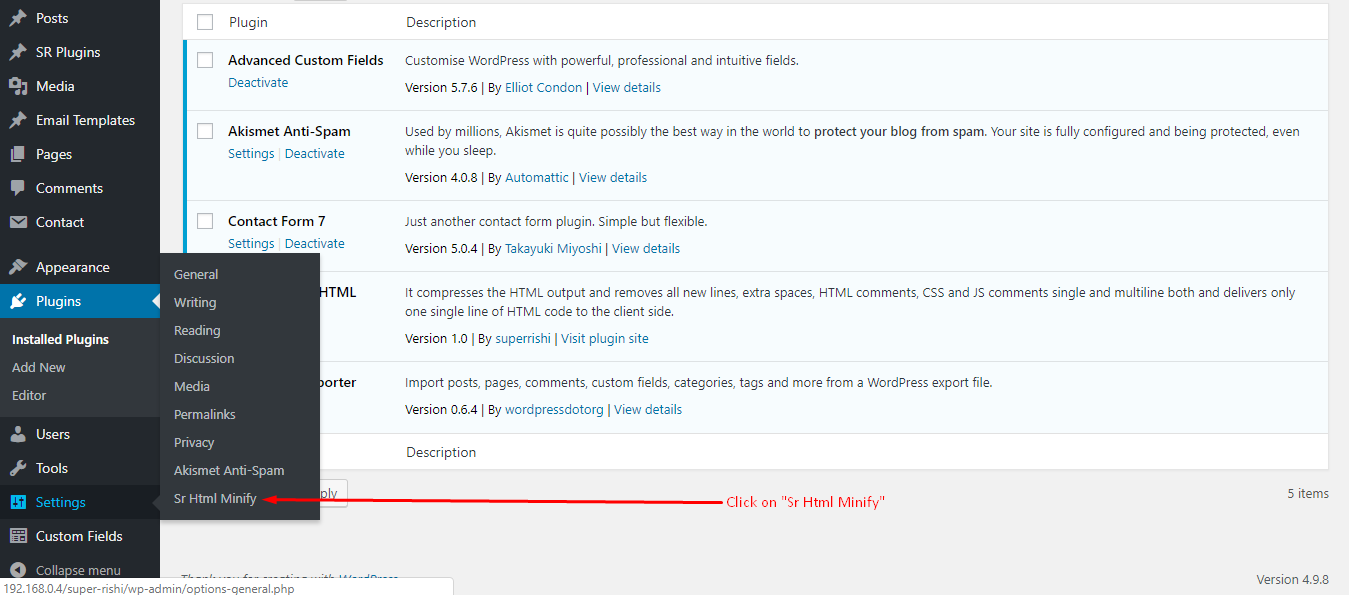
- You will find ‘SR MINIFY HTML’ as a sub-menu under your WordPress Settings menu.
屏幕截图:
常见问题:
This plugin will work perfectly if your theme is created in the standard way.
- Target template should start with get_header() before outputting.
- Your theme footer or end of file should have wp_footer() just before closing body tag.
更新日志:
2.1
Fixed PHP Warning: Deprecated: Non-static method ( when debug enabled )
Fixed WP Warning: Plugin generated numbers of character of unexpected output ( when plugin activated )
== Upgrade Notice ==
2.1
Fixed PHP Warning: Deprecated: Non-static method ( when debug enabled )
Fixed WP Warning: Plugin generated numbers of character of unexpected output ( when plugin activated )