
SRS Simple Hits Counter
| 开发者 | SandyRig |
|---|---|
| 更新时间 | 2026年5月31日 13:24 |
| PHP版本: | 3.4 及以上 |
| WordPress版本: | 6.9.4 |
| 版权: | GPLv2 or later |
| 版权网址: | 版权信息 |
详情介绍:
SRS Simple Hits Counter is a simple, very lightweight visitor counter plugin for WordPress that tracks Unique Visitors and Page-views — without causing render blocking or straining your site.
You can display your visitor counter anywhere on your site using widgets or shortcodes. Show Unique Visitors, Page-views, or both — just use two copies of the widget or shortcode to display both counters together.
Note: The counter keeps running in the background even when no widget or shortcode is active. To completely stop counting, you need to disable the plugin.
Features
- AJAX based counter ignores most bots or crawlers
- Monthly and weekly graph in admin
- Show the Unique Visitors, Page-views count or both
- Ability to reset the counter to any number any time
- Can be shown anywhere on the site using Widgets and Shortcode
- Counter works and shows data in admin even when no widget or short-code is active
安装:
From your WordPress dashboard
- Visit 'Plugins > Add New'
- Search for 'SRS Simple Hits Counter'
- Activate 'SRS Simple Hits Counter' from your Plugins page.
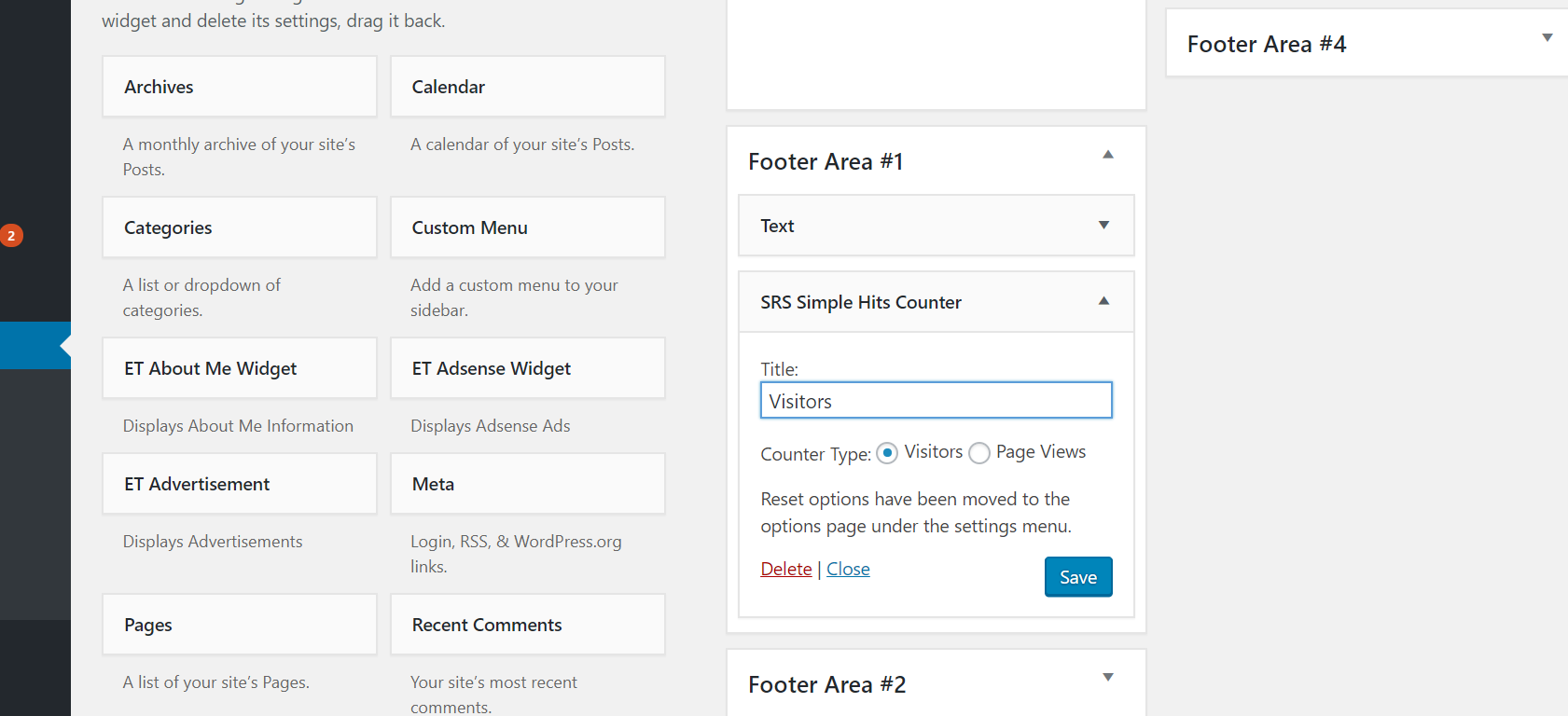
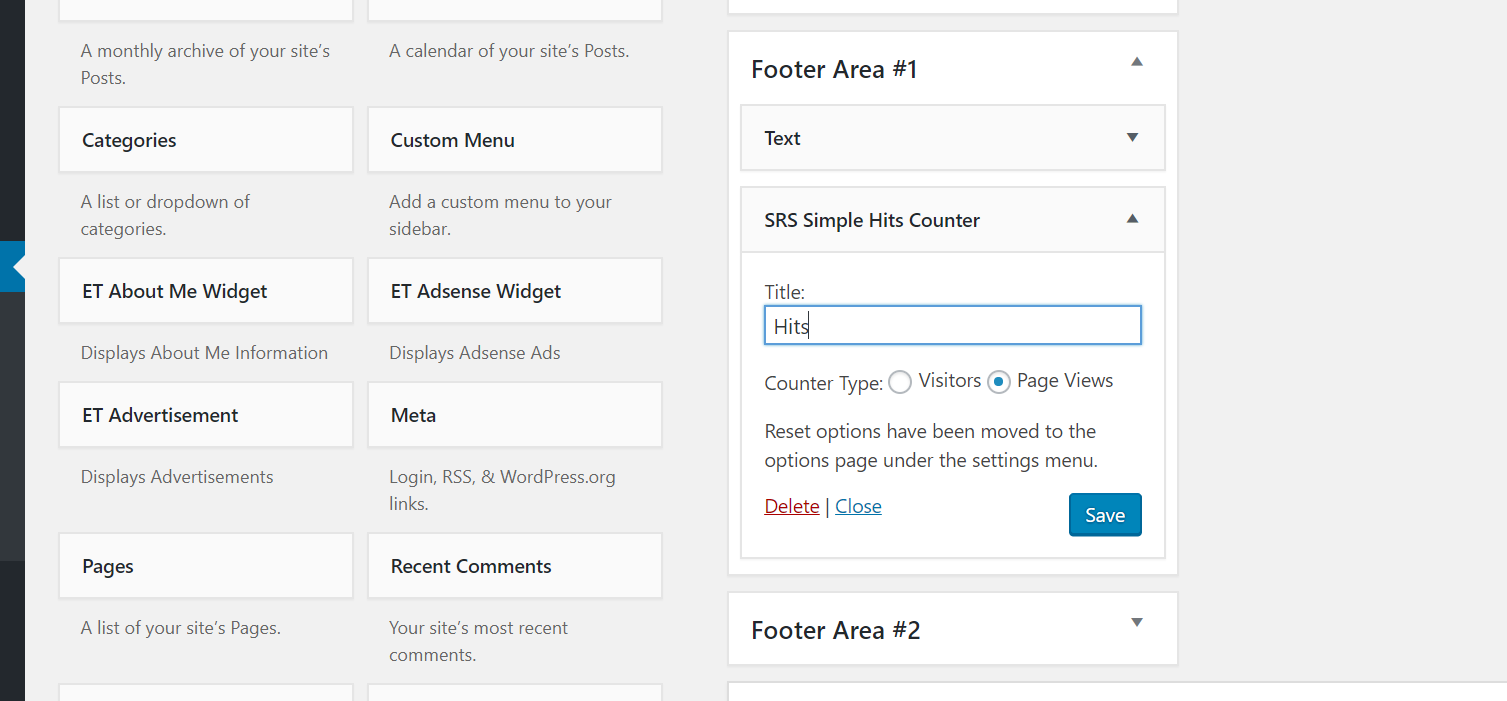
- Use widget to display the counter in footer or sidebar etc.
- Use the shortcode to add the counter to any part of the site.
- Download 'SRS Simple Hits Counter'.
- Upload the 'SRS Simple Hits Counter' directory to your '/wp-content/plugins/' directory, using your favorite method (ftp, sftp, scp, etc...)
- Activate 'SRS Simple Hits Counter' from your Plugins page.
- Use widget to display the counter in footer or sidebar etc.
- Use the shortcode to add the counter to any part of the site.
屏幕截图:

更新日志:
2.2.2 - 31st May 2026
- Added database migration option for existing users to support larger numbers
- Added Format option in the settings to allow users to choose between "Simple Text" and "Customized Output" for the counter
- Transparent background bug fix
- Increased counter size to allow larger numbers
- Banner and thumbnail update
- Added counter customization feature that let's create a unique look and feel for the counter according you your site design
- Security updates
- Other code optimizations
- Added popular content section to dashboard
- Updated UI for settings page
- Bug fixes on visitors and views reset functions
- Added admin stylesheet
- Fixed - PHP Warnings and erros in certain conditions
- Updated admin dashboard for better analytics view
- Security Bug Patch
- Added the ability to reset plugin data deleting all the existing data in the plugin's database table and start fresh
- Security and other updates
- Graph libraries updated
- Critical Security Update
- Security Updates
- Removed PHP Session based user tracking if favor of session cookie to help with caching
- Moved js files to load in footer to improve Google PageSpeed score by avoiding render-blocking.
- Critical update, fixed migration bug in 1.0.1
- Critical bug fix
- Added weekly and monthly graph
- Added the option to show commas in the counter
- Changed to Ajax based counting to filter out bots and crawlers
- Created options page under the settings menu and moved counter reset settings to that page.
- Removed the extra closing tag for page-views shortcode.
- Added CSS classes to identify and add custom style to the counters span tags.
- Critical - Unique Visitors bug fix.
- Fixed a PHP notice.
- Simple counter to show Unique Visitors or Page-views on your site.