
Statbird
| 开发者 | whoisakash |
|---|---|
| 更新时间 | 2026年10月25日 16:28 |
| PHP版本: | 7.4 及以上 |
| WordPress版本: | 7.1 |
| 版权: | GPLv2 or later |
| 版权网址: | 版权信息 |
详情介绍:
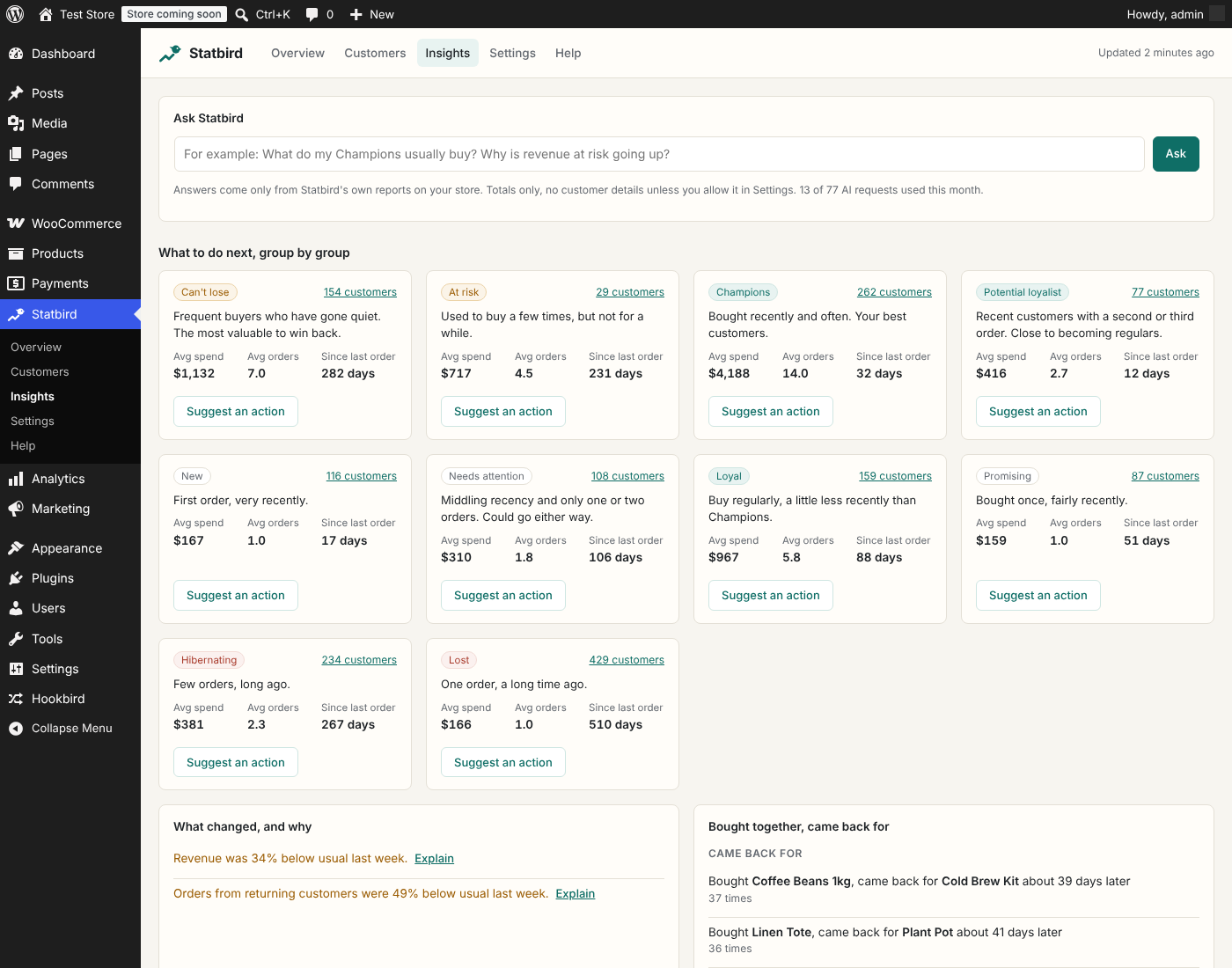
- Ten customer groups. Champions, Loyal, Potential loyalist, Promising, New, Needs attention, At risk, Can't lose, Hibernating and Lost, based on how recently and how often each customer buys.
- Churn risk for every customer. With enough history, Statbird trains a small prediction model on your own store every night, tests it on customers it has not seen, and only uses it when it beats the simple rule. The dashboard tells you how accurate it was.
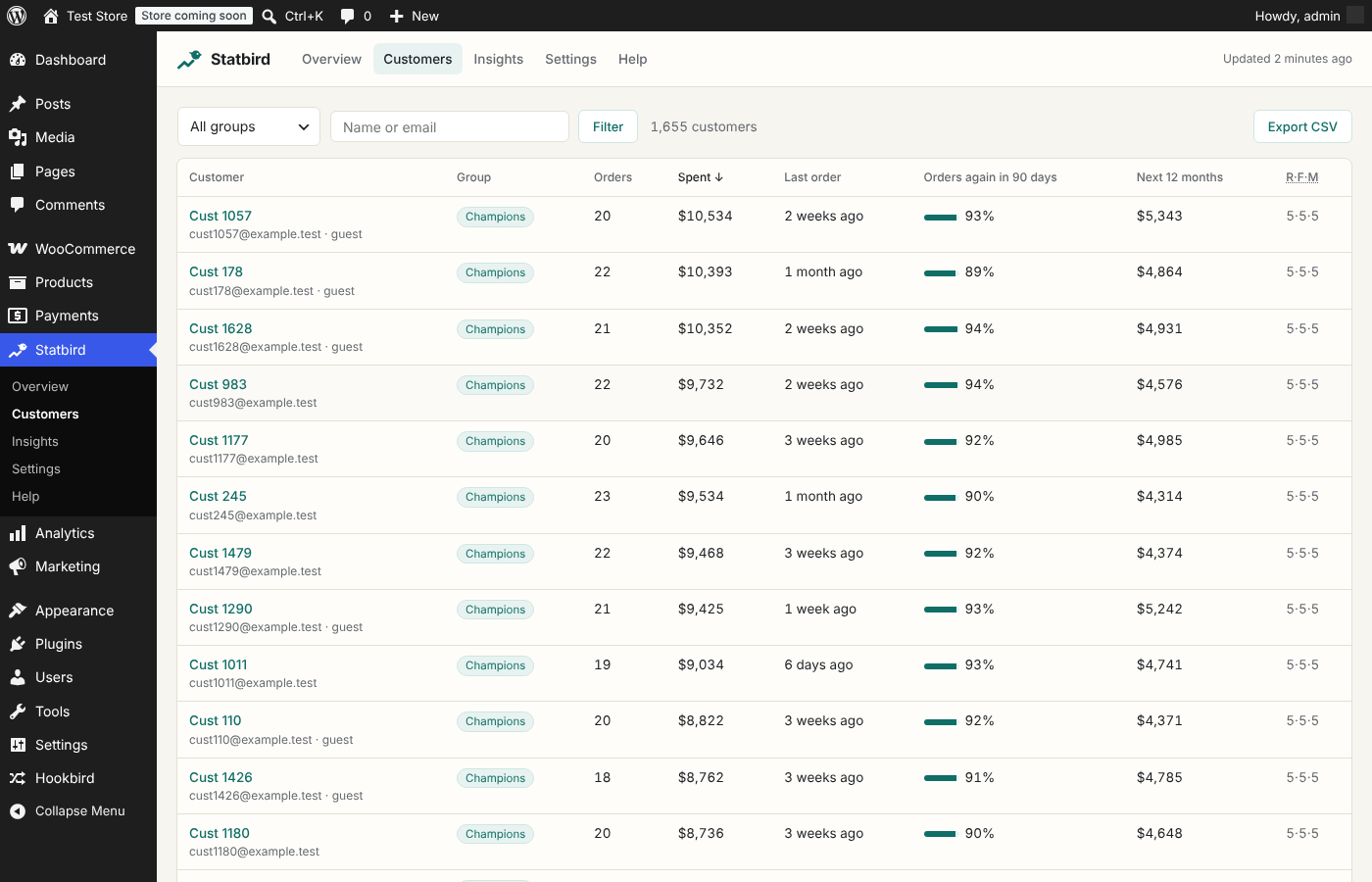
- What each customer is worth. Spend so far after refunds, and a forecast for the next 12 months.
- A clear dashboard. Repeat purchase rate, average customer value, revenue at risk, active customers, who came back month by month, revenue by week, and who moved between groups.
- Unusual weeks flagged. When revenue, orders, new or returning customers move well outside their usual range, Statbird points it out.
- Bought together, came back for. Products that sell together, and what customers come back for next, with the usual number of days in between.
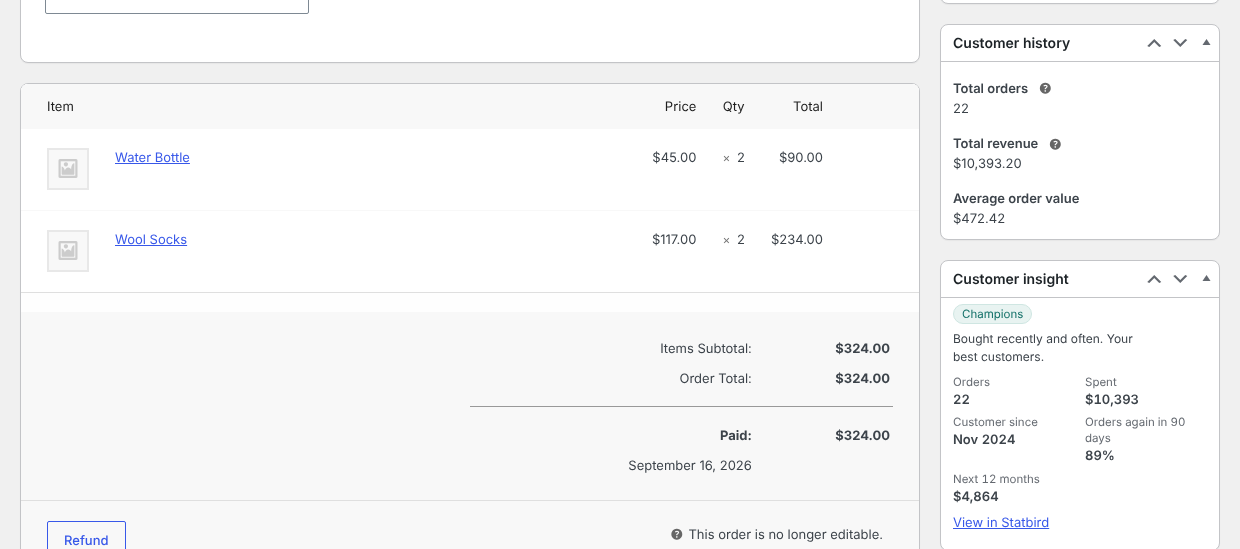
- A customer card on every order. Group, orders, spend, chance of ordering again and 12-month value, right on the order screen.
- CSV export of any group, for your email or ads tool.
- Live and lightweight. Existing orders are read once in the background. After that, only the customer whose order changed is updated. Works with High-Performance Order Storage and the classic posts tables, and stays fast on stores with 100,000 orders.
- write a short monthly summary in plain words,
- suggest the next best action for each group, with a draft email,
- explain an unusual week,
- turn product patterns into ideas,
- answer questions like "What do my Champions usually buy?" using only Statbird's own reports.
- WP-CLI:
wp statbird rebuild,wp statbird score,wp statbird status. - Actions:
statbird_segment_changed,statbird_scored,statbird_snapshot_built,statbird_customer_refreshed. - Filter:
statbird_counted_statuses(which order statuses count as purchases).
安装:
- Install and activate WooCommerce.
- Install Statbird from Plugins > Add New, or upload the zip, and activate it.
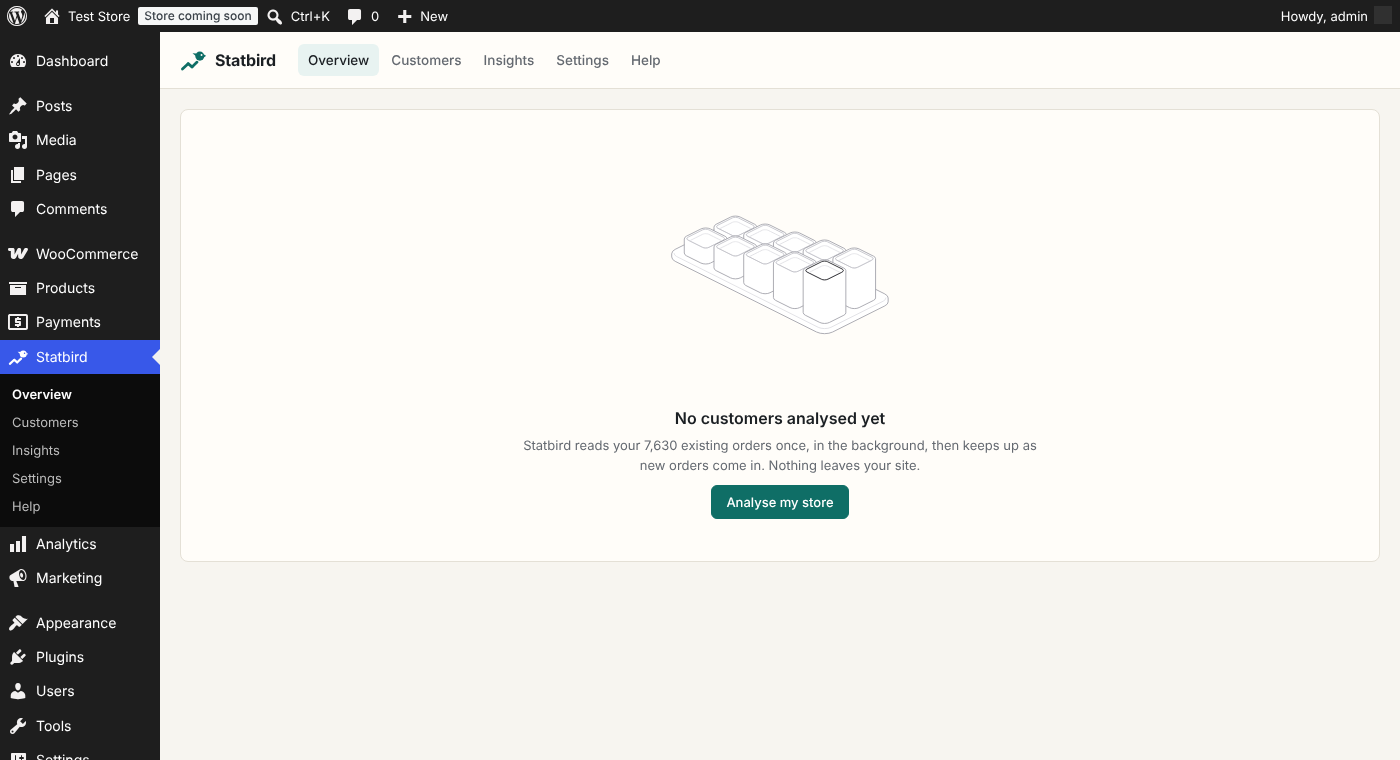
- Open Statbird in the admin menu and click "Analyse my store". It reads your existing orders in the background.
屏幕截图:
常见问题:
Does it slow down my store?
No. Nothing runs on your shop's pages. Reading orders and scoring happen in the background with WooCommerce's own task scheduler, in small batches.
Which orders count?
Processing, completed and refunded orders. Refunds are subtracted, and an order that was refunded in full does not count as a purchase. Cancelled, failed and pending orders are ignored. Developers can change the list with the statbird_counted_statuses filter.
What about guest customers?
Guests are matched by email. If a guest later creates an account with the same email, their guest orders join their account.
How is churn risk calculated?
Churn risk is the chance a customer does not order in the next 90 days. With enough history, a small model trained on your store decides it, using recency, frequency, spend and each customer's buying rhythm. Otherwise a simple rule compares how long it has been with their usual gap between orders. The Help screen explains every number.
Do I need an AI provider?
No. AI is an optional extra. Groups, risk, value, cohorts, trends, patterns, the order card and exports all work without it.
Is my customers' data shared?
Statbird's analysis stays on your site. It adds itself to WordPress's personal data export and erase tools, and removes all of its data when you delete the plugin. See "External services" for exactly what the optional AI features send.
更新日志:
- First release.