StepUp LMS
| 开发者 |
Webgrapes private limited
vishaligex |
|---|---|
| 更新时间 | 2026年4月16日 13:29 |
| PHP版本: | 7.4 及以上 |
| WordPress版本: | 6.9 |
| 版权: | GPLv2 or later |
| 版权网址: | 版权信息 |
详情介绍:
StepUp LMS is a comprehensive WordPress LMS plugin for WordPress. It is one of the best WordPress LMS plugins that can be used to easily create and sell courses online. You can create a course curriculum with lessons and quizzes, all managed through an easy-to-use interface for users.
With StepUp LMS, you can quickly and easily create education, online school, and online course websites without any coding knowledge.
Support
StepUp LMS Features
Works with Any WordPress Theme
StepUp LMS is designed to work seamlessly with any WordPress theme.
Create Courses
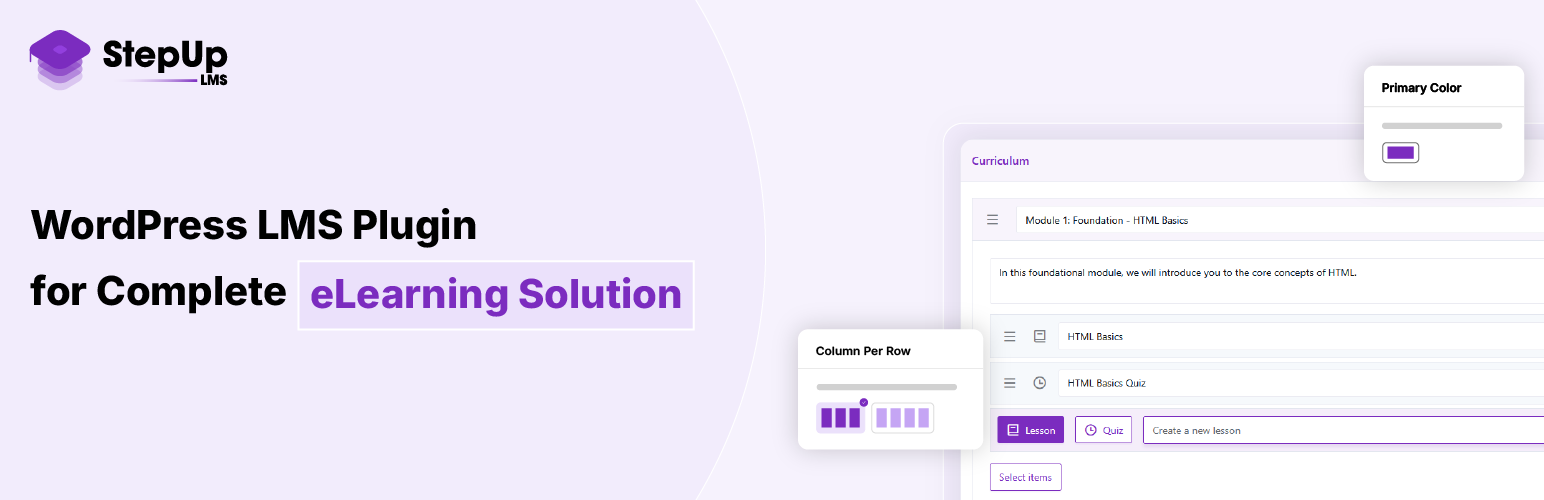
StepUp LMS provides an excellent user interface for creating online courses with all the options you need. You can easily create a complete curriculum layout, edit content, and manage courses efficiently.
Manage Courses
Manage your created courses, monitor statistics such as enrolled students, and track course performance.
Sell Courses
StepUp LMS is free, yet it allows you to sell your courses using supported payment methods such as PayPal.
StepUp LMS Is Free and Always Will Be
Education should be accessible to everyone. StepUp LMS is built to help you create and share online courses freely. We will continue improving it and adding new features over time.
Actively Developed
StepUp LMS is continuously developed and improved to become the best WordPress LMS plugin available.
Modules
Students Module
This module allows admins and instructors to view student information such as name, email, registration date, and course progress. Clicking on a student displays their enrolled courses and progress. Clicking on a course shows detailed quiz information, including quiz name, marks, correct and incorrect answers, time taken, result (pass/fail), and a progress bar.
Purpose of Time Taken:
Helps understand how much time a student spent on a quiz, indicating their speed and level of understanding.
Progress Module
Tracks overall course progress, including course name, content, enrolled students, and creation date. Clicking a course shows its lessons and quizzes, along with student completion details such as start time, end time, time taken, status, and result.
Purpose of Time Taken:
Useful for measuring student focus and efficiency when completing lessons or quizzes.
Question Categories Module
Allows quiz questions to be grouped by topics such as HTML or Java. Each category includes a name, slug, optional description, and parent category. You can add, edit, or delete categories and view the number of questions in each category, simplifying quiz creation and filtering.
Instructor Panel
This panel allows instructors to showcase their experience and skills, helping students choose the right instructor. Instructors can view enrolled students, order details, and student progress to better support learning outcomes.
SCORM Compatibility
This plugin includes an LMS extension that makes your content fully SCORM-compatible, enabling seamless integration with standard e-learning platforms. It supports:
- SCORM packaging and playback for structured learning content
- SCORM Cloud integration for testing and validation
- Site-to-site migration, ensuring content can be easily transferred across different LMS environments
常见问题:
What is StepUp LMS?
StepUp LMS is a WordPress plugin that allows you to create, manage, and sell online courses. For help with premium add-ons, use our helpdesk.
Where can I suggest new features or ideas?
You can send your suggestions via email to: support@webgrapespvtltd.com
更新日志:
1.0.1
- Updated contributors and author name
- Improved empty content handling for courses and lessons
- Updated single course page template
- Updated single lesson and quiz page templates
- Improved single lesson and quiz page templates
- Updated “Tested up to” version to 6.9
- Added shortcode page in settings
- Fixed the shortcode settings menu bug
- Fixed readme.txt and install default course
- Fixed readme.txt and install default course
- Front-end side design improvement and bug fixed.
- Add new email for support and inquiries
- Add encrypt and decrypt class helper
- Add encrypt and decrypt class helper and update tag
- SCORM Compatibility and UI fixed