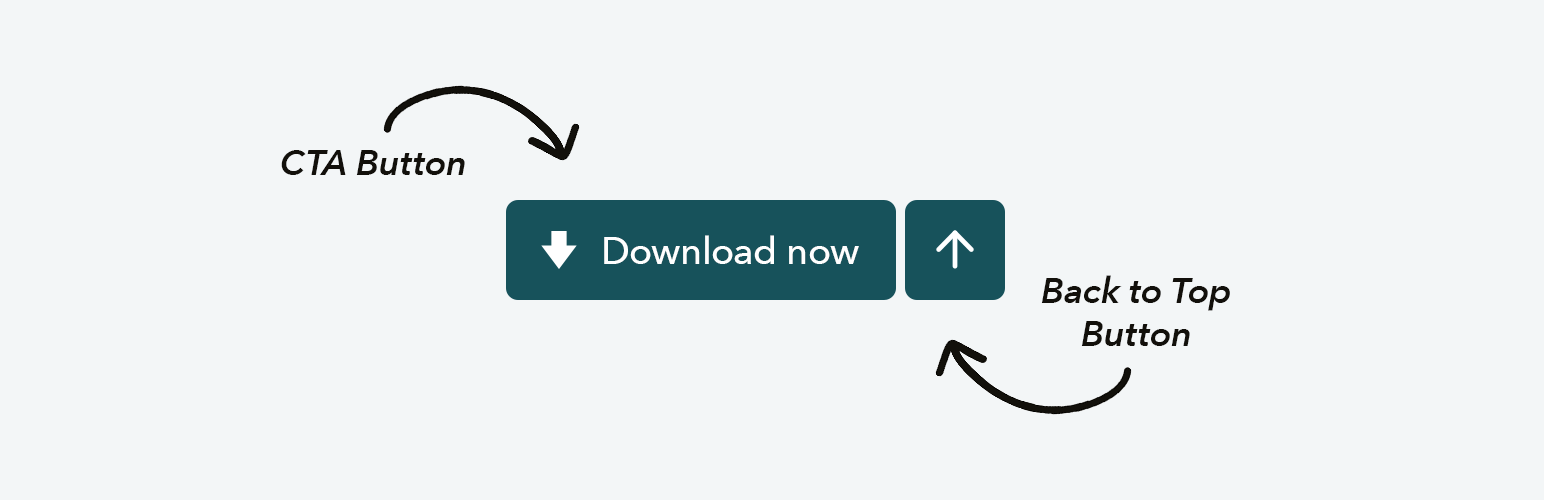
Sticky CTA Button
| 开发者 | desk9 |
|---|---|
| 更新时间 | 2026年7月7日 21:57 |
| PHP版本: | 7.4 及以上 |
| WordPress版本: | 7.0 |
| 版权: | GPLv2 or later |
| 版权网址: | 版权信息 |
详情介绍:
- Two CTA buttons – Configure a primary and an optional second call-to-action, each with its own text, icon, link, target and colors.
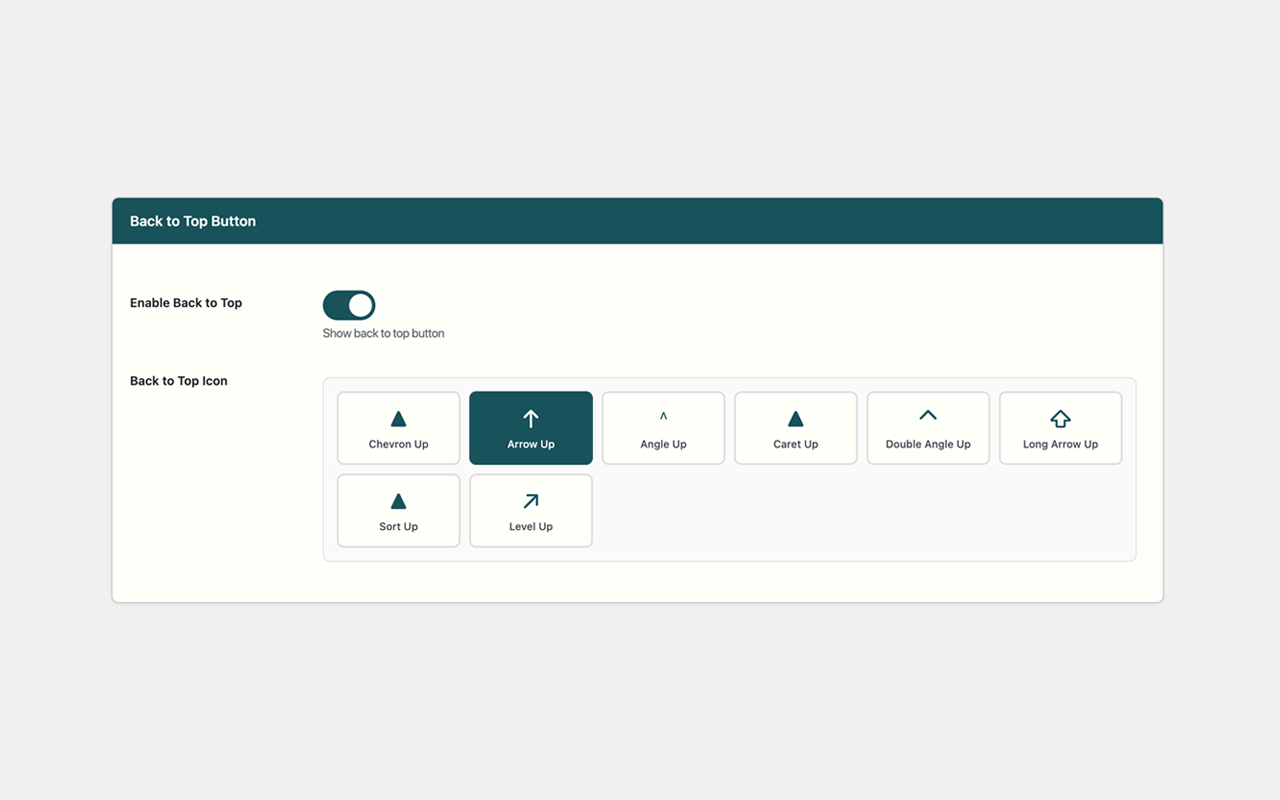
- Back-to-Top button – Smooth scrolling back to the top with selectable icons.
- Responsive mobile action bar – On phones and tablets the CTAs turn into a full-width bar pinned to the bottom (or top) edge of the screen, while the back-to-top button floats above it. The activation breakpoint (phones, tablets or small laptops) is selectable.
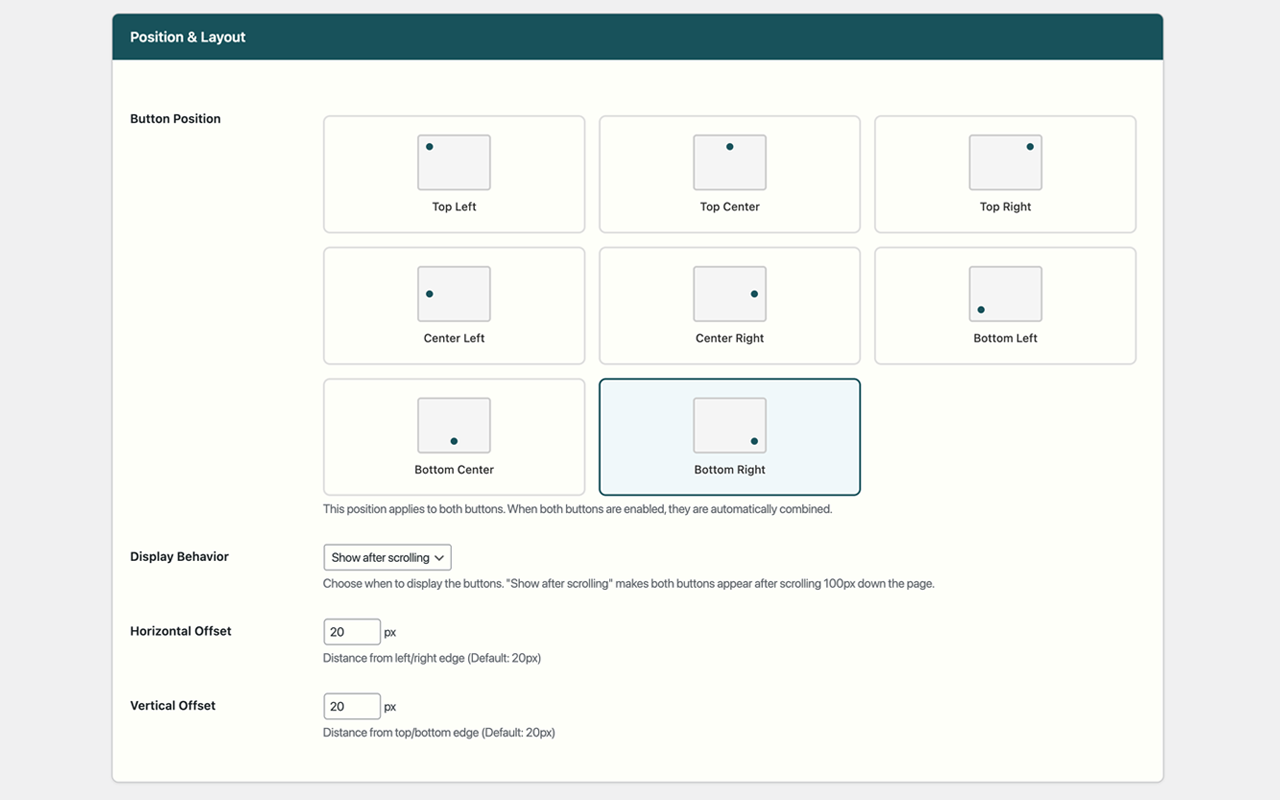
- Flexible desktop layout – Stack the buttons vertically or place them side by side, anchored to any of 8 screen positions with custom offsets.
- Display behavior – Show the buttons immediately or reveal them after the visitor scrolls down.
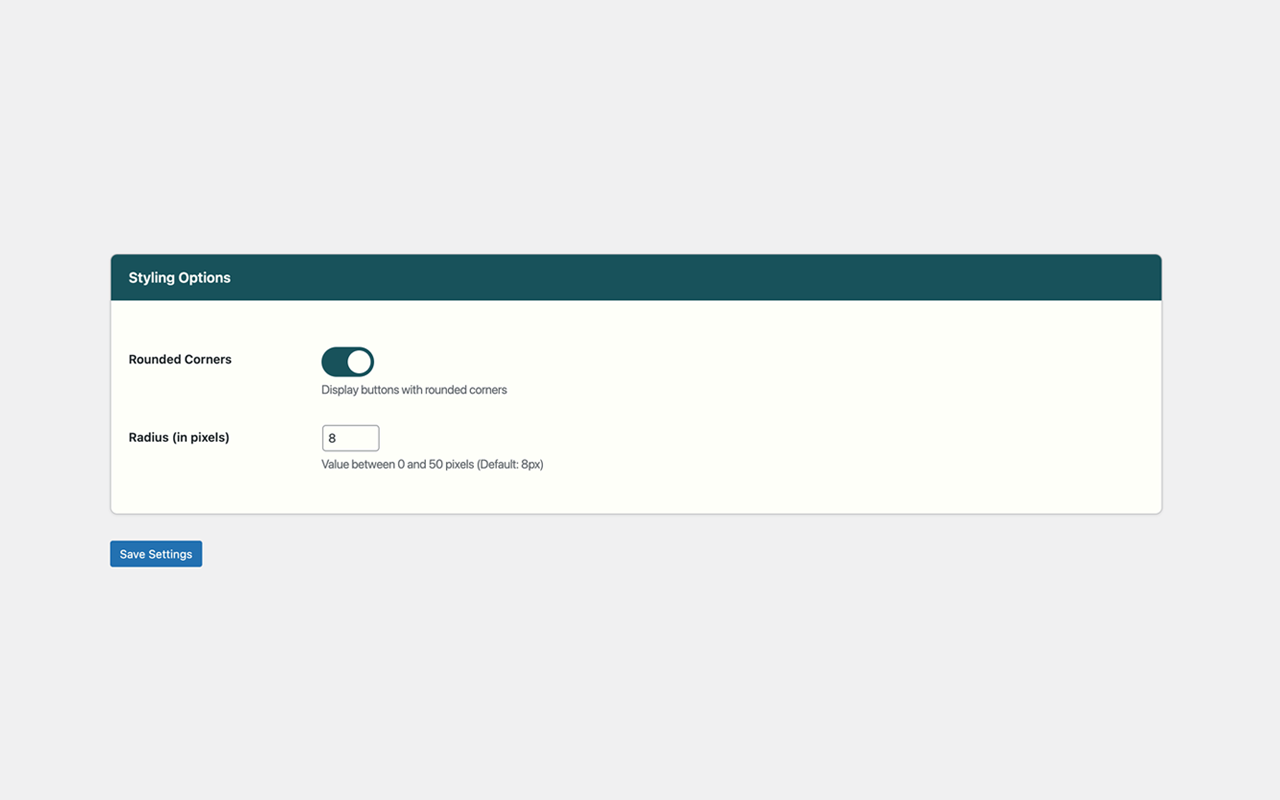
- Styling – Optional custom corner radius; lightweight icons with no external font dependency. Choose between emoji icons, a single-color icon set that follows the button text color, your own uploaded image, or no icon at all.
- Tabbed, professional settings – Organized into Buttons, Position & Layout, Mobile Bar and Styling, with a live preview and the native WordPress color picker.
- Accessibility – Real button element for back-to-top, keyboard focus styles, reduced-motion and high-contrast support.
- Performance – Dependency-free vanilla JavaScript with throttled scroll handling; assets load only when a button is enabled.
- Translation ready – All strings are translatable via the
sticky-cta-buttontext domain.
安装:
- Upload the plugin files to the
/wp-content/plugins/sticky-cta-buttondirectory, or install the plugin through the WordPress plugins screen directly. - Activate the plugin through the 'Plugins' screen in WordPress.
- Go to Settings → Sticky CTA Button to configure the buttons.
屏幕截图:
常见问题:
Can I show two call-to-action buttons?
Yes. Enable the primary button, then enable the secondary button under the Buttons tab. Each button has its own text, icon, link and colors.
How does the mobile action bar work?
Enable it under the Mobile Bar tab. Below the chosen screen width, your CTA buttons become a full-width bar pinned to the bottom (or top) edge of the screen. The back-to-top button floats just above the bar. On desktop the buttons keep their normal floating position.
Do I need Font Awesome?
No. The plugin ships with lightweight emoji/Unicode icons, so there is no external font to load.
Is the plugin mobile-friendly?
Yes. Without the action bar, CTAs collapse to compact icon buttons on small screens. With the action bar enabled, they become an easy-to-tap full-width bar.
Does it affect site performance?
No. The plugin uses dependency-free JavaScript and only loads its assets when a button is enabled.
更新日志:
- Fix: In the horizontal layout the CTA buttons lost their right-side rounding (an old "joined buttons" style flattened the corners). All buttons now keep their full pill shape.
- New: Background color option for the mobile/tablet action bar.
- Improvement: The floating back-to-top button now keeps more distance from the action bar.
- New: Upload your own button icon (PNG, SVG or WebP) from the media library for the primary and secondary button.
- Improvement: The single-color Phone and Email icons were redrawn as crisp SVG icons (the previous Unicode glyphs rendered too small and inconsistently). They still follow the button text color.
- Improvement: Download, Play and Heart moved from the emoji set to the single-color set, where they belong visually. Existing settings are migrated automatically.
- Improvement: New single-color Download icon; the Email emoji icon now always renders as a colored emoji on every platform.
- New: Single-color (mono) icon set for the CTA buttons. Like the back-to-top arrows, these icons follow the button text color, so they can be shown in white, black or any other color.
- New: "No Icon" option for the primary and secondary buttons to show a text-only CTA.
- Fix: Settings could not be saved when a button link was "#" or a URL without a scheme — the browser's native URL validation silently blocked the form (especially when the field was on a hidden tab). The link fields now accept any value and are sanitized on the server.
- Fix: With "Show after scrolling", the buttons never appeared on pages too short to scroll. They are now shown on non-scrollable pages.
- Fix: The plugin's fallback icon styles were applied globally and could override a theme's real Font Awesome icons. All icon styles are now scoped to the plugin's buttons.
- Fix: The "Save Settings" button styling was not applied due to a duplicate class attribute.
- Fix: Added the missing uninstall.php so all plugin options are cleaned up on deletion.
- Improvement: The settings screen returns to the previously active tab after saving.
- New: Optional second CTA button with independent text, icon, link, target and colors.
- New: Responsive mobile/tablet action bar with selectable edge (bottom/top) and breakpoint.
- New: Tabbed settings screen with live preview and the native WordPress color picker.
- New: "Settings" shortcut link on the plugins list; uninstall cleanup of options.
- Improvement: Full internationalization (i18n) of all admin strings.
- Improvement: Dependency-free vanilla JavaScript frontend with throttled scroll handling.
- Improvement: Stricter sanitization (whitelisted positions, targets, layouts, icons).
- Fix: Admin layout/order fields were permanently hidden due to a stale toggle referencing a removed option.
- Fix: Removed dead code and an invalid nested keyframes rule in the reduced-motion stylesheet.
- Compatibility: Tested up to WordPress 7.0.
- Initial release
- Action button functionality
- Back-to-top button functionality
- Automatic button combination
- Full customization options
- Responsive design
- Accessibility features