
Stillhaven
| 开发者 | stillhaven |
|---|---|
| 更新时间 | 2026年10月15日 01:48 |
| PHP版本: | 7.4 及以上 |
| WordPress版本: | 7.1 |
| 版权: | GPLv2 or later |
| 版权网址: | 版权信息 |
详情介绍:
https://play.stillhaven.io/oembed carrying that link. The player itself loads from play.stillhaven.io in the visitor's browser, as any embedded video does.
Find embedded videos runs entirely on your site: it reads your own posts and pages and saves the result in your database. Nothing about it is sent to Stillhaven, not even a count.
With an API key, your site's server also calls the Stillhaven API at https://console.stillhaven.io/api/v1 on behalf of signed-in editors: /me to confirm the key, /videos to list and search your library, and /videos/{id} to describe a pasted link. The key never leaves your server. Nothing is sent about your visitors, and the plugin collects no analytics of its own.
Documentation: https://stillhaven.io/docs/wordpress. Stillhaven's terms: https://stillhaven.io/legal/terms. Privacy policy: https://stillhaven.io/legal/privacy.
安装:
- Install and activate the plugin.
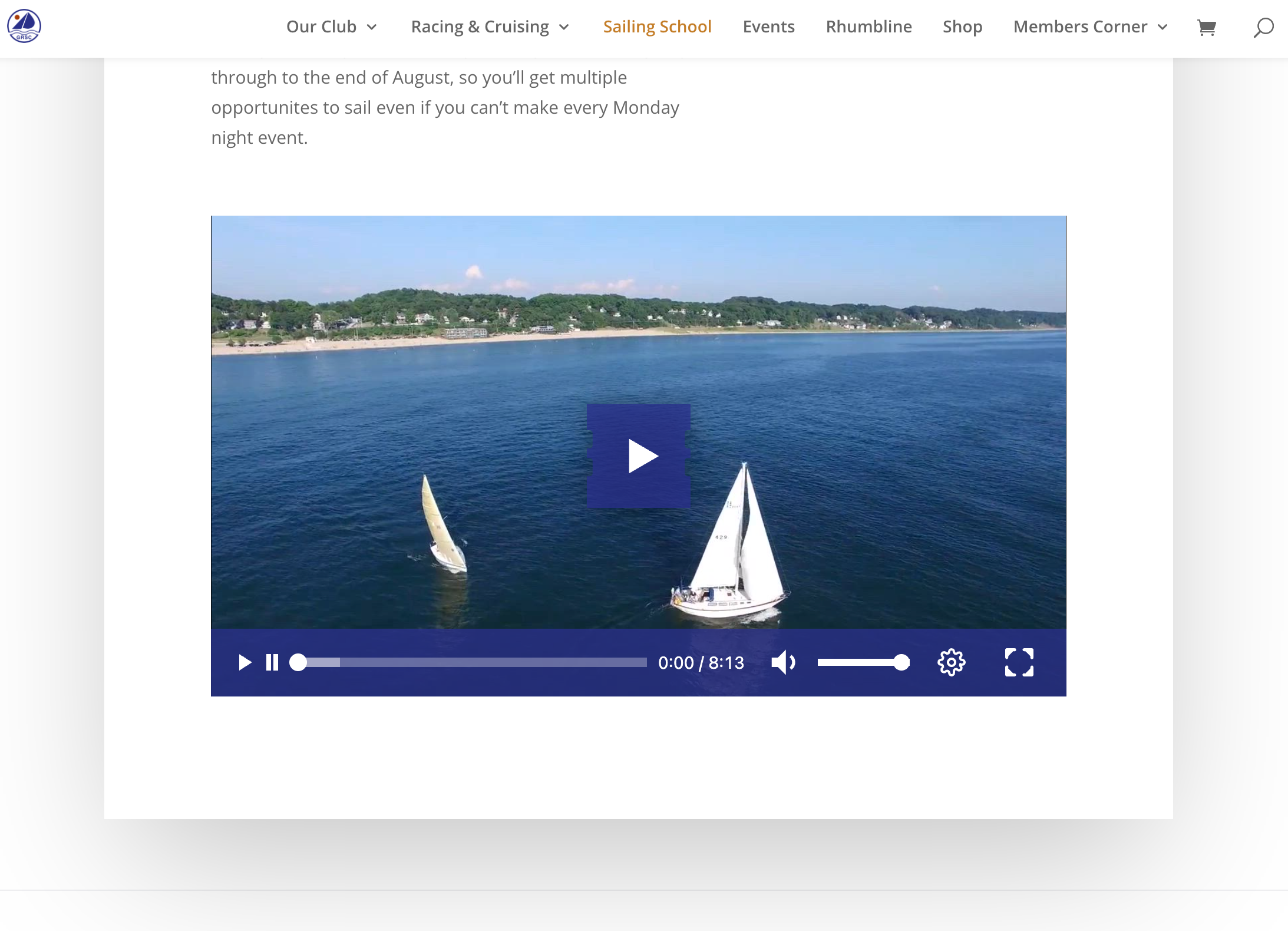
- Paste a Stillhaven share link into a post, or add the Stillhaven video block.
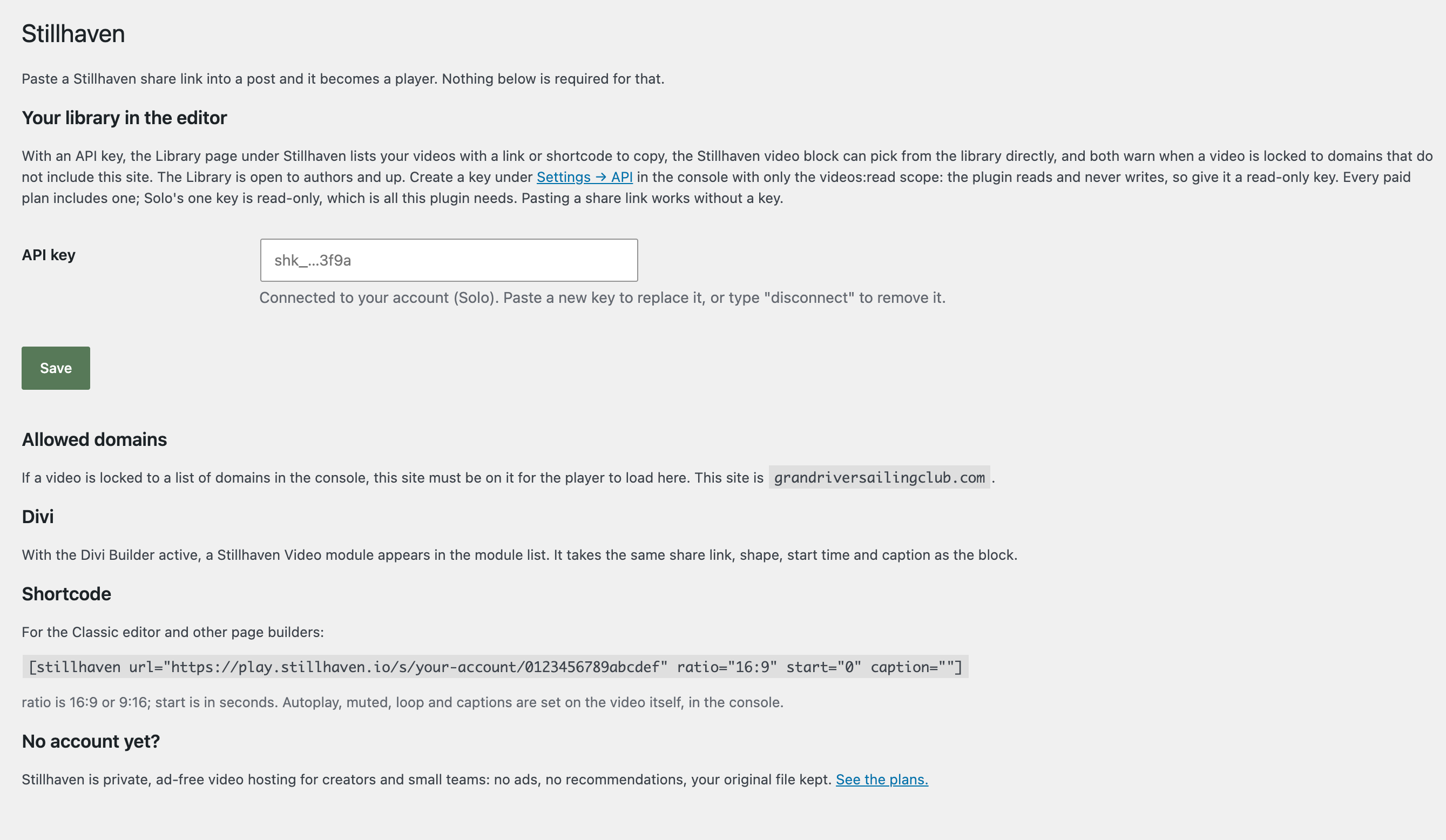
- Optional: under Stillhaven → Settings, add an API key to pick videos from your library. Create it in the Stillhaven console under Settings → API with only the videos:read scope; the plugin reads and never writes. Every paid plan includes a read-only key.
屏幕截图:
常见问题:
Where do I find a share link?
On the video's page in the Stillhaven console: Copy share link. It looks like https://play.stillhaven.io/s/your-account/0123456789abcdef.
The player says the video cannot be shown here
The video is locked to a list of domains that does not include your site. Add your site's domain under Allowed domains in the console, on the video or as the account default. With an API key the block warns about this in the editor.
Can I set autoplay or loop per embed?
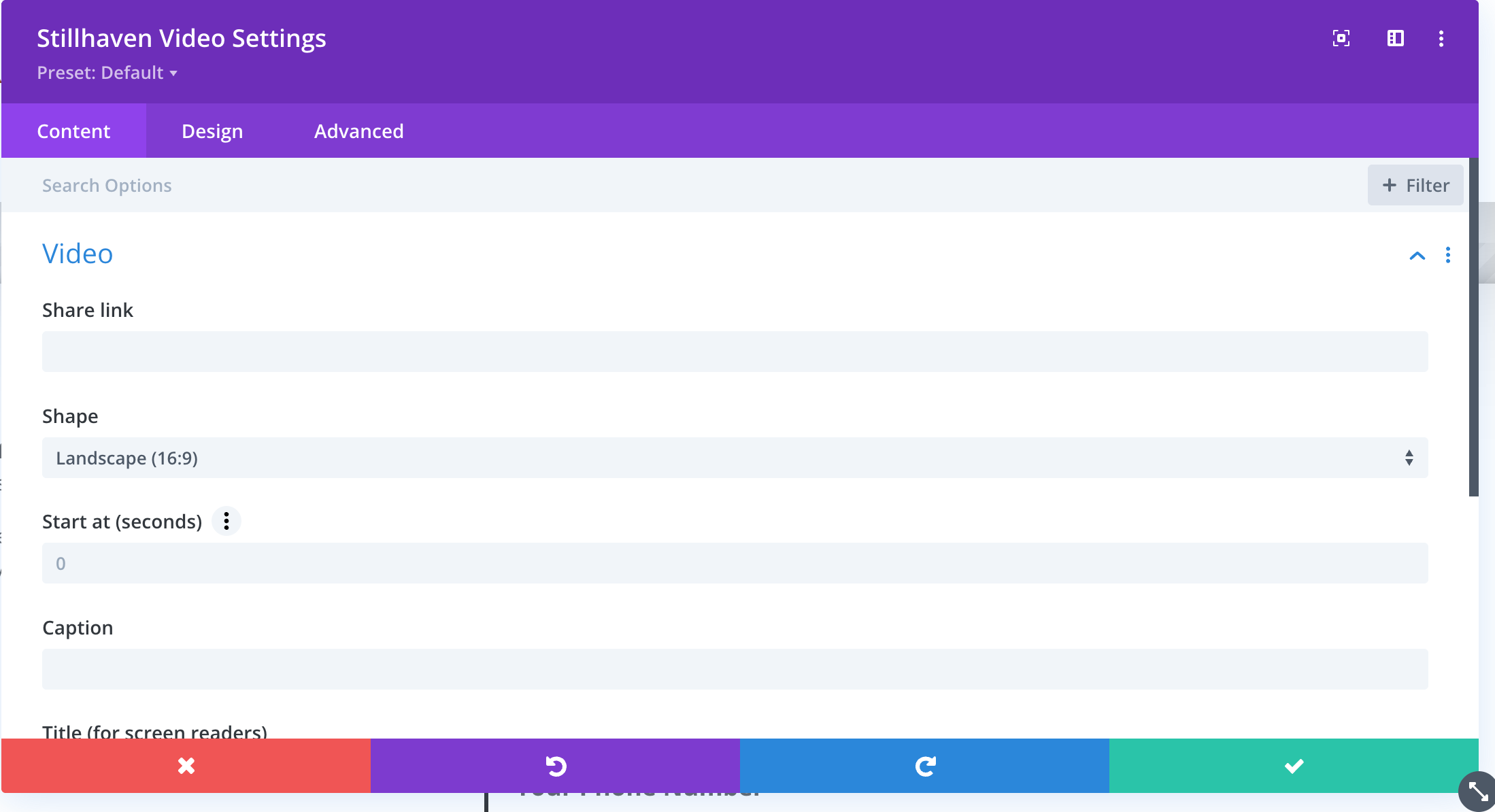
No. Those are properties of the video, set once in the console, so it plays the same on every site. The block sets the shape, a start time, and a caption.
Which plans does it work with?
Pasting a share link, the block, the shortcode and the Divi module work on every plan. The library picker, the Library page and the allowed-domains warning need an API key. Every paid plan includes one: Solo's single key is read-only, which is all this plugin uses.
Who can browse the library?
Authors and up, by default. Contributors on a multi-author site cannot search the account's videos. Change it with the stillhaven_library_capability filter.
Does the plugin work without an account?
The block and shortcode need a Stillhaven video to show. Plans are at https://stillhaven.io/pricing.
更新日志:
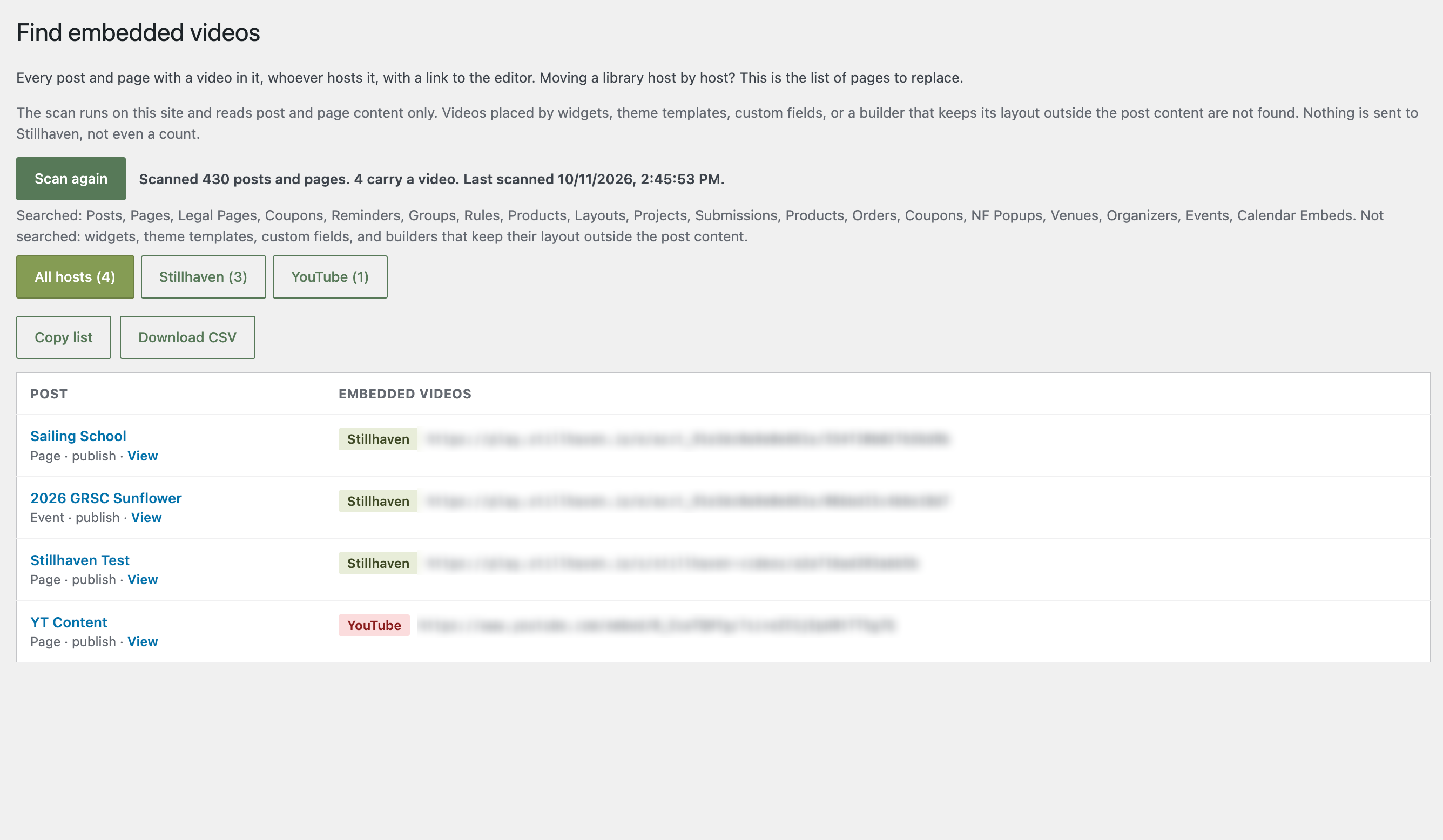
- Find embedded videos: an on-demand scan of posts and pages for every video, whoever hosts it, filterable by host, saved on the site, with a copyable list and a CSV export. Nothing is sent off the site.
- An Overview page under the Stillhaven menu: what Stillhaven is, what the plugin does on your site, and where everything is.
- First release: trusted oEmbed provider, the Stillhaven video block with a library picker, a Divi module, the shortcode, a Library page, and the settings page.