Linux 软件免费装
Banner图

StockAlert – Back In Stock Notifications for WooCommerce

开发者 dinzora
feras841
更新时间 2026年3月6日 18:59
PHP版本: 7.4 及以上
WordPress版本: 6.9
版权: GPLv2 or later
版权网址: 版权信息

标签

email notifications stock alert back-in-stock

下载

1.0.0

详情介绍:

StockAlert is a powerful plugin for WooCommerce designed to enhance customer experience and increase engagement with your online store. With this plugin, your WooCommerce store visitors can subscribe to email notifications to be informed when the products they want are back in stock. Why Do You Need StockAlert? In today’s e-commerce environment, managing stock levels is one of the major challenges for online stores. Many customers may want to purchase specific products but face the issue of those products being out of stock. Rather than losing these potential customers, StockAlert offers an ideal solution to keep them interested and waiting for the products they desire. When using StockAlert, customers can easily sign up for "Back In Stock" notifications for out-of-stock products. Once the product becomes available again, an automatic email notification is sent, ensuring that the customer doesn’t miss the opportunity to purchase the item they want. Key Features Email Notifications: When a customer’s desired product is back in stock, the system automatically sends an email notification to keep them informed. Waitlist Management: Customers can add products to their personal waitlist, helping organize and quickly notify them when products are back in stock. Customization: You can customize the email notification settings to match your store’s branding, ensuring a personalized user experience. Sales Boosting: By keeping customers engaged with back-in-stock notifications, you increase the likelihood of sales and foster continuous customer interaction. Seamless Integration with WooCommerce: StockAlert is designed to work seamlessly with existing WooCommerce stores, ensuring smooth integration with your current stock management systems. The StockAlert plugin doesn’t just improve the experience for users, but also enhances the overall effectiveness of your store by providing store owners with the tools they need to engage customers and increase loyalty.

安装:

  1. Upload the stockalert-back-in-stock-notifications-for-woocommerce folder to the /wp-content/plugins/ directory.
  2. Activate the plugin through the Plugins screen in WordPress.
  3. Go to ** StockAlert** to configure settings.
  4. Configure your email notification settings.

屏幕截图:
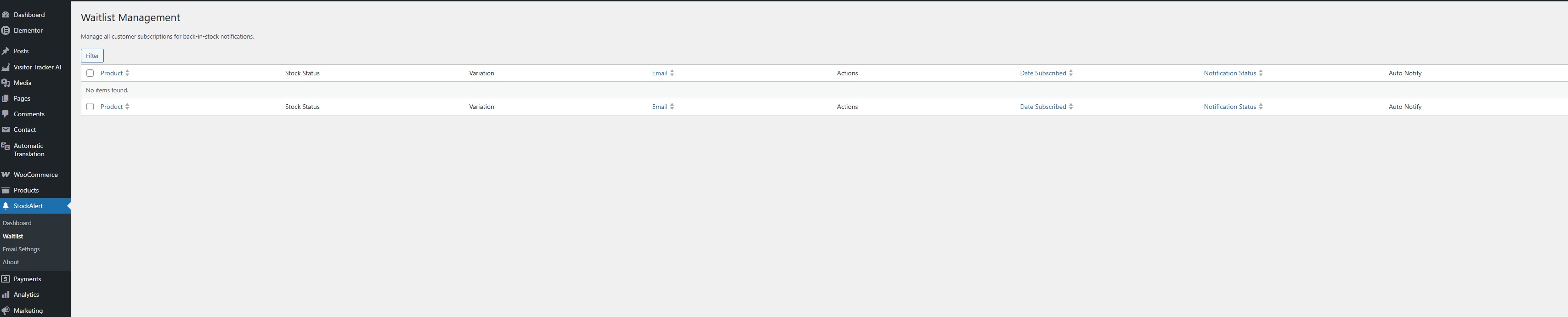
  • Waitlist
  • Waitlist
  • Email Settings
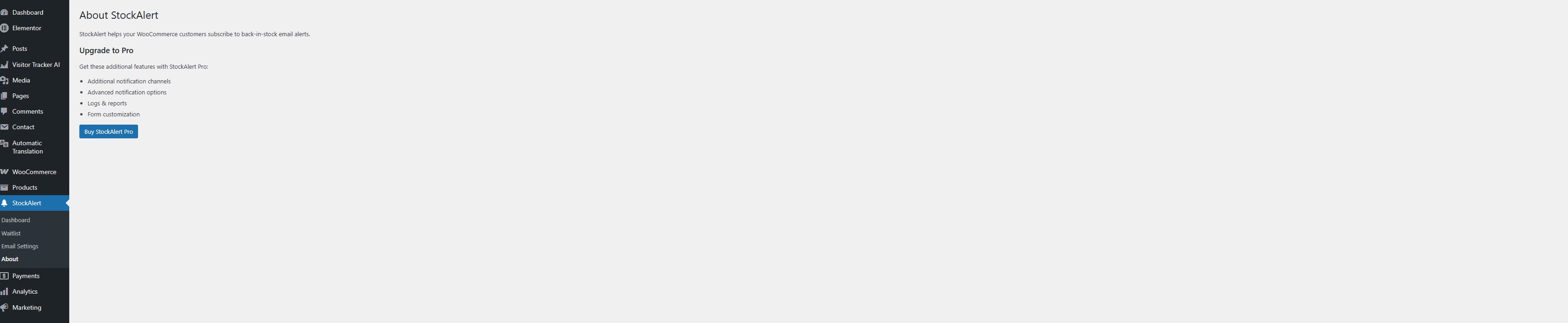
  • About

升级注意事项:

1.0.0 Initial release.

常见问题:

Does this plugin work on all WooCommerce stores?

Yes, StockAlert works with any WooCommerce store that manages product stock.

Is there a premium version?

A premium version may be available separately outside of the WordPress.org directory.

Can customers subscribe for notifications on multiple products?

Yes, customers can sign up for notifications on multiple out-of-stock products. Each product page that has the "Out of Stock" status will offer an option for customers to join the waitlist.

How are email notifications sent?

Email notifications are sent using the default WooCommerce email system. You can customize the content and design of the email templates via the plugin settings to match your store's branding.

How do I customize the email templates?

To customize the email templates, go to StockAlert > Email Settings in your WordPress dashboard. Here, you can modify the subject, body, and overall design of the notification emails to align with your store's aesthetics.

更新日志:

1.0.0