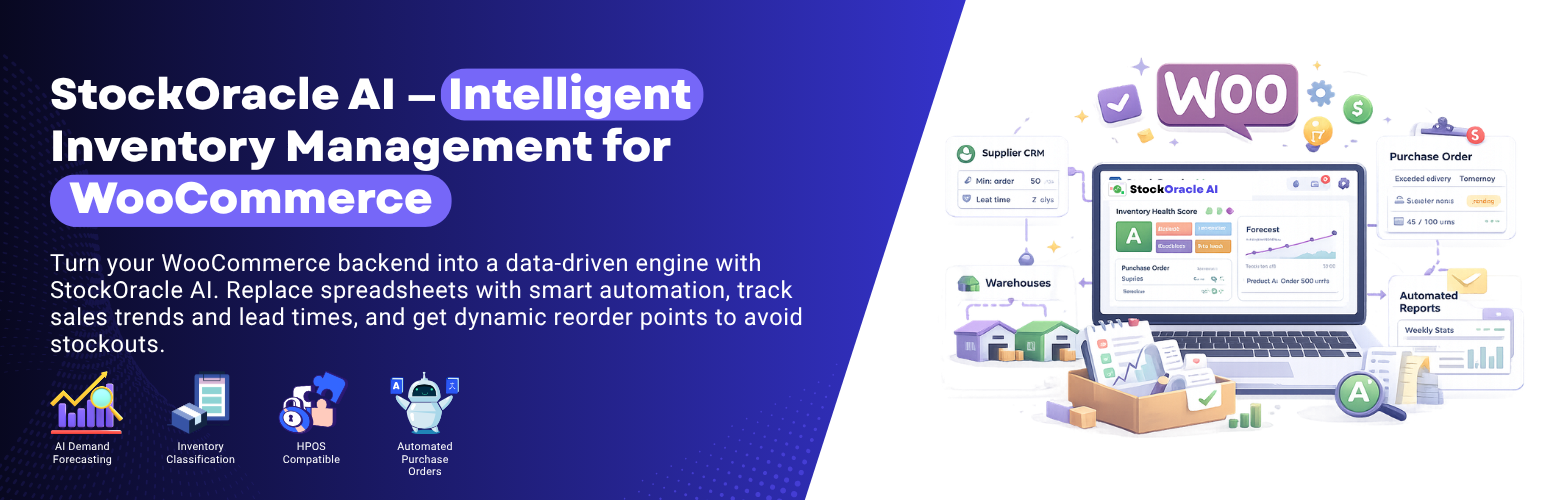
StockOracle AI - Inventory Intelligence for WooCommerce
| 开发者 | codefreex |
|---|---|
| 更新时间 | 2026年4月27日 19:14 |
| 捐献地址: | 去捐款 |
| PHP版本: | 7.4 及以上 |
| WordPress版本: | 7.0 |
| 版权: | GPLv2 or later |
| 版权网址: | 版权信息 |
详情介绍:
- Inventory dashboard with a 0-100 inventory health score.
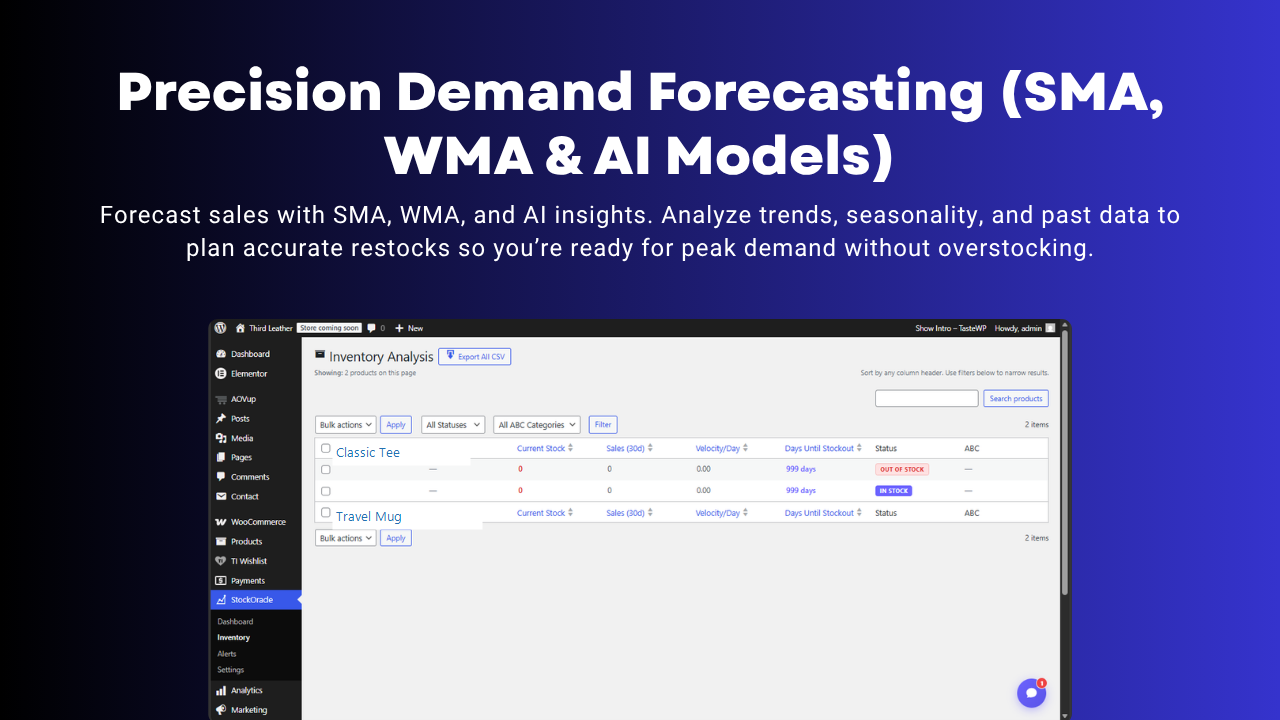
- Inventory analysis table with product name, current stock, sales, velocity, stock status, and days until stockout.
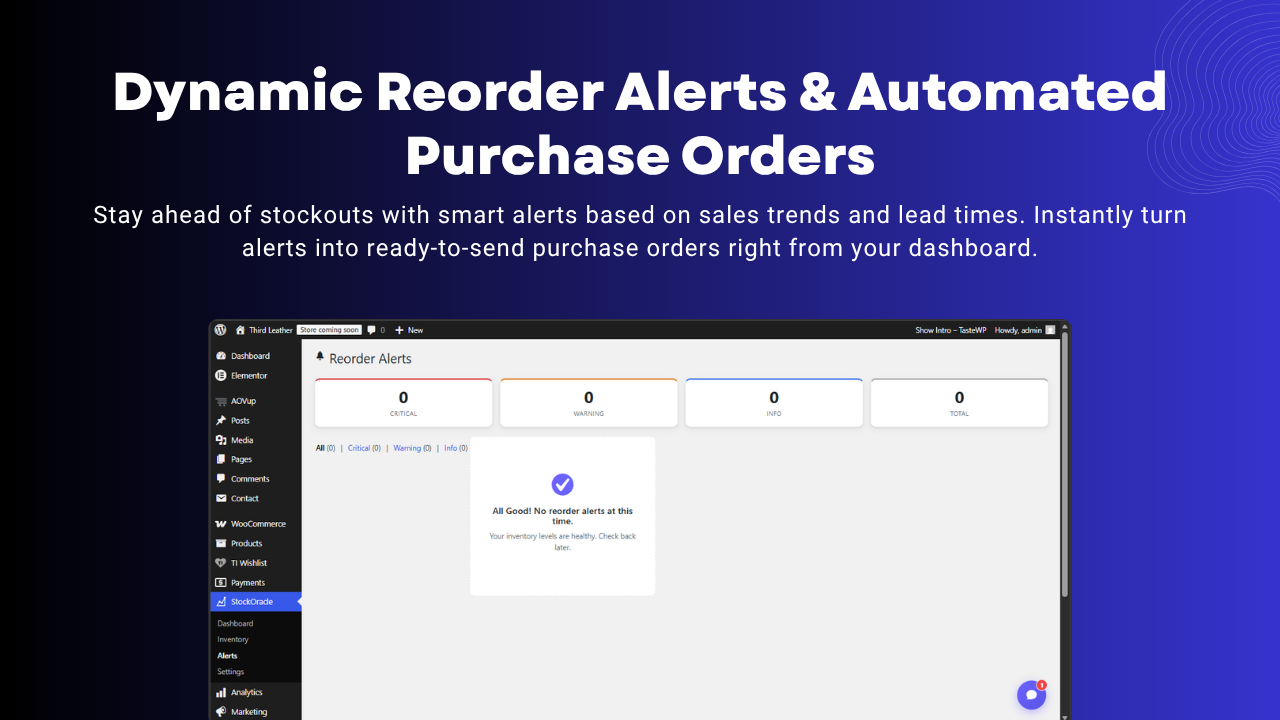
- Reorder alerts based on lead time, safety stock, and recent sales velocity.
- Demand forecasting using local moving-average models built from WooCommerce order history.
- Dead stock detection for products that have stopped moving.
- ABC inventory classification support.
- Stockout event tracking for recurring inventory issues.
- CSV export for inventory review, supplier communication, and purchasing workflows.
- HPOS-ready WooCommerce compatibility.
- Reduce stockouts by spotting reorder risk earlier.
- Improve purchasing decisions with daily sales velocity and forecast data.
- Find dead stock before it keeps tying up cash.
- Review WooCommerce inventory health in one dashboard instead of multiple reports.
- Export inventory data for operations, procurement, and spreadsheet workflows.
- Inventory dashboard and health score
- Inventory analysis table
- Reorder alerts
- Dead stock detection
- Local demand forecasting
- ABC classification support
- CSV export
- Email alert digests StockOracle AI Pro adds:
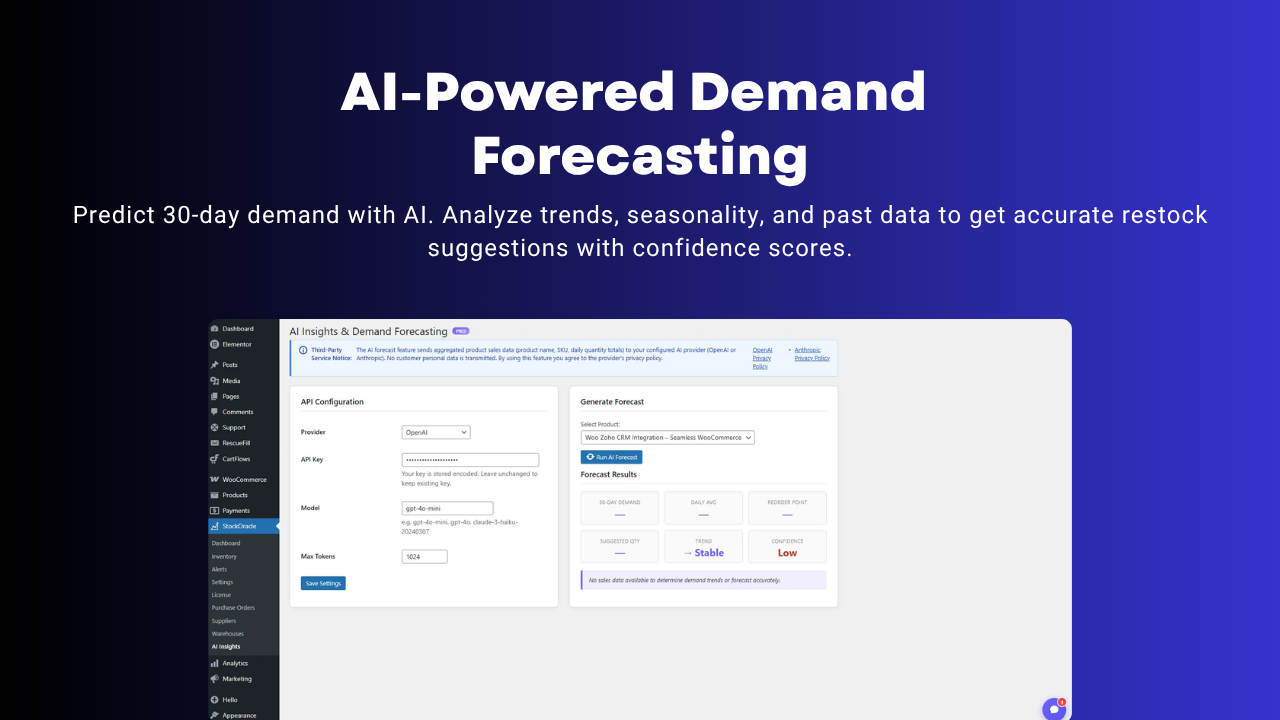
- AI demand forecasting with your own OpenAI or Anthropic API key
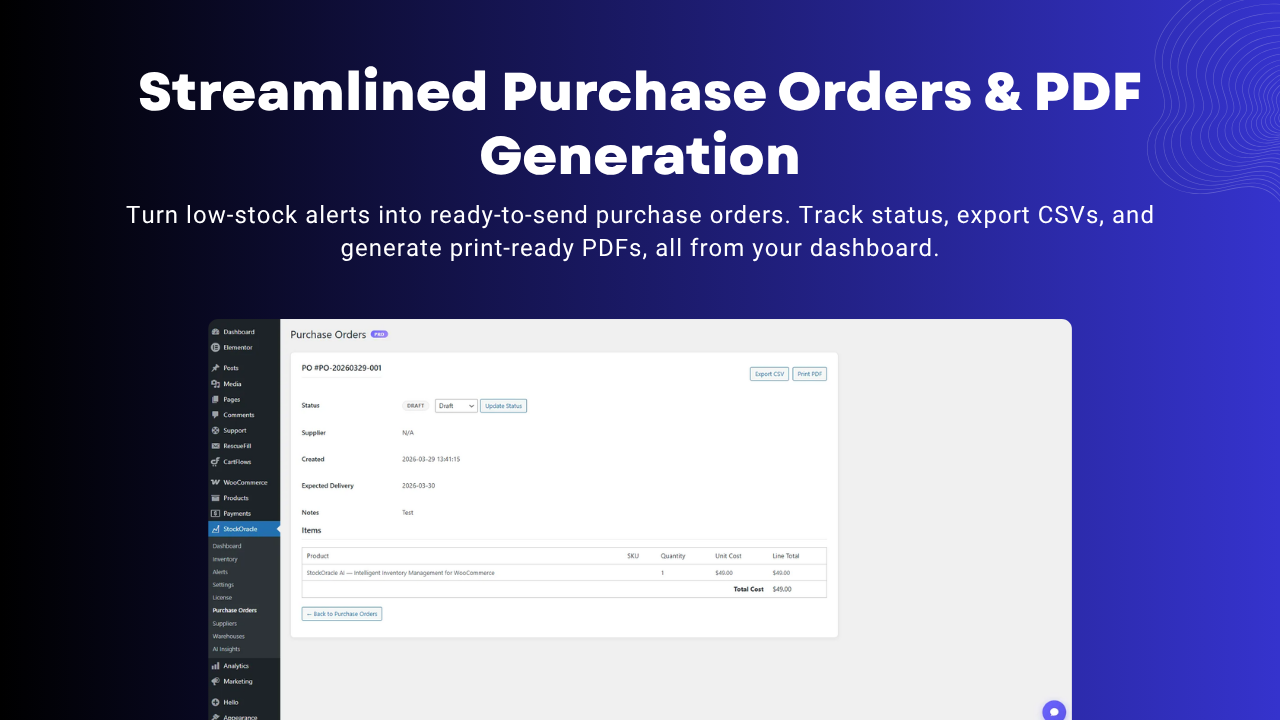
- Purchase orders
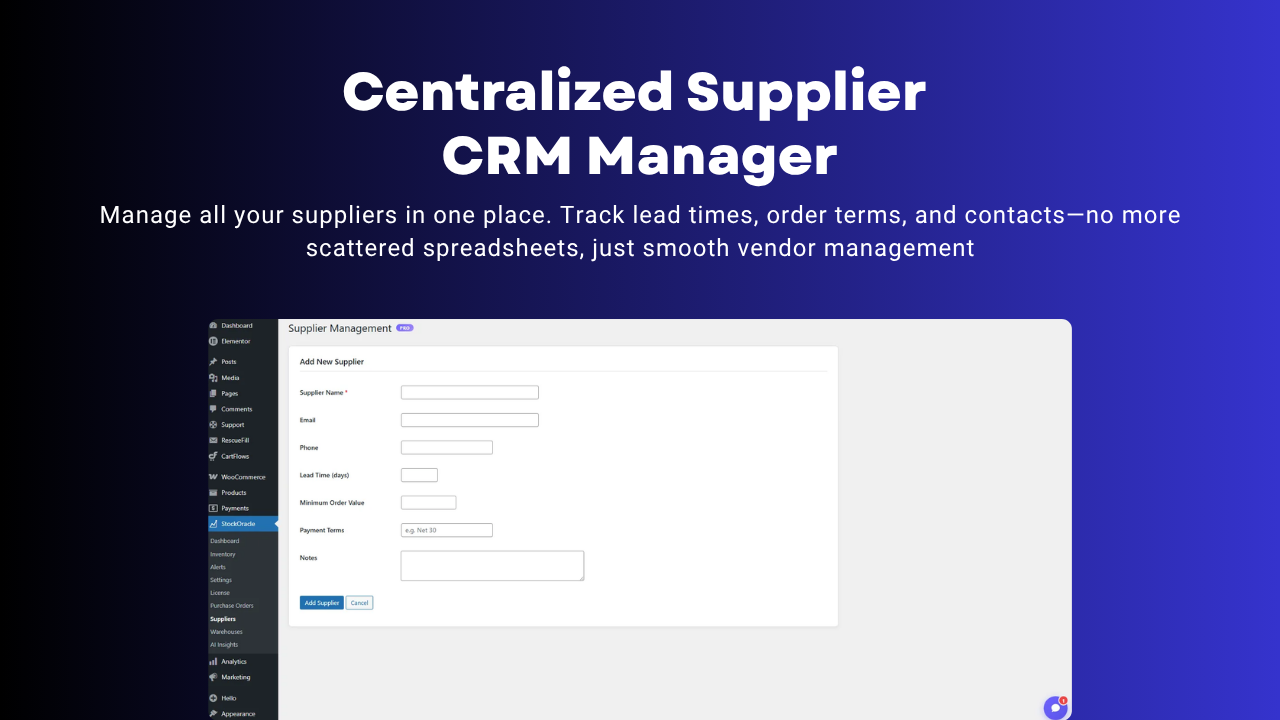
- Supplier management
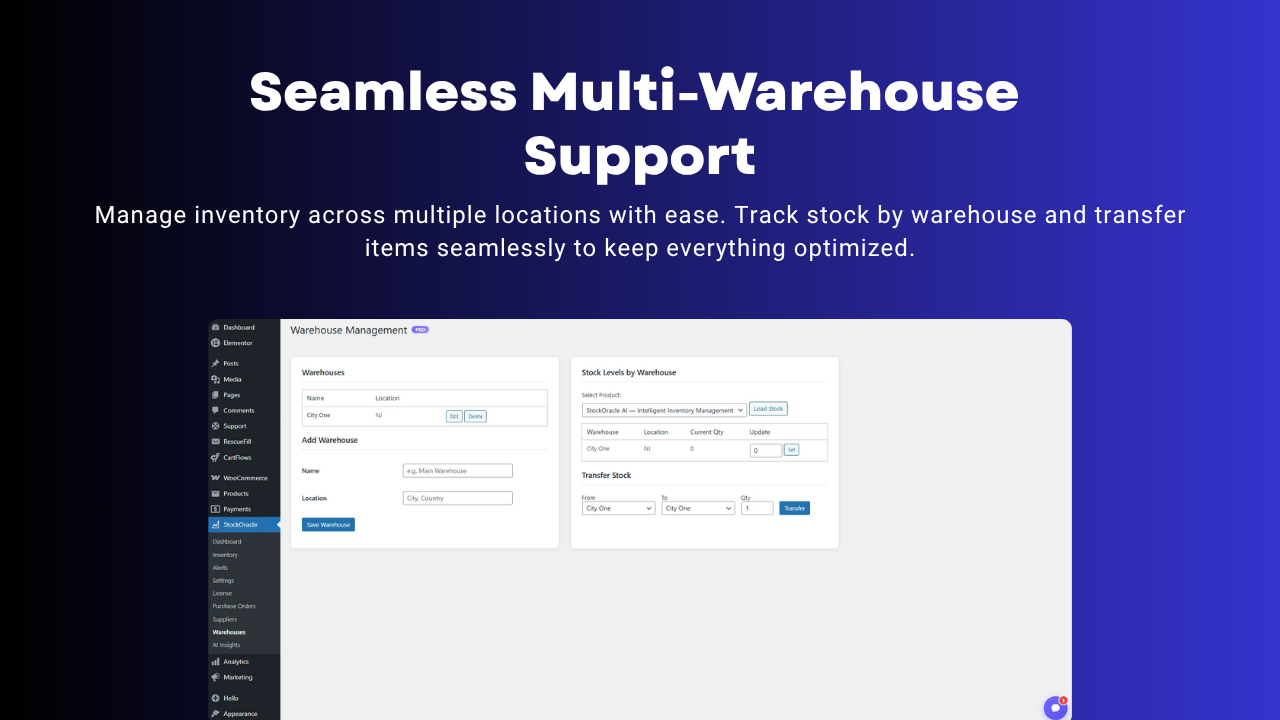
- Multi-warehouse inventory
- Cash-flow and advanced analytics
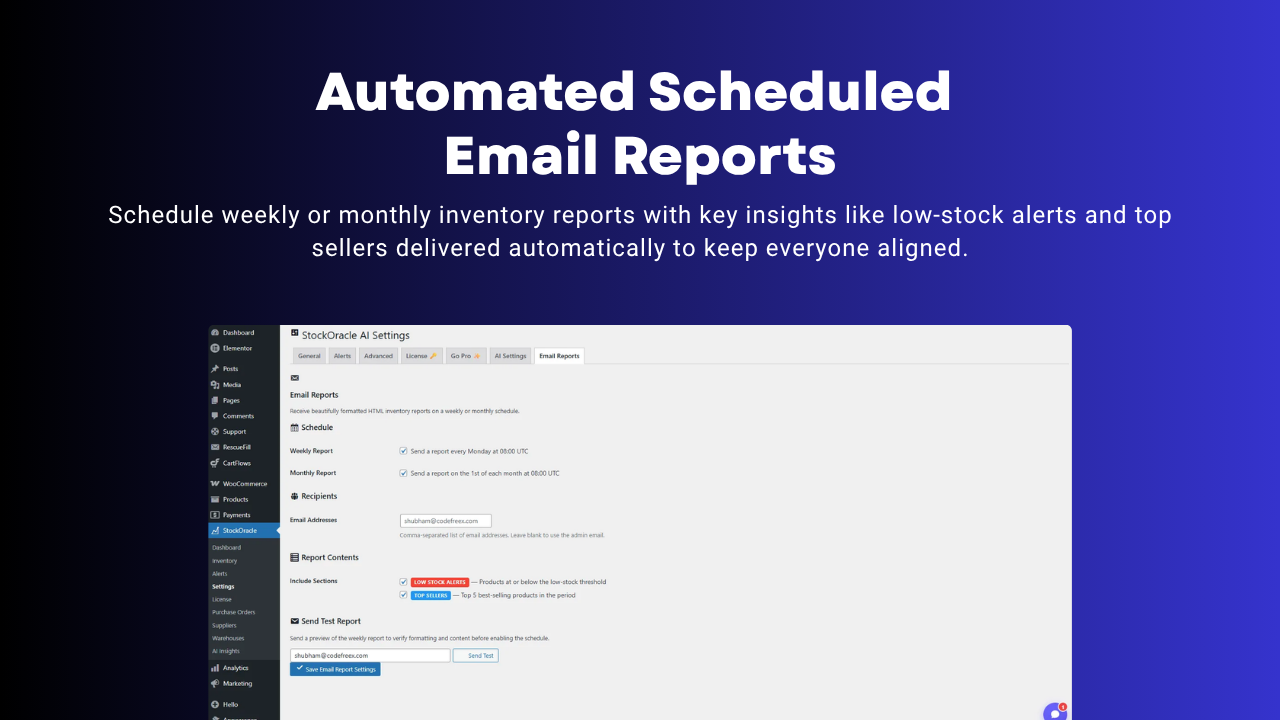
- Scheduled HTML email reports
- License activation and update delivery
安装:
- Install and activate WooCommerce.
- Upload the
stockoracle-aiplugin folder to/wp-content/plugins/, or install it through the WordPress admin. - Activate StockOracle AI.
- Go to
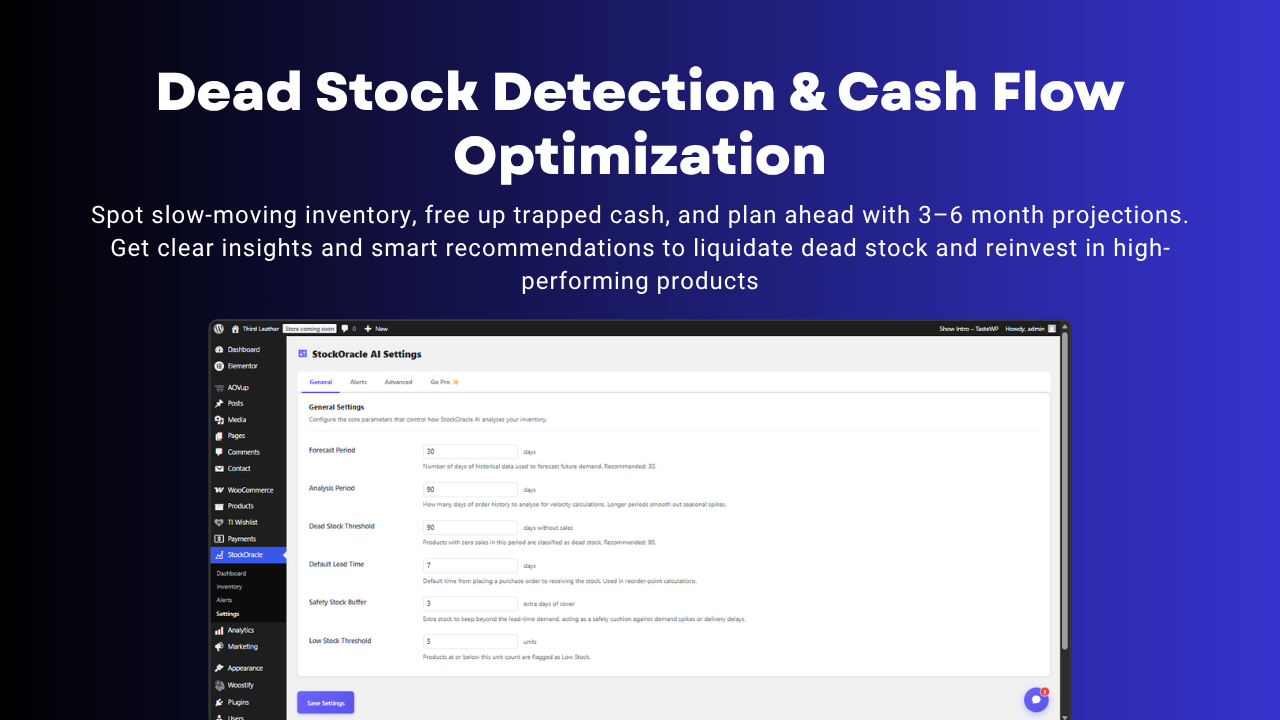
StockOracle -> Settingsand configure forecast period, analysis period, lead time, safety stock, and alerts. - Open
StockOracle -> Dashboardto review your WooCommerce inventory health and reorder signals.
屏幕截图:
常见问题:
Does StockOracle AI require WooCommerce?
Yes. StockOracle AI is built specifically for WooCommerce inventory management and requires WooCommerce to be active.
Does the free plugin send data to external services?
No. The free plugin performs its inventory calculations on your own server and does not require an external API.
Is it compatible with WooCommerce HPOS?
Yes. StockOracle AI supports WooCommerce High-Performance Order Storage.
What inventory data does it analyze?
It analyzes stock levels, sales history, sales velocity, reorder timing, stock status, and no-sales periods to produce forecasts, reorder alerts, and dead stock insights.
Does it work with variable products?
Yes. Stock-managed variations are included so you can review WooCommerce inventory at the SKU level.
What does the Pro version add?
Pro adds AI forecasting, purchase orders, supplier tools, multi-warehouse management, scheduled reports, and advanced inventory analytics.
Can I export my inventory data?
Yes. StockOracle AI includes CSV export for inventory analysis and operational reporting.
Where can I find setup help or documentation?
Full documentation is available here: https://themefreex.com/docs/stockoracle-ai/
What happens if I uninstall the plugin?
Plugin options, scheduled tasks, and plugin-owned tables are removed during uninstall. Your WooCommerce products and orders are not modified.
更新日志:
- Fixed inventory analysis data mapping so product names, chart payloads, reorder alerts, and forecast settings render correctly.
- Improved admin UI for alerts, inventory tables, empty states, and health score breakdowns.
- Refined AI settings, purchase-order workflow, email-report scheduling, and production-readiness across the Pro addon and license tooling.
- Updated the WordPress.org readme, documentation links, upgrade CTAs, and screenshot descriptions.
- Initial public release.
- Inventory dashboard, demand forecasting, reorder alerts, dead stock detection, and CSV export.