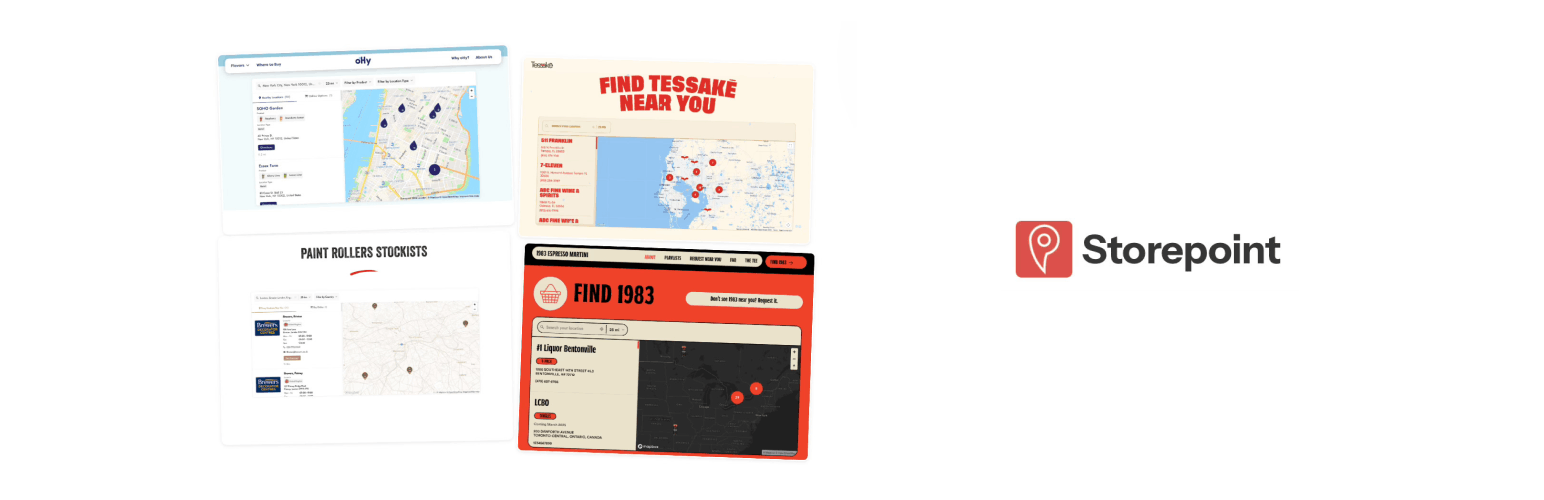
Storepoint Store Locator
| 开发者 | storepoint |
|---|---|
| 更新时间 | 2026年9月16日 00:31 |
| PHP版本: | 7.4 及以上 |
| WordPress版本: | 7.1 |
| 版权: | GPLv2 or later |
| 版权网址: | 版权信息 |
详情介绍:
- Territory management for dealer networks with catchment areas and service regions
- Spotlight promotions to boost priority partners in search results
- Online alternatives to show your website or online store when no nearby location exists
- Custom fields and buttons for booking links, menus, social profiles, or any extra detail
- Full CSS and JavaScript access for designers and developers
- Three APIs for location management, search queries, and widget events (developer docs)
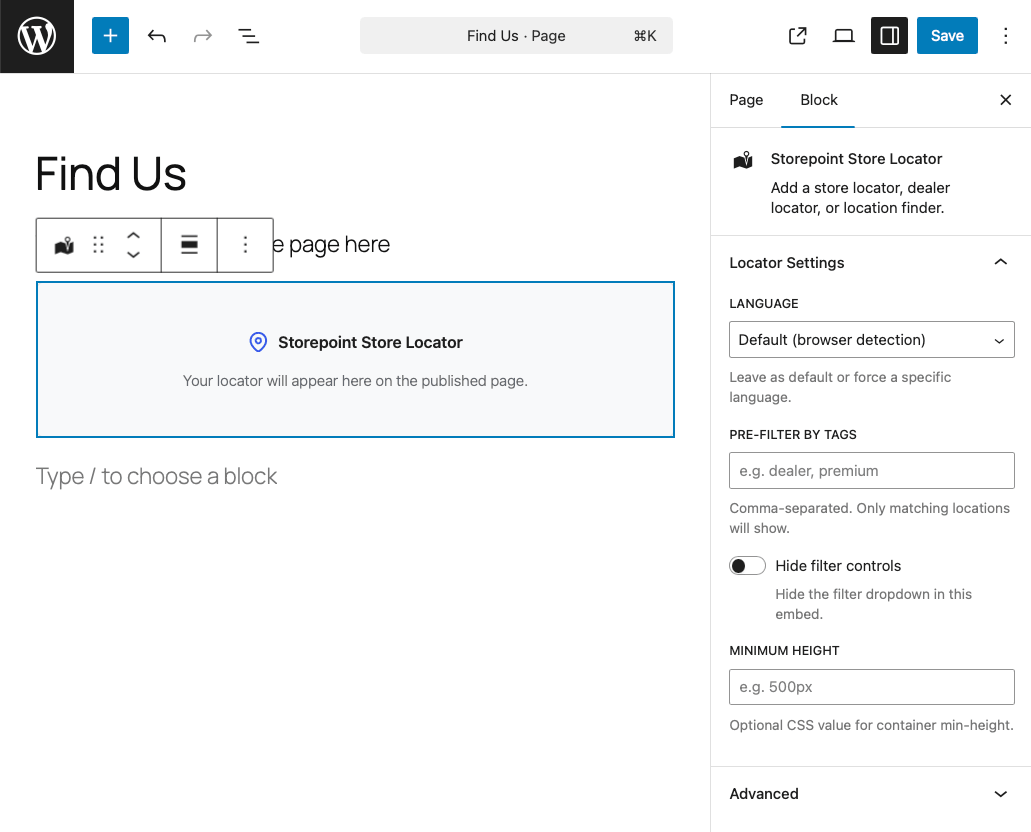
- Gutenberg block with per-instance language, tag filter, and display settings
- Shortcode for Classic Editor, Elementor, Divi, and WPBakery
- Compatible with WPML and Polylang for multilingual WordPress sites
- Google Maps or Mapbox as your map provider
- Create your Storepoint account (7-day free trial, plans from $25/month)
- Add your locations and configure your map provider (Mapbox or Google Maps)
- Install this plugin, paste your token, and add the Storepoint block to any page
widget.storepoint.co, api.storepoint.co) to display your store locator. A Storepoint account is required.
Depending on your map provider, the locator also loads resources from Mapbox (api.mapbox.com) or Google Maps (maps.googleapis.com).
安装:
- In your WordPress admin, go to Plugins > Add New
- Search for "Storepoint"
- Click Install Now, then Activate
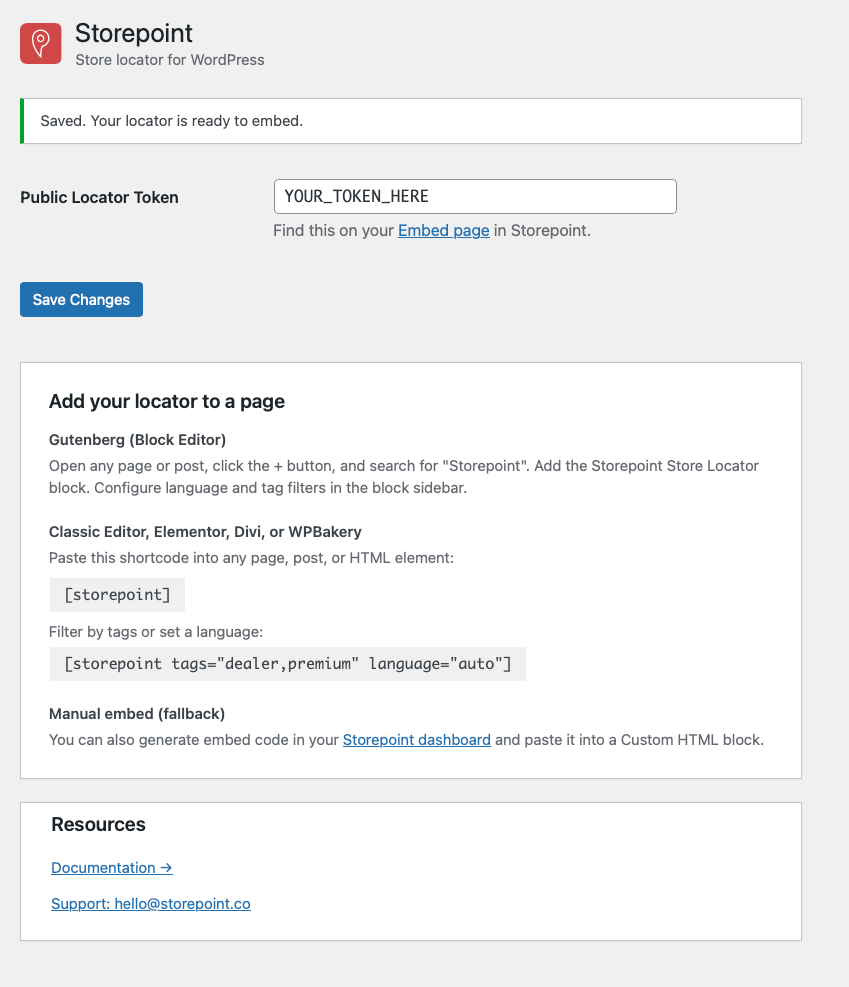
- Go to Settings > Storepoint
- Paste your locator token or complete embed code from your Embed page and click Save token
- Click Create a locator page to open an unpublished draft with the block already added, or add the Storepoint Store Locator block to an existing page
- Preview your page, then publish when ready
[storepoint]
With options:
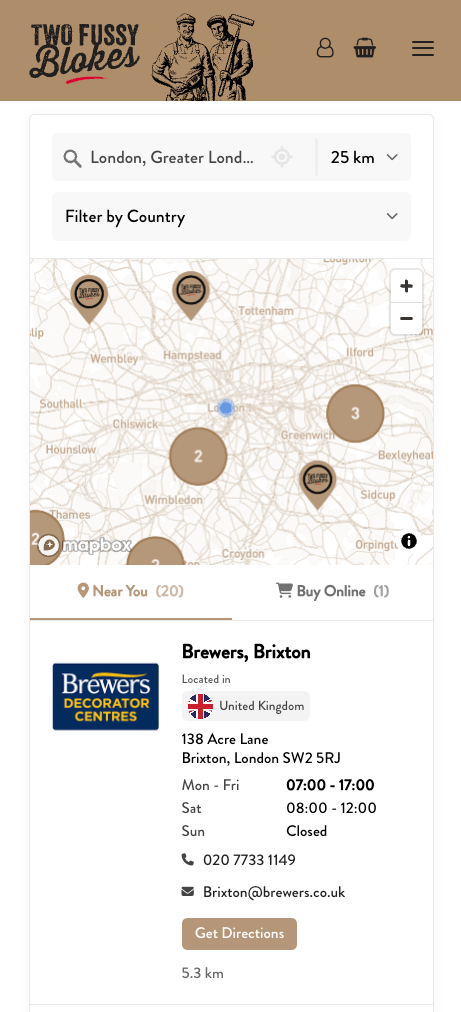
[storepoint tags="dealer,premium" language="auto" hide_filters="true"]屏幕截图:
常见问题:
How does pricing work?
The plugin is free to install. A Storepoint account is required to display your locator. Plans start at $25/month with a 7-day free trial. See pricing.
Do I need a Mapbox or Google Maps account?
Yes. Choose Mapbox or Google Maps as your map provider in the Storepoint dashboard. Both offer free tiers that cover most locators.
Can I use this as a dealer locator or stockist page?
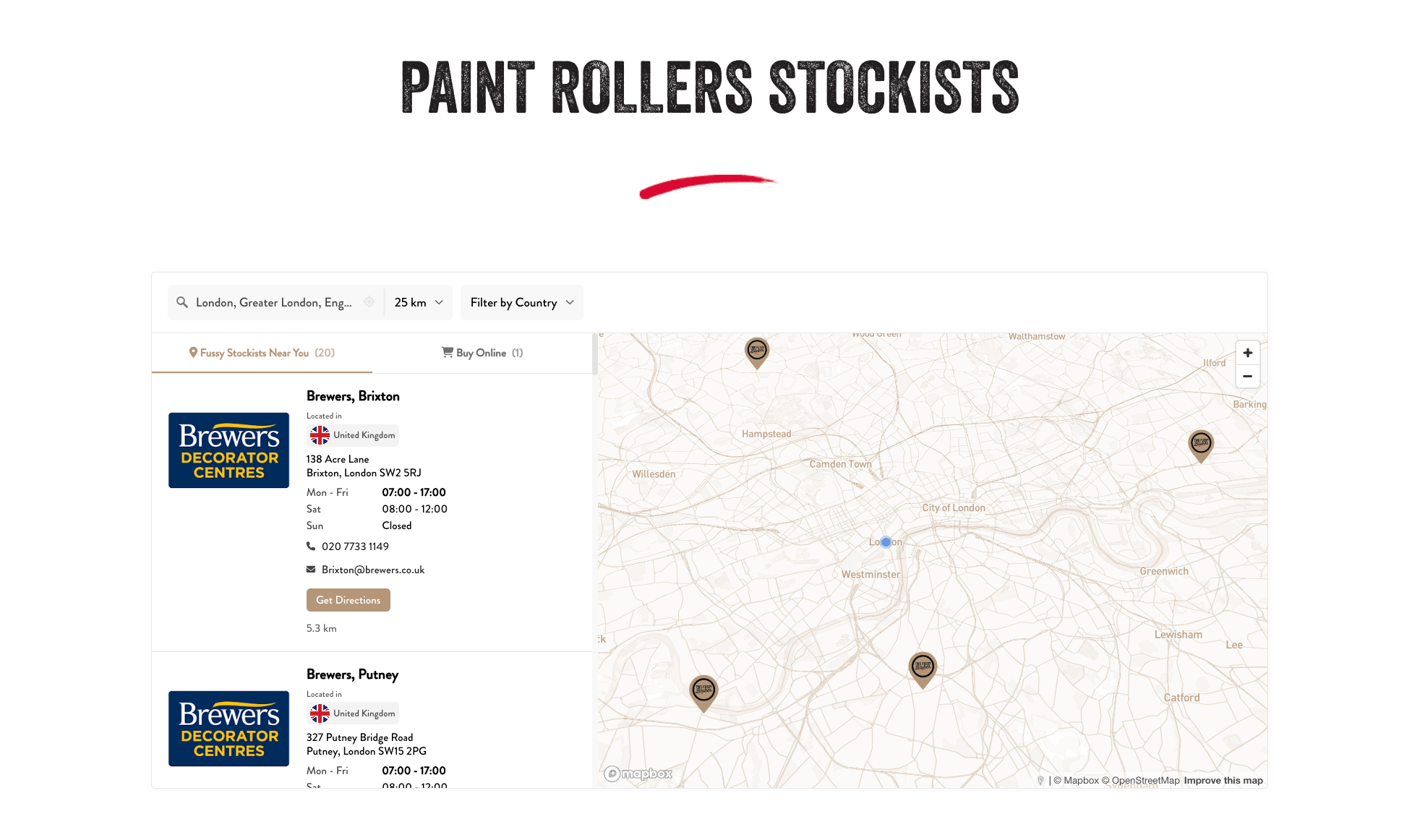
Yes. Storepoint works as a store locator, dealer locator, stockist page, product locator, or any "where to buy" page. Add tags to your locations and use the pre-filter option to create category-specific locators on different pages.
Can I import locations from a spreadsheet?
Yes. Drag a CSV into the dashboard to bulk import. Or connect a Google Sheet for automatic sync. Changes in your spreadsheet update the locator automatically.
Does it work with WPML or Polylang?
Yes. Set the language to "Auto-detect from WordPress" in the block settings and the locator matches the current page language.
Does it work with Elementor, Divi, or WPBakery?
Yes. Use the [storepoint] shortcode in the Elementor Shortcode widget or a shortcode-capable element in your page builder. You can copy the shortcode from Settings > Storepoint.
Can I use custom map markers?
Yes. Upload your own marker icons or use your brand colors. Show different markers for different location types or categories.
Where do I find my Public Locator Token?
Log in to your Storepoint dashboard and find the Public Token on the Embed page.
Where do I get support?
Email hello@storepoint.co or post in the WordPress.org support forum. We typically respond within one business day. You can also browse our tutorials and documentation.
更新日志:
- Updated WordPress compatibility to 7.1 and minimum requirement to 6.6 to match the block editor dependencies
- Simplified setup for new and existing Storepoint customers
- Paste a token or full embed code, with clearer validation and save feedback
- Create an unpublished locator page, preview your locator, and copy the shortcode
- Direct setup and management links in the block editor
- Easier access to free brand-matching help
- Improved plugin packaging and readme documentation
- Initial release
- Gutenberg block with per-instance settings for language, tags, and filters
- Shortcode support for Classic Editor and page builders
- Automatic language detection for WPML and Polylang
- Smart token extraction from embed code snippets