StriveWP Image Attributes Manager (Attribufy)
| 开发者 | strivewp |
|---|---|
| 更新时间 | 2026年2月9日 18:55 |
| PHP版本: | 7.4 及以上 |
| WordPress版本: | 6.9 |
| 版权: | GPLv2 or later |
| 版权网址: | 版权信息 |
详情介绍:
安装:
- Upload the plugin folder to
/wp-content/plugins/ - Activate the plugin through the 'Plugins' menu in WordPress
- Navigate to 'Attribufy' in the WordPress admin menu
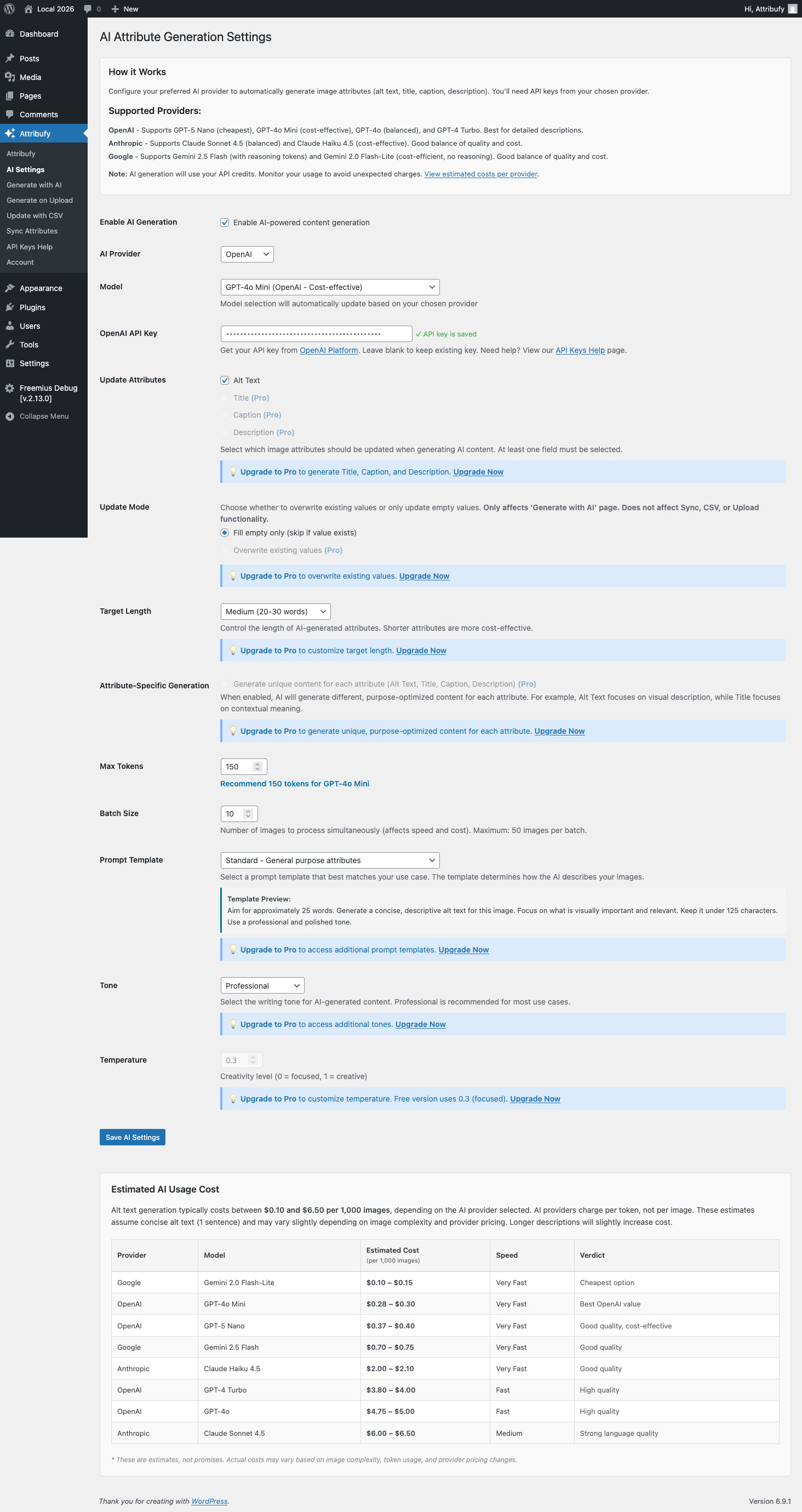
- Go to 'AI Settings' and configure your API keys for your preferred AI provider
- Start generating image attributes!
屏幕截图:
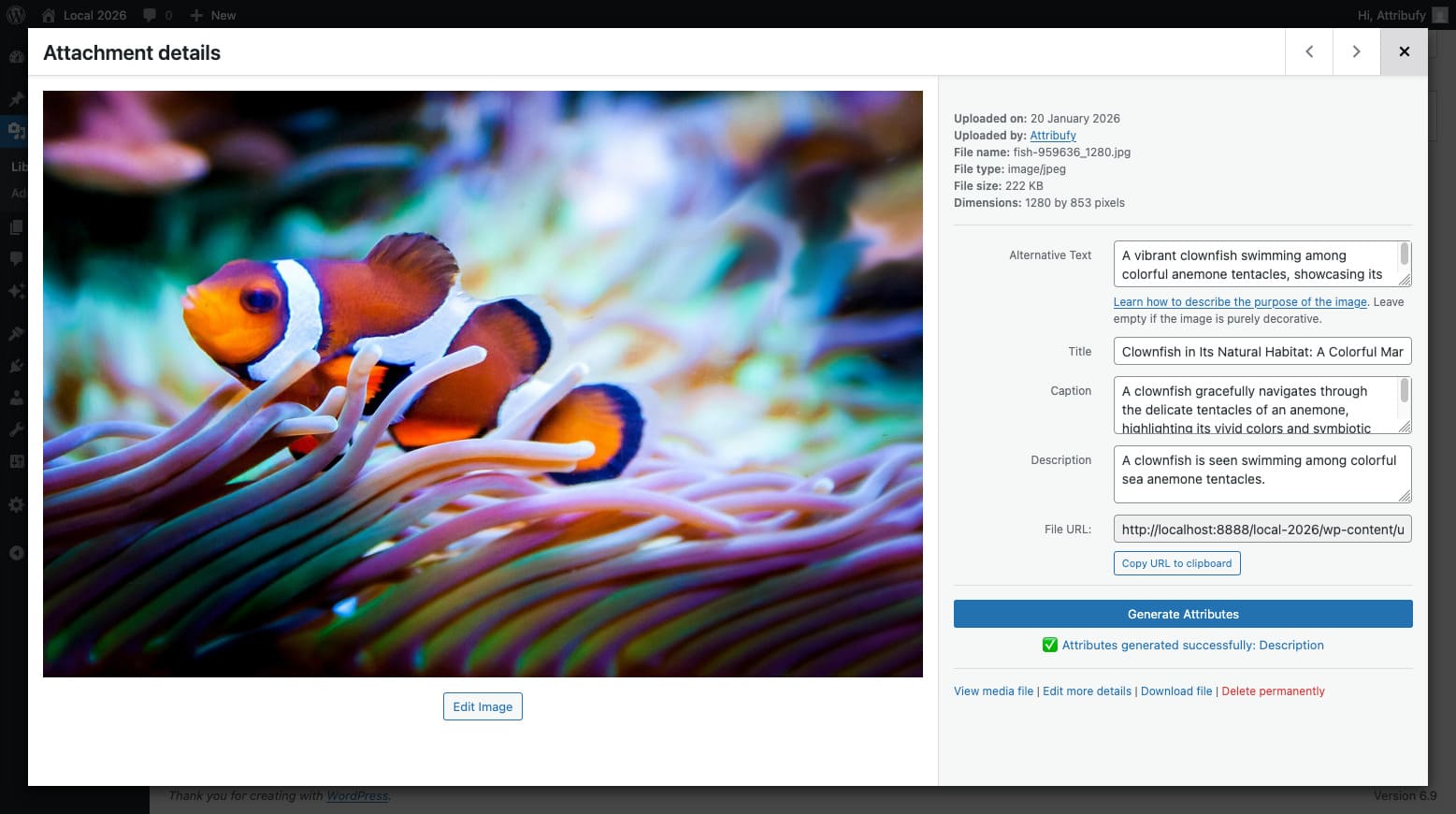
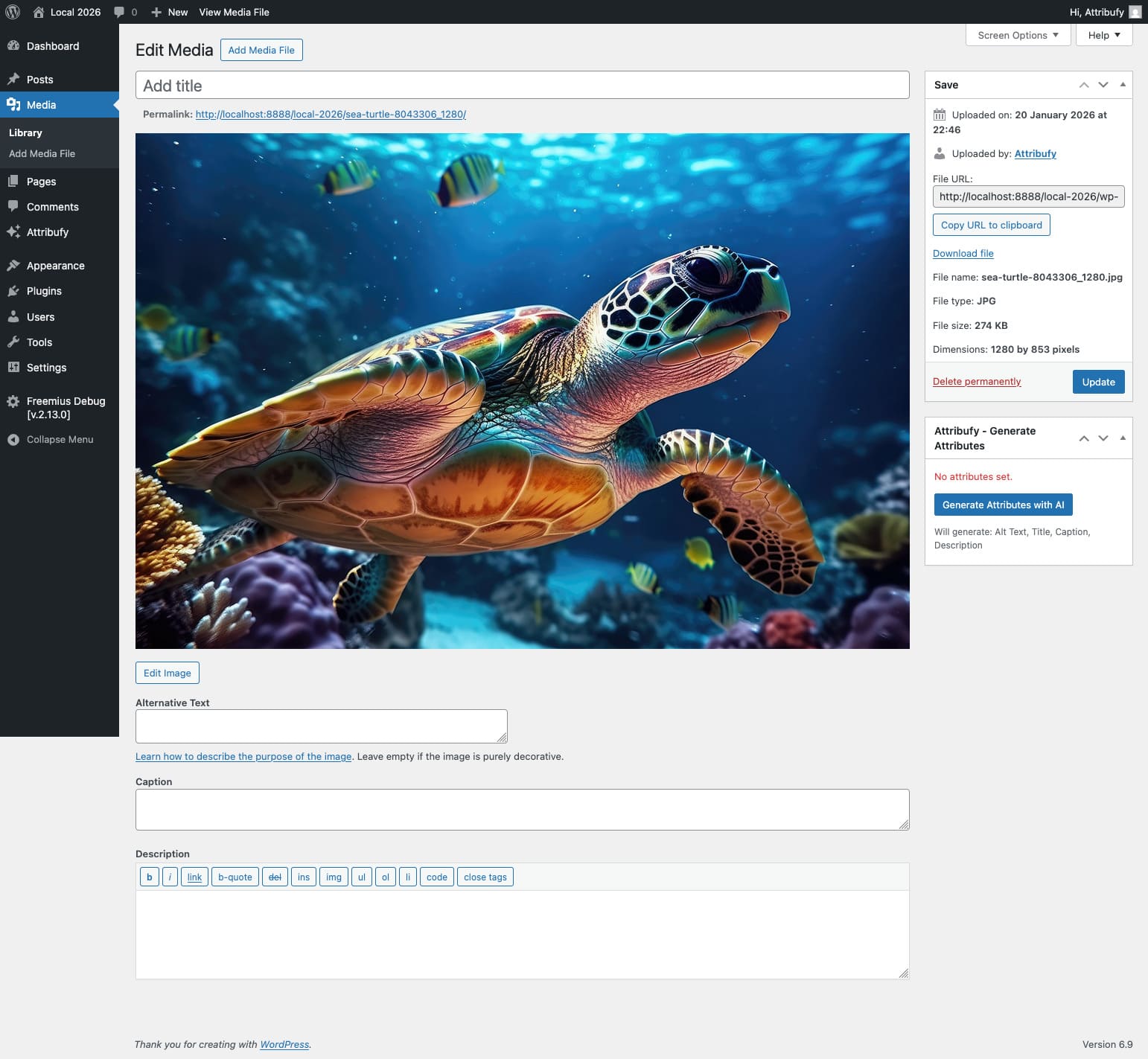
常见问题:
Do I need an API key?
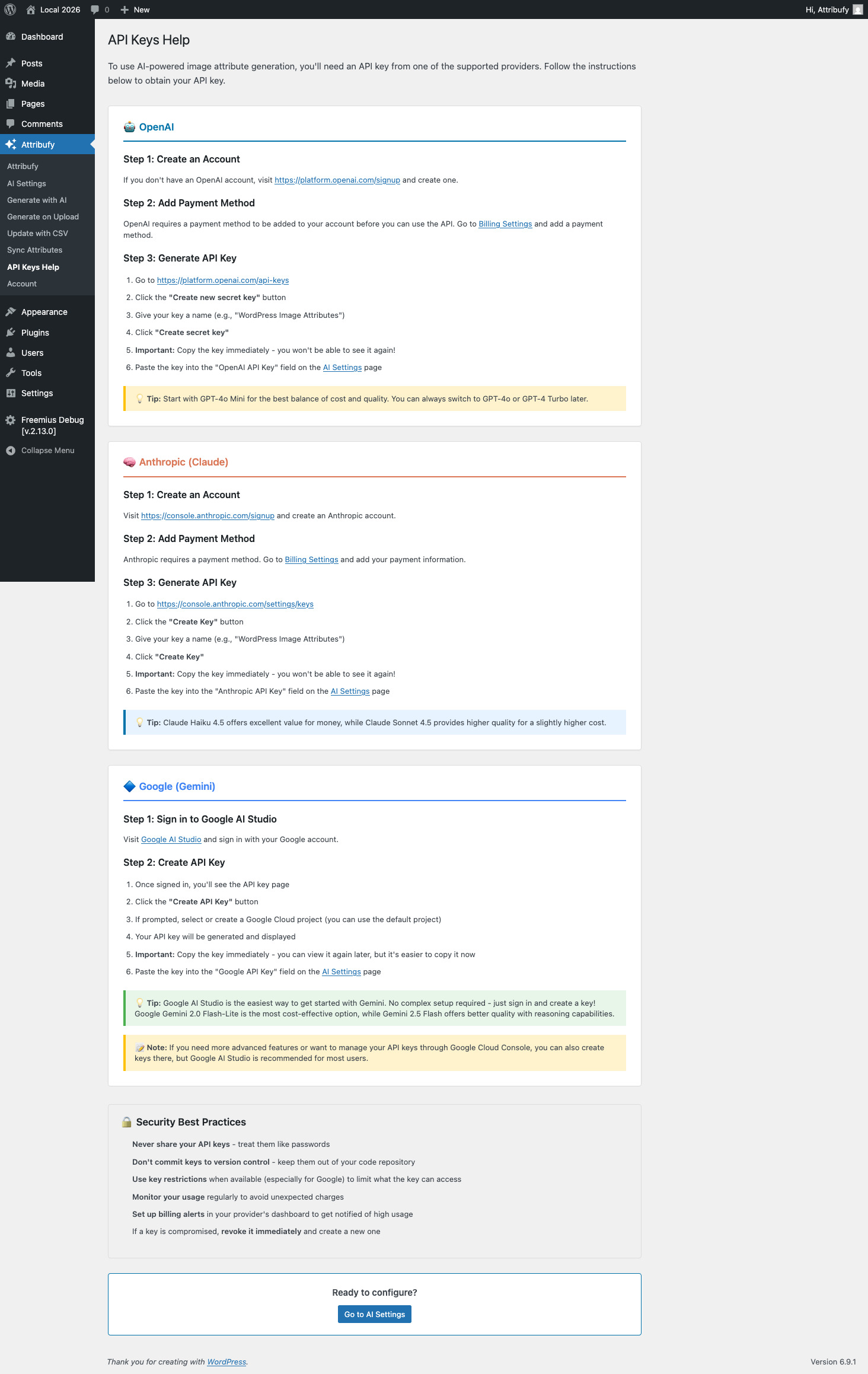
Yes, you need at least one API key from OpenAI, Anthropic, or Google to use the AI generation features. The plugin includes step-by-step instructions for obtaining API keys.
Which AI provider should I use?
The plugin supports OpenAI, Anthropic, and Google. Each provider offers different models at various price points. Check the AI Settings page for detailed pricing information and recommendations.
Can I use this without AI?
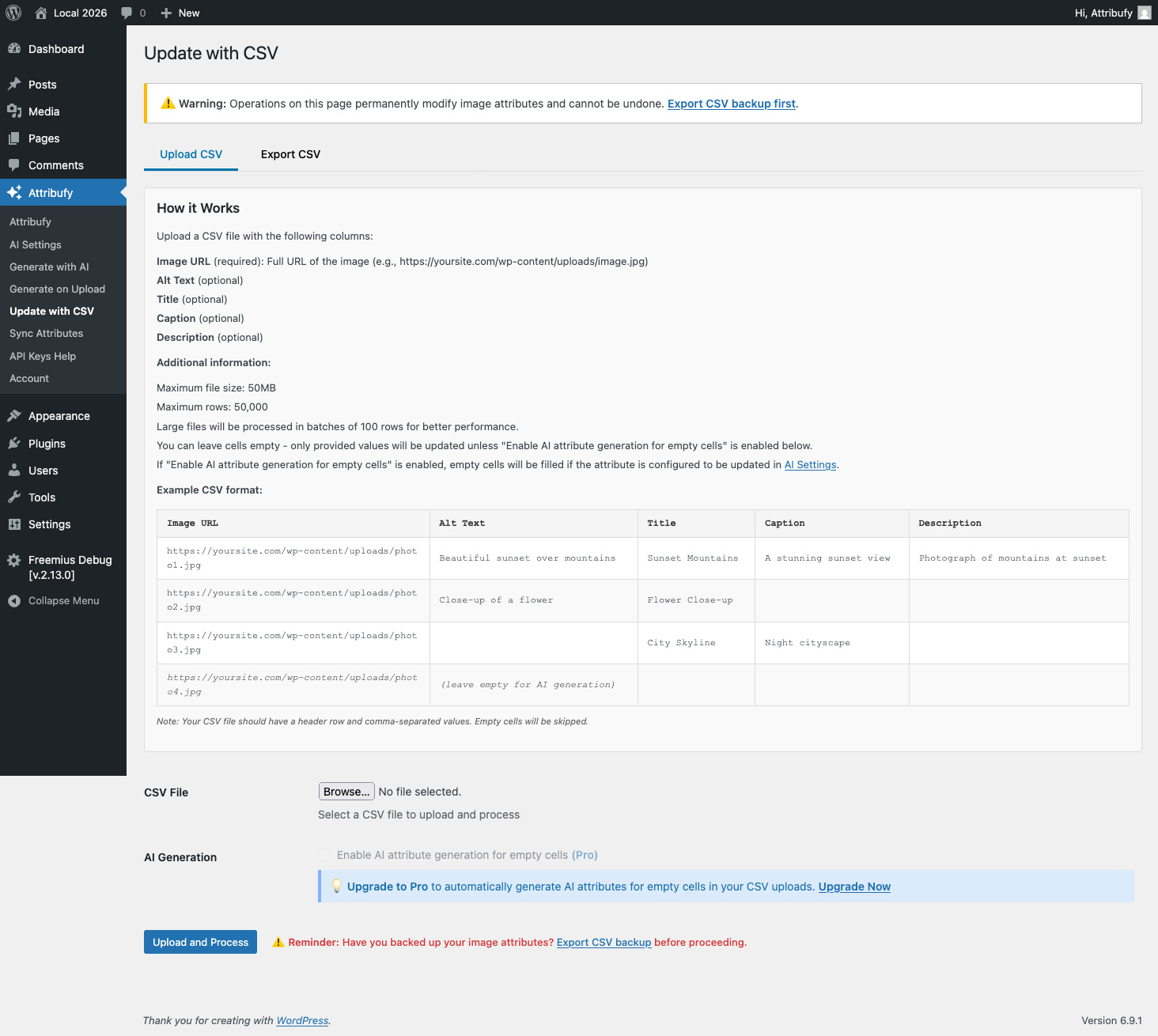
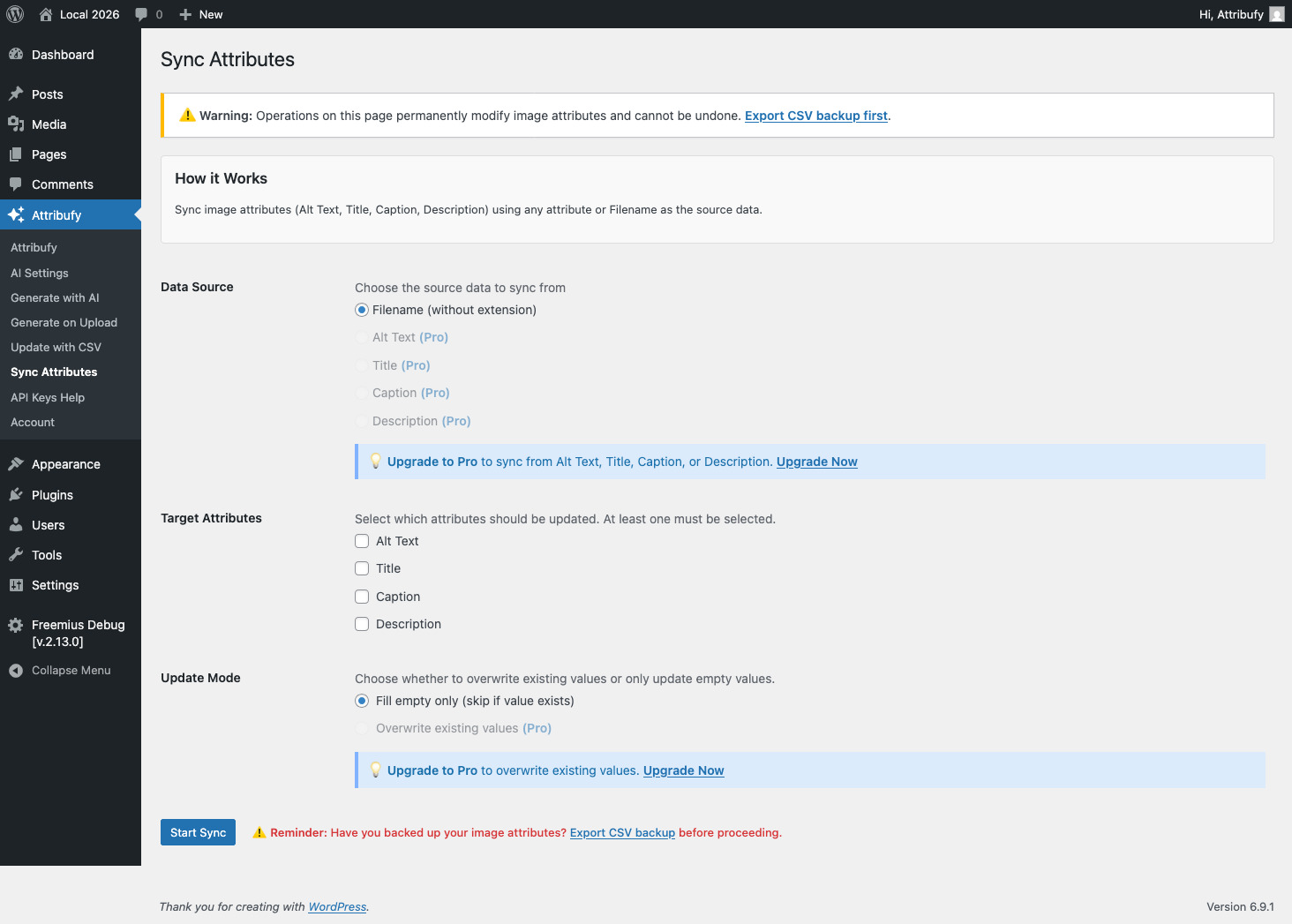
Yes! The plugin also supports CSV upload/export and attribute syncing without requiring AI. You can manually update attributes via CSV or sync attributes between fields.
Does this work with existing images?
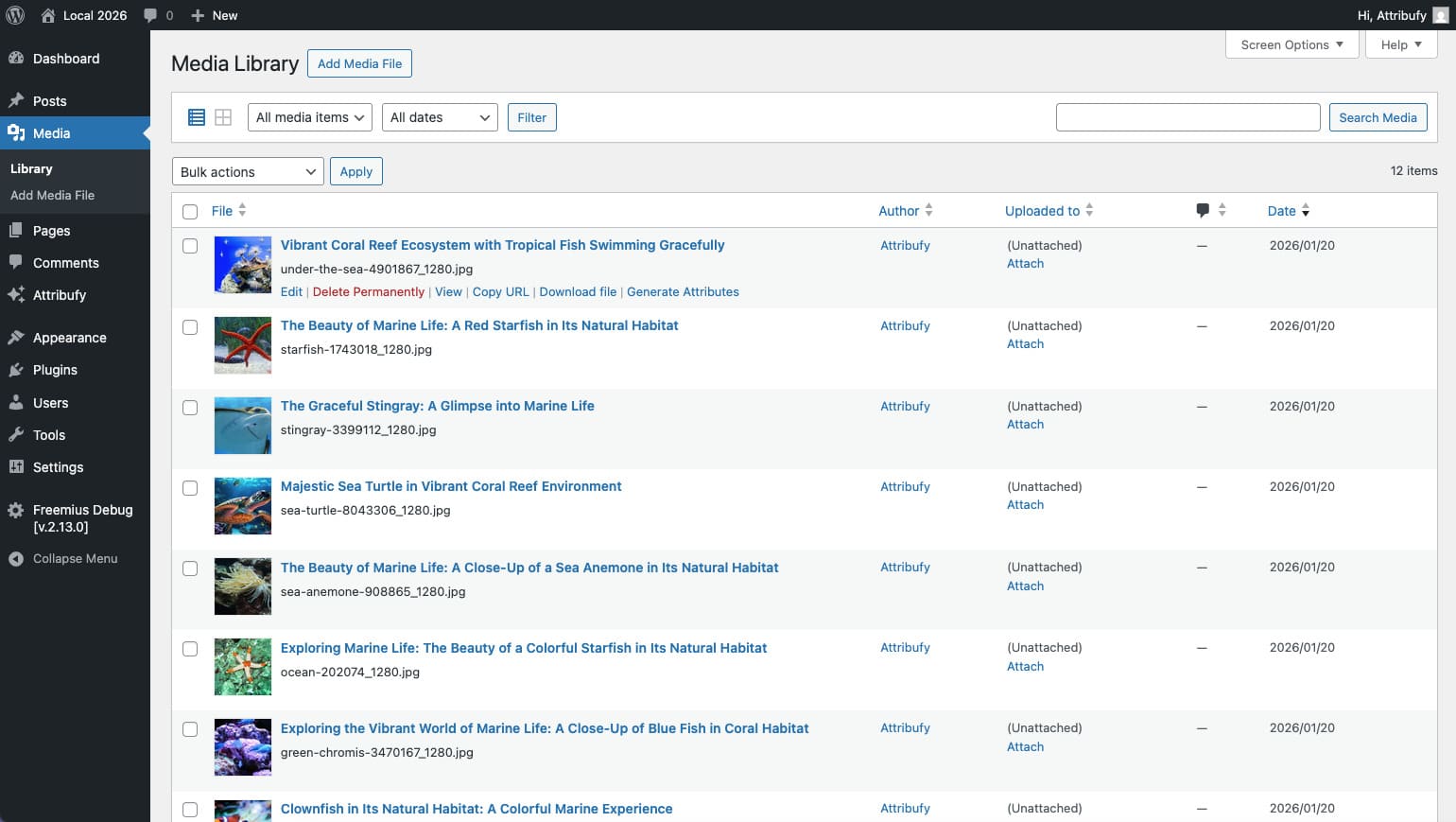
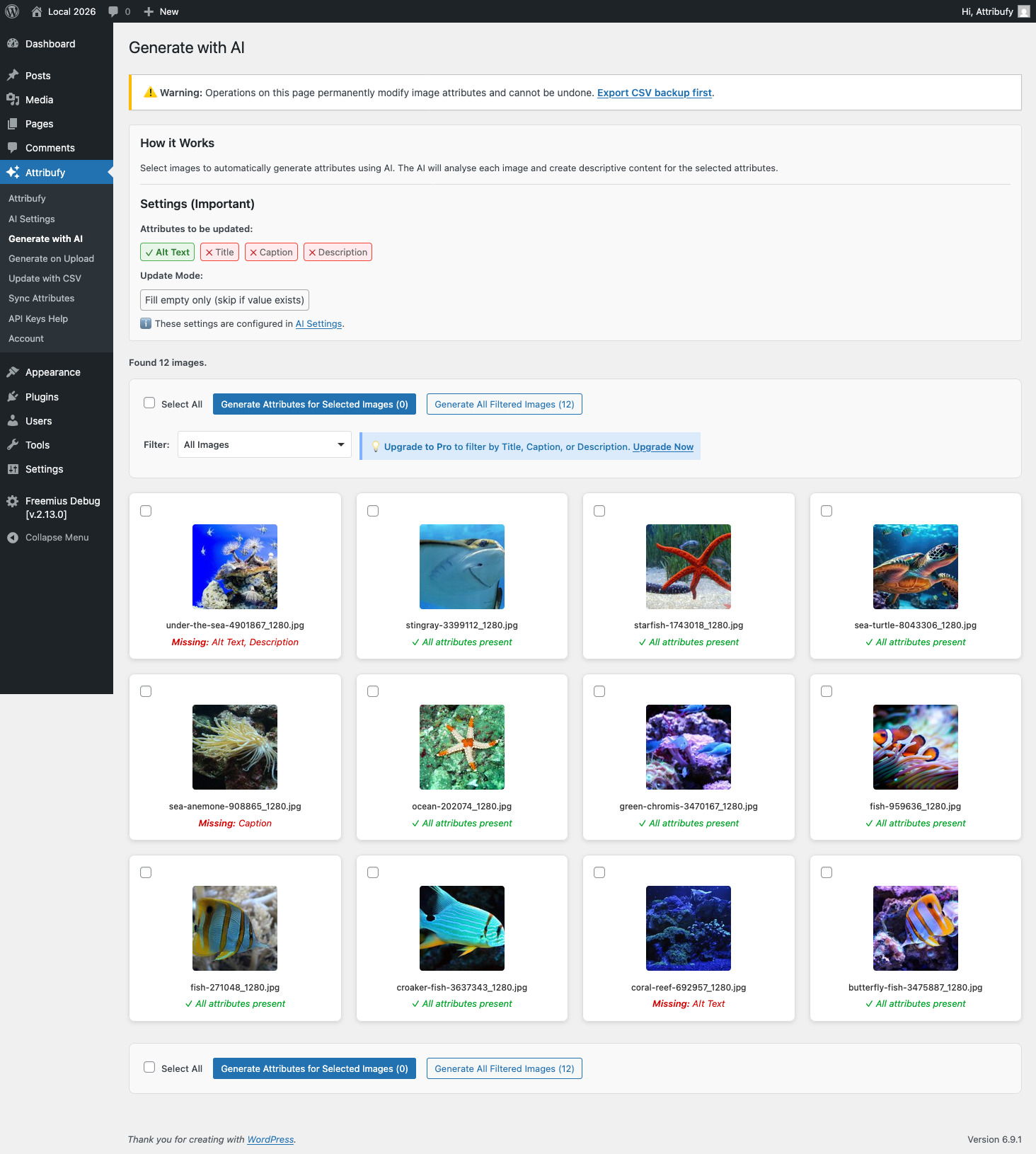
Yes! You can generate attributes for existing images in your media library using the "Generate with AI" page, or update them via CSV upload.
Will this overwrite my existing attributes?
By default, the plugin only fills empty attributes. Pro users can choose to overwrite existing values if needed.
How does the automatic upload processing work?
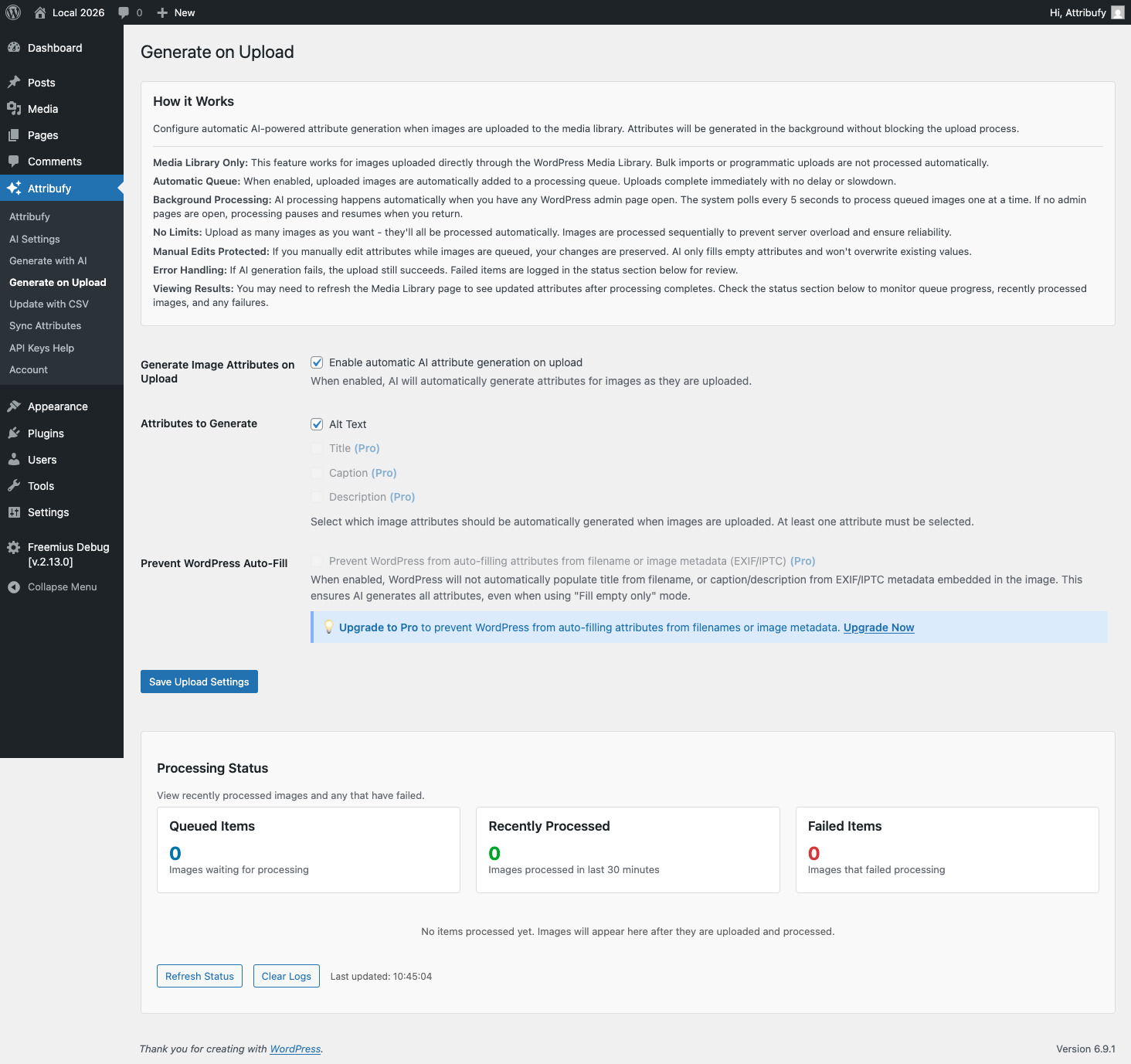
When enabled, images uploaded to the media library are automatically queued for AI processing. The queue processes one image at a time in the background when you have any admin page open.
Does this plugin track usage data?
This plugin uses Freemius for licensing and update management. Freemius may collect basic usage data (plugin version, WordPress version, site URL) to provide automatic updates and license management. All tracking is opt-in only - you will be prompted to connect your account when you first activate the plugin, and you can choose to skip this step or opt-out at any time through your Freemius account settings. No data is collected without your explicit consent.
更新日志:
- Initial release
- AI-powered attribute generation (OpenAI, Anthropic, Google)
- Smart image sizing for optimal AI processing
- Target length control with presets and custom word count
- Attribute-Specific Generation (Pro) - Generate unique content for each attribute in a single API call
- Multiple prompt templates and tone options
- CSV upload and export
- Attribute syncing functionality
- Automatic processing on upload with background queue
- Media Library integration (list view, grid view, edit page)
- Progress tracking and detailed logs
- Free and Pro feature tiers