
ClassyBlocks — Custom CSS Classes, Design System & Preview for Gutenberg
| 开发者 |
Studio Immens
innovazioneweb |
|---|---|
| 更新时间 | 2026年7月28日 06:25 |
| PHP版本: | 7.4 及以上 |
| WordPress版本: | 7.0 |
| 版权: | GPLv2 or later |
| 版权网址: | 版权信息 |
详情介绍:
Every Gutenberg block needs custom styling. And that's where your time disappears.
You write the same CSS across 30 blocks. You switch between editor and customizer. One typo in a class name and the layout breaks. Your client calls because they can't change a button color.
There's a faster way.
ClassyBlocks gives you a design system command center right inside the WordPress block editor.
Create your classes once — name them, write the rules, preview them live — and apply them anywhere with one click.
What you get
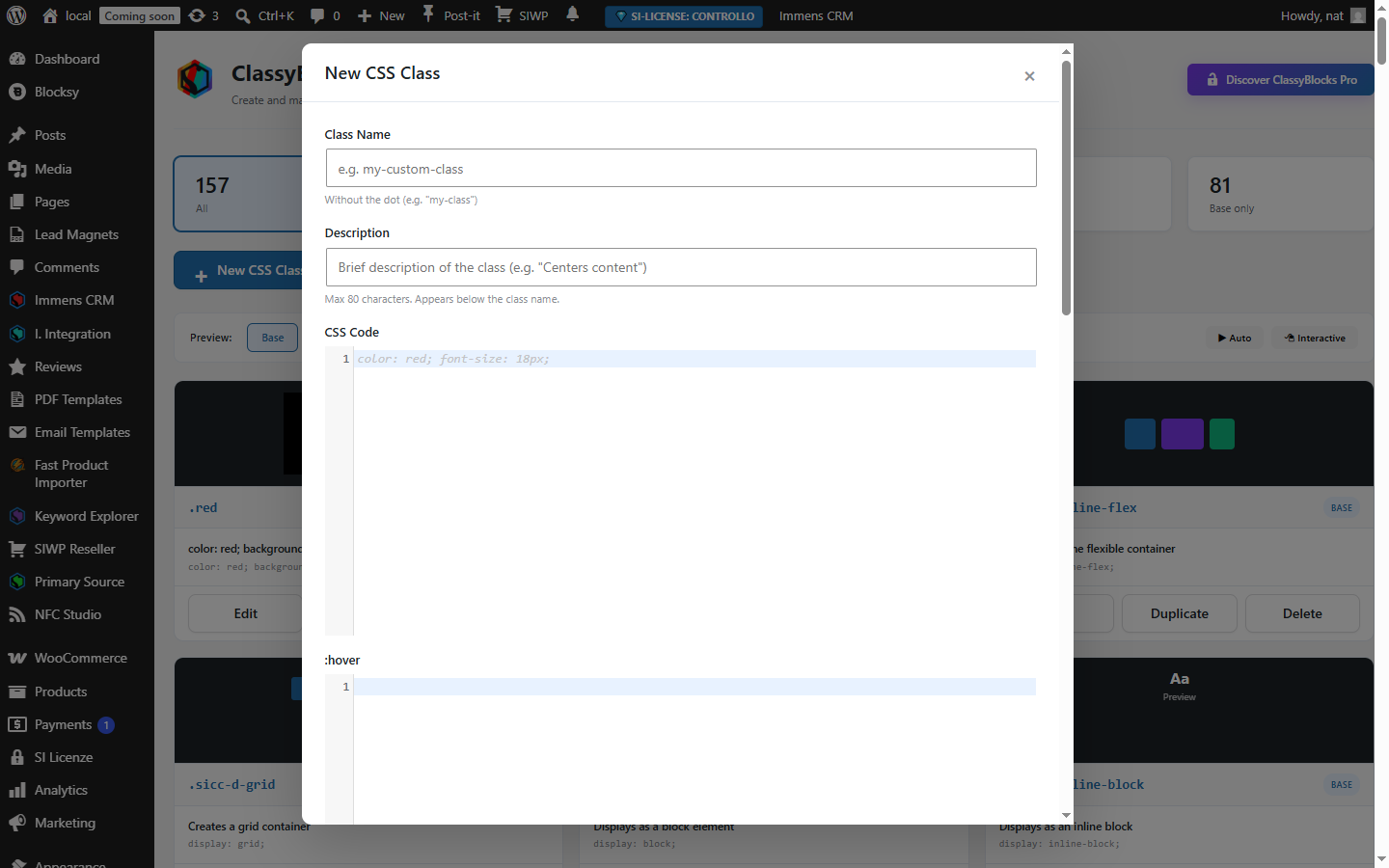
- Your own class library — Create and organize CSS classes with full support for
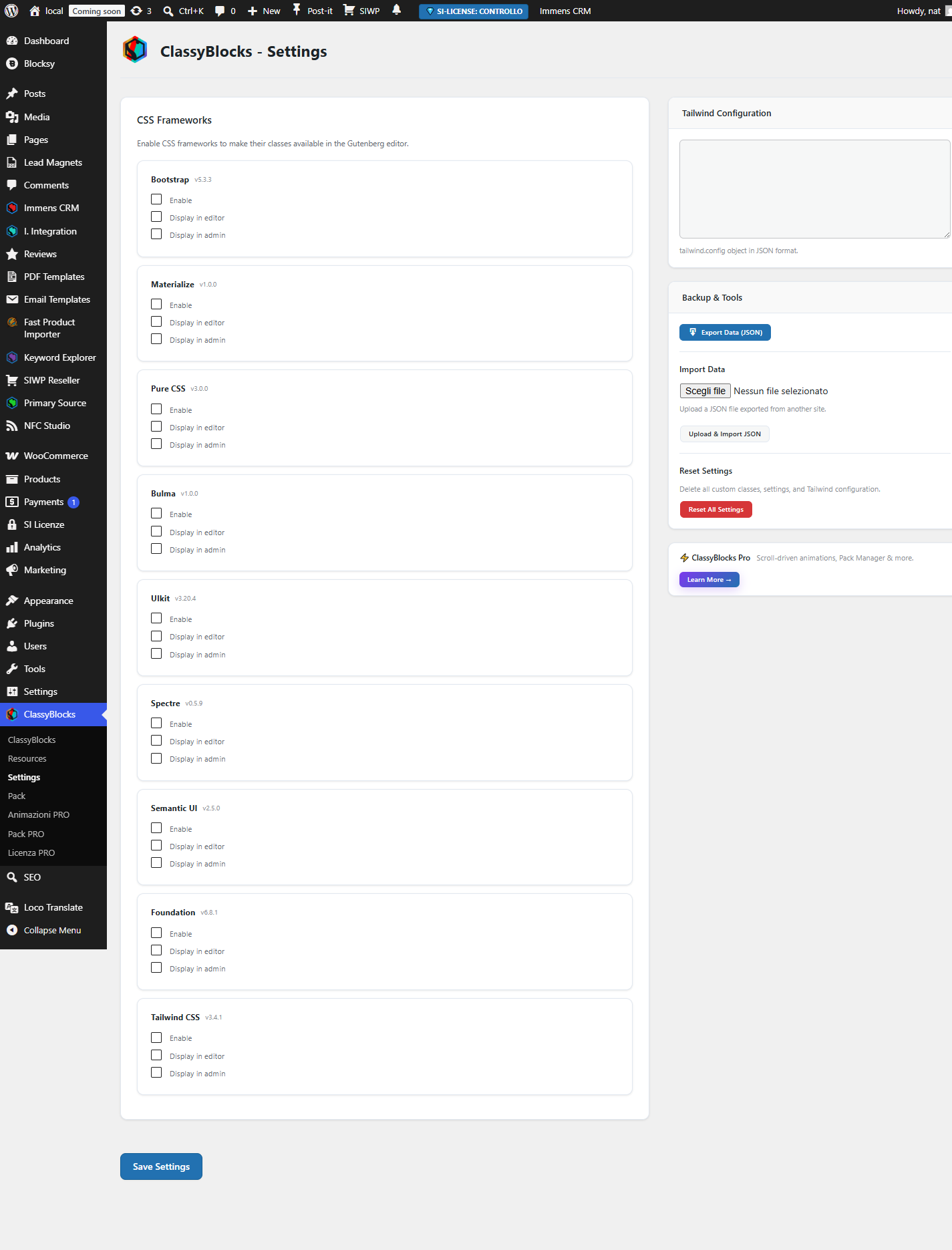
:hover,:focus,:active, and:visited. Each class documented and ready to use across your entire site. - 9 built-in CSS frameworks — Bootstrap 5.3, Tailwind CSS 3.4, Foundation, Bulma, UIkit, Materialize, Pure CSS, Spectre, and Semantic UI. Toggle each on/off for editor and frontend independently.
- Live preview — See how every class looks in real time inside the block editor. No reloads, no switching tabs.
- One-click apply — Apply any class to any block with a single click. No typing class names manually.
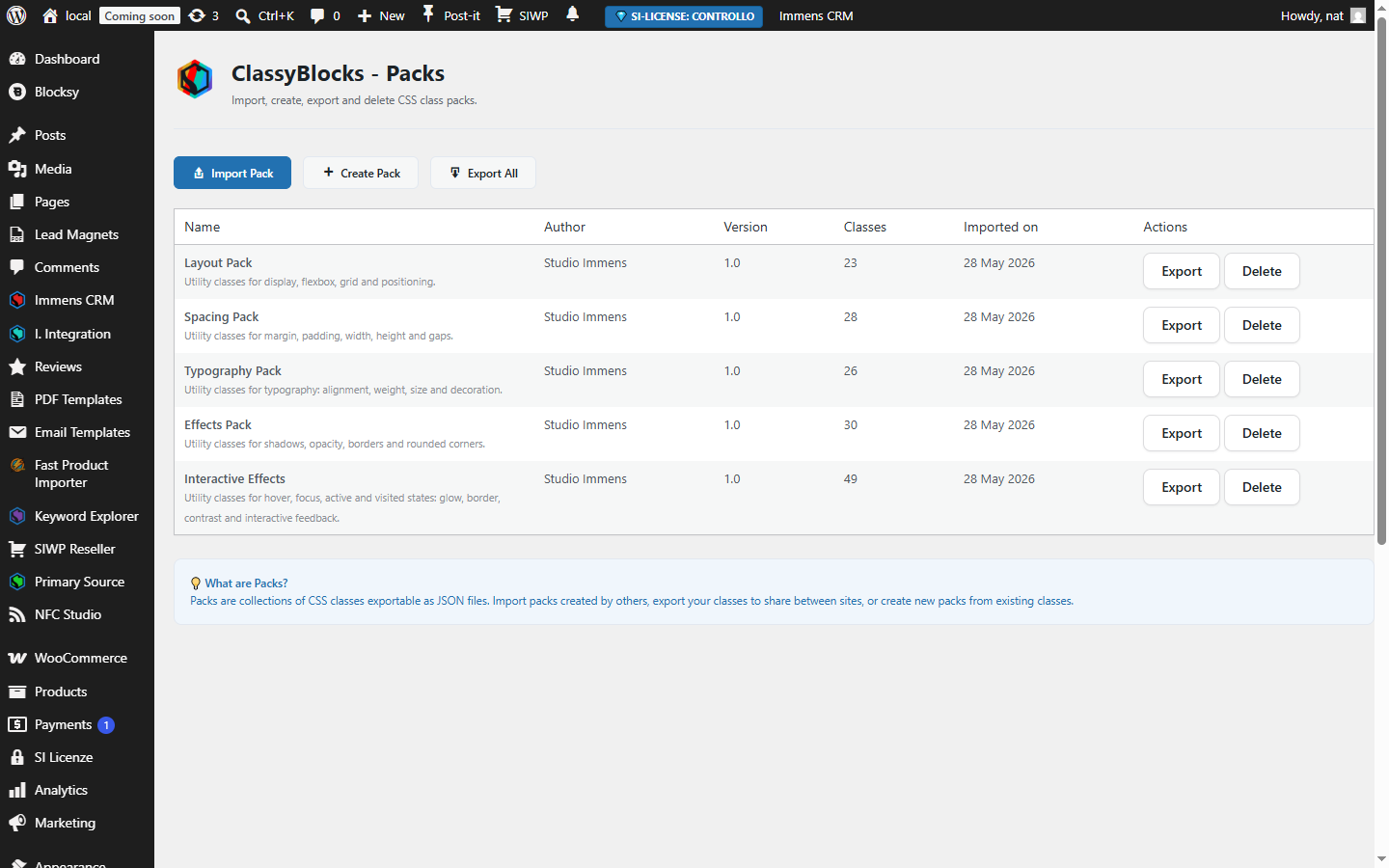
- Pack Manager — Export and import complete class sets as packs. Share your design system across client sites in seconds.
- Ship sites 3x faster — Build your class library once. Apply across pages and posts in minutes, not hours.
- Kill support tickets — Clients style their own content using your pre-built classes. They stop calling you for every color change.
- Zero performance impact — Minimal stylesheet, zero JavaScript on the frontend. No bloat. No harm to Core Web Vitals.
- Works with every theme — Blocksy, GeneratePress, Astra, Twenty Twenty-Four. If it runs Gutenberg, ClassyBlocks works.
安装:
- Download the plugin from GitHub or the repository.
- Upload the
studioimmens-css-classesfolder to the/wp-content/plugins/directory. - Activate the plugin from the WordPress "Plugins" section.
- Go to the CSS Classes section and create your own classes with the properties you want.
- Start using advanced CSS classes in your Gutenberg blocks.
屏幕截图:

常见问题:
Is it compatible with all themes?
Yes, but it's designed to integrate seamlessly with Blocksy, GeneratePress, Astra, and other themes with a modern structure and clean semantics.
Can I add my own custom classes?
Of course. Go to the CSS Class section and create as many classes with the properties you want.
Will the plugin slow down my site?
No. The CSS file is minimal, loads optimally, and doesn't include JavaScript.
更新日志:
2.3.0
- Added WordPress.org SVN deploy automation via GitHub Actions.
- Updated screenshots and WordPress.org assets.
- Improved readme.txt description and formatting.
- Fixed Tested up to version consistency.
- Tailwind CSS now bundled locally (no external CDN dependency)
- Enhanced security: CSS sanitization, file upload validation, XSS fixes
- Improved localization: all JavaScript strings are translatable
- Replaced uniqid() with wp_generate_uuid4() for stronger IDs
- Added HTTP method checks to all AJAX handlers
- Various performance and security improvements
- Rebrand: Studio Immens CSS Classes → ClassyBlocks
- Introdotto ClassyBlocks Pro: animazioni scroll-driven, Pack Manager e funzionalità premium
- bug fix
- Added setting page options
- bug fix
- Added multiple set of framework CSS easly selectable from editor ( bootstrap, materialize, purecss, uikit, spectre, bulma, semantic )
- Added setting page
- Initial stable release
- Added core set of CSS utility classes
- Compatibility with Gutenberg and Blocksy, GeneratePress, and Astra themes