
SummarAIze
| 开发者 | jwilson529 |
|---|---|
| 更新时间 | 2026年9月7日 02:16 |
| PHP版本: | 7.2 及以上 |
| WordPress版本: | 7.0 |
| 版权: | GPLv2 or later |
| 版权网址: | 版权信息 |
详情介绍:
- Bring your own OpenAI or Google Gemini API key
- Choose supported OpenAI models including GPT-5.5, GPT-5, GPT-5 mini, and GPT-5 nano
- Generate scannable key takeaways for posts and pages
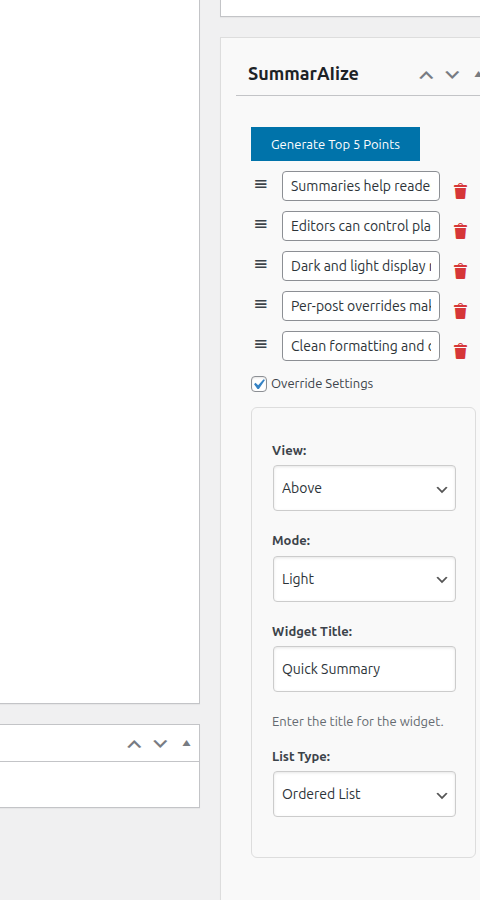
- Edit and reorder takeaway points before publishing
- Track whether summaries are missing, current, stale, or manually edited
- Generate missing summaries in bulk and optionally auto-generate on first publish
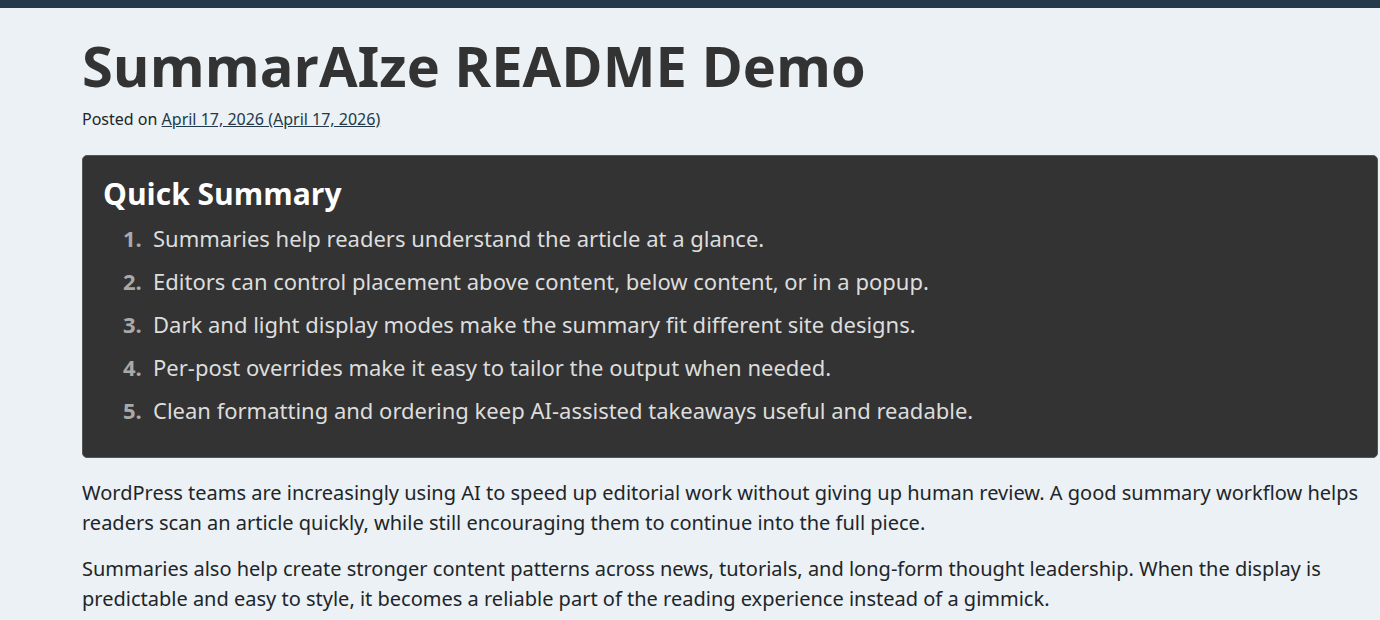
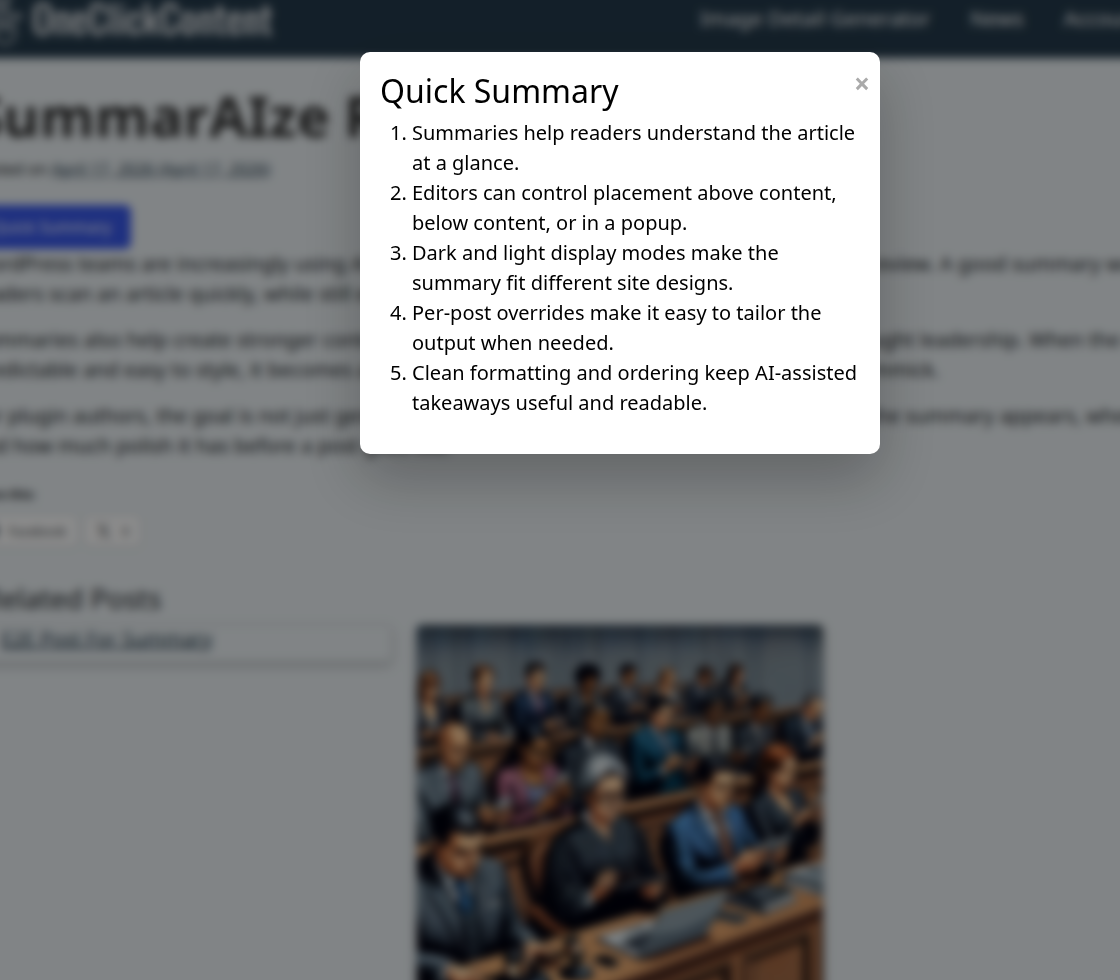
- Display summaries above content, below content, or in a popup
- Customize output with shortcode attributes for title, mode, list type, and popup button styling
- Use the plugin for free, with no SummarAIze usage quota or summary subscription
安装:
- Upload the
summaraizefolder to/wp-content/plugins/, or install the plugin through Plugins > Add New in WordPress. - Activate the plugin through the Plugins screen in WordPress.
- Go to Settings > SummarAIze.
- Select OpenAI or Google Gemini and enter your API key.
- Open a post or page, generate takeaways, then edit or reorder them before publishing.
- Optionally use bulk actions or publish-time automation to keep summaries current across your site.
屏幕截图:
其他记录:
常见问题:
Do I need an API key?
Yes. You’ll need an API key from either OpenAI or Google Gemini. Both offer free tiers, though high usage may require a paid account.
Does SummarAIze include AI credits or a hosted API service?
No. SummarAIze is a free, bring-your-own-key plugin. You bring your own provider account and pay OpenAI or Google directly for any API usage. There is no SummarAIze-hosted relay and no monthly summary quota from SummarAIze.
Can I customize the summaries?
Yes. You can edit and reorder the generated key takeaways in the editor, then use shortcodes to control where and how they display.
Can I generate summaries in bulk?
Yes. SummarAIze adds bulk actions to supported post type list screens so publishers can generate missing summaries or explicitly regenerate existing ones across a larger content library.
Will auto-generation overwrite my edited summaries?
No. The publish-time automation mode only generates a summary when one is missing. Manual edits are treated as user-managed.
How much does SummarAIze cost?
The plugin is free and open-source. API usage with OpenAI or Gemini may incur charges based on your provider plan.
How do I switch between OpenAI and Gemini?
Go to Settings > SummarAIze, select your provider, and enter your API key. Switching is instant.
Is my data safe?
SummarAIze sends post content to the AI provider you configure for summary generation. No hosted SummarAIze relay is involved.
更新日志:
- Updated WordPress Coding Standards to 3.4.1 to address CVE-2026-45293 in development and automated code checks.
- Updated PHP_CodeSniffer to 3.13.6 or later for CVE-2026-67434 and added dependency auditing to CI.
- Removed generated WordPress test caches from source control; integration tests download fresh copies.
- Rendered the SummarAIze widget title as paragraph text by default so table-of-contents plugins do not treat Key Takeaways as a content heading.
- Added a
summaraize_widget_title_tagfilter for sites that need to opt back into a heading tag.
- Tested compatibility against WordPress 7.0.
- Corrected WordPress.org screenshot caption ordering after the screenshot asset cleanup.
- Restored captions for the remaining safe screenshot assets after removing the unwanted cropped screenshots.
- Removed two screenshot assets that included unwanted menu cropping.
- Added OpenAI GPT-5.5 and
gpt-5.5-2026-04-23model support. - Updated OpenAI settings guidance to call out GPT-5.5 as the latest flagship option while keeping GPT-5 mini as the cost-conscious default.
- Expanded OpenAI model tests for GPT-5.5 sanitization, fallback ordering, and request payload handling.
- Added summary lifecycle tracking for missing, current, stale, and manually edited summaries.
- Added bulk generation and regeneration actions in supported post type list screens.
- Added optional auto-generate-on-publish for posts that do not already have a summary.
- Added summary provenance details in the editor so users can see provider, model, and generation time.
- Expanded OpenAI support to newer GPT-5 and reasoning-capable models.
- Improved parsing and fallback handling for AI-generated takeaway points.
- Increased API timeout tolerance for more complex model responses.
- Proper cleanup of plugin settings and metadata on uninstall.
- Ensured summaries stay in the same language as the source content for both Gemini and OpenAI.
- Centralized OpenAI endpoints and default model into constants for easier updates.
- Updated docs to reflect configurable OpenAI model and endpoint values.
- Fixed autosave in the settings page for the post types section.
- Fixed spinner message placement in the settings page for the post types section.
- Improved compatibility with WordPress 6.7.
- Enhanced sanitization of key takeaway input.
- Fixed link rendering in summary points.
- Updated URL for Google Gemini.
- Major Feature: Added full support for the Google Gemini API.
- Updated documentation and settings to support Gemini.
- Improved error handling for API failures.
- General performance and code cleanup.
- Fixed meta box saving behavior.
- Improved key point UI.
- Minor bug fixes and polish.
- Added drag-and-drop ordering for key points.
- Auto-removal of empty entries.
- Optimized save handling.
- Initial dynamic Assistant integration with OpenAI API.
- Initial public release.