Summary box for Wikipedia links
| 开发者 | tivid |
|---|---|
| 更新时间 | 2026年5月22日 22:34 |
| 捐献地址: | 去捐款 |
| PHP版本: | 5.6 及以上 |
| WordPress版本: | 7.0 |
| 版权: | GPLv3 or later |
| 版权网址: | 版权信息 |
详情介绍:
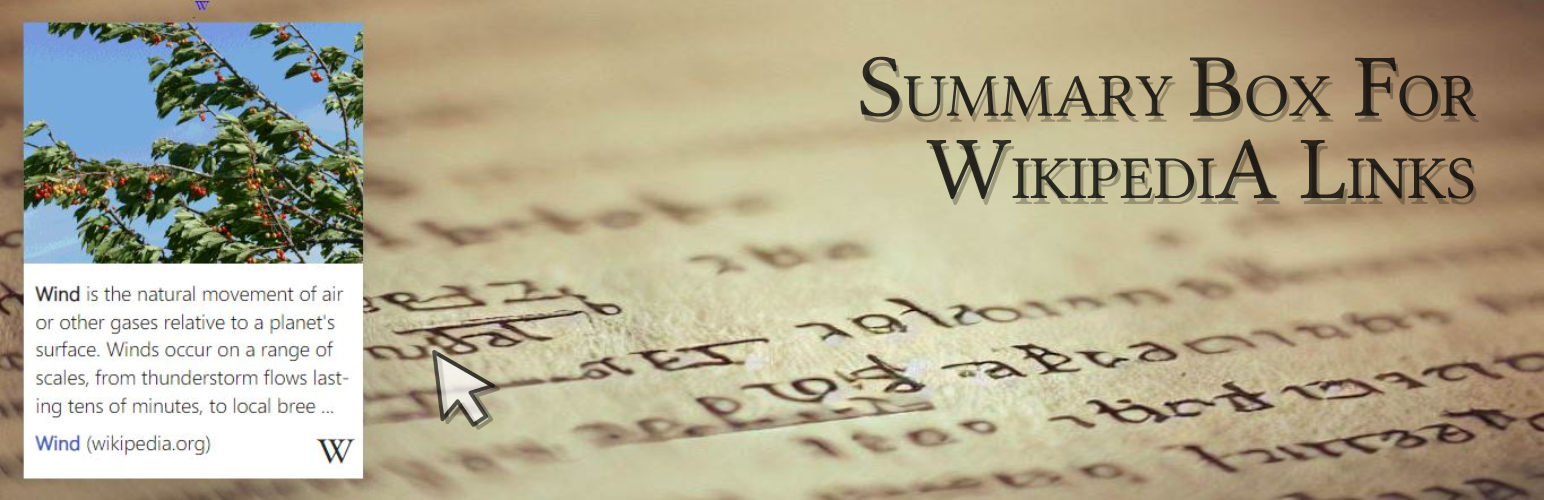
The «Summary box for Wikipedia links» plugin brings the Page Previews from WikiMedia to your website. It displays simple and nice summary boxes on every Wikipedia link.
Immediately after activating the plugin, you get nicely animated summary boxes for all existing and new Wikipedia links on your site!\
All without touching your source code in any way, so you can try it out without hesitation.
Authors and visitors love it! ❤️
- Simplifies content creation by providing on-demand term explanations.
- Connects your visitors to Wikipedia's wealth of knowledge.
- Enhances your site with a simple, valuable, useful and nice feature!
- Works out of the box, just set a Wikipedia link as usual and the summary box appears.
- Works smoothly with touch and mouse on mobile, desktop and tablet.
- Supports all existing languages and text directions (ltr, rtl) on Wikipedia.
- Does not affect your website in any way.
- Is based on our library that can bring this feature to any website, not just WP, first release was 12/2021.
- Is very lightweight, free and open source.
- Show summary boxes for all Wikipedia links, or none but only show selected ones.
- Show images in all boxes, or none but also only in selected ones.
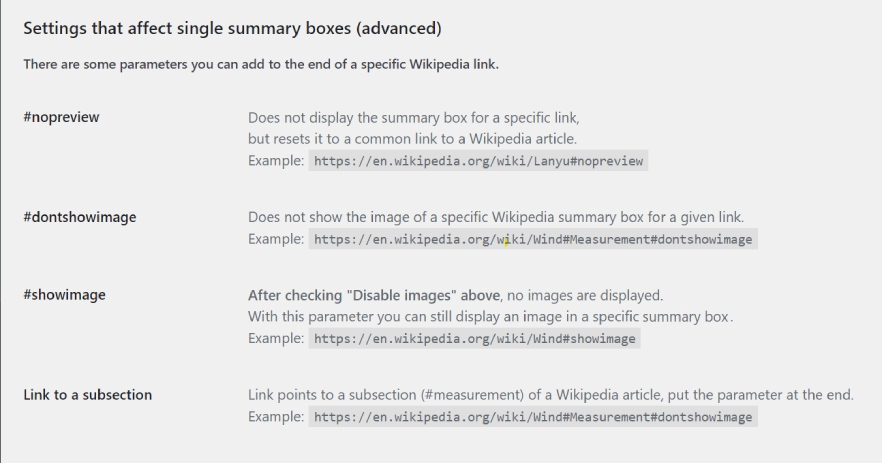
- Display or hide each box and each image within it separately.
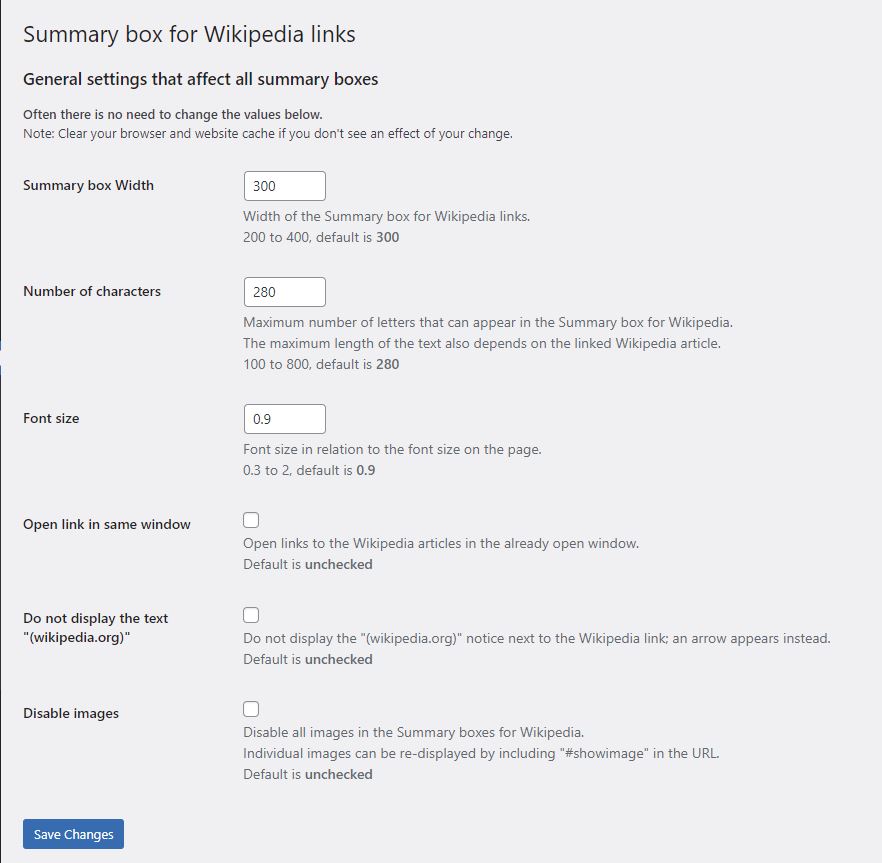
- Change the width of the summary boxes, the number of characters displayed, the font size and more.
安装:
- From your WordPress dashboard go to Plugins > Add New.
- Search for Summary box for Wikipedia links in the Search Plugins box.
- Click Install Now to install the Summary box for Wikipedia links plugin.
- Click Activate to activate the plugin.
- After activating the plugin all existing and new Wikipedia links on your website will automatically show a nice preview box with a article summary of the Wikipedia article.
- After that you can change the appearance of the boxes in the settings page (go to "Settings", "Summary for Wikipedia") if you like to do so.
屏幕截图:

常见问题:
Why is no image in a specific summary box?
Not all, but most, Wikipedia articles contain an image that can be displayed in the summary box. Also make sure that you didn't use the "#dontshowimage" parameter in your Wikipedia link or you have selected "Disable Images" in the administration.
Why is a particular summary box showing fewer characters than set in the admin?
The value set in the admin is a maximum. The number of characters displayed in a summary box also depends on the text in the linked Wikipedia article.
How do I customize the settings for the summary boxes?
In your WordPress admin area, navigate to Settings > Summary for Wikipedia. There, you can adjust the width, number of characters, font size, disable showing images in all summary boxes, and more.
I did a change in the settings but it seems not to have an effect.
The pages of your website may be cached by your web server or browser - please clear these caches.
更新日志:
1.0.0 - 20.11.2023
- Initial release.
- Update Details text.
- Added some allowed tags in the summary box.
- Update details text; settings, FAQ, screenshot added.
- Update for WP 6.5 compatibility, some minor text updates.
- Update for WP 6.6 compatibility.
- Update for WP 6.7 compatibility.
- fixed a critical error on PHP 8.3+, missing get_plugin_data().
- Update for WP 6.8 compatibility.
- Update for WP 6.9 compatibility.
- Update for WP 7.0 compatibility. Version 1.1.3, 21 May 2026, df Dominik Fehr, wikinick@su-pa.net