Super Fast Blog AI – AI Content Generator, Repurposer & SEO Writer
| 开发者 |
waatechdigital
khan9 ikefti freemius mehedi0plugin |
|---|---|
| 更新时间 | 2026年9月21日 18:50 |
| PHP版本: | 8.0 及以上 |
| WordPress版本: | 7.1 |
| 版权: | GPLv2 or later |
| 版权网址: | 版权信息 |
详情介绍:
安装:
- Upload the plugin folder to
/wp-content/plugins/or install via the WordPress plugin installer - Activate the plugin through the Plugins menu in WordPress
- Navigate to Super Fast Blog AI → Settings → Providers
- Add your API key for at least one AI provider
- Start generating content from the dashboard
屏幕截图:
常见问题:
Is Super Fast Blog AI free, and do I need my own API key?
The plugin is free to install and use. You connect your own API key from whichever provider you choose (OpenAI, Anthropic, Google, and more) and pay that provider directly for what you use — or run a local Ollama model for zero cost. There's no separate subscription to the plugin itself, and the built-in Cost Tracker shows exactly what each generation costs.
Which AI provider should I use?
All 7 supported providers work great. For the best quality, use OpenAI GPT-4o or Anthropic Claude Sonnet. For the lowest cost, use GPT-4o-mini, Claude Haiku, Gemini Flash, or a local Ollama model (free).
Can I use multiple providers at the same time?
Yes. Configure as many as you like and use Model Routing to assign specific providers to specific content types automatically.
Does repurposing work in languages other than English?
Yes. The plugin detects the source language server-side (using Unicode script analysis) and instructs the AI to write in that language. Hashtag language is separately configurable — you can output hashtags in English, the source language, or both.
Are generated articles saved automatically?
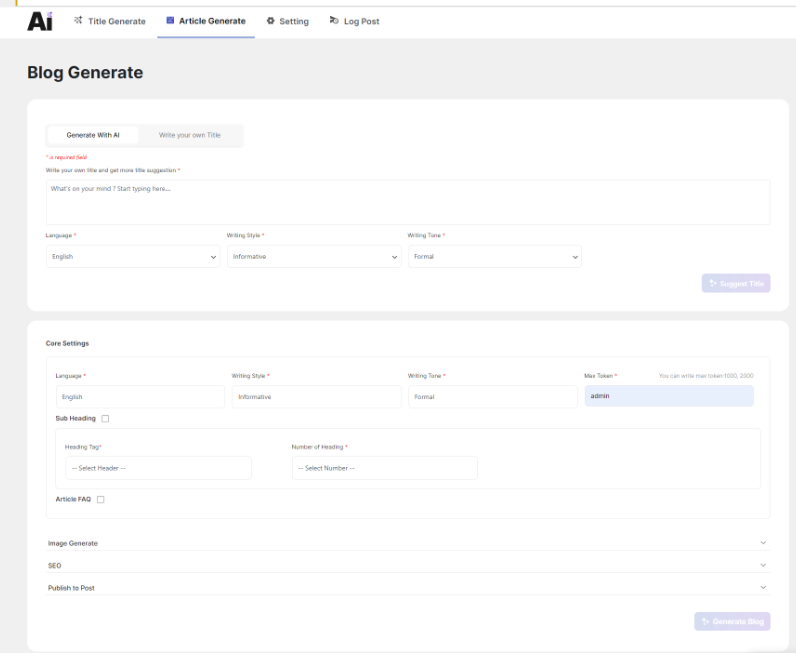
Yes. All generated articles are saved as WordPress drafts by default. You can change the default post status in Settings → Publishing.
Is there a usage cost?
The plugin itself is free. You pay only for the AI API usage directly to each provider. Use the built-in Cost Tracker to monitor and budget your spending. Ollama (local) is always free.
Does it work with Yoast SEO or Rank Math?
Yes. SEO meta keywords and descriptions generated by the plugin are compatible with both Yoast SEO and Rank Math.
How do I run Ollama locally?
Install Ollama from ollama.com, pull a model (ollama pull llama3.3), then add http://localhost:11434 as the Ollama endpoint in Settings → Providers.
更新日志:
- New: Support for 7 AI providers — OpenAI, Anthropic, Google Gemini, OpenRouter, DeepSeek, Mistral, Ollama
- New: Content Repurposing for 6 platforms (Twitter/X, LinkedIn, Email, Facebook, Instagram, YouTube)
- New: Hashtag Language control — English, source language, or both
- New: Server-side language detection for accurate multilingual output
- New: Brand Voice module — apply writing style to every generation
- New: Content Calendar — AI-generated topic planning
- New: Internal Links — smart linking suggestions
- New: Performance Tracking — Search Console integration
- New: Cost Tracker — per-provider/model/feature spend monitoring with budget alerts
- New: Model Routing — route content types to the best model automatically
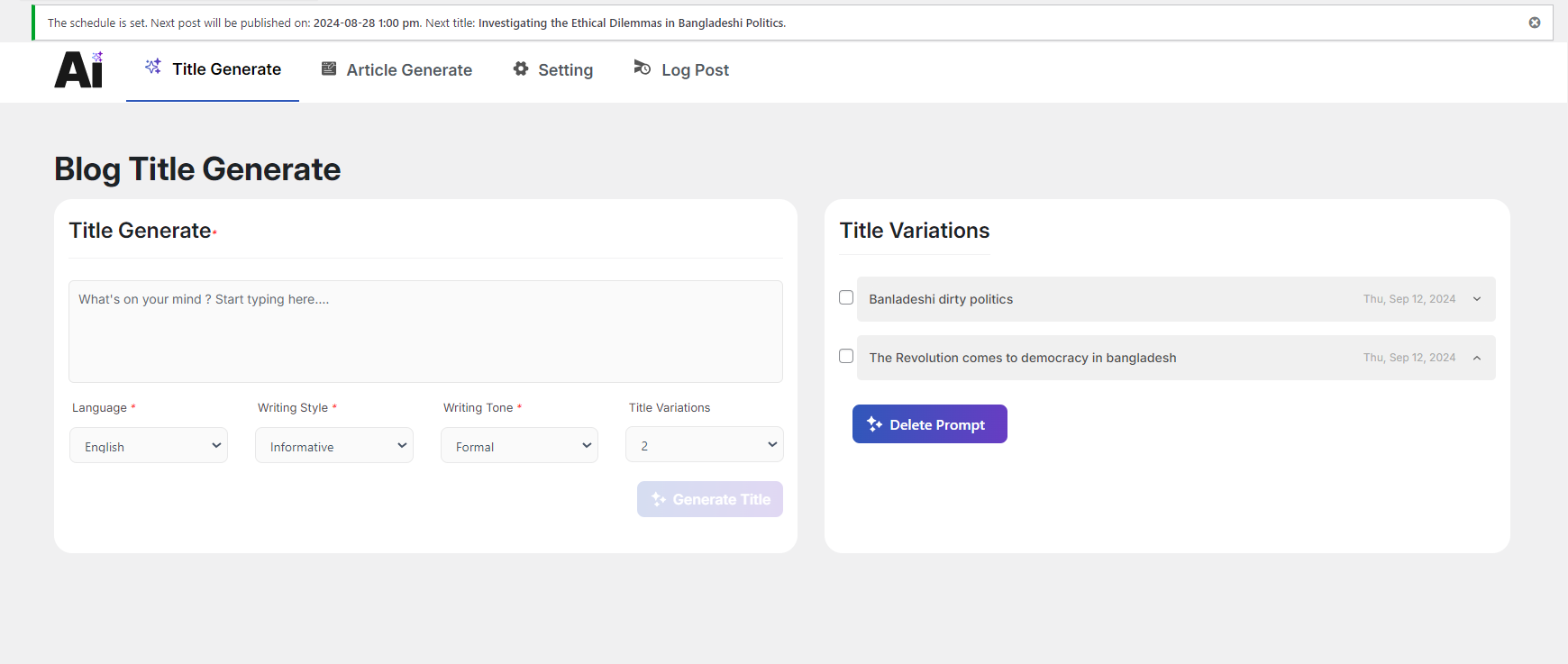
- New: Copy button on every generated title
- New: Saved generations grouped card UI with topic, count, and date
- New: Default Categories changed to WordPress category multi-select dropdown
- New: Provider logos via Simple Icons CDN with emoji fallback
- New: Auto-set Default Provider on first API key save
- New: Guard against selecting unconfigured providers as default
- Improved: Dashboard redesigned — stats cards with icon-left layout and features grid
- Improved: Settings hash tab switching fixed (hashchange listener)
- Improved: Model Routing empty state redesigned with modern UI
- Improved: Cost calculation bug fixed (this_month_cost key, budget key names)
- Requires PHP: 8.0+
- Some technical issue fixes.
- Initial launch.