Supertab Connect
| 开发者 | getsupertab |
|---|---|
| 更新时间 | 2026年10月2日 17:41 |
| PHP版本: | 8.1 及以上 |
| WordPress版本: | 7.0 |
| 版权: | GPL 2.0 or later |
| 版权网址: | 版权信息 |
详情介绍:
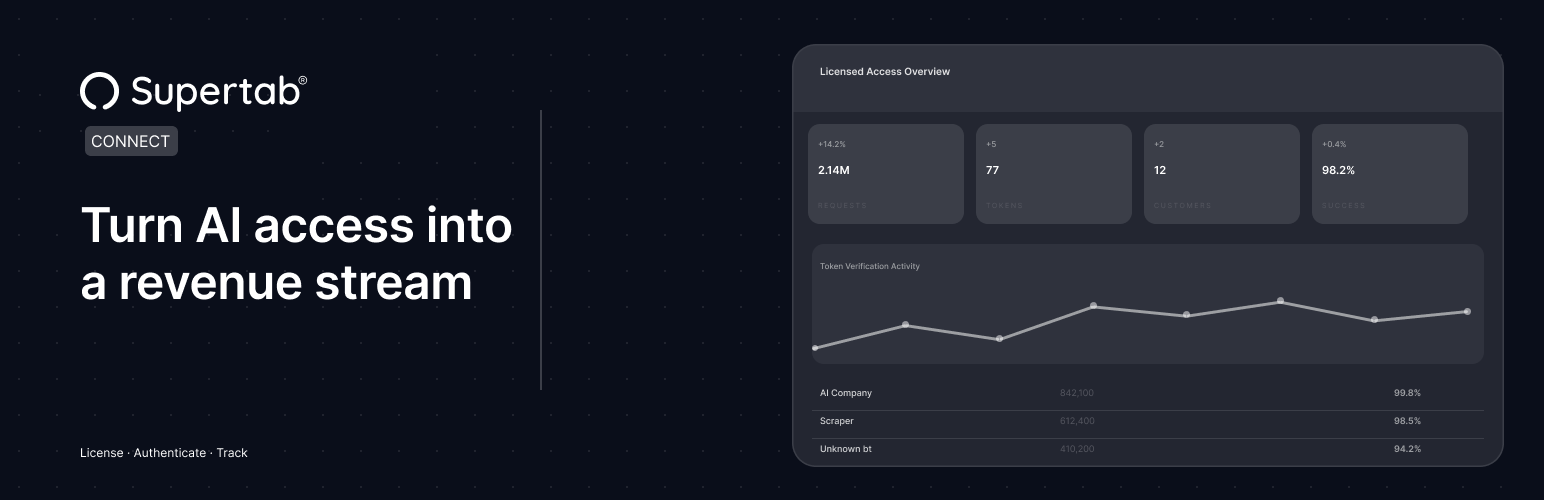
Supertab Connect lets you define how AI systems and automated scrapers can access your content. You can define licensing terms, manage partner access, and track usage without building custom infrastructure.
Supertab Connect handles the underlying systems, including license servers, token management, and request verification, so you can focus on controlling who accesses your content and how it’s used. It provides two core capabilities:
RSL License Serving
Automatically serves your site’s RSL license at /license.xml. The license is fetched from the Supertab Connect API and cached locally for performance, enabling crawlers and AI agents to discover your content’s licensing terms.
Crawler Authentication Protocol (CAP)
Verify that connected partners are accessing your content present valid license tokens.
This allows you to:
- confirm which customers are accessing your content
- monitor usage against declared licensing terms
- control access for specific parts of your site
- Enter your Website URN from the Supertab Connect dashboard
- Your
license.xmlis immediately served at your site root - Optionally add your Merchant API Key to enable license verification
- Configure which parts of your site require verification via the Crawler Authentication Protocol
- Automatically serves your license file at /license.xml
- Caches license XML locally for performance
- No infrastructure changes required
- Optional verification for connected partners via the Crawler Authentication Protocol
- Flexible control over which parts of your site are covered
安装:
- Upload the
supertab-connectfolder to the/wp-content/plugins/directory, or install through the WordPress plugin screen directly. - Activate the plugin through the "Plugins" screen in WordPress.
- Navigate to Settings > Supertab Connect to configure your Website URN.
- (Optional) Enter your Merchant API Key and enable the Crawler Authentication Protocol.
常见问题:
What is an RSL license?
An RSL is a machine-readable license file that declares how crawlers and AI agents may access your content. Serving it at /license.xml makes your licensing terms discoverable.
What is Crawler Authentication Protocol (CAP)?
CAP is a protocol that requires bots to present license tokens when accessing your content. This lets you verify that automated systems accessing your content are doing so under agreed terms. It allows you to track and manage access without changing your site infrastructure.
Can I control which pages are protected by CAP?
Yes. When CAP is enabled, you can specify path patterns with wildcard support to control exactly which URLs require license token verification.
更新日志:
1.2.2
- The served /license.xml is now cached for 12 hours instead of indefinitely, so updates to your licensing terms are picked up automatically.
- Added compatibility with WordPress 7.0.
- Updated Supertab Connect PHP SDK.
- Added plugin graphics and screenshot.
- Fixed readme copy.
- Fixed readme copy.
- Added links to documentation.
- Fixed copy in the admin.
- Initial release