SVG Block for Dashicons by RotiStudio
| 开发者 |
rtomo
rotistudio |
|---|---|
| 更新时间 | 2026年8月20日 21:50 |
| 捐献地址: | 去捐款 |
| PHP版本: | 7.4 及以上 |
| WordPress版本: | 7.1 |
| 版权: | GPLv2 or later |
| 版权网址: | 版权信息 |
详情介绍:
- Easily use Dashicons on the frontend
- Choose from 334 icons
- Core Web Vitals friendly
- No icon font or CSS file loading
- No images or image files
- No overengineered or unnecessary features
- No accessibility-hindering CSS pseudo-elements
- Icons scale to any size and stay sharp
- SVG icons appear as clean inline code in the content
- Secure and validated Icons the way Gutenberg expects The Dashicons set is finally available as a native block element. No HTML hacks, no font dependency — just clean inline SVG markup directly from the editor.
安装:
- Upload the plugin folder to the
/wp-content/plugins/svg-block-for-dashicon-rotistudiodirectory. - Activate the plugin through the 'Plugins' menu in WordPress.
屏幕截图:
常见问题:
How can I use?
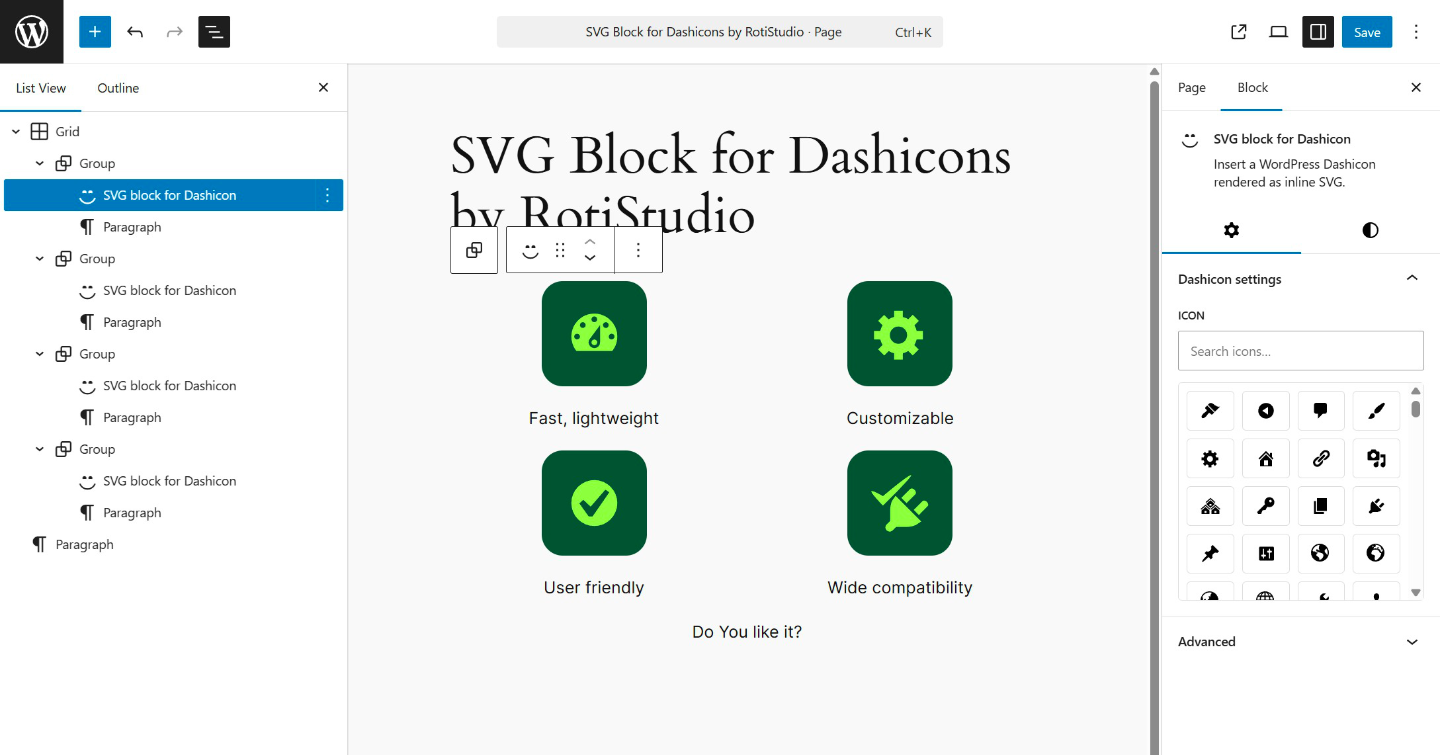
First install and activate it, then in the editor (Gutenberg) if you start typing /svg in a paragraph it will output it. Or you will find it in the editor when adding blocks if you search for SVG there.
How many icons are included in the plugin?
The plugin includes 334 Dashicons in SVG code format. (No files, just paths.)
How compatible is inline SVG icon usage?
Icons are rendered using SVG path markup, which has long been supported by all modern browsers.
Does it work with existing themes?
Yes. Styles are applied inline, so it works with all block themes and most classic themes as well.
Is it lightweight and fast?
Yes. The plugin code is minimal, fast, and performance-optimized. Only the selected SVG icon is rendered on the frontend and in the editor.
Can I customize the icons?
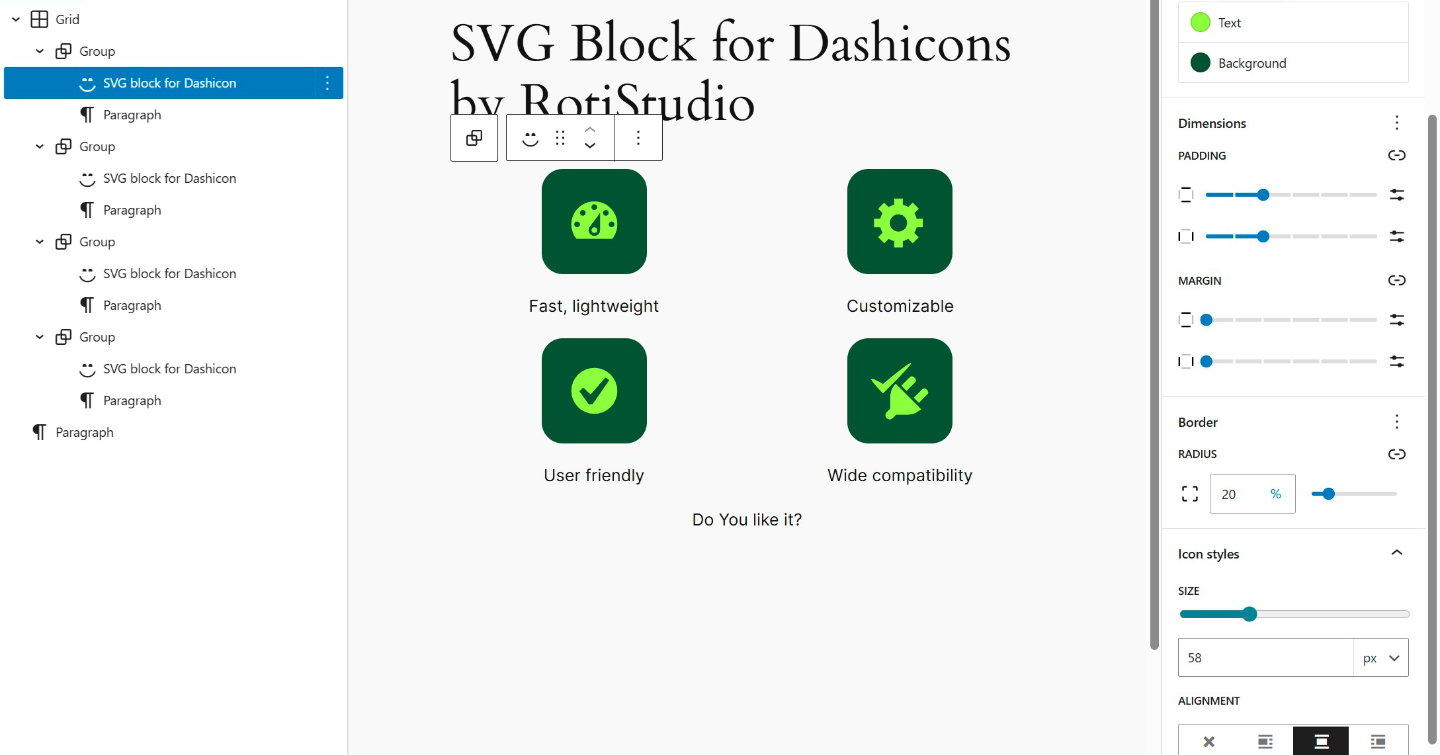
Yes. You can customize icon size, color, background color, border, border radius, padding, and margin.
Why do I see a color contrast warning in the block editor?
The WordPress block editor may show a contrast warning when comparing the icon’s text color to the page background. This warning can be safely ignored because it checks an incorrect color combination. What the editor checks: Text color vs. page background color\ What matters on the frontend: Text color vs. icon background color (applied to the SVG element) On the frontend, all colors (text, background, padding, margin) are correctly applied directly to the SVG element, ensuring proper contrast ratios where they actually matter.
Is the plugin translated into other languages?
Yes. The plugin is fully internationalized and ready for translation. Hungarian translation is included by default. Translation files are automatically loaded by WordPress 4.6+, making the plugin WordPress.org Plugin Check compliant.
Compatible with Classic Editor?
Unfortunately no, this is specifically designed for the Gutenberg editor.
Do the icons work with the core Icon block?
Yes, on WordPress 7.1 and newer. The plugin registers all 334 Dashicons with the WordPress Icons API, so they show up in the core Icon block's Icon Library under a "Dashicons" collection tab. On older WordPress versions the plugin's own block keeps working, only the core Icon block integration is skipped.
更新日志:
- Add core Icon block integration: all 334 Dashicons are registered with the WordPress 7.1+ Icons API under a "Dashicons" collection.
- Migrate block registration to block.json: block metadata (attributes, supports, example) now lives in a single source instead of being duplicated in PHP and JavaScript. Existing content is not affected.
- WordPress 7.0 compatibility check
- PHP 8.5 compatibility check
- Fix 100% border-radius.
- Fix the original SVG paths for the 4 admin-site icons.
- Increased accessibility.
- Add fit-content width and height style value.
- Add gradient background color support.
- Add link support.
- Change plugin name, slug and textdomain.
- WordPress Coding Standards (WPCS) and ESLint fixes.
- Add block preview.
- Full internationalization (i18n) support with Hungarian translation included.
- WordPress.org Plugin Check compliant (automatic translation loading for WordPress 4.6+).
- Initial release.