
SVisciano - Snowfall Effect
| 开发者 |
SVisciano
svisciano |
|---|---|
| 更新时间 | 2026年1月21日 03:08 |
| 捐献地址: | 去捐款 |
| PHP版本: | 7.0 及以上 |
| WordPress版本: | 6.9 |
| 版权: | GPLv2 or later |
| 版权网址: | 版权信息 |
详情介绍:
安装:
- If you have the plugin as a ZIP file, first upload it via the WordPress admin: go to "Plugins" > "Add New" > "Upload Plugin", and select the ZIP file. WordPress will extract it automatically.
- Activate the plugin through the 'Plugins' menu in WordPress.
- Go to "Settings" > "SVisciano - Snowfall Effect" to configure the plugin.
屏幕截图:
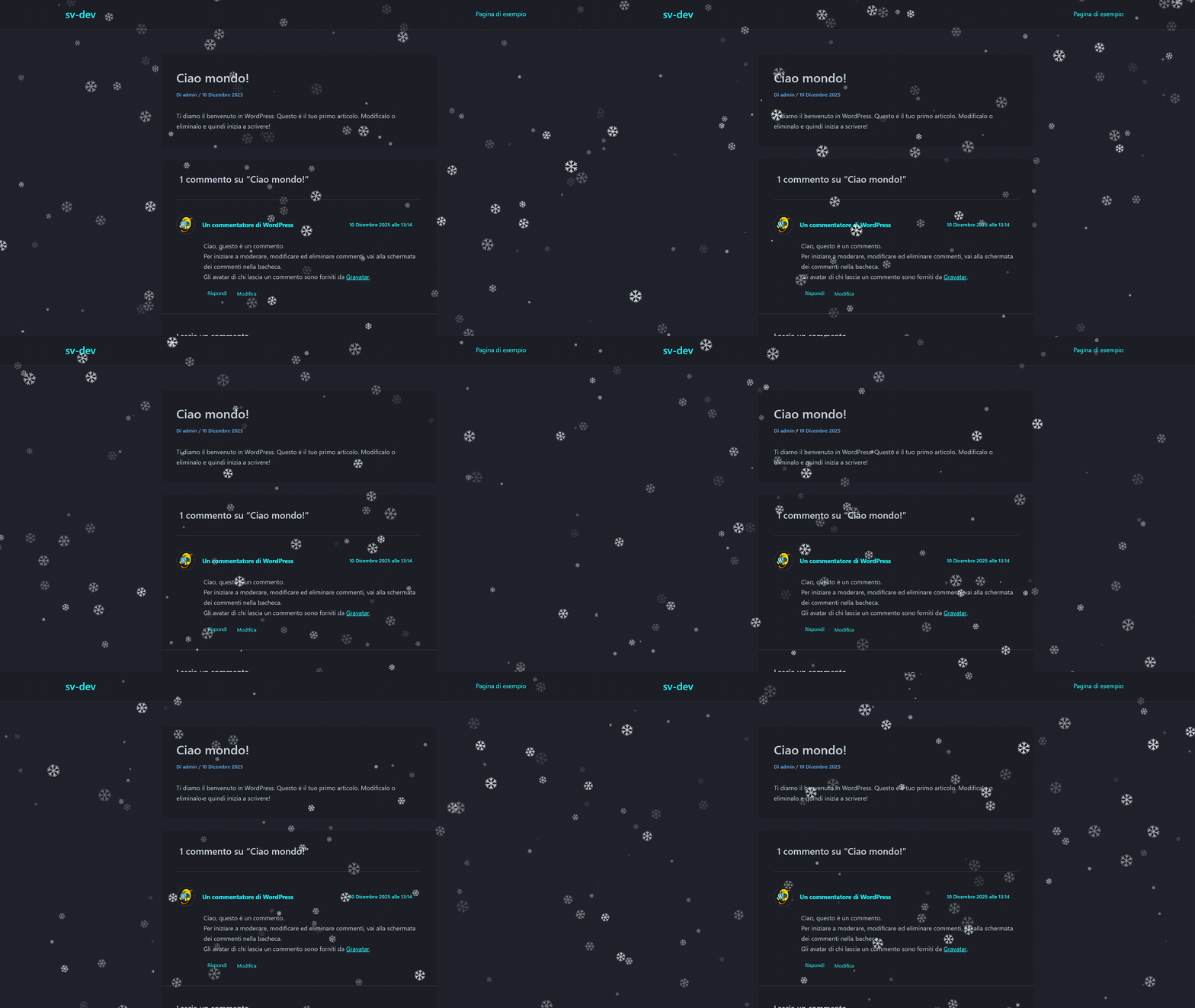
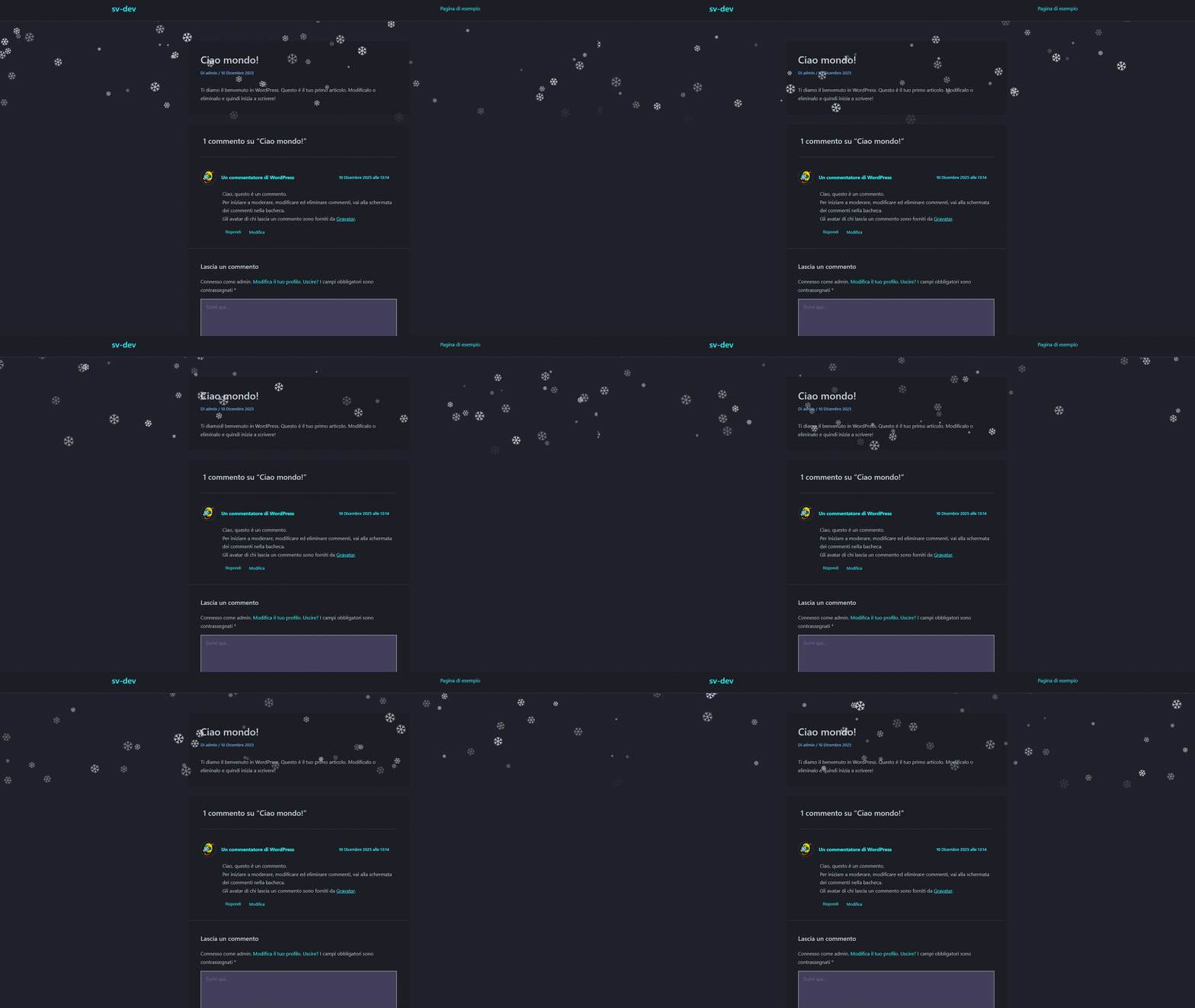
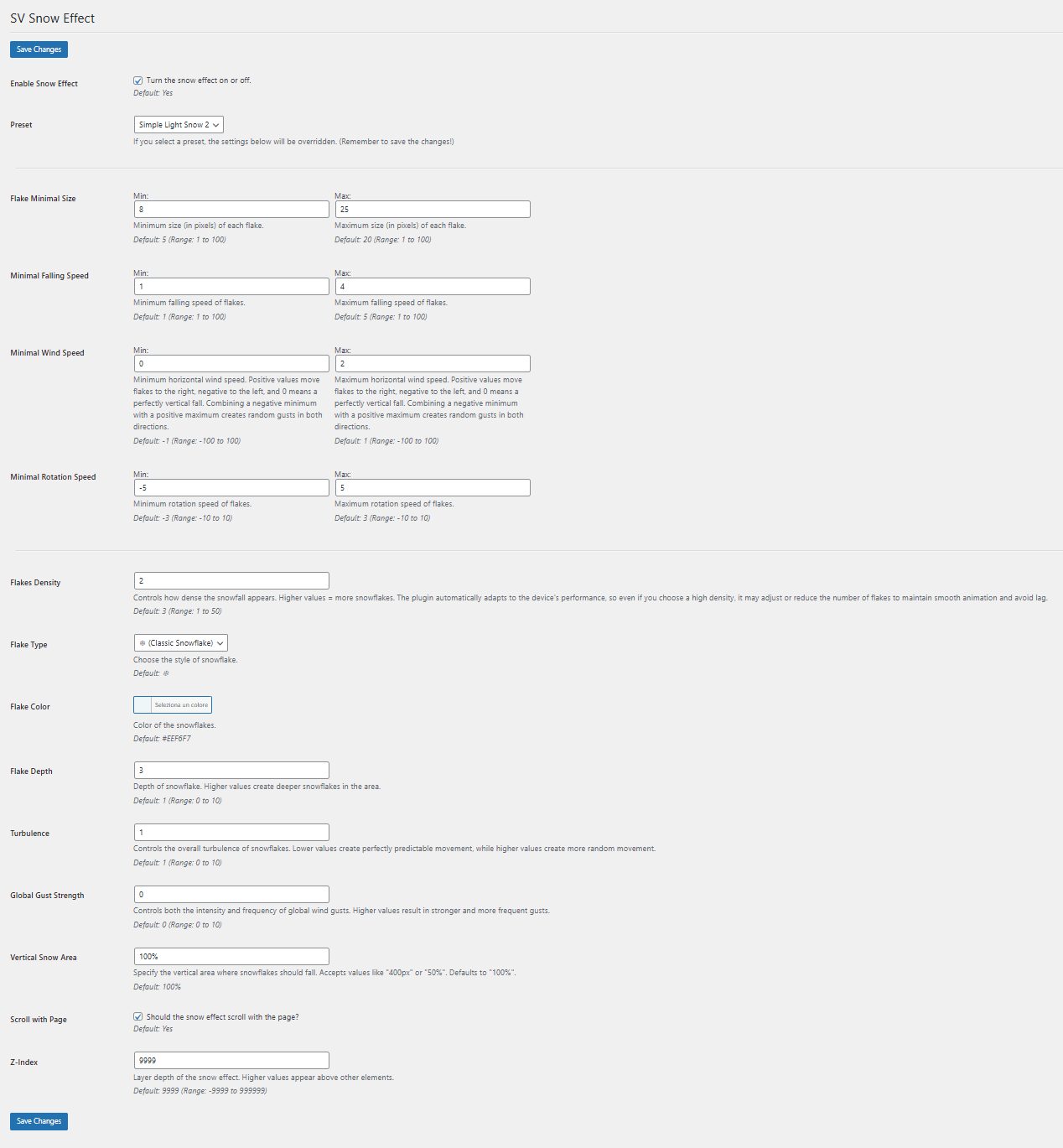
常见问题:
Can I enable or disable the snow effect without deactivating the plugin?
You can toggle the snowfall on or off directly from the plugin settings. This prevents the script from loading when disabled.
I can't see the snowfall on my site.
This is usually caused by a z-index conflict with your theme or other elements. Try adjusting the z-index value in the plugin settings until the snow appears correctly.
How do I use the ready-made presets?
There is a dropdown menu in the settings where you can select one of the pre-configured presets. You can use them as-is or start customizing from a preset.
Is the plugin mobile-friendly?
Absolutely. The JavaScript is optimized for mobile devices, and the snowfall effect self-manages to maintain smooth performance without lag. It is designed to provide a consistent visual experience on any device or screen size, automatically adapting to fit.
Will this plugin affect my site speed?
No. The plugin uses lightweight, optimized JavaScript that only loads when the effect is enabled, minimizing any impact on site performance. If the effect settings are configured in a way that could impact performance, the plugin automatically adapts, prioritizing smoothness and responsiveness while still trying to stay as close as possible to your chosen settings.
I changed the settings but the snowfall effect didn't change.
Make sure you click the "Save Settings" button after making changes. The plugin only applies new settings after they are saved.
更新日志:
- Enhanced stability and performance optimizations
- Minor internal improvements and bug fixes
- Initial release