
swftbox for WooCommerce
| 开发者 | swftbox |
|---|---|
| 更新时间 | 2026年5月21日 16:12 |
| PHP版本: | 7.4 及以上 |
| WordPress版本: | 7.0 |
| 版权: | GPLv2 or later |
| 版权网址: | 版权信息 |
详情介绍:
- Automatic Order Sync: New orders are instantly sent to swftbox for fulfillment
- Real-time Status Updates: Delivery status changes automatically update in WooCommerce
- Bidirectional Communication: Two-way sync keeps your store and swftbox in perfect harmony
- Simple Setup: Connect with one click using your swftbox account
- HPOS Compatible: Full support for WooCommerce High-Performance Order Storage
- Install and activate the plugin
- Click "Connect with swftbox" and log in to your swftbox account
- Approve the WooCommerce API connection when prompted
- Orders automatically sync to swftbox and status updates flow back to WooCommerce
- WordPress 5.8 or higher
- WooCommerce 6.0 or higher
- PHP 7.4 or higher
- A swftbox account (sign up here)
安装:
- Log in to your WordPress admin panel
- Navigate to Plugins > Add New
- Search for "swftbox for WooCommerce"
- Click "Install Now" and then "Activate"
- Go to swftbox in your admin menu and click "Connect with swftbox"
- Download the plugin ZIP file
- Log in to your WordPress admin panel
- Navigate to Plugins > Add New > Upload Plugin
- Choose the downloaded ZIP file and click "Install Now"
- Activate the plugin
- Go to swftbox in your admin menu and click "Connect with swftbox"
屏幕截图:
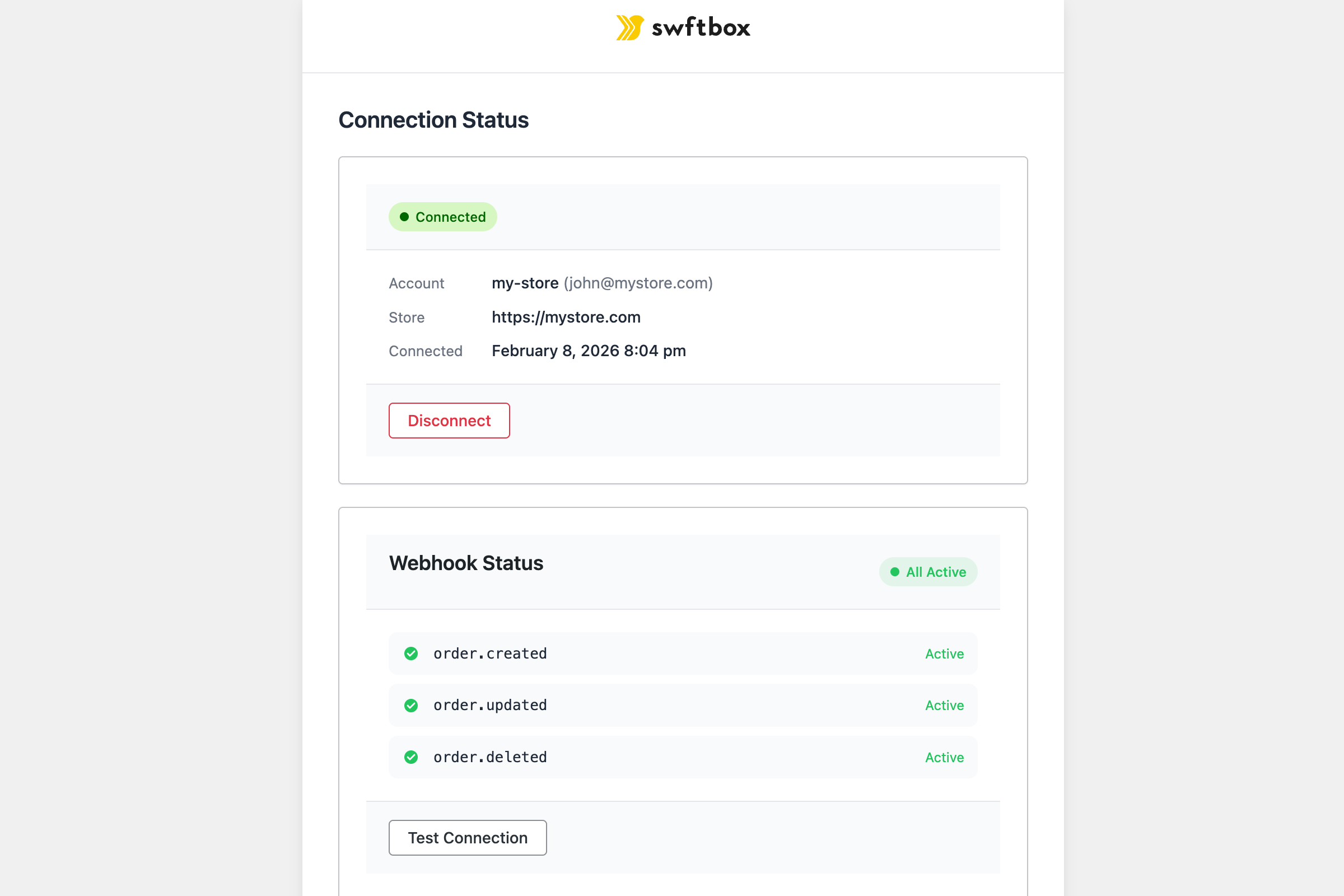
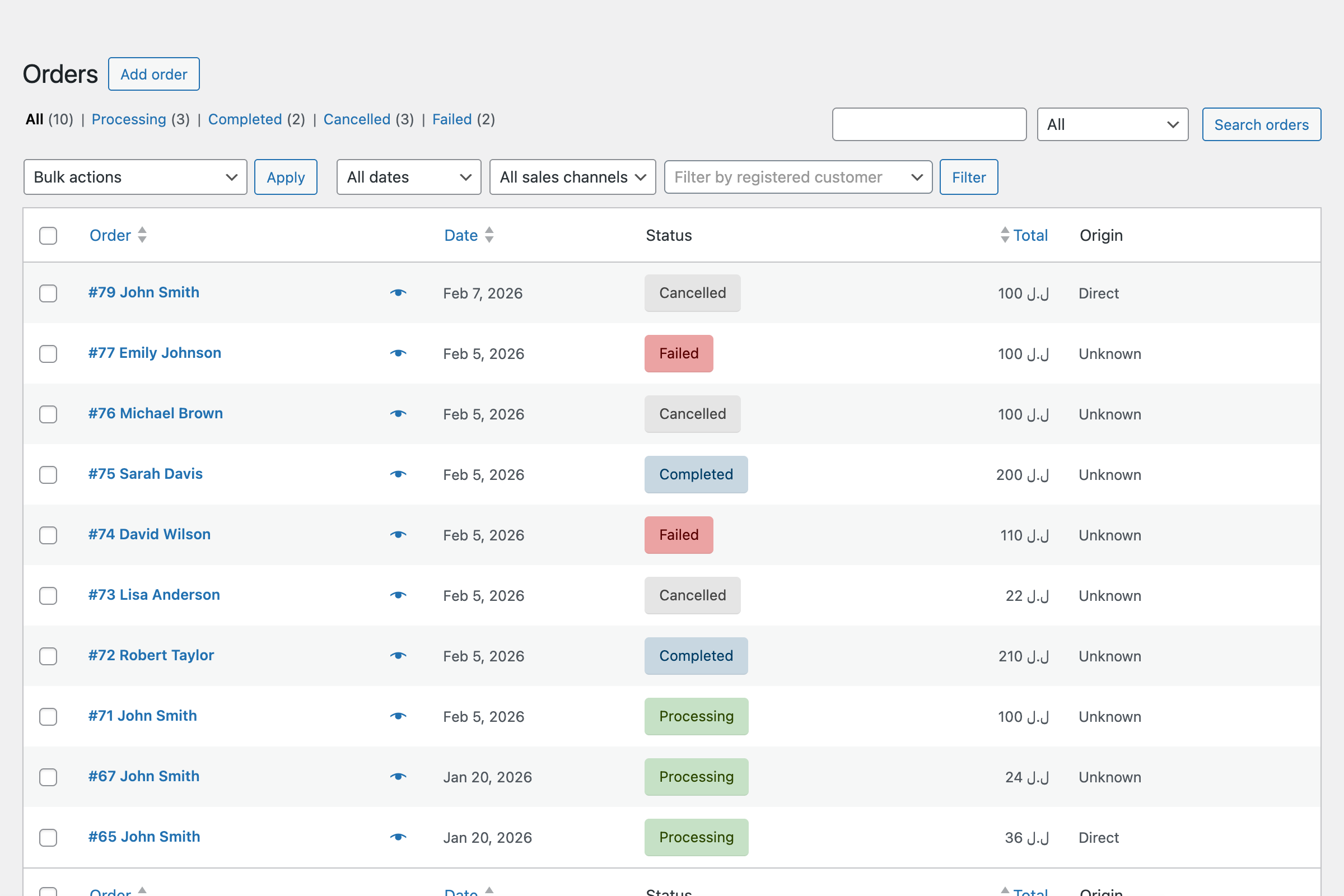
常见问题:
How do I connect my store?
Install the plugin, then click "Connect with swftbox" on the plugin settings page. You'll be prompted to log in to your swftbox account and authorize the connection. Everything is set up automatically.
Does this plugin support WooCommerce HPOS?
Yes! This plugin is fully compatible with WooCommerce High-Performance Order Storage (HPOS).
What order statuses are synced?
The plugin syncs order creation, updates, and cancellations. Delivery status updates from swftbox (picked up, in transit, delivered, failed, etc.) are automatically reflected in WooCommerce.
Is my data secure?
Yes. All communication between your store and swftbox uses HTTPS encryption. Authentication is handled via OAuth — your WooCommerce API credentials are generated automatically and only used for order status updates.
Can I use this with WooCommerce Subscriptions?
Yes, the plugin works with WooCommerce Subscriptions. Each renewal order will be synced to swftbox automatically.
What happens if I deactivate the plugin?
Webhooks are automatically removed when you deactivate the plugin. Your existing orders in swftbox are not affected. You can reactivate at any time to resume syncing.
更新日志:
- Added automated WordPress.org deployment via GitHub Actions
- Published to WordPress.org plugin directory
- Fixed WordPress.org plugin review requirements
- Added Requires Plugins header for WooCommerce dependency
- Improved security with direct nonce verification
- Extracted inline assets to external CSS/JS files
- Added proactive webhook health verification
- New "Verify Connection" button to test webhook delivery
- Improved health status with 4-level system (healthy, unverified, warning, unhealthy)
- Enhanced admin UI for connection status feedback
- Initial release
- Automatic order sync via webhooks
- Real-time status updates
- HPOS compatibility
- OAuth flow for WooCommerce REST API