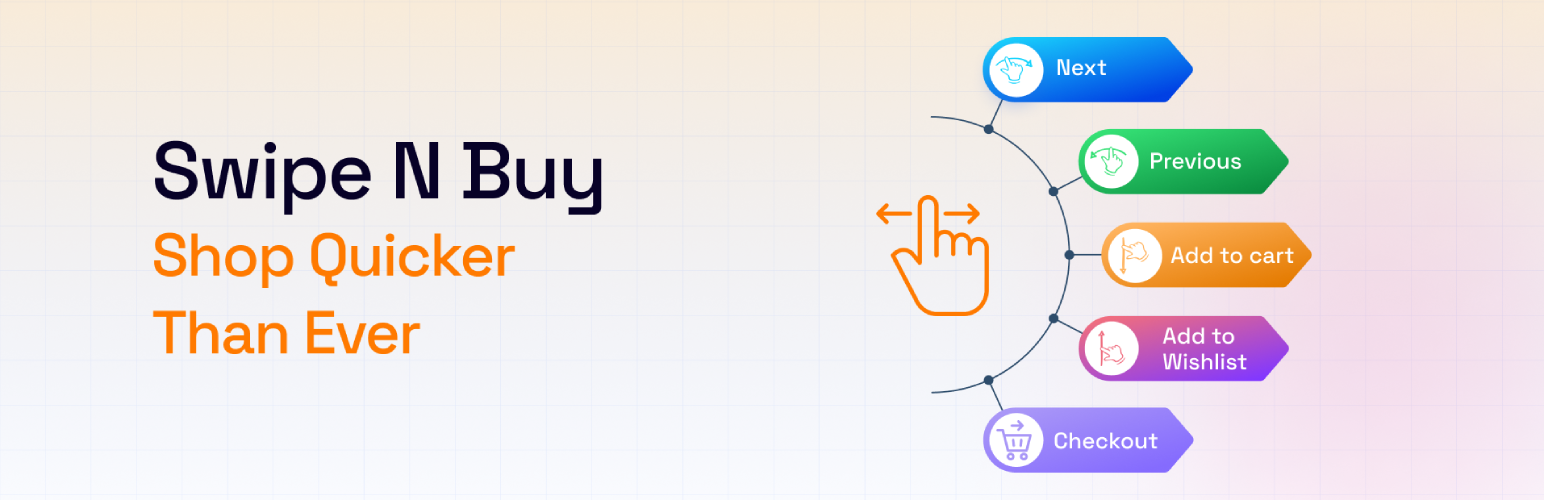
Swipe n Buy for WooCommerce – let shoppers swipe through products and buy
| 开发者 |
bplugins
abuhayat btechnologies |
|---|---|
| 更新时间 | 2026年7月26日 20:16 |
| 捐献地址: | 去捐款 |
| PHP版本: | 6.5+ 及以上 |
| WordPress版本: | 7.0 |
| 版权: | GPLv3 or later |
| 版权网址: | 版权信息 |
详情介绍:
Turn browsing into a game – let shoppers swipe through your WooCommerce products one by one and add favorites to the cart with a single swipe.
Demos | Documentation
Why Swipe n Buy?
Swipe n Buy brings Tinder-like swiping to shopping. Instead of scrolling through grids, visitors swipe to the next or previous product, add items to the cart or wishlist, and head to checkout – a fun, mobile-friendly way to discover your catalog.
Create a custom swiping landing page with just a click, filter which products appear by category, and style the layout and buttons to match your store's design. WooCommerce is required, and everything is configured from a simple "Swipe n Buy" menu in your dashboard.
Free Features
- Swipe to Cart & Wishlist: Add products to the cart and wishlist effortlessly with a single swipe.
- Seamless Product Swiping: Swipe through all products one by one.
- One-Click Landing Page: Easily create a custom landing page with just a click.
- Category Filtering: Filter products by specific categories for a refined shopping experience.
- Sorting Options: Sort products by Order and Order By to surface exactly what you need.
- Layout Controls: Customize layout width and alignment to match your website's design.
- Button Styling: Personalize button color, size, and background color for a unique touch.
- Install and activate the Swipe n Buy plugin (WooCommerce must be active).
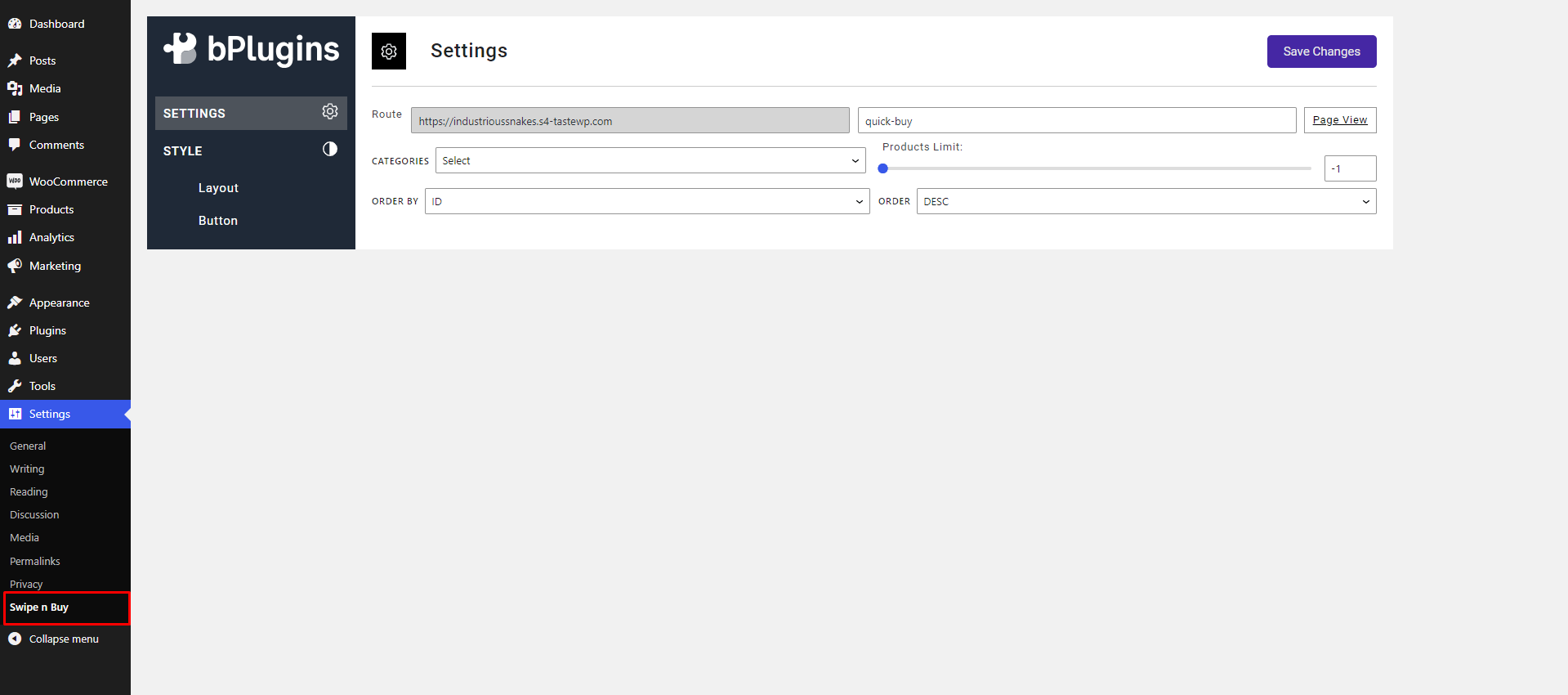
- Find the new Swipe n Buy menu in your dashboard sidebar.
- Adjust the plugin settings from the settings option.
- Enjoy – your swipeable product experience is live!
安装:
From your WordPress dashboard (recommended):
- Go to Plugins → Add New.
- Search for "Swipe n Buy".
- Click Install Now, then Activate.
- Open the Swipe n Buy menu in your dashboard to configure settings.
- Download the Swipe n Buy plugin (.zip file).
- In your admin area, go to Plugins → Add New and click Upload Plugin.
- Choose the
swipe-n-buy.zipfile, click Install Now, then Activate. - Alternatively, upload the plugin folder to the
/wp-content/plugins/directory and activate it through the Plugins menu.
屏幕截图:
常见问题:
Is Swipe n Buy free?
Yes, Swipe n Buy is a free Gutenberg block plugin.
Is it necessary to have WooCommerce activated to use Swipe n Buy?
Yes, the WooCommerce plugin must be activated for Swipe n Buy to function properly.
Can Swipe n Buy display content other than WooCommerce products?
No, the plugin is designed to exclusively showcase WooCommerce products.
Can shoppers add products to the cart by swiping?
Yes. Visitors can add products to the cart and wishlist with a single swipe, and move to the next or previous product by swiping through the catalog.
Can I choose which products appear in the swipe view?
Yes. You can filter products by specific categories and sort them using the Order and Order By options.
Does it work with any WordPress theme?
Yes, it works with any standard WordPress theme.
Can I change plugin settings?
Yes, you can change the plugin settings from the Swipe n Buy settings options, including layout width, alignment, and button styling.
Where can I get support?
You can post your questions on the support forum here.
更新日志:
1.0.4 - 18 Dec, 2024
- Redirect swipe n buy settings page
- Variable work grid layout
- Can set new layout according to device.
- New feature block convert this plugin
- Initial Release