Tabspot – Accessible Image Hotspots
| 开发者 | novicapilipovic |
|---|---|
| 更新时间 | 2026年11月9日 22:44 |
| PHP版本: | 7.4 及以上 |
| WordPress版本: | 7.1 |
| 版权: | GPL-2.0-or-later |
| 版权网址: | 版权信息 |
详情介绍:
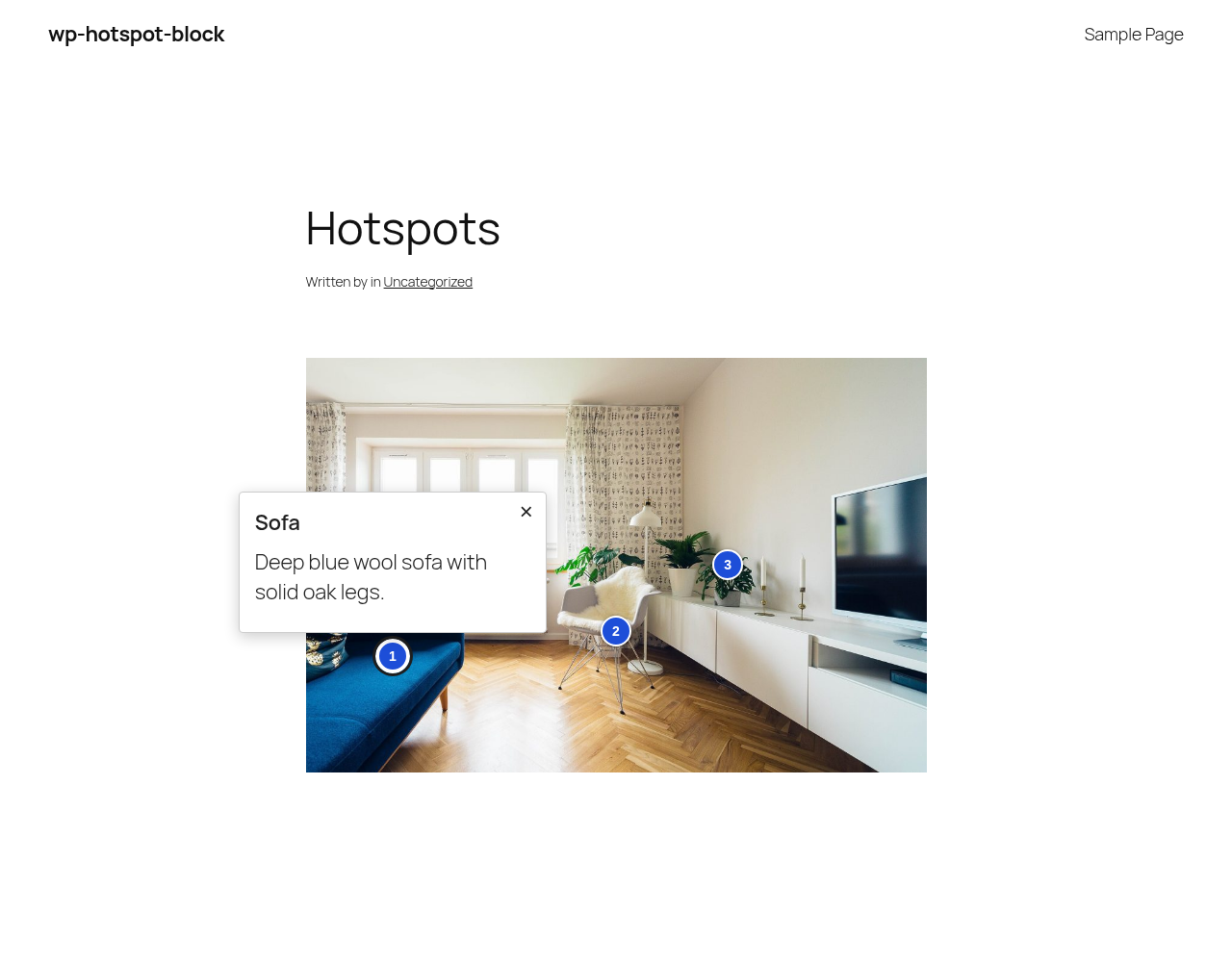
Add pins to an image and show a short text when a visitor activates one. Built for accessibility first:
- Every pin is a real button, reachable with Tab and opened with Enter or Space.
- Popups use the browser's native popover: Esc closes, clicking outside closes, focus returns to the pin.
- No JavaScript on the front end.
- Pin labels are read by screen readers.
安装:
- Upload the plugin to the
/wp-content/plugins/directory, or install it from the Plugins screen. - Activate the plugin through the 'Plugins' screen.
- In the block editor, add the "Tabspot Image Hotspots" block and choose an image.
屏幕截图:
常见问题:
Does it load any JavaScript on the front end?
No. Popups use the native HTML popover attribute.
Can I put images or links in the popup?
Not yet. Popup content is plain text; line breaks become paragraphs.
更新日志:
0.1.0
- Release