
Tada Confetti - Celebration Effects
| 开发者 |
mdshahriarrabby
rabby5 |
|---|---|
| 更新时间 | 2026年3月27日 06:31 |
| PHP版本: | 7.4 及以上 |
| WordPress版本: | 6.9 |
| 版权: | GPLv2 or later |
| 版权网址: | 版权信息 |
详情介绍:
Tada Confetti is the ultimate celebration plugin for WordPress! Add delightful confetti, fireworks, and celebration effects that engage your visitors and make special moments memorable.
Why Tada?
- E-commerce Owners: Celebrate purchases on your WooCommerce thank you pages
- Course Creators: Reward students for completing lessons
- Bloggers & Marketers: Increase engagement and time-on-page
- Event Sites: Make announcements and celebrations unforgettable
- Classic confetti and fireworks effects
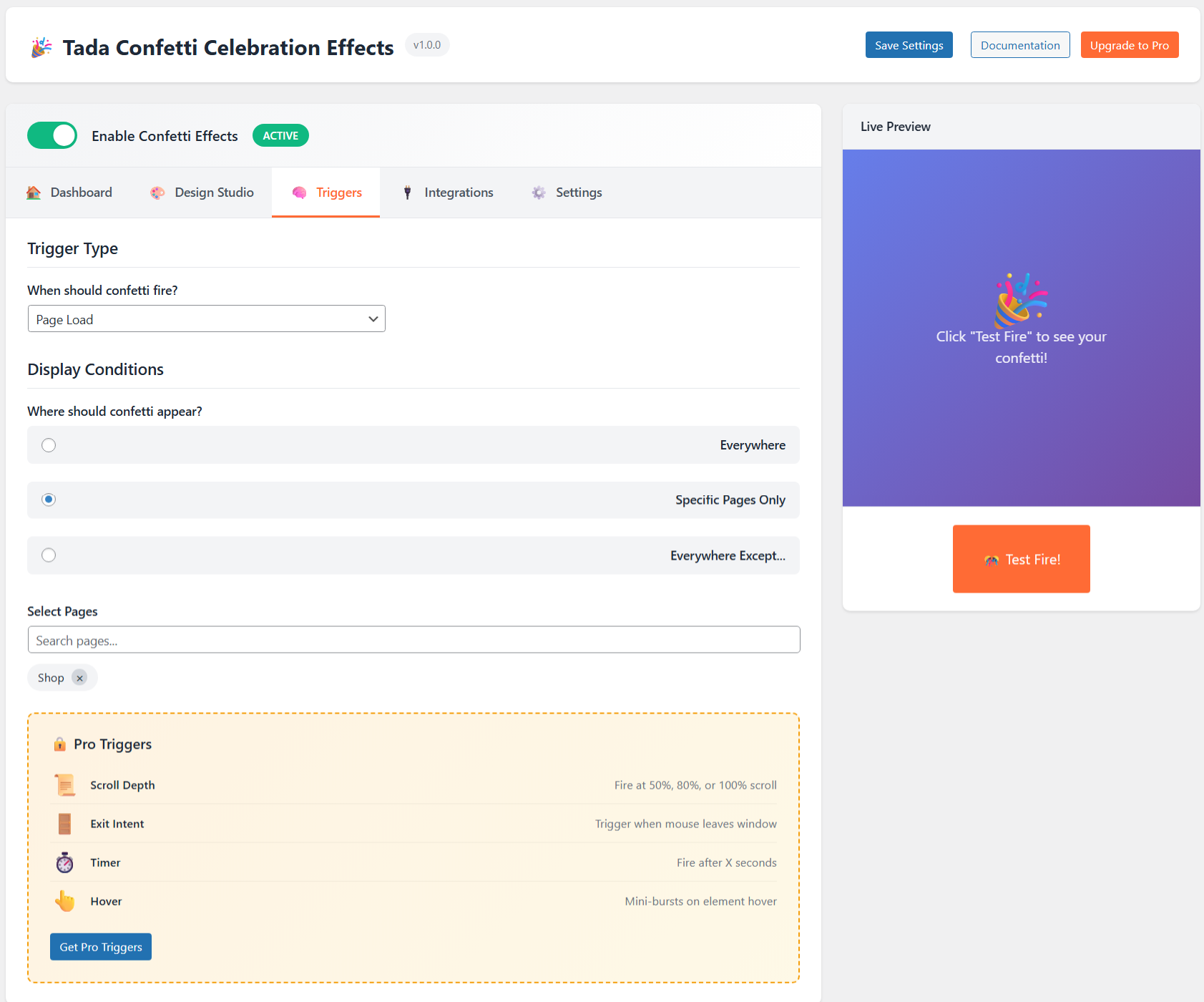
- Trigger options: page load and click target
- Shortcode support: [tada] and [confetti]
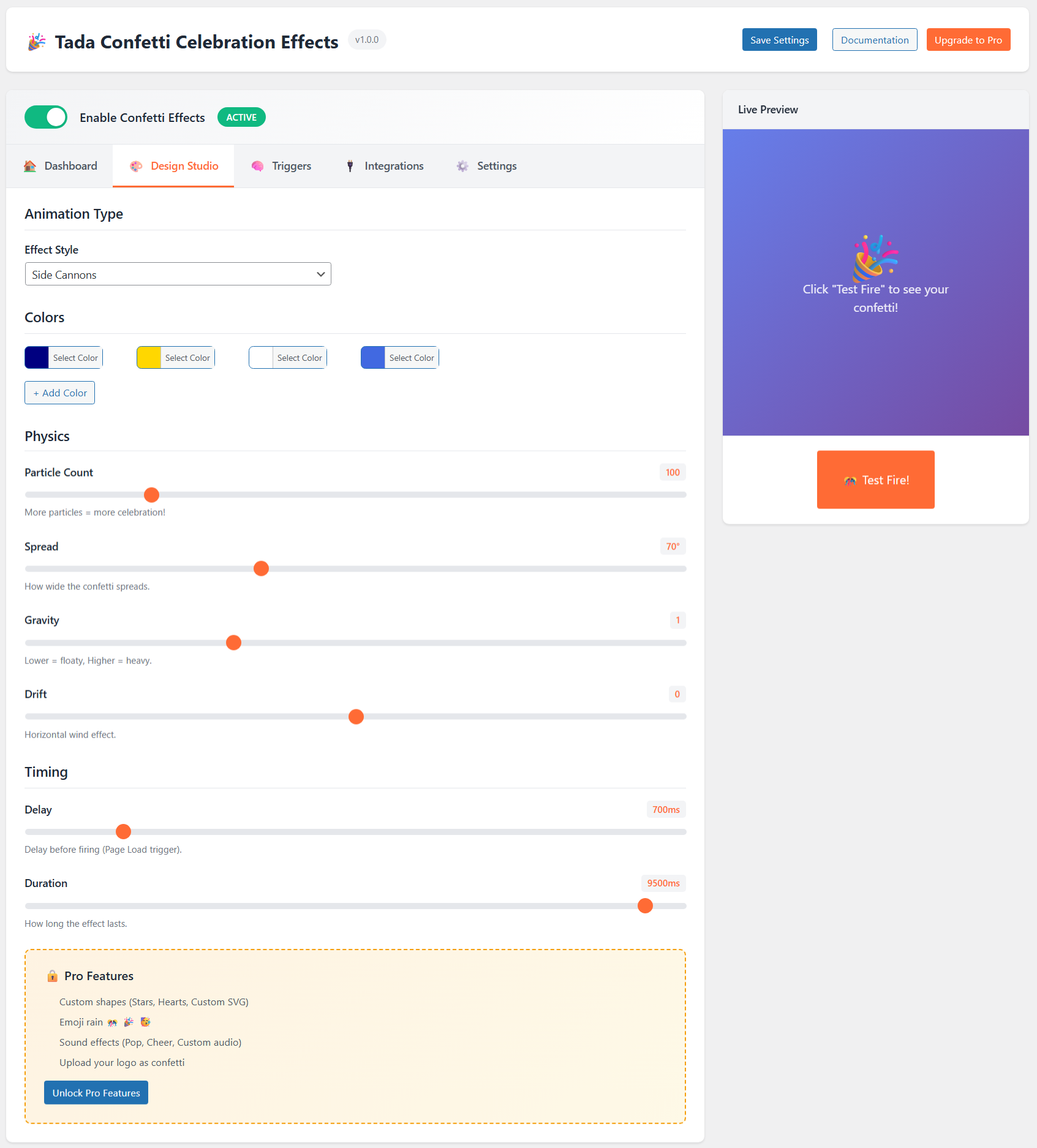
- Custom colors and physics controls
- Presets for fast setup
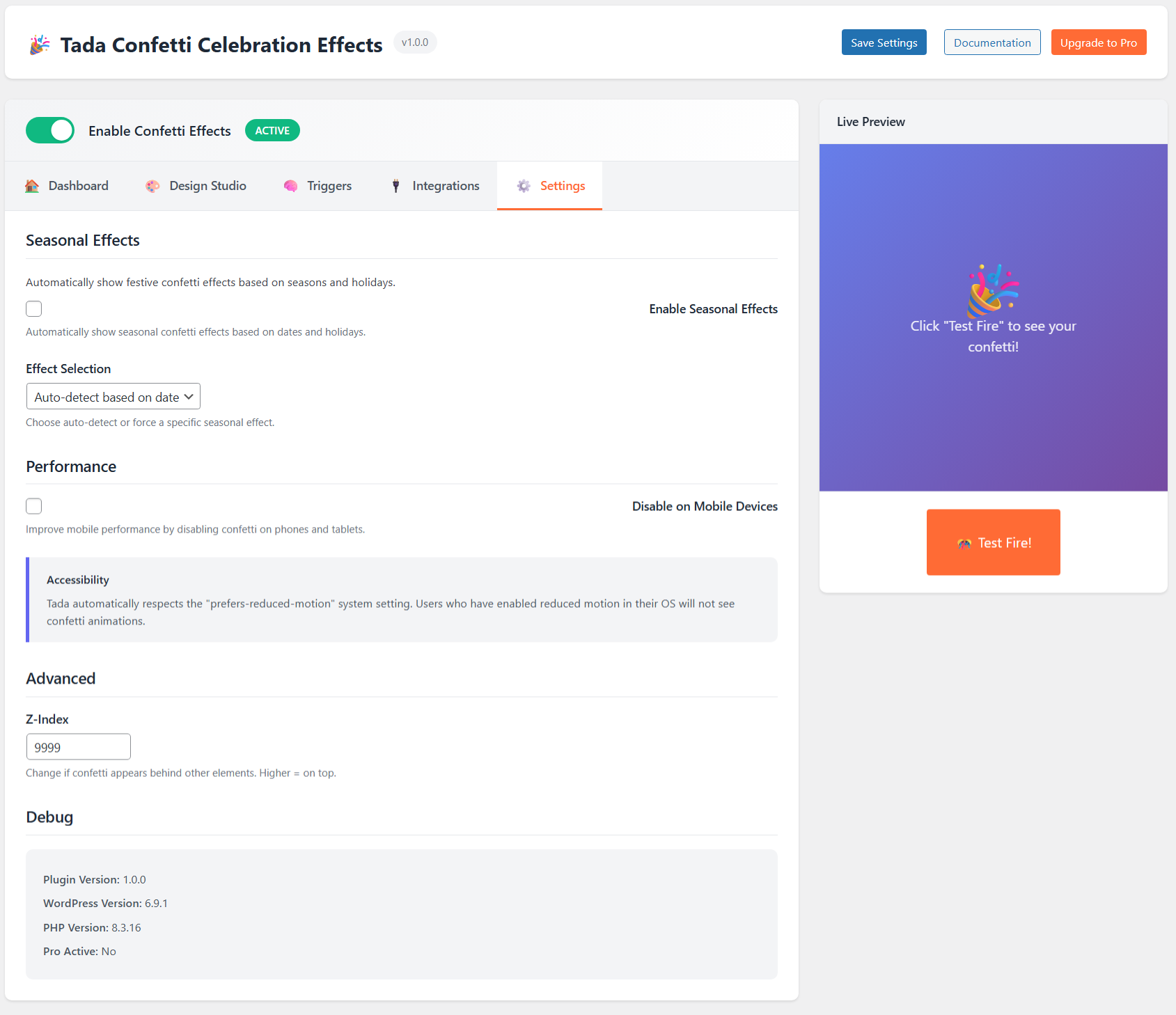
- Mobile disable option
- Accessibility support for reduced motion preferences
- Smart triggers: scroll depth, timer, exit intent, hover, copy
- Advanced animations: emoji rain, floating balloons, custom shape, cursor trail
- Sound effects with volume and custom audio
- Display logic by user role, device, and schedule
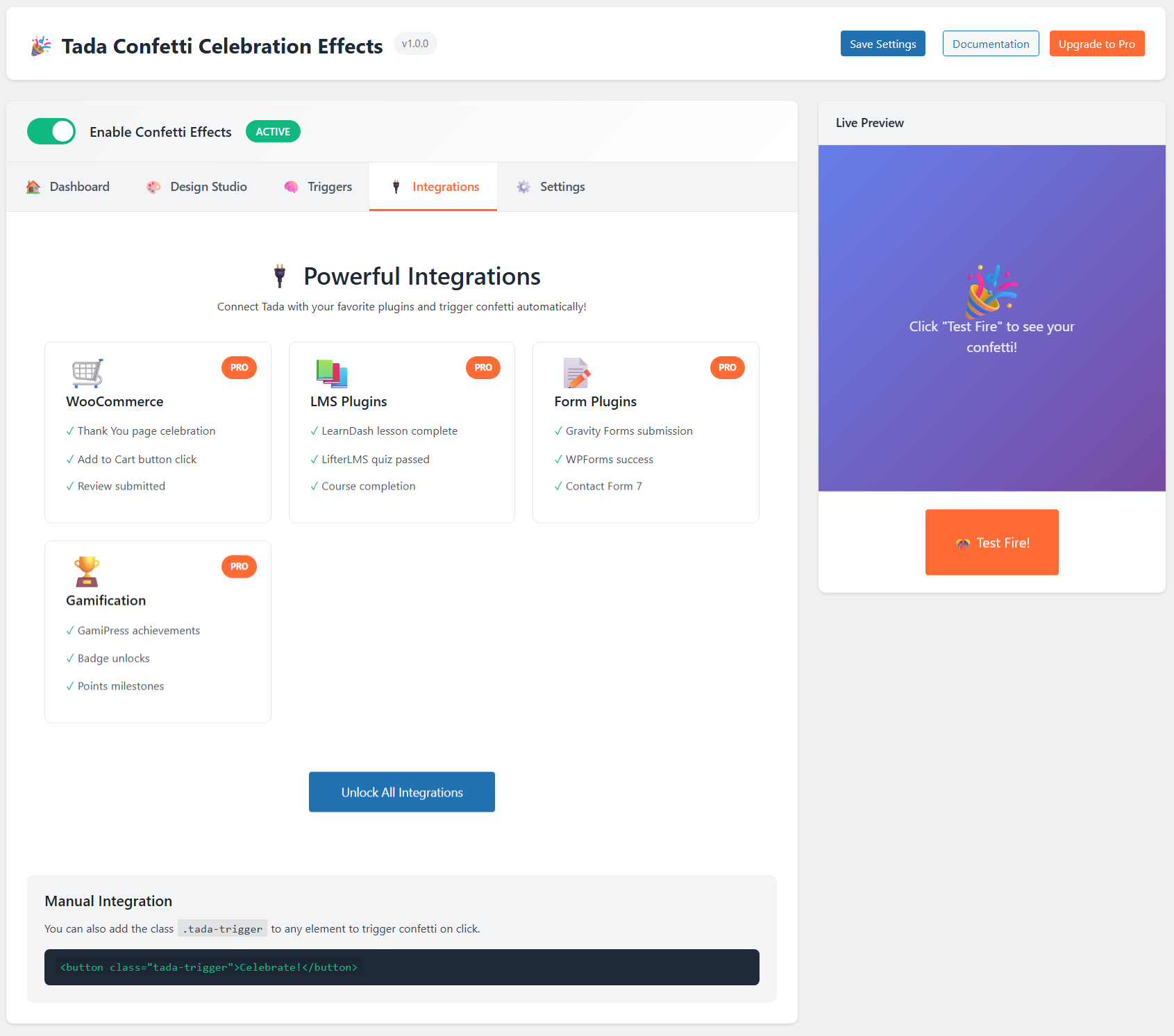
- Integrations for WooCommerce, LMS, forms, and gamification
[tada particle_count="150" spread="90" colors="#ff0000,#00ff00,#0000ff"]
Manual Trigger
Click trigger on selector:
[tada trigger="click" selector=".celebrate-btn"]
JavaScript API
window.Tada.fire({ particleCount: 200 });
安装:
- Upload the plugin folder to /wp-content/plugins/.
- Activate the plugin in WordPress admin.
- Open Tada Confetti in the dashboard.
- Configure settings and save.
屏幕截图:
常见问题:
Will this slow down my website?
No! Tada uses the lightweight canvas-confetti library and HTML5 Canvas for smooth, GPU-accelerated animations that don't impact your DOM.
Does it work with page builders?
Yes! Tada works with all major page builders including Elementor, Divi, Beaver Builder, and Gutenberg.
Can I run effects only on specific pages?
Yes! Tada respects the prefers-reduced-motion system setting and automatically disables animations for users who have this preference enabled.
Does it work on mobile?
Yes, but you can optionally disable it on mobile devices for better performance.
Can I trigger confetti on button clicks?
Yes! You can either:
- Use the CSS selector trigger to fire on any element click
- Add the
tada-triggerclass to any element - Use the JavaScript API:
window.Tada.fire()
更新日志:
1.0.1
- Fixed text domain mismatch with plugin slug.
- Fixed incorrect file paths in require statements causing fatal error on activation.
- Fixed unsanitized POST input in Pro settings AJAX handler.
- Fixed non-prefixed global variables in Pro template files.
- Removed deprecated load_plugin_textdomain() call.
- Initial public release.
- Core confetti and fireworks effects.
- Trigger controls, preset system, and shortcode support.
- Admin live preview and settings UI.