Taiji Template Inspector
| 开发者 | jack89ita |
|---|---|
| 更新时间 | 2026年3月24日 18:01 |
| PHP版本: | 7.4 及以上 |
| WordPress版本: | 6.9 |
| 版权: | GPLv2 or later |
| 版权网址: | 版权信息 |
详情介绍:
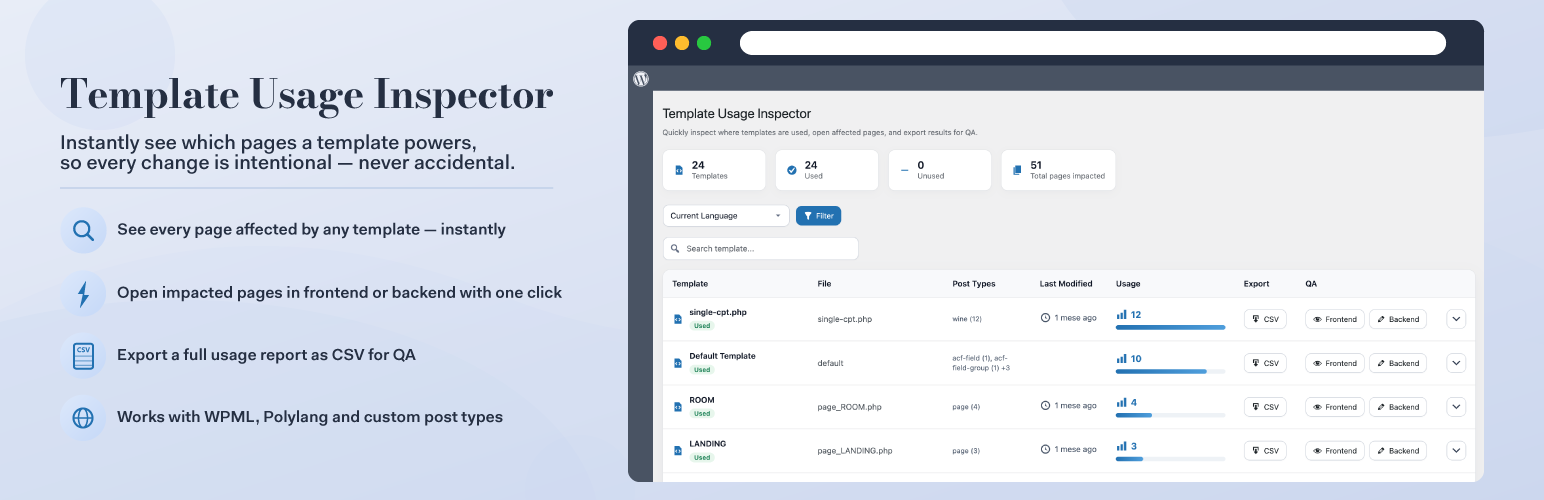
- See every page affected by any template — at a glance, sorted by usage count so the most impactful templates are always first
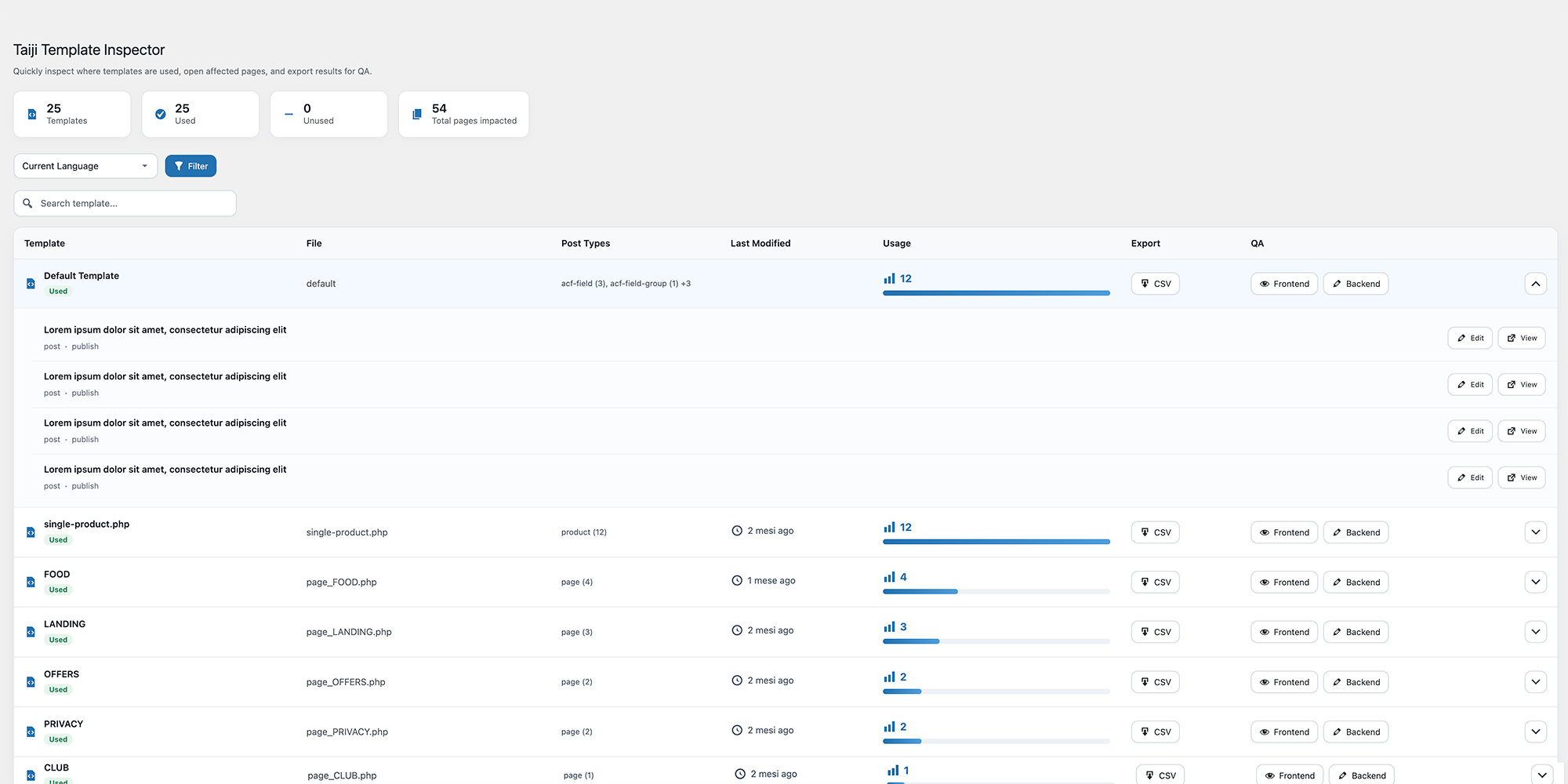
- Expand any template row to inspect the individual posts and pages assigned to it
- Open all impacted pages in one click — choose between frontend preview or backend editor
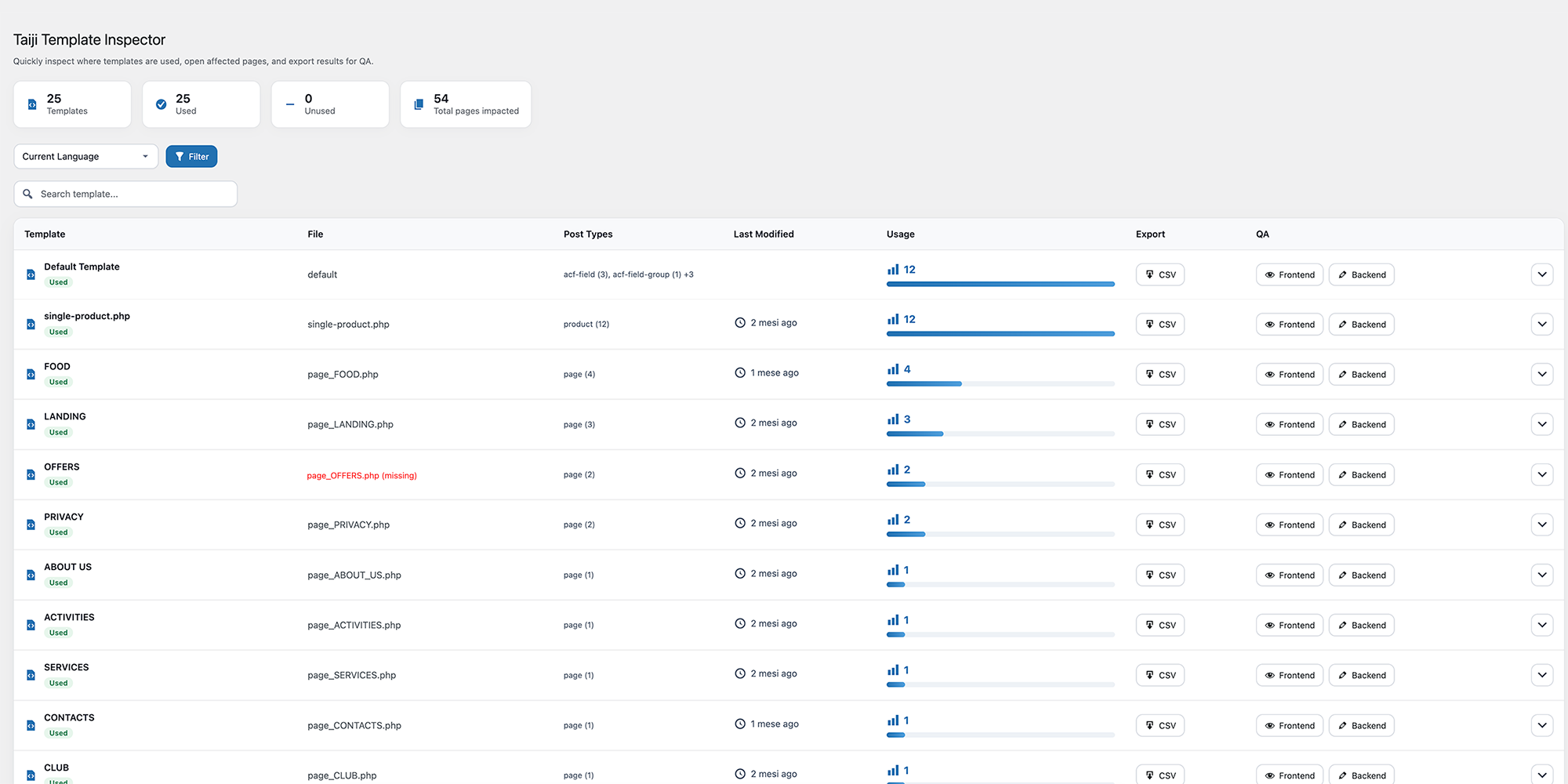
- Spot orphaned templates — files missing from the theme are automatically flagged, so you can clean up safely
- Export a full usage report as CSV for QA workflows and documentation
- Filter by language when using WPML or Polylang on multilingual sites
- Search templates instantly with the live search bar
- Developers maintaining or refactoring WordPress themes
- Agencies managing client sites with complex template structures
- QA teams who need to verify which pages are affected before deploying changes
安装:
- Install the plugin from the WordPress.org plugin directory, or upload the
taiji-template-inspectorfolder to/wp-content/plugins/ - Activate the plugin through the Plugins menu in WordPress
- Navigate to Tools → Taiji Template Inspector
屏幕截图:
常见问题:
Does this plugin modify my database or content?
No. Taiji Template Inspector is entirely read-only. It only reads existing information about templates and posts. It never writes, modifies or deletes any content or database structures.
Is it safe to use on a live production site?
Yes. The plugin is read-only and uses optimised queries with transient caching to minimise any performance impact. It is designed to be safe and lightweight in production environments.
Does it work with custom post types?
Yes. The plugin supports pages, posts, and all registered custom post types. Internal WordPress types such as revisions and navigation menu items are automatically excluded.
What happens if a template file has been deleted from the theme?
If a template is still assigned to pages in the database but the corresponding file no longer exists in the theme, the plugin will still show it in the list and flag it as missing. This makes it easy to identify orphaned template assignments that may need cleaning up.
Does it work with multilingual plugins?
Yes. The plugin integrates with both WPML and Polylang. When either plugin is active, a language filter appears on the dashboard so you can inspect template usage per language.
Can I export the data?
Yes. Each template row includes a CSV export button that downloads a report of all affected pages and posts. Useful for QA handoffs and documentation.
Where do I find the plugin after activation?
Navigate to Tools → Taiji Template Inspector in your WordPress admin.
Does it work with multisite?
The plugin works on individual sites within a multisite network. It is not network-activated and reads data for the current site only.
更新日志:
- Initial release
- Template usage dashboard with summary cards (total templates, used, unused, total pages impacted)
- Expandable template rows showing individual affected posts and pages
- One-click open all pages in frontend or backend
- Visual usage indicator with animated progress bars
- Template file last-modified date indicator
- Orphaned template detection (missing theme files flagged automatically)
- CSV export per template
- Live search bar
- Language filter for WPML and Polylang
- Optimised queries with transient caching
- Supports pages, posts and custom post types