
Tangleout
| 开发者 | tangleout |
|---|---|
| 更新时间 | 2026年8月9日 00:08 |
| PHP版本: | 8.0 及以上 |
| WordPress版本: | 7.0 |
| 版权: | GPL-2.0-or-later |
| 版权网址: | 版权信息 |
详情介绍:
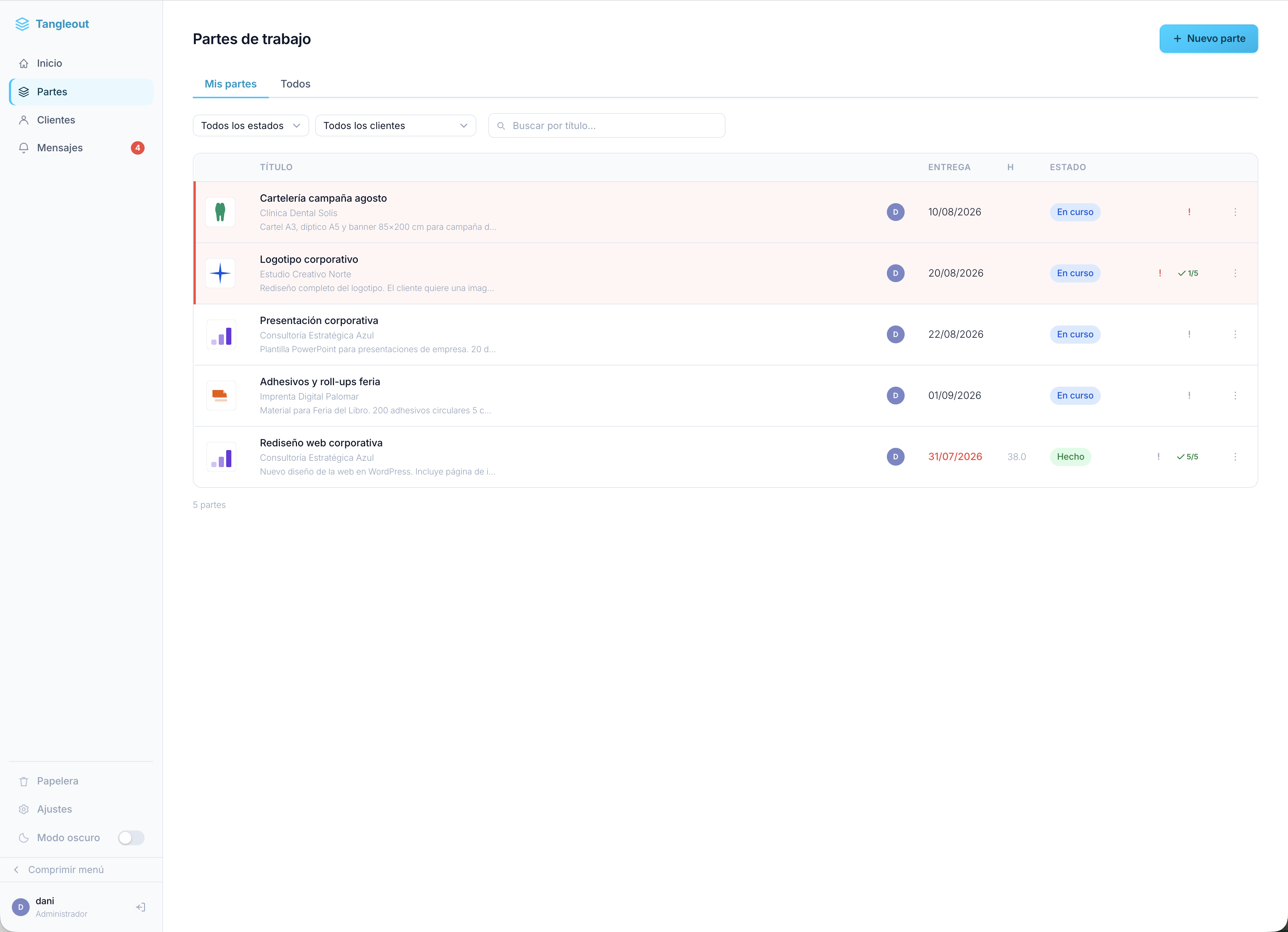
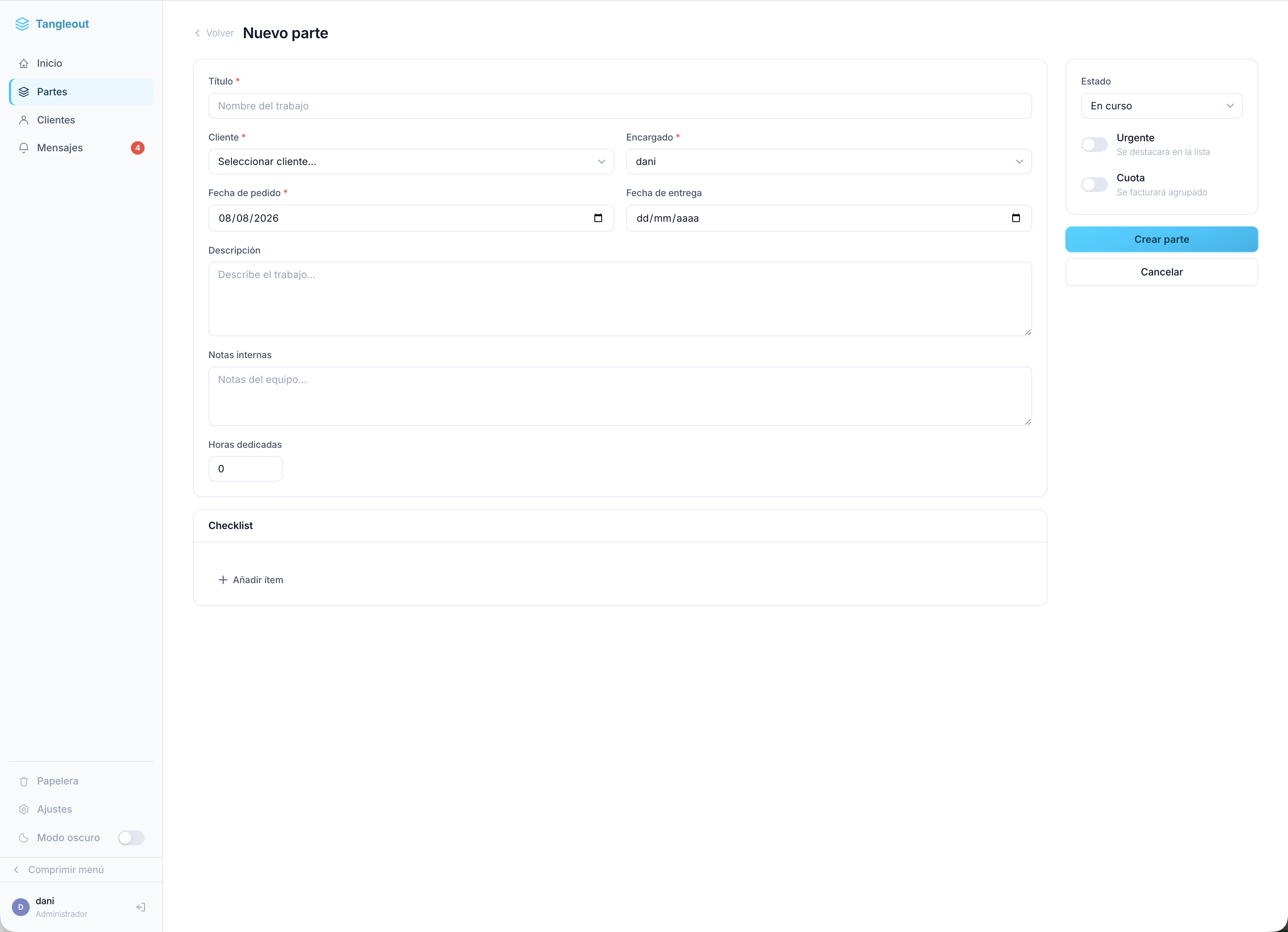
- Work orders — Create, edit and track jobs with title, description, client, assignee, dates, hours and notes.
- Status workflow — Move jobs through: In progress → Sent → Done → Ready to invoice → Invoiced → Off.
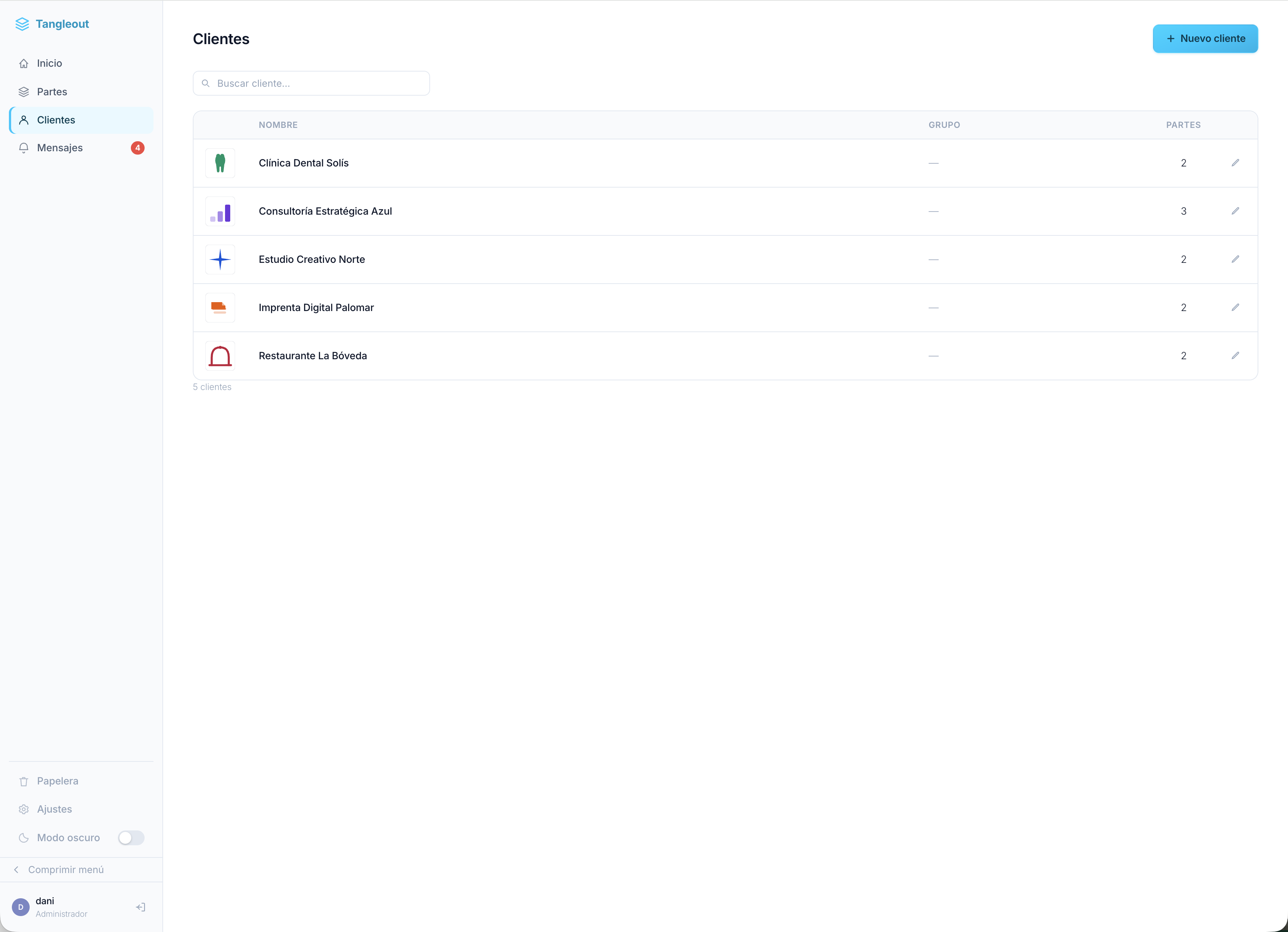
- Client management — Unlimited client records with logo, contact details and a full list of their jobs.
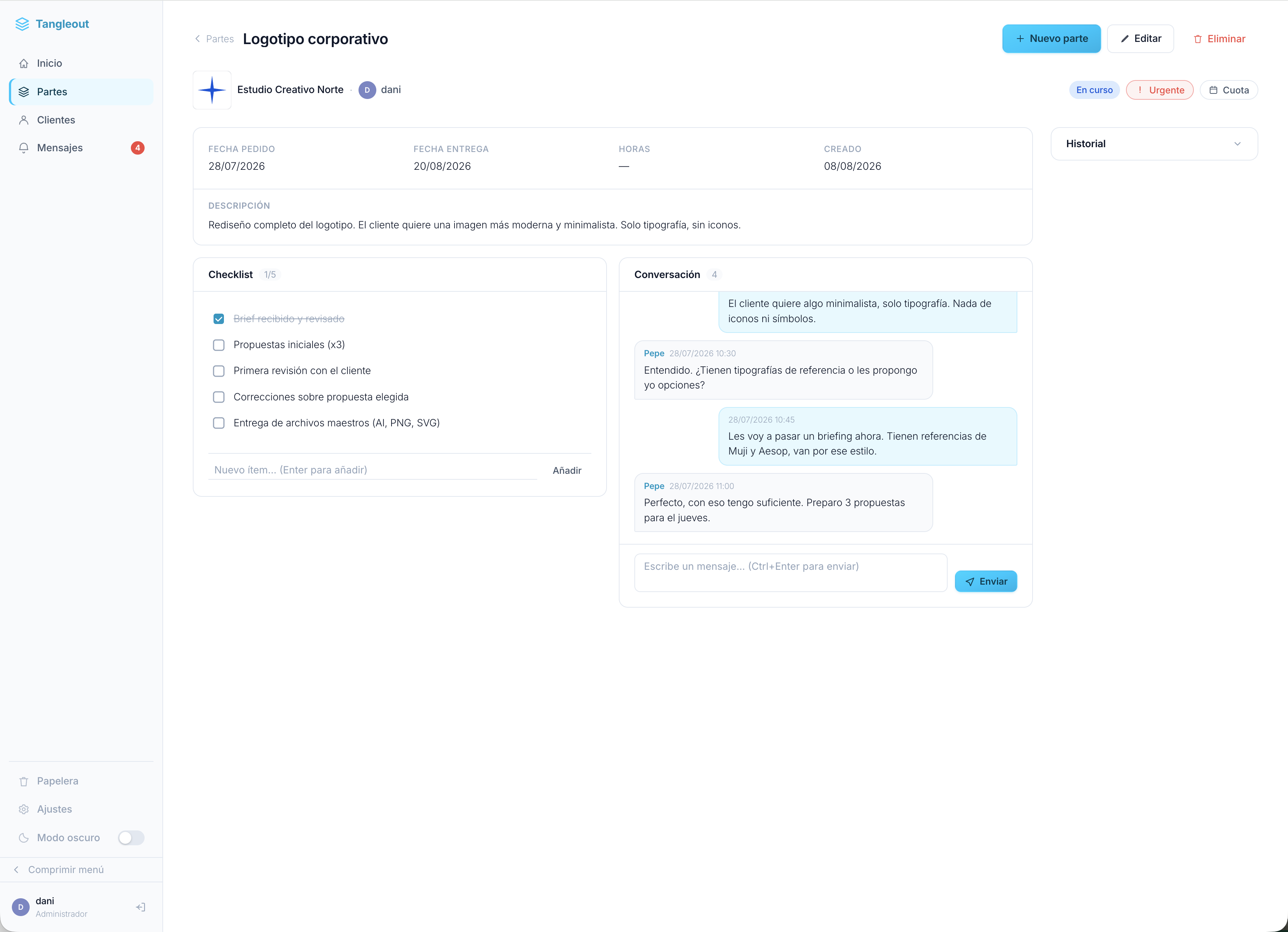
- Team chat — Internal per-job conversation thread. No need for Slack or WhatsApp to discuss a job.
- Checklist — Add a task checklist to any job and tick items off as you go.
- Priority view — See your most pressing jobs ranked automatically by an urgency algorithm.
- Bin with restore — Delete jobs safely; restore or permanently remove them from the bin.
- Dark mode — Easy on the eyes during long sessions.
- Collapsible sidebar — More space for your list when you need it.
- Mobile-friendly — Works on phones and tablets.
- Free plan limit — Up to 10 active jobs at once (active = not invoiced or off).
- Unlimited active jobs
- Multiple users with roles — Administrator, Member and Billing roles with different access levels.
- Priority panel — Full scoring dashboard with deadline and urgency signals.
- Deadline email alerts — Automatic notifications for approaching and overdue deadlines (via cron).
- Chat email notifications — Get an email when someone replies in a job's chat thread.
- Billing module — Log billing data per job (concept, price, no-charge flag), grouped by client with a purge option for invoiced jobs.
- DataVault — Secure storage for client credentials, access data and any sensitive information, with CSV import.
- Recurring Services — Track domains, hosting plans, subscriptions and any recurring service with renewal dates, pricing and automatic reminders.
- Private mode — Lock down the entire WordPress front-end; only logged-in Tangleout users can access the site.
- Custom login page — Replace the default WordPress login with a branded Tangleout login screen.
- Backup & restore — Full JSON export and import of all your data.
- REST API — Authenticated API access with an API key for integrations and automation.
- Design studios and creative agencies
- Print shops and reprographics
- Web developers and digital agencies
- Plumbers, electricians and tradespeople
- Consultancies and professional services
- Freelancers managing multiple clients
安装:
- Upload the
tangleoutfolder to the/wp-content/plugins/directory, or install directly through the WordPress plugin screen. - Activate the plugin through the Plugins screen in WordPress.
- Go to Tangleout in the WordPress admin menu.
- On first use, set up your first client and create your first work order.
屏幕截图:
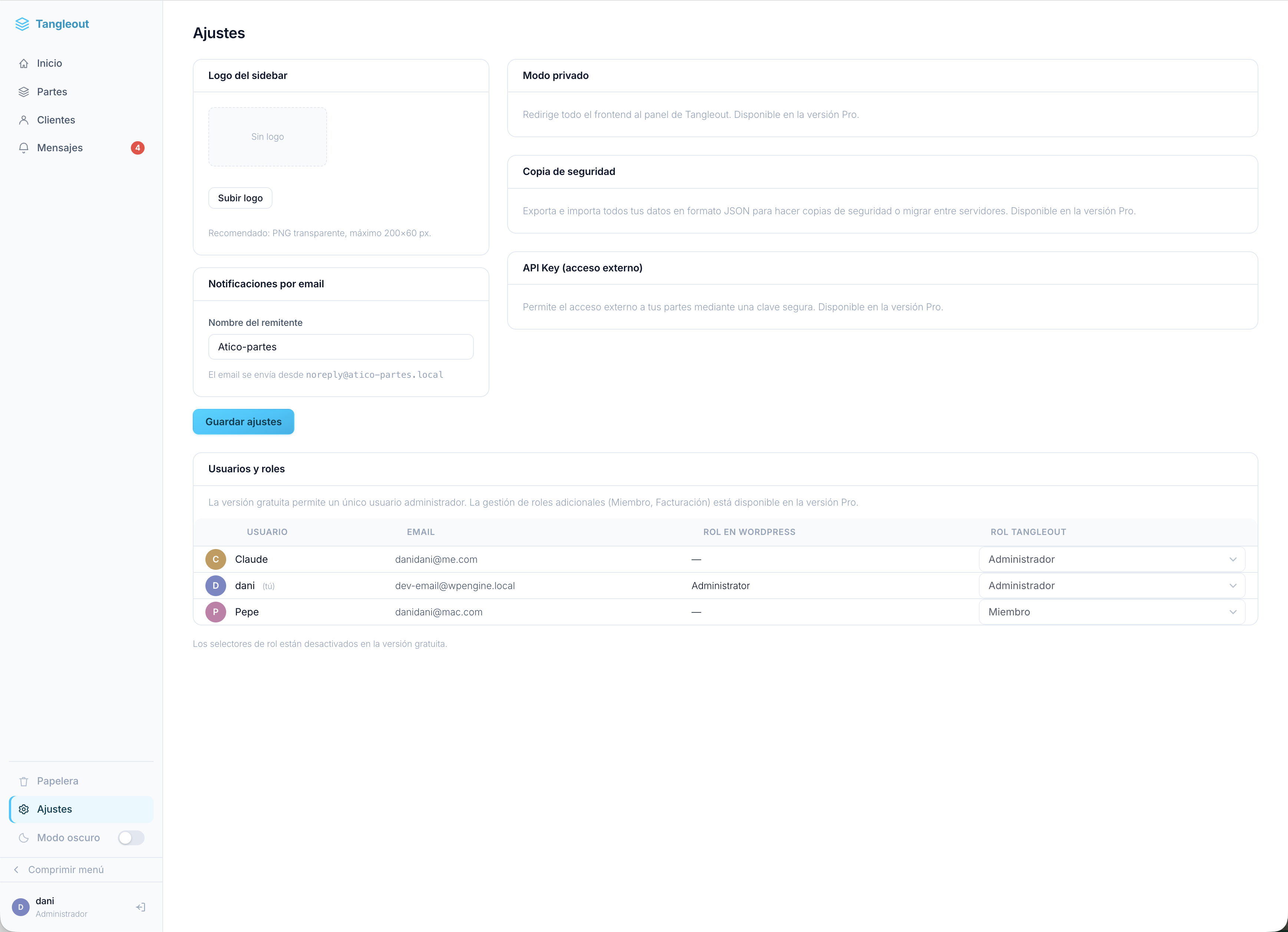
常见问题:
Does the free version have any limitations?
The free version lets you manage up to 10 active jobs at the same time. Active jobs are those in "In progress", "Sent", "Done" or "Ready to invoice" status. Invoiced and off jobs don't count against the limit, so long-term users are never penalised. There are no limits on clients, and you get all core features.
What happens when I reach 10 active jobs?
Tangleout will prevent new jobs from being created and show a message explaining the limit. Existing jobs are not affected. You can upgrade to Pro at any time to remove the limit.
Do I need coding skills to use Tangleout?
No. Tangleout is designed for non-technical users. Everything is point-and-click through a clean interface inside the WordPress admin.
Does it work with any WordPress theme?
Yes. Tangleout runs entirely inside the WordPress admin area and is not affected by your front-end theme. The optional Private Mode feature (Pro) does affect the front-end, but it's opt-in.
Can multiple people use it at the same time?
The free version is designed for a single administrator. Tangleout Pro supports multiple users with role-based access (Administrator, Member, Billing).
Is my data safe?
All data is stored in your WordPress database. Tangleout does not send your job or client data anywhere. Backups can be exported as a JSON file at any time (Pro feature).
Can I import data from another system?
Tangleout Pro includes a CSV import for DataVault and Recurring Services, plus a full JSON backup/restore for complete data migration between sites.
Does it integrate with WooCommerce or other plugins?
Not at the moment. Tangleout is a self-contained system. A REST API (Pro) is available for custom integrations.
What is the refund policy for Pro?
Tangleout Pro is sold through Freemius. Please contact us within 30 days of purchase if you are not satisfied and we will process a full refund.
更新日志:
- Security fix: job creation and editing (Tngout_Partes::create()/update()) now enforce the same billing-status permission check already applied by the dedicated status-change action, preventing a Member-role user from setting a job to a billing-restricted status through the save action. Reported privately by Lee Jisoo.
- Fixed fatal error when editing a client in the free build (page-cliente.php incorrectly called Tngout_Servicios, a Pro-only class).
- Free version now ships as a separate clean build with no Pro code or Freemius SDK (WP.org Guideline 5 compliance).
- Billing section removed from job detail view in free build.
- Upgrade prompts added throughout the free version (sidebar banner, settings page, job limit notice).
- Fixed unnecessary $wpdb->prepare() call in empty_trash() on queries without variable placeholders.
- REST API permission_callback now uses an explicit class method reference instead of a stored variable.
- SQL query in empty_trash() now consistently uses $wpdb->prepare() on both branches.
- INSERT in backup restore now routes all queries through $wpdb->prepare().
- CSV import validates uploaded file with is_uploaded_file() before opening.
- Custom login page (Pro) now gated with Freemius premium guard in both init() and render_login(); free builds are unaffected.
- All remaining inline scripts and styles converted to wp_add_inline_script / wp_add_inline_style.
- Anti-FOUC theme detection script now registered via wp_register_script / wp_add_inline_script.
- Helper functions return values wrapped with wp_kses_post() for explicit output escaping.
- Removed redundant nonce phpcs:disable suppressions (nonces are verified, not missing).
- All JS and CSS now loaded via wp_enqueue_script / wp_enqueue_style.
- Fixed Freemius is_premium setting for WordPress.org compliance.
- Improved SQL safety and output escaping throughout.
- Initial public release.
- Work order management with full status workflow.
- Client management with unlimited client records.
- Team chat per work order.
- Checklist per work order.
- Priority scoring panel.
- Bin with restore and permanent delete.
- Dark mode and collapsible sidebar.
- Freemius integration for Pro license management.